




This guide compares 10 podcast recording platforms by the job each one does best. Every entry covers what the platform actually handles, where it tends to create friction, and the one thing worth verifying in a pilot before committing. No platform wins every category, but the right one removes one specific bottleneck that causes friction.
What Are The Best Podcast Software Alternatives In 2026?
This guide covers Riverside, Zencastr, Descript Rooms, Adobe Podcast, Asnyc, StreamYard, Restream, Boomcaster, OBS Studio, and Airmeet. They were chosen because each one handles a different stage of the production problem, and knowing which one fits which stage is the faster way to build a useful shortlist.
Why Compare Podcast Platforms At All?
Switching tools takes time and creates migration risk, so the comparison only makes sense when your current platform has a specific recurring problem. Check whether any of these match your situation before evaluating alternatives:
- Remote guests are arriving with audio that the editor cannot fix in post because the platform recorded from the live call stream rather than each device locally
- The editing handoff takes longer than the recording because files arrive in the wrong format or without separate tracks
- The live show needs production controls, multistream destinations, or backstage management that the current tool does not support
- Guests consistently struggle with the entry flow on the current platform
- Recovery after a dropped connection is unreliable and costs the team a retake
If one of those is the real problem, the platform comparison becomes specific and useful. If none of them apply, the current tool is probably fine.
How We Evaluated These Platforms
Official product pages and support documentation for each platform were reviewed in September 2026. The evaluation focused on how audio and video are captured, whether separate tracks are available per participant, how guests join, whether live production is part of the same product, and what the editor receives after the session ends.
What a platform offers today may not match what a review written three months ago describes. Check the current pricing page for any platform on this list before committing, and pay close attention to features labeled beta or subject to credit limits.
The 10 Best Podcast Software Alternatives In 2026
1. Riverside: Best For High-Resolution Remote Video Recording
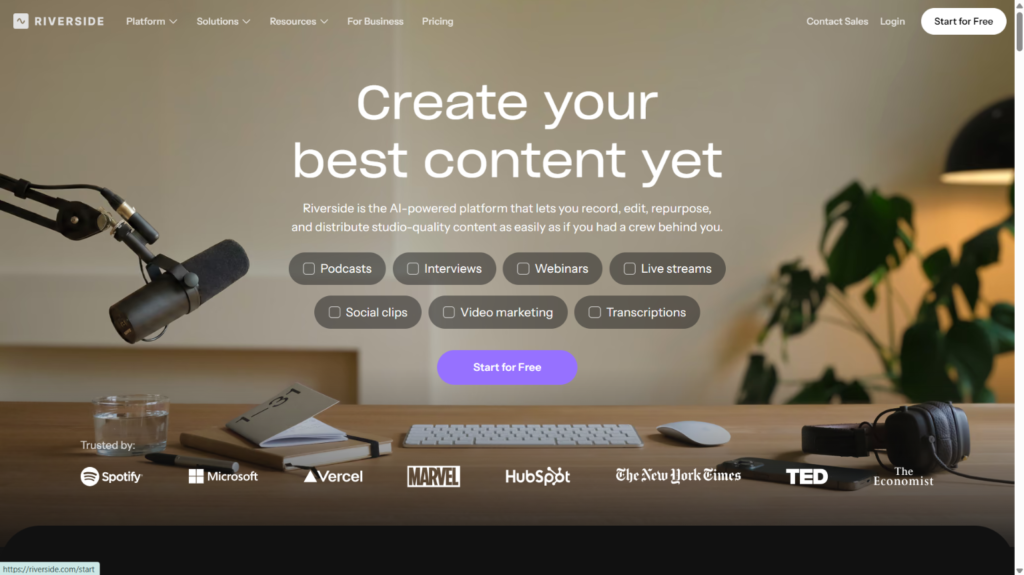
Each person in a Riverside session records locally on their own device at up to 4K video and 48 kHz audio. The files upload progressively in the background, which means a bad connection during the call does not affect the source material already captured. A dropped connection affects the live call but not the local files. Every participant gets their own isolated audio and video track, which gives editors the flexibility to fix one person’s audio without touching anyone else’s.
The failure mode to test: A participant’s browser crashes mid-session. Test whether the recording remains available and whether the participant can rejoin without creating a gap that affects the final edit. Confirm plans and pricing here.
2. Zencastr: Best For An Integrated Creator Workflow
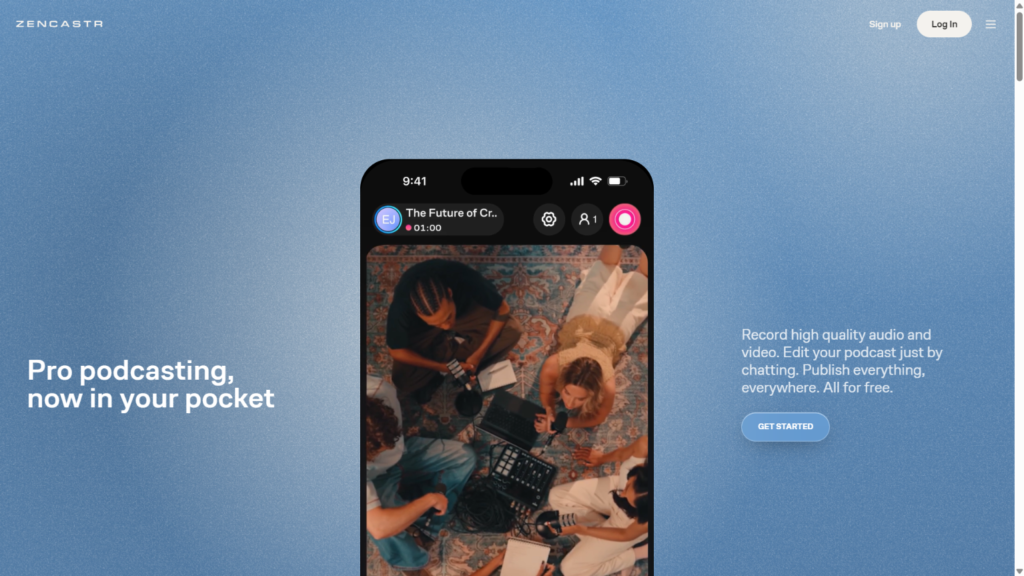
Zencastr records each person on a separate local track, supports up to 4K video and 48 kHz audio, and lets guests join through a browser link or the iOS app. For a recurring interview show, that last point matters more than most hosts expect until they try to brief a non-technical guest the day before a session. Beyond recording, the platform includes post-production tools, podcast hosting, RSS distribution, and monetization options. This makes it one of the few tools on this list that genuinely covers the full workflow from capture to published episode without requiring a separate host.
The failure mode to test: the exact mix of recording allowance, video resolution, AI credits, and hosting terms varies by plan and has changed as the product has evolved. Verify different plan limits for the features your show actually needs before switching an existing archive to Zencastr.
3. Descript Rooms: Best For Recording Directly Into Transcript-Led Editing
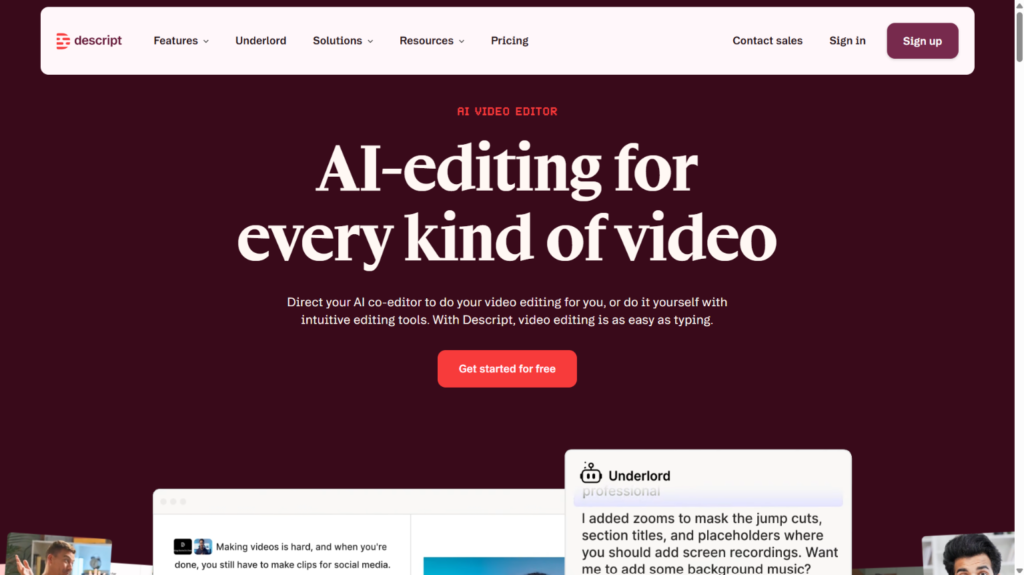
Descript Rooms captures separate tracks for each participant and moves the recordings directly into Descript’s editor, where teams can remove filler words, cut by editing the transcript, use Automatic Multicam to build speaker-focused edits, and add captions without leaving the same application. For teams that already spend most of their post-production time in Descript, removing the file handoff between recording and editing saves consistent time across every episode.
The failure mode to test: Descript Rooms is a recording tool feeding a powerful editor, not a live broadcast studio. Confirm plan entitlements, current capture quality, guest limits, and whether the Rooms workflow has changed in relation to legacy SquadCast accounts before committing.
4. Adobe Podcast: Best For Approachable Speech Cleanup
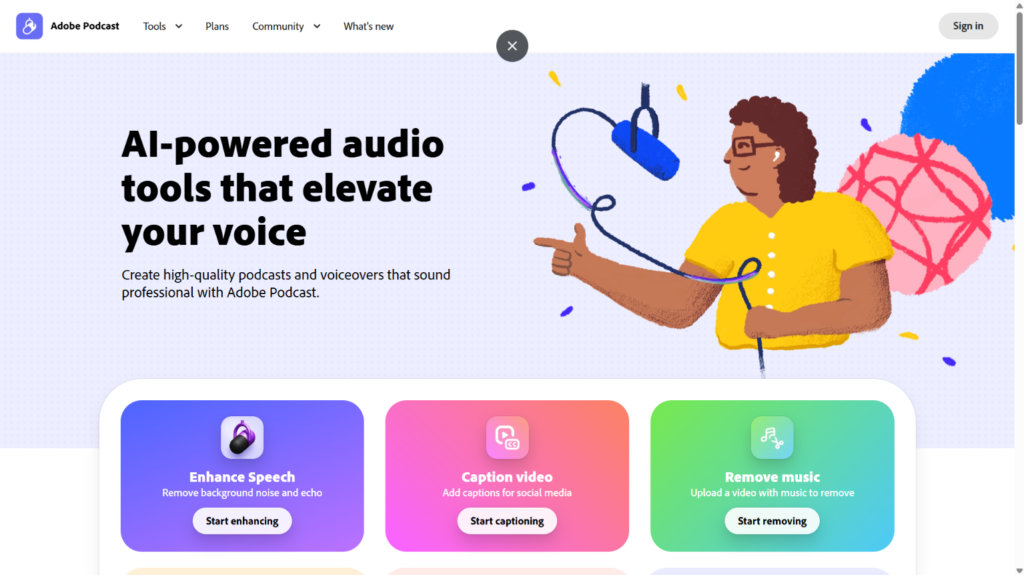
Adobe Podcast records each person locally in 48 kHz 16-bit WAV on a separate track. No guest account is needed, just a browser link. Once the recording is done, Enhance Speech handles background noise reduction, transcription runs automatically, and editing works through the transcript rather than a waveform. A March 2026 update added more precise source separation with downloadable stems for speech, background noise, and music on premium tiers.
The failure mode to test: Enhance Speech can make a voice sound processed at maximum intensity. Always compare the enhanced version against the original on headphones before publishing. Test on the actual voices in your show rather than demo audio. Confirm plans and pricing here.
5. Async: Best For An AI-First Browser Workflow
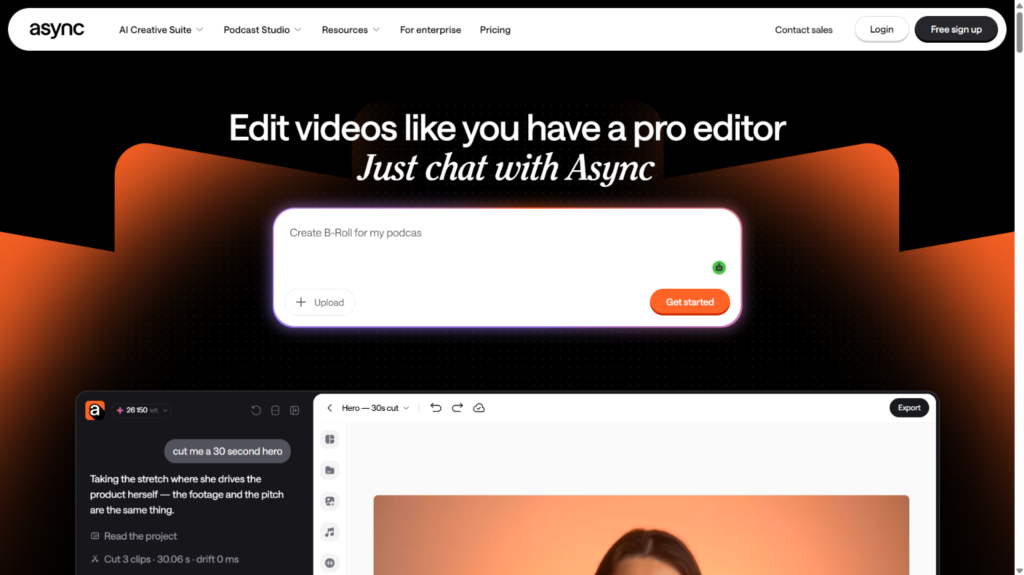
Async keeps recording, editing, transcription, enhancement, and distribution in one browser tab. Local 4K recording and multitrack editing are available on supported plans, and one-click audio enhancement handles cleanup without requiring a separate tool or a manual processing step. For creators who want to move from recording to finished episode without switching applications, the consolidated workflow removes more handoff friction than most alternatives.
The failure mode to test: enhancement settings on real voices need a careful check before publishing. Before replacing a dedicated podcast host with Async, verify the current pricing, export options, and distribution features.
Guest count, video resolution, export formats, AI credit limits, and distribution scope can depend on the plan. Verify those details before committing to a consolidated workflow. Check the plans and pricing here.
6. StreamYard: Best For A Simple Live Video Podcast
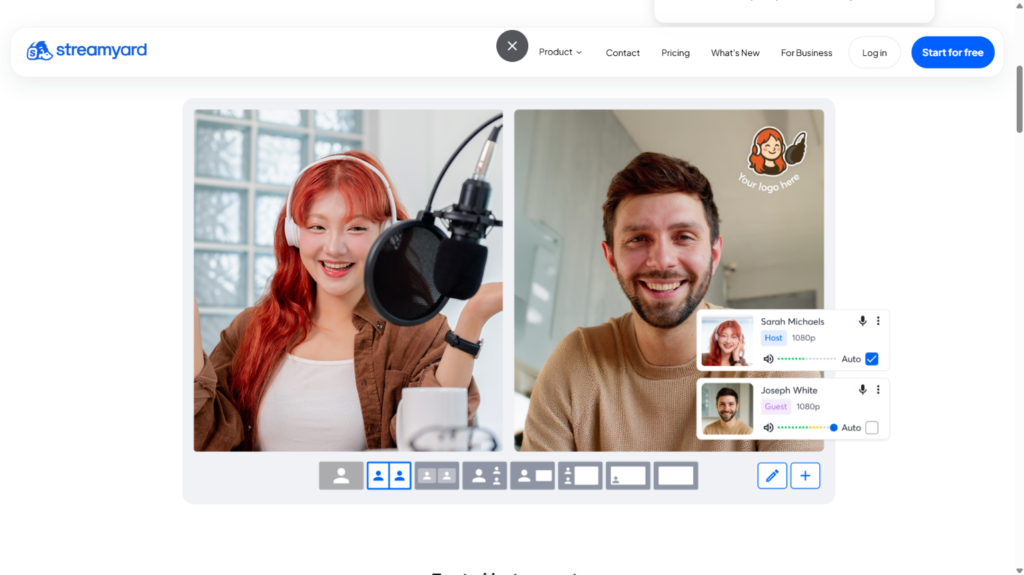
StreamYard handles live video production without requiring a dedicated producer. Guests join by browser link, layouts and branding are managed from a simple interface, and audience comments from multiple platforms appear in one view. Local recording of separate participant files is available on paid plans and must be enabled before the session starts.
The failure mode to test: the free plan cannot combine local recording and live streaming simultaneously. Run a complete rehearsal before the first live episode, including the guest upload and download steps. Confirm plans and pricing along with the features they offer here.
7. Restream: Best For Multichannel Live Distribution
Restream routes one production to multiple platforms simultaneously while a built-in browser studio supports guests, layouts, and comment aggregation. Local recording with isolated tracks per participant was labeled beta as of this writing, required the
Professional plan or above, and had desktop-browser and mobile constraints. For shows where reaching the maximum number of live destinations is the main production goal, Restream is the strongest option on this list for that specific job.
The failure mode to test: beta features carry real production risk. Local recording on Restream still carries a beta label as of this writing, requires the Professional plan or above, and works on the latest desktop Chrome or another Chromium-based browser. Check the current status before building a production workflow around it.
Then run a full test session covering CPU load, available disk space, guest reconnection behavior, and how the platform handles an upload that does not complete cleanly. Check the plans and pricing here.
8. Boomcaster: Best For Recording-First Remote Production
Boomcaster is built around double-ender recording: each participant records locally, files upload progressively, and isolated WAV and MP4 tracks per participant are available for the editor. That architecture reduces dependence on the real-time call quality and gives the editor more control over each individual voice and video feed. For remote podcasts where the quality of the editable master is the primary concern and live production is secondary, Boomcaster offers a cleaner, more focused workflow than platforms that split attention between recording and broadcasting.
The failure mode to test: Boomcaster is a smaller specialist platform, so it’s better to confirm resolutions, participant limits, storage, browser support, producer features, editing tools, and support documentation depth before making it the primary recording environment for a recurring show. You can check out the plans and pricing here.
9. OBS Studio: Best Free Option For Technical Producers
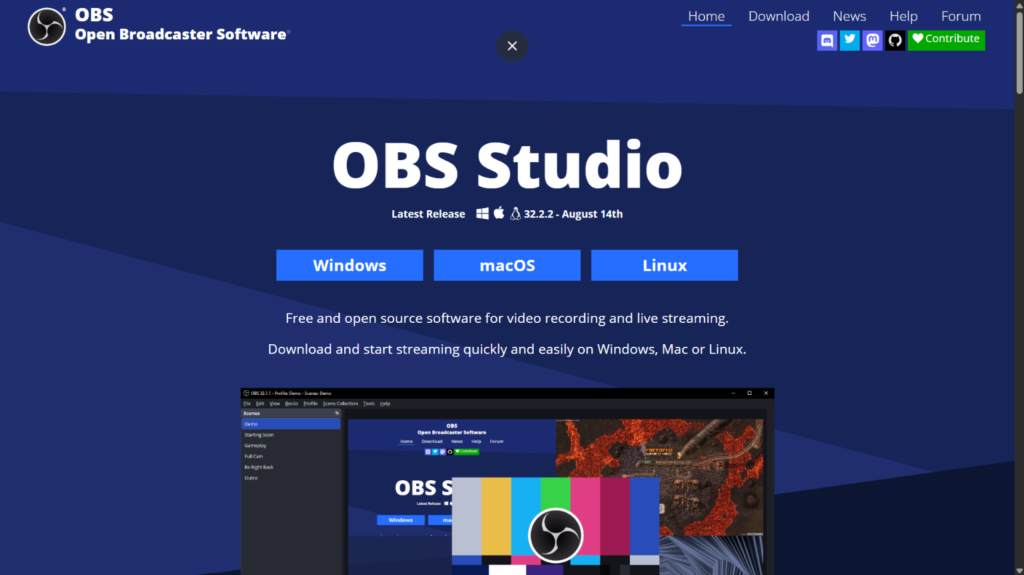
OBS Studio is free, open-source, and runs on Windows, macOS, and Linux. Scenes, sources, audio mixing, filters, plugins, transitions, local recording, and RTMP output to any destination give technically confident producers more control over the live show environment than any other free option on this list. The official multitrack guide explains how to assign sources to separate recording tracks for post-production flexibility.
The failure mode to test: OBS does not include a native remote guest room. Adding Riverside or Zencastr for guest isolation, a relay service for multistreaming, and OBS for production creates a system with more monitoring points and more ways to fail during a live episode.
10. AirStudio: Building Toward A Connected Podcast Workflow
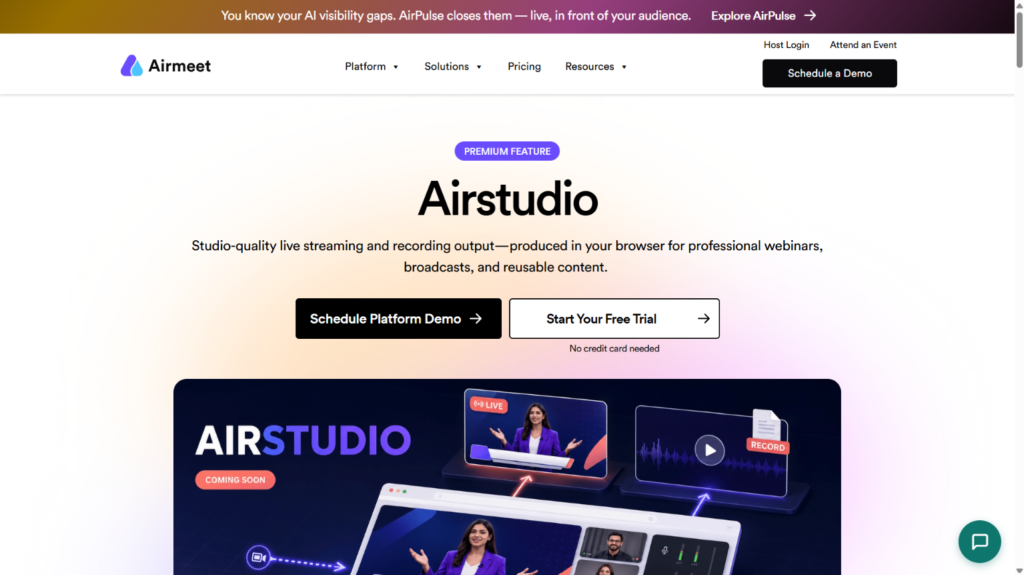
Airmeet is expanding into podcast and professional production workflows. AirStudio is a forthcoming streaming and recording studio, while Airmeet Podcast is positioned around recording, editing, repurposing, and preparing podcast content for distribution.
For teams evaluating current tools, Airmeet’s existing platform supports session recording, RTMP streaming, browser-based guest access, and branded production controls that cover some of the same ground. For teams willing to wait for a purpose-built podcast product, Airmeet is worth a launch-time evaluation.
The failure mode to test: A remote guest joins with an unstable connection during setup. Test whether the producer can identify the issue before going live and reconnect the guest without disrupting the prepared production setup.
Confirm current AirStudio availability and podcast-specific features directly with the Airmeet team before making any production commitment. Check the plans and pricing here.
Podcast Software Alternatives Compared At A Glance
Platform | Best for | Local and separate tracks | The failure mode to test first |
High-resolution remote video | Yes, up to 4K | Recording and live specs differ by plan | |
Integrated creator workflow | Yes, up to 4K | Plan mix changes over time | |
Recording into transcript editing | Yes | Not a multistream live studio | |
Approachable speech cleanup | Yes, 48 kHz WAV | Overprocessing on real voices | |
AI-first browser workflow | Yes, plan-dependent | Verify export and distribution limits | |
Simple live video podcast | Yes, paid plans | Enable local recording before session | |
Multichannel live distribution | Beta, Professional+ | Browser and mobile constraints | |
Recording-first remote production | Yes | Verify production depth and support | |
Free technical production control | Local multitrack | Remote guests require extra setup | |
Coming-soon connected workflow | Confirm with team | Product not yet publicly available |
How To Choose The Right Podcast Software Alternative
Start with the specific problem you need to solve rather than the platform with the most features. Write down the minimum acceptable master file quality, participant count, operating systems, live destinations, storage period, and editing handoff format before opening a single pricing page. That specification turns a vague comparison into a concrete shortlist.
Then run a complete pilot episode through each platform on your shortlist. Use the actual host, guest count, devices, and microphones. Interrupt one connection mid-session, reconnect the guest, wait for every upload to complete, and ask the editor to build a short cut from the files. That single test tells you more about production reliability than any feature comparison, because failure modes do not show up in demos.
Conclusion
Finding the platform with the greatest features is essential to selecting the best podcast software for your workflow, and those features must meet your needs. Reducing the number of tools and manual stages can save time and simplify production as recording, AI-powered editing, transcription, and delivery become increasingly interconnected.
When something goes wrong during a remote session, creators may have more control thanks to local recording and distinct tracks. Checking current boundaries is crucial because AI features and sophisticated tools are becoming more and more linked to certain plans. When dealing with individuals who are unfamiliar with recording software, a straightforward visitor experience can also have a significant impact. To see how the platform works in your daily workflow, test the entire process with an actual episode before making the move.
FAQ
For the editable master, yes. When a platform records from the mixed live stream, a connection problem during the interview damages both what the audience hears and the file the editor works from. When each participant records locally on their own device, the live stream can degrade while the recorded files stay clean. That difference matters most on interview shows where retakes are not practical and guest audio quality varies from episode to episode. Local recording still requires completed uploads and a recovery plan, so it is not a guarantee, but it removes the most common source of irreparable damage to a master file.
Riverside and Adobe Podcast consistently handle non-technical guests well because both allow joining directly from a browser without an account, download, or plugin. Adobe Podcast currently recommends desktop Chrome and up to five guests. Riverside supports up to eight participants on screen. The more useful test is not which platform promises the easiest guest experience but which one your least technical recurring guest can navigate without a support call. Run the actual guest entry flow with a real person on the device they will use before the first recorded episode.
Switching platforms mid-season creates migration risk that is easy to underestimate. Before committing to a new platform, confirm each of these:
- Local versus cloud capture: does the platform record each participant on their own device or from the mixed live stream, and does that match what your editor needs
- Separate track availability: are isolated audio and video files per participant included on the plan you intend to buy or gated behind a higher tier
- File format and export compatibility: do the downloaded files work directly in your editing software without conversion
- Beta feature status: any feature labeled beta, including Restream’s local recording as of this writing, carries production risk that a stable feature does not
- Archive migration: can you export your existing episodes, recordings, and show notes from the current platform cleanly before switching