


Turn event registration into a connected revenue journey with flexible free and paid ticket tiers, Stripe checkout, and confirmed attendee access.


Offer free webinar access or use early-bird, standard, and premium ticket tiers to support pricing strategies and revenue goals.
Package premium sessions or expert access into a clear paid offer without separating registration from the event journey.
Use defined sale windows and limited quantities to structure early-access or special-entry offers. Offer standard and premium tiers that communicate what each attendee experience includes.
Use zero-priced ticket tiers for a curated registration experience, or create paid tiers when the event model requires them.
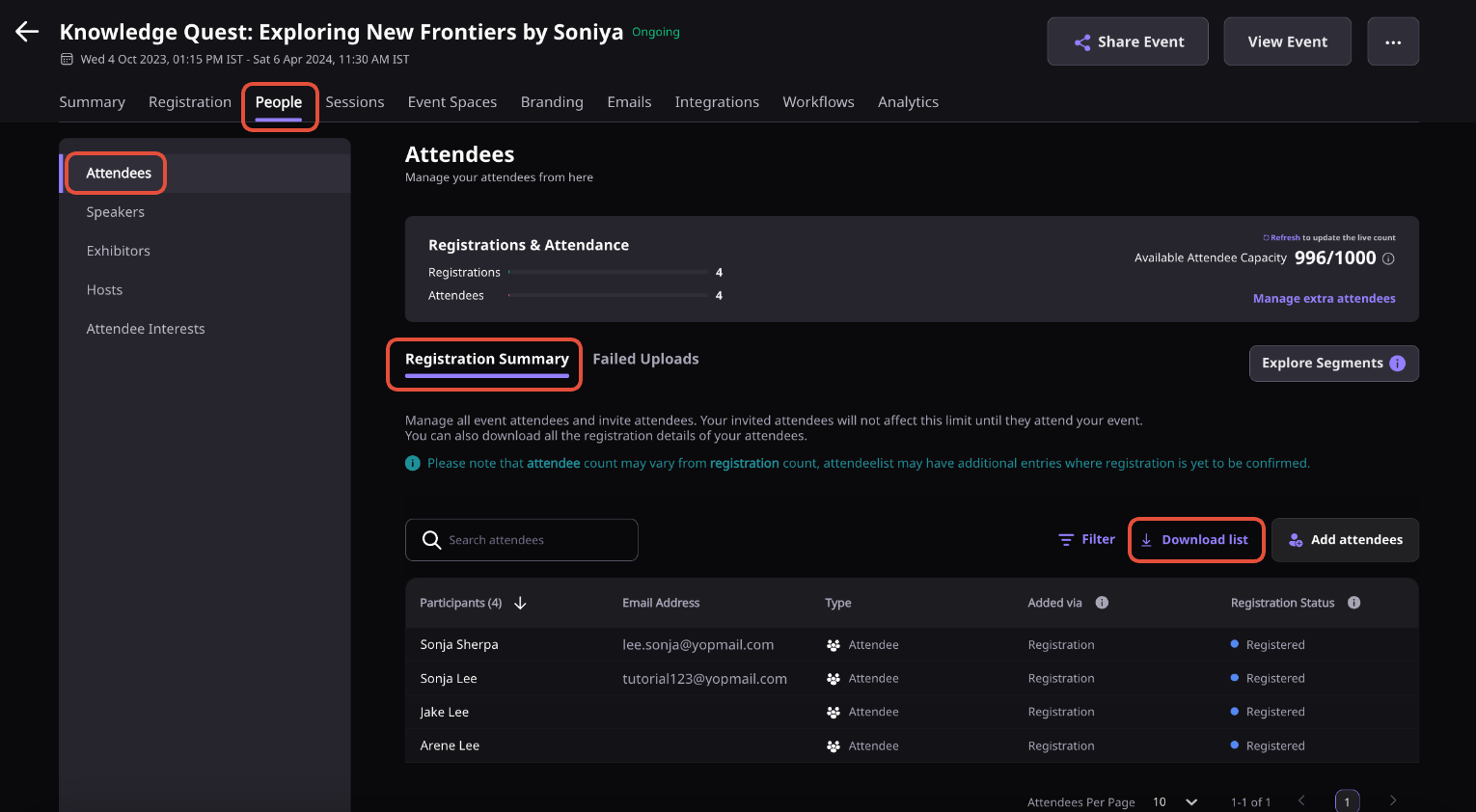
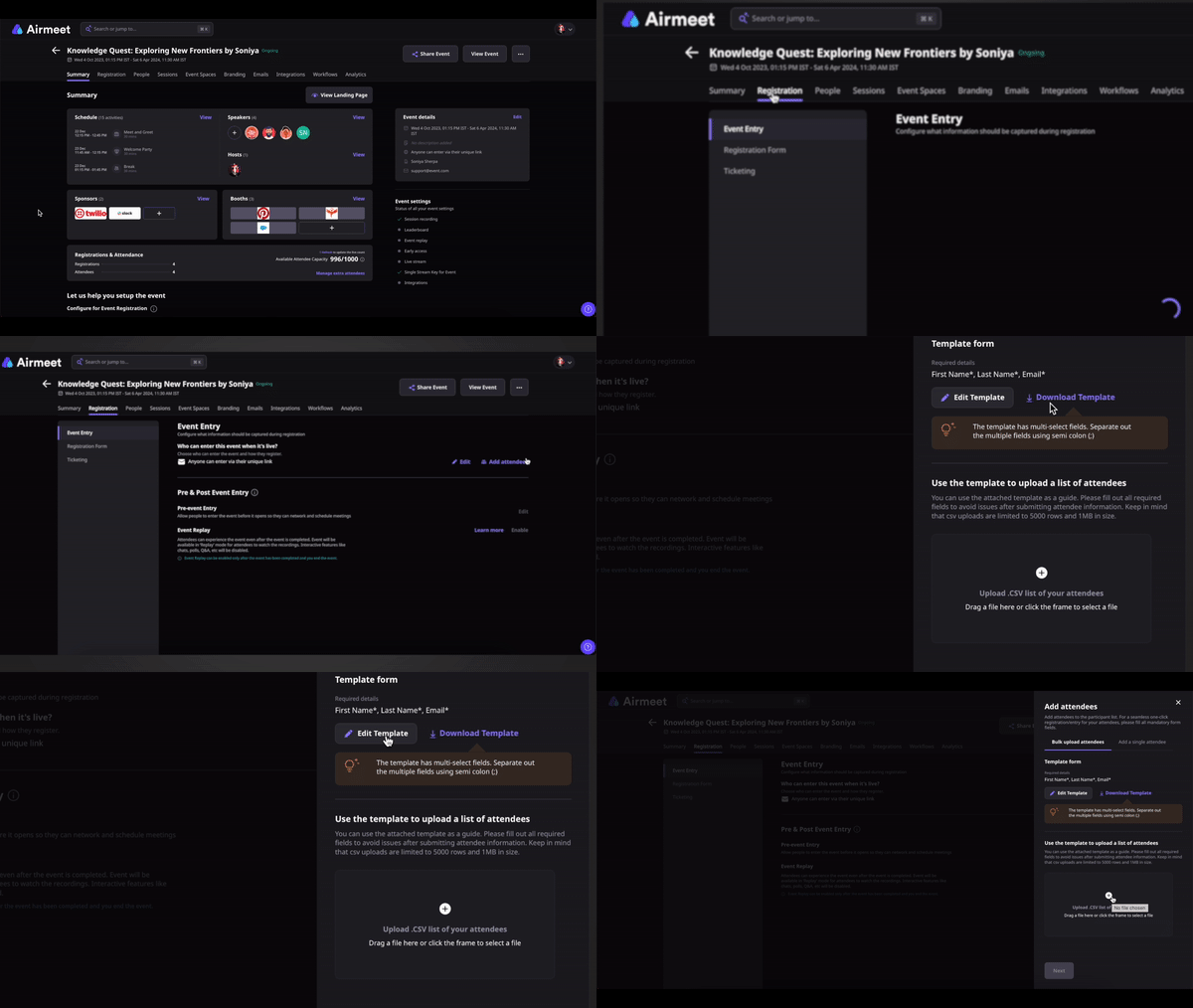
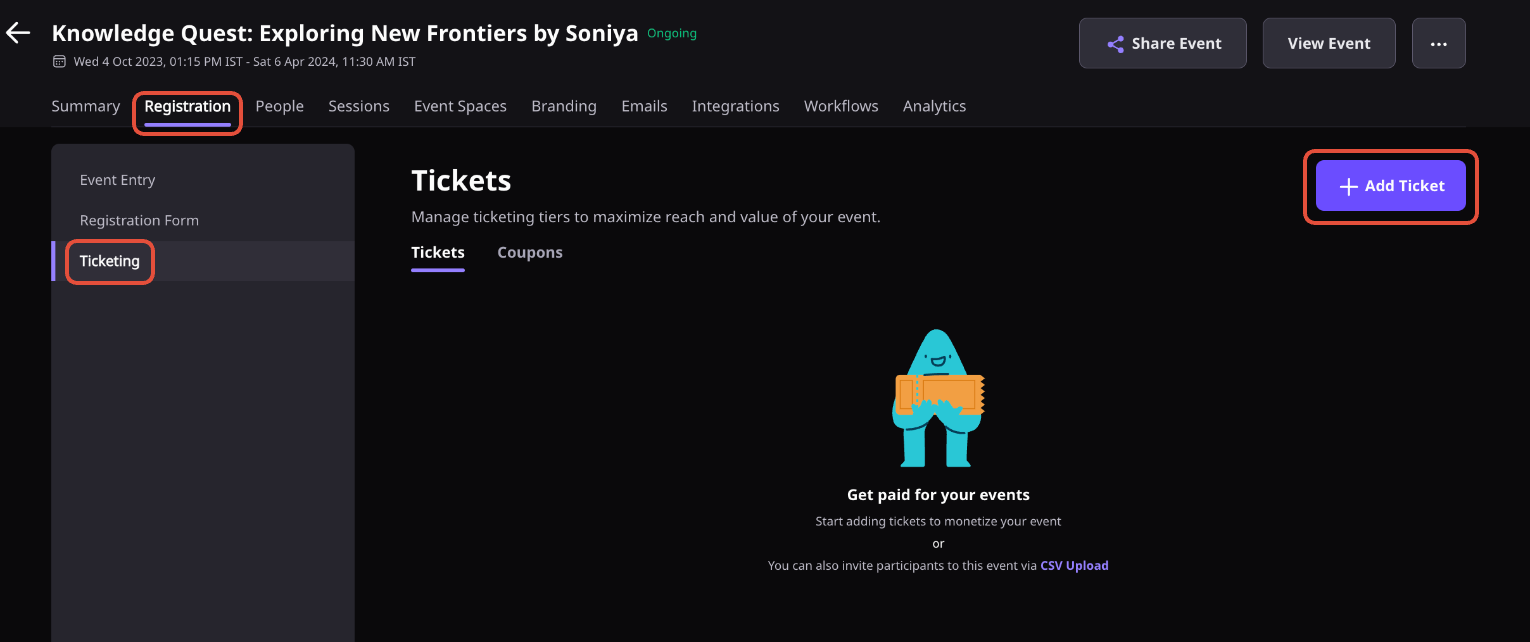
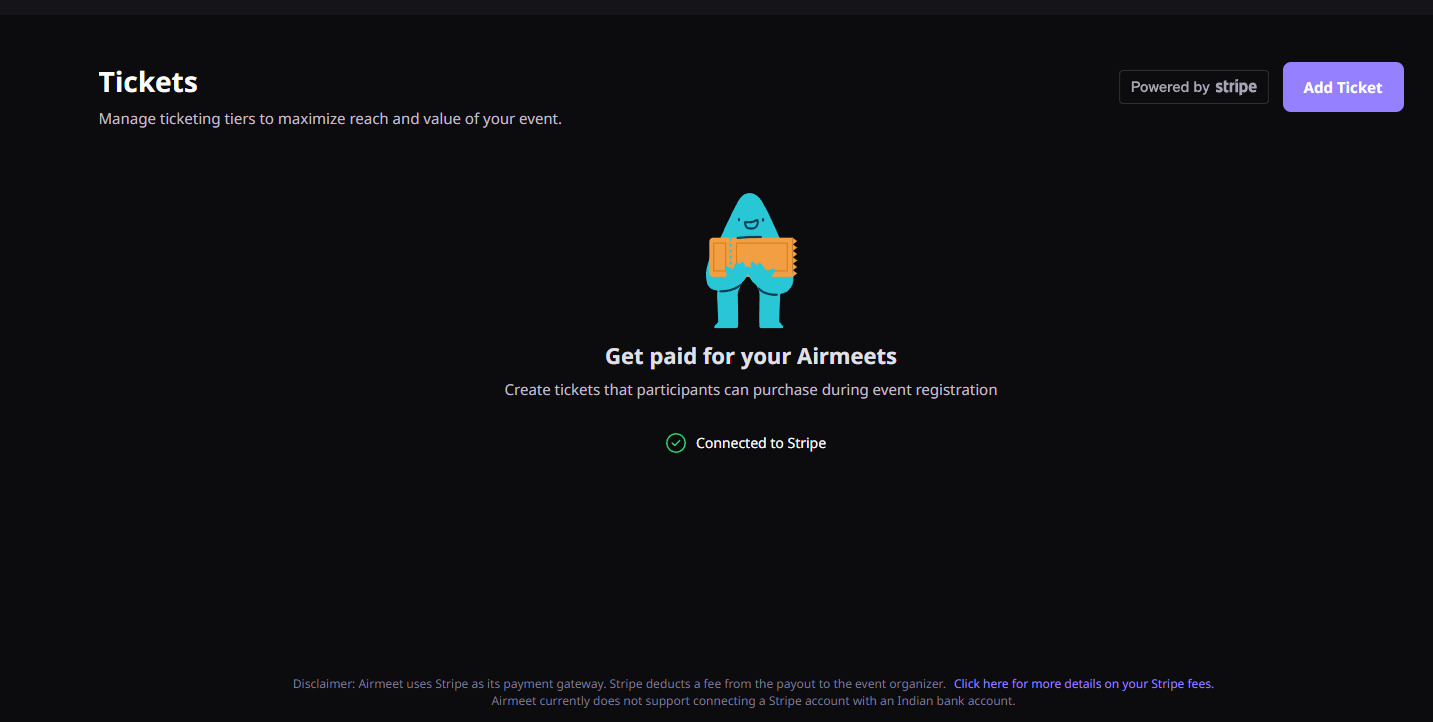
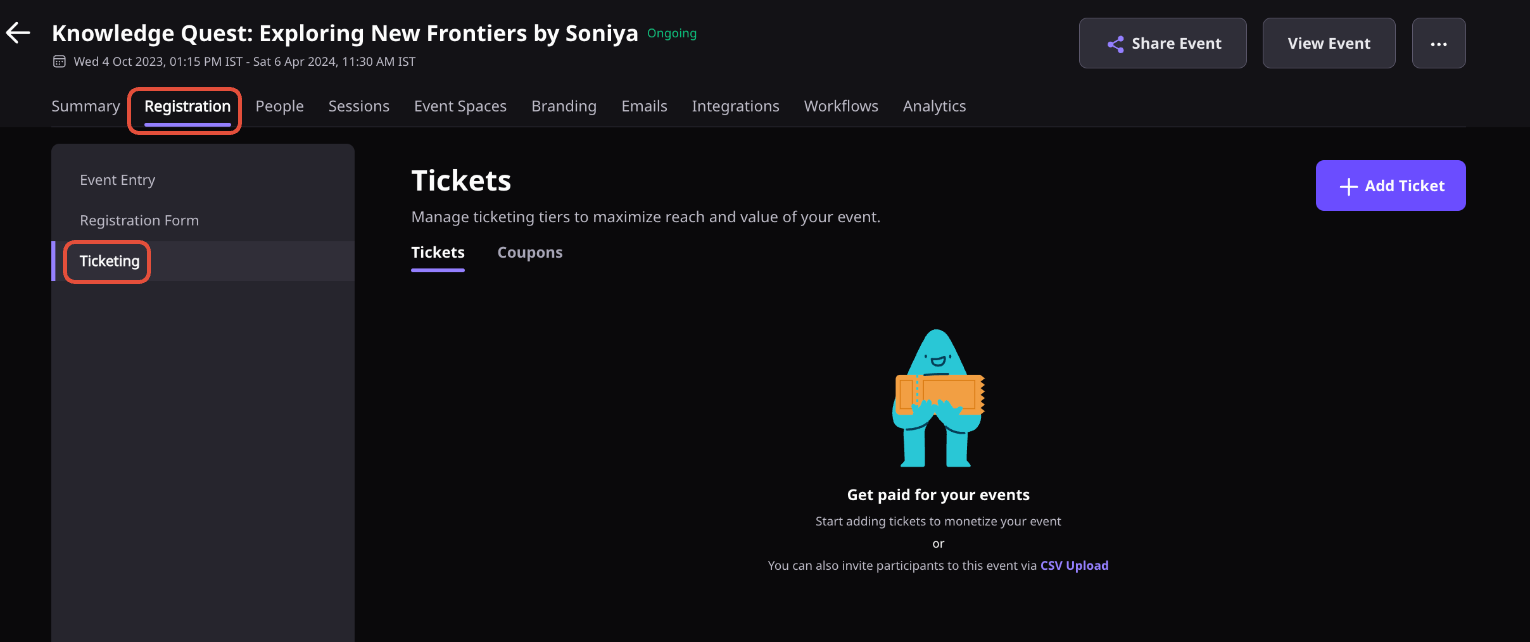
From the Event Dashboard, navigate to Registration and then Ticketing.
Add a ticket name, set the price, choose the currency, define ticket quantity, and configure the sale start and end dates.
Add a description and an optional message to help attendees understand what the ticket includes.
Save the ticket so it becomes available on the event registration page during the configured sales window.
Monitor ticket sales, attendee registrations, and payment details from the Event Dashboard and your connected Stripe account.
Ticketing lets organizers create free or paid event registrations directly within Airmeet. You can offer multiple ticket tiers, manage availability, process payments through Stripe, and track registrations from a single dashboard.
Yes. You can create free tickets by setting the price to zero or configure paid tickets using a connected Stripe account.
Open the Event Dashboard, go to Registration, select Ticketing, and add a ticket tier.
Each ticket tier can include a name, price, currency, quantity, sales period, description, and an optional message shown during registration.
An Airmeet event can have up to 20 ticket tiers, allowing you to offer different pricing and access options for your audience.
After completing registration, attendees are redirected to an order confirmation page and receive a confirmation email with their order details, invoice, and event entry link.
Yes. Each ticket tier can have its own sales start and end dates, giving you control over registration windows and promotional offers.
Yes. For supported Virtual Event Format events, ticket tiers can be used to control access to specific sessions and event experiences.
Yes. Airmeet provides visibility into ticket sales, registrations, and attendee details, while payment information is also available through your connected Stripe account.


Incredible Companies Use Airmeet

Most loved Virtual Events Platform

Incredible Companies Use Airmeet

Most loved Virtual Events Platform

Incredible Companies Use Airmeet
Most loved Virtual Events Platform

