

This has always been a challenge for event marketers globally.
No-shows at webinars can be a result of many things, like a weak reminder process, follow-ups that are too generic, or, sometimes, if the webinar platform doesn’t provide enough attendance information for the marketing team to take immediate action.
That’s where an AI-enabled webinar platform comes in handy.
The best webinar platform not only helps you host your webinar seamlessly, but it also helps increase event attendance, engage attendees, and win back absentees with personalized follow-ups.
That’s where Airmeet comes in.
Airmeet is an invaluable webinar tool for B2B marketers because it offers a range of features, including scalable webinar hosting, engagement tools, CRM integrations, reminder emails, analytics, follow-up sequences, and more.
In this blog, we discuss webinar no-shows in depth and explore Airmeet and some other webinar platforms that use AI to help you reduce webinar no-shows.
So, let’s take a closer look at it.
How Do Webinar No-Show Rates Hurt B2B Marketing Results?
When registered attendees do not attend the live session, businesses lose opportunities to showcase their products and services to potential buyers, engage with them in real time, nurture them, and move leads further down the sales funnel.
Webinar no-shows actually reduce the pipeline, because every absentee is a lost lead for the business. Businesses invest heavily in promoting webinars, but when registered attendees fail to attend, the return on investment drops.
For example, a SaaS company promoting its webinar receives 1,000 registrations through an advertising campaign. But if only 400 people attend the session on the day of the event, they’ve essentially lost the chance to engage with 600 potential prospects who had shown initial interest in the event.
What is a Webinar No-Show Rate? and How Can AI Reduce Webinar No-Show Rates?
A webinar no-show rate is the percentage of registered people who did not attend the live webinar. For example, if 1,000 people registered for a webinar and just 400 of them attended, that means 600 people didn’t show up, so the no-show rate is 60%.
Let’s understand using a formula
No-Show Rate =Registered Attendees – Actual AttendeesRegistered Attendees x 100
No-Show Rate =1000-4001000 x 100
No-Show Rate = 60%
AI doesn’t force people to attend a webinar; it just sends personalized reminder emails and SMS notifications at optimal times. An AI chatbot uses calendar invites and personalized content and encourages people to attend the live webinar. It also answers attendee questions and recommends relevant sessions to attend, increasing the likelihood of live participation.
How High Are Average Webinar No-Show Rates?
Average webinar no-show rates are surprisingly high. In most B2B webinars, only 40-50% of registered attendees actually attend the event, meaning that almost half of those who registered become no-shows.
However, depending on the type of webinar, the no-show rate can be higher or lower. Contrast Webinar Benchmarks Report 2026 shows that 61% of registrants watch the live webinar, revealing that a sizeable percentage misses the live session.
What do AI-Powered Webinar Platforms Actually Do to Reduce No-Shows?
AI-powered webinar solutions automate pre-event participant communication. Instead of relying on a single confirmation email, these platforms use AI-driven reminder sequences via email, SMS & calendar notifications to keep attendees informed about the webinar. It personalizes the subject line and content and sends out emails at the right time to increase open rates.
Platforms like Airmeet track the automated email open rate, and based on that, it creates and sends personalized reminder messages, encouraging attendees to participate in the event, which helps reduce no-shows.
Not only that, after the session ends, it sends out follow-ups with no-shows and connects with them with tailored messages, sending replay links, key takeaways, and downloadable resources, ensuring they do not miss out on any of the event content and remain a part of the marketing funnel.
6 AI-Powered Webinar Platforms To Reduce No-Shows and Boost Your Webinar Attendance
1) Airmeet
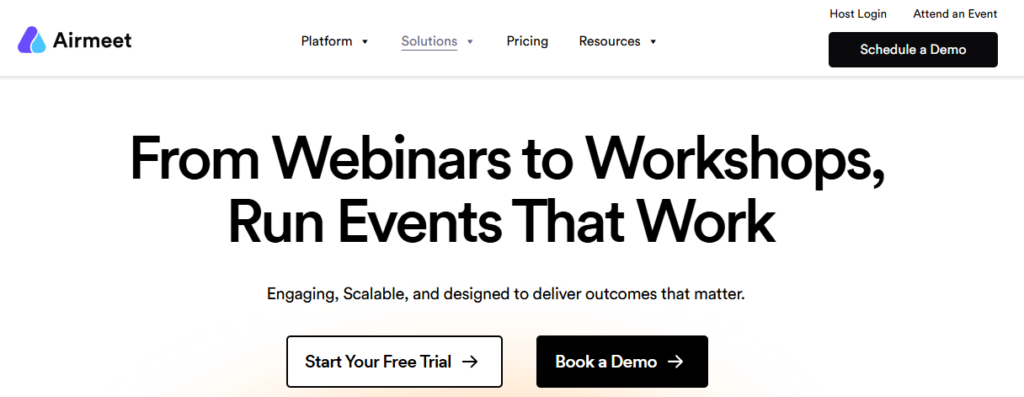
Airmeet is an AI-powered webinar platform that enables you to create highly customized virtual and hybrid events and deliver immersive experiences in a virtual environment. Airmeet AI chatbot sends a reminder sequence 1 hour, 30 minutes, and 10 minutes before the session starts, keeping the webinar top of mind so attendees are more likely to attend.
How does Airmeet support personalized follow-up for absentees after a webinar?
Airmeet’s analytics combines data with CRM and marketing tools like Salesforce, HubSpot, or Mailchimp and creates a personalized follow-up plan. It shares webinar recordings, key takeaways, event highlights, and relevant resources with no-shows, ensuring they don’t miss any session data. Airmeet’s CRM and marketing integrations allow businesses to automate attendee follow-ups, segment leads, and nurture no-show registrants.
2) RingCentral Events
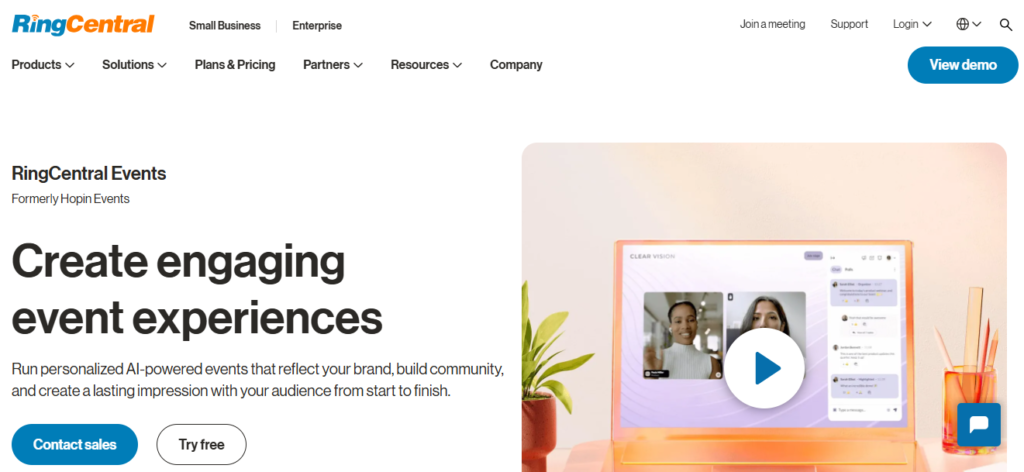
RingCentral Events is an AI-powered virtual and hybrid webinar platform that uses AI to streamline your event planning process. It automates email and SMS reminders in sequences and tracks open rates. The platform seamlessly connects event data with CRM integrations, including HubSpot, Marketo, Salesforce, and more, for personalized follow-ups.
The platforms also support webinar series registration, allowing attendees to register for multiple sessions at once, so they are less likely to miss future events.
For targeted invitations, RingCentral Events allows you to upload a pre-selected list of invitees and send them Magic Link invites. When clicked and accepted, these magic links automatically register attendees for the specified event and create their accounts, streamlining the registration process.
3) On24
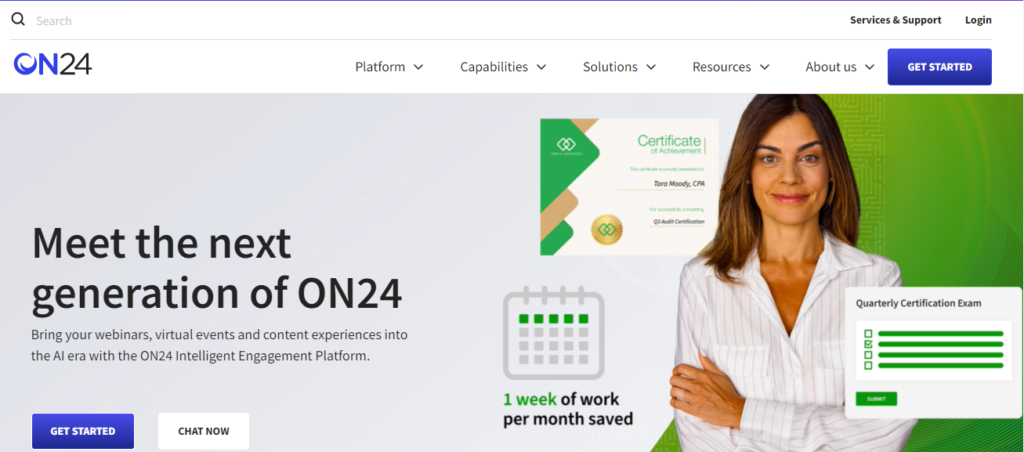
On24 is an AI-powered webinar software that transforms your webinars, events, and content into personalized buyer journeys. It allows you to interact and engage your audience in various webinar formats, including live, simulive, on-demand, and hybrid.
On24’s AI engine sends an automated reminder message to each attendee, ensuring the webinar is on their mind. After the session ends, it sends a tailored email to no-shows with an on-demand recording and key takeaways.
4) WebinarJam
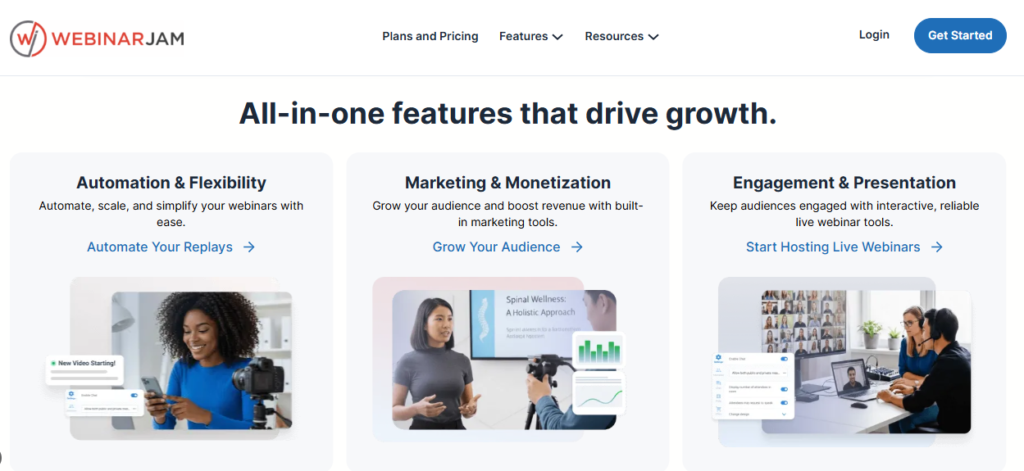
WebinarJam is a cloud-based webinar hosting platform that incorporates AI capabilities to automate your event workflows. It supports live and automated webinar sessions. Through its built-in email functionality, you can send 10 pre-webinar notifications to remind attendees to join and 10 post-webinar notifications to follow up with attendees. It fully automates email and SMS reminders, helping reduce no-shows for your event.
5) Demio
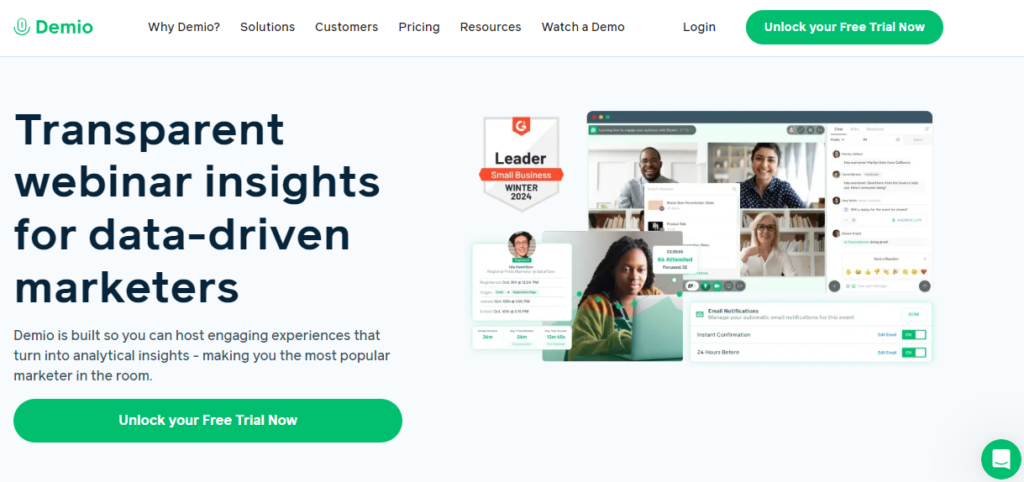
Demio is a webinar platform built to create an engaging experience for virtual audiences. Its AI chatbot sends out automated reminder sequences to attendees, like reminders 24 hours, 1 hour, and 15 minutes before the event.
Plus, Demio’s AI chat agent is available to on-demand attendees 24/7 to provide them with real-time responses, maximizing audience engagement.
6) Livestorm
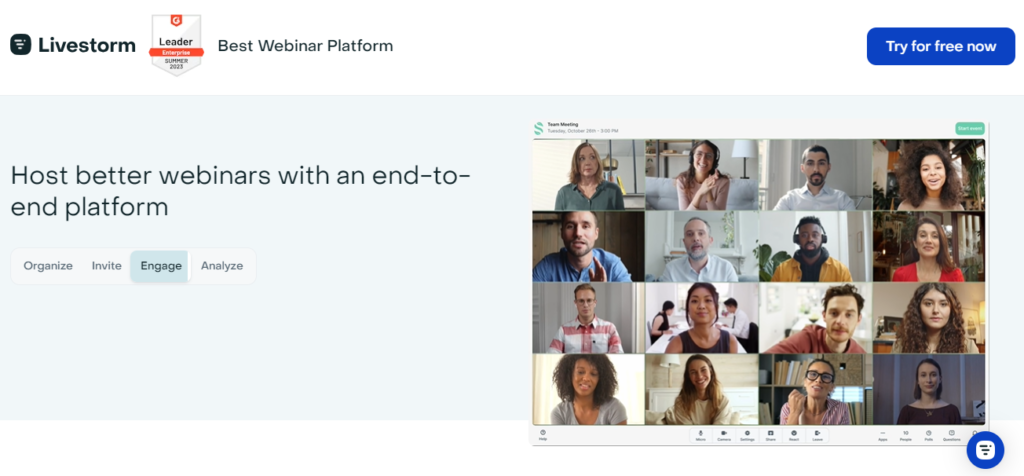
Livestorm is the AI-powered webinar platform that helps B2B marketing teams improve attendance rates and reduce drop-offs before the webinar starts.
Its AI chatbot sends customized, automated confirmations to each registrant and sets up email sending patterns 24 hours, 1 hour, and 15 minutes before the event, so that the webinar remains top of mind for attendees.
How to Build a Webinar Reminder Strategy That Boosts Session Attendance?

Creating an effective webinar reminder plan is crucial as it can significantly impact your session attendance. Many webinar organizers lose their audience not because people are no longer interested in the topic, but because they don’t send reminders in a timely manner and fail to create enough anticipation around the webinar.
You need to create a webinar reminder email cadence that you can start immediately after registration and continue until the session begins.
Here is a practical cadence.
Reminder Type | When to Send | Message Purpose |
Registration confirmation email | Immediately after registration | Thank the attendee for registering. Add calendar invite links (Google/Outlook/iCal) and include webinar access link |
Reminder 1 | 7 days before the webinar | Share key discussion topics and introduce speakers with short bios |
Reminder 2 | 3 days before the webinar | Share testimonials and webinar success stories from earlier events |
Reminder 3 | 1 day before the webinar | Share the webinar agenda and session breakdown |
Reminder 4 | 1 hour before the webinar | Remind attendees what challenges your webinar solves and tell them what bonus material they will receive |
Final reminder | 10 Minutes before the webinar | Send a very short reminder with the webinar access link |
Webinar ‘starting now’ message | At the webinar start time | Mention that the webinar is now live and include a webinar joining link |
Final Thoughts
B2B organizations need a large number of attendees for their webinars to get good conversions for their business. In such circumstances, AI-powered webinar systems can save the day. The best AI-powered webinar platform won’t just reduce the no-shows but also increase the webinar attendance by sending reminder sequences to each registered attendee.
FAQs
Some common reasons why registered attendees fail to attend are:
- Interest in the topic may have decreased just days before the session
- May have missed reminder emails
- Work deadlines or unexpected scheduling conflicts
- Technical glitches such as weak Wifi connectivity
A strong webinar reminder cadence usually includes confirmation immediately after registration, followed by reminders 7 days before, 24 hours before, 1 hour before, 15 minutes before, and when the webinar starts.
You should follow up with no-shows within 24 hours, and it should include:
- Webinar replay link
- A summary of what was covered
- Key takeaways
- Relevant material
- Reminder of next session
AI chatbot sends timely and personalized reminders to attendees, showcasing session urgency at every touch point, which helps increase event attendance, resulting in reducing webinar no-shows.