




How Should You Compare Recording and Live Streaming Software?
The best recording and live-streaming software depends on what you produce, the files you require, and who runs the event. A tool might have great video quality, but it’s still going to be a problem if your guests can’t connect quickly or your editor can’t get the files they need.
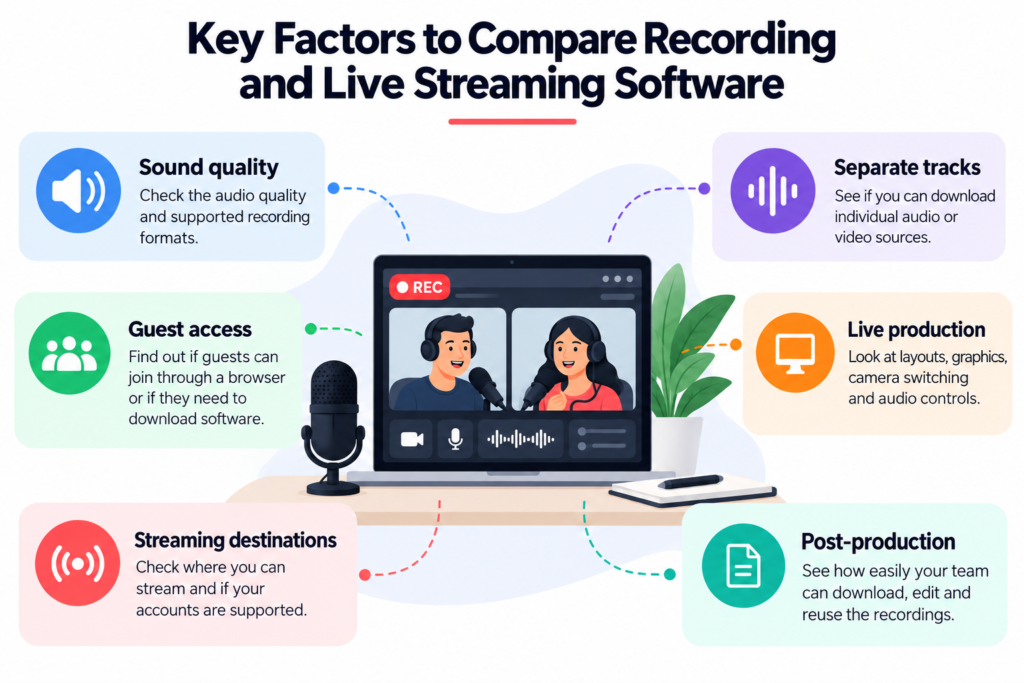
Before you settle on any of the best live streaming recording software, look at these important areas:
- Sound quality: Check the video resolution, audio quality, and available recording formats.
- Separate tracks: See if you can download individual audio or video sources.
- Guest access: Find out if guests can log in with a browser or if they’ll need to download any software.
- Live production: Scene layouts, graphics, camera switching, and audio control.
- Streaming destinations: Find out where you can stream to and if your accounts are supported.
- Post production: Check how easily your team can download, edit, and reuse recordings.
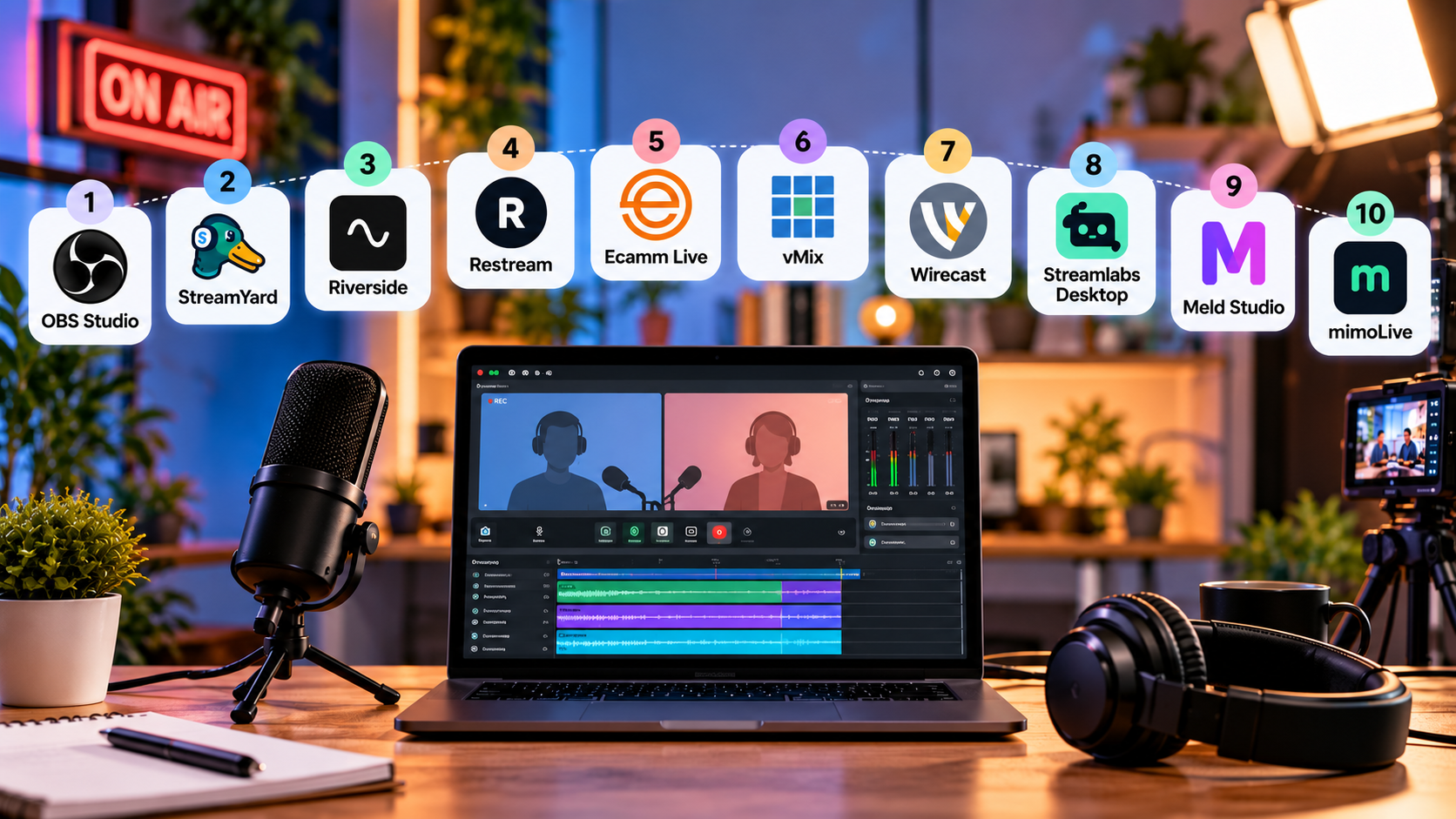
What Are the 10 Best Recording and Live Streaming Software Options?
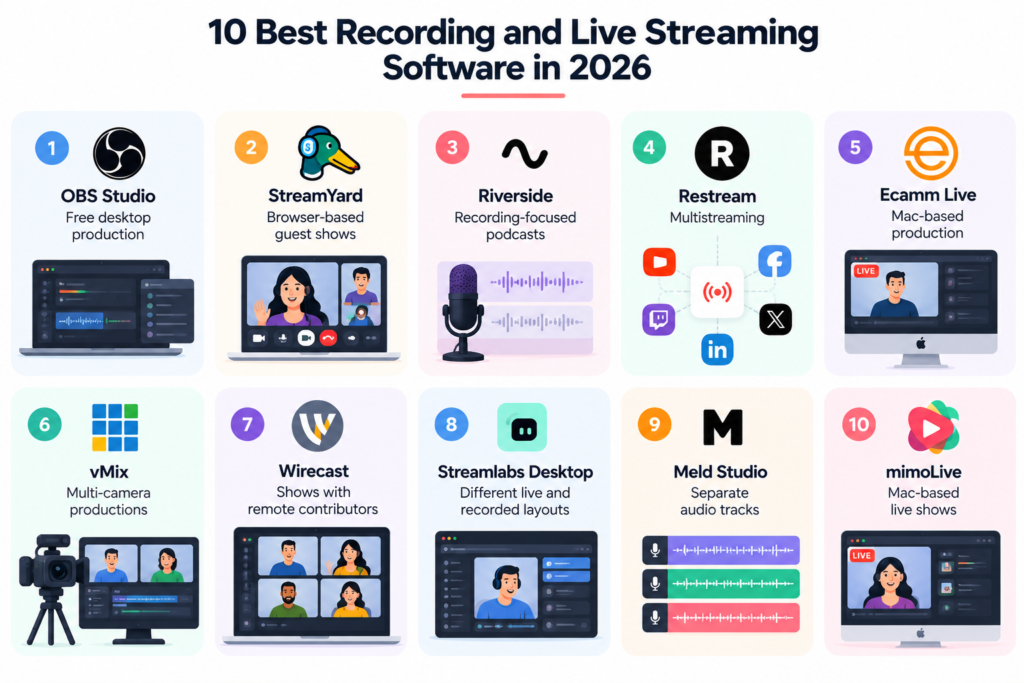
The following tools cover browser-based studios and desktop production software:
Tool | Best For | Main Strength | Key Consideration |
OBS Studio | Free desktop production | Custom scenes and audio control | Requires manual setup |
StreamYard | Browser-based guest shows | Easy guest access and multistreaming | Check plan limits and file options |
Riverside | Recording-focused podcasts | High-quality separate tracks | Test the editing workflow |
Restream | Multistreaming | Broad distribution | Check local recording requirements |
Ecamm Live | Mac-based production | Production control and overlays | Mac and plan requirements |
vMix | Multi-camera productions | Advanced mixing and isolated recording | Higher setup complexity |
Wirecast | Shows with remote contributors | Remote guests and desktop production | Check guest and recording limits |
Streamlabs Desktop | Different live and recorded layouts | Selective recording | Requires workflow configuration |
Meld Studio | Multitrack audio production | Up to eight audio tracks | Separate audio does not mean separate video |
mimoLive | Mac-based live shows | Live mixing and automation | Requires preparation and operator attention |
1. OBS Studio for Free Desktop Production
OBS Studio is a strong best live streaming recording software option for creators who want free and direct control over recording and live streaming. It is open-source software available for Windows, macOS, and Linux.
Its scene system lets you combine cameras, screen captures, images, browser windows, capture cards, and other sources. It also provides an audio mixer with filters and detailed configuration options.
A good choice for a host who routinely mixes camera feed with screen demos is OBS Studio.
Key benefits:
- Open source and free
- Available for Windows, Mac, and Linux
- Customizable scenes and transitions
- Comprehensive audio controls
- Studio mode for scene preview
- Streaming to many platforms
The key tradeoff is who does the setup. You need to configure your sources, audio and output settings yourself. Always test remote guests, locations, and your complete setup before using OBS for a live broadcast.
2. StreamYard for Browser-Based Guest Shows
If you want guest access and easy live production, StreamYard is best software for video recording and live streaming option. It works via a browser and has recording, live broadcasting, branding, guests, and multistreaming.
It has a local recording option that creates independent audio and video files on each participant’s device. Guests can join using a browser or phone without installing additional software.
This makes it useful for interview podcasts where the host also handles production.
Before subscribing, check:
- Recording limits on your selected plan
- Supported streaming destinations
- Branding options
- Guest limits
- Downloadable file formats
Run a complete guest session before launch. A simple live interface is useful, but your editor should also receive the files they need.
3. Riverside for Recording-Focused Podcasts
Riverside is a strong video recording and live streaming software option when the final edited recording is the main priority.
Its platform combines recording, editing, repurposing, and live streaming. Riverside also supports separate tracks, with local recording available for high-quality video and audio.
Its current product information lists:
- Up to 4K video recording
- Separate audio and video tracks
- Text-based editing
- HD streaming to multiple destinations
- Recording and editing in the same workflow
This makes Riverside useful for interview podcasts that may be streamed live but later edited into polished episodes.
Test the editor with a real conversation before replacing your existing editing workflow. Include interruptions, overlapping speech, and multiple speakers during the test.
4. Restream for Multistreaming
Restream is one of the best live streaming recording software which is worth considering when reaching audiences across several channels is your main priority.
Its multistreaming service makes distribution a central part of the workflow, while its Studio also supports recording. However, recording options need closer attention.
The local recording feature described in the supplied research was listed as Beta. It also had requirements around the plan, browser, participant device, and Studio usage.
This matters when you regularly have remote guests.
If guests join through phones or different devices, confirm exactly which files will be available after the recording. Do not assume that every participant will automatically receive an isolated track.
5. Ecamm Live for Mac-Based Production
Ecamm Live is designed for Mac users who want greater control over their production.
This live streaming recording software features support for streaming, recording, overlays, browser guests and multistreaming. According to the study shared, its isolated audio and video recording feature comes as a part of its Pro service. It can work effectively for recurring performances with a consistent layout and branding.
Before the host comes on, the producer might plan camera angles, graphics, and other visual elements. The biggest limitation is the Mac requirement and plan differences. Test the software on the same computer, camera and accessories you intend to use.
6. vMix for Multi-Camera Productions
vMix is suited to podcasts that have developed into more detailed multi-camera productions.
It supports camera mixing, remote guests through vMix Call, recording, and live streaming. Its Multicorder feature can record isolated camera sources in supported editions.
It can be a strong choice for a producer-led studio with several cameras and a planned running order.
The tradeoff is complexity. Someone needs to understand the inputs, audio paths, recording settings, and output configuration.
Before buying this best live streaming recording software, check:
- Supported computer configuration
- Required edition
- Camera inputs
- Remote guest requirements
- Simultaneous recording and streaming performance
7. Wirecast for Shows With Remote Contributors
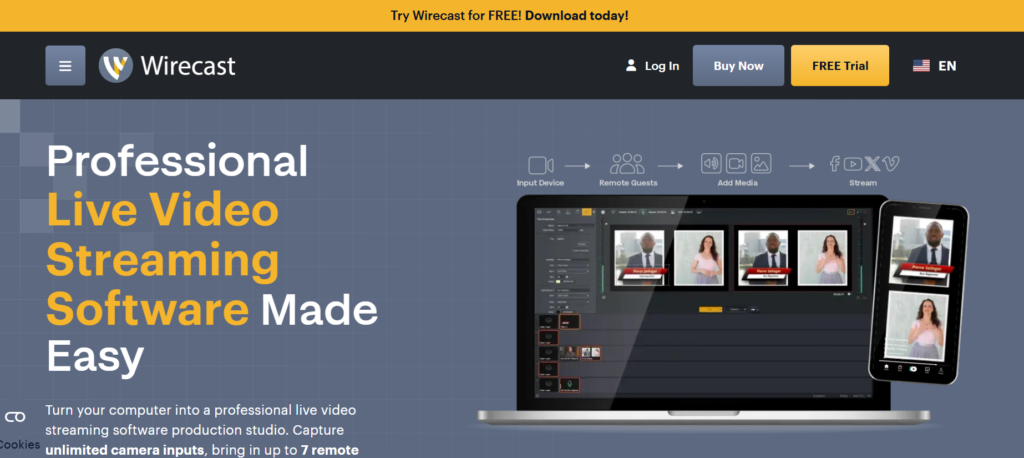
Wirecast is a good video recording and live streaming software option if you are mixing local cameras with remote contributions.
It enables desktop production for Mac and Windows. With its Rendezvous function, remote guests can be part of the show, while compatible versions allow isolated camera recording for later editing.
It can work well for discussion shows with regular guests where a producer manages speakers, cameras, and prepared visual elements.
Before you select a plan, look at the guest limit and what recording options are available. If your editor wants separated camera files, download and check out a real export during the trial.
8. Streamlabs Desktop for Different Live and Recorded Layouts
Streamlabs Desktop can be useful when you want your recorded output to differ from your live broadcast.
You can utilize the Selective Recording tool to choose which sources will be presented in the live stream and which will be shown in the recording.
For example, you can show audience notifications during the live broadcast but not include them in the final podcast recording.
Streamlabs Desktop offers free and paid options, but you still need to configure the software for your workflow.
Preview both the live and recorded outputs before the presentation to ensure that no important source is accidentally missing from either version.
9. Meld Studio for Separate Audio Tracks
Meld Studio adds visual effects, widgets and multitrack audio to live streaming and recording.
Official information shows compatibility for up to eight distinct audio tracks. This is handy for podcasts with many mics or other audio sources.
This video recording and live streaming software makes post-production easier; the editors can change each source independently.
But different audio tracks don’t necessarily entail separate video recordings for every guest. Know precisely what files your editor needs before you choose the software.
10. mimoLive for Mac-Based Live Shows
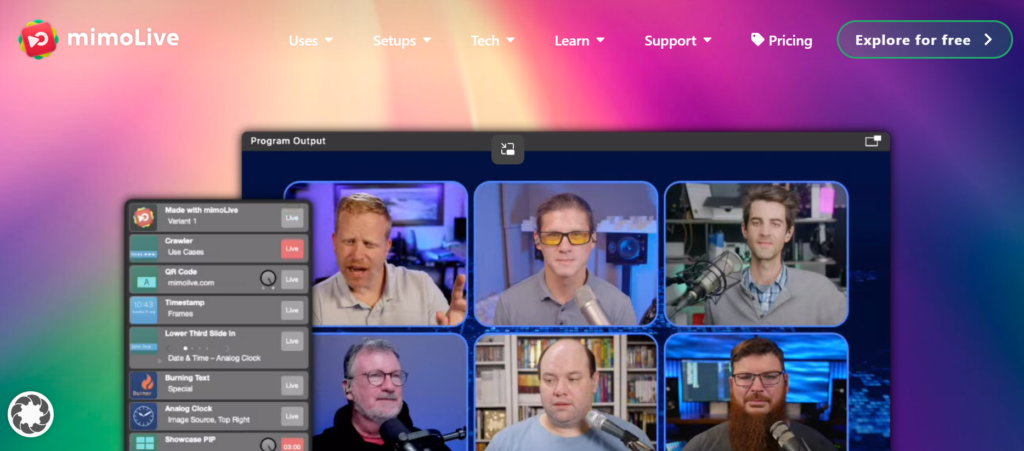
mimoLive video recording and live streaming software is designed for Mac-based producers who want to assemble and control the production while recording.
It allows you to mix live, add visuals, automate, record and stream. It also integrates with cameras, screens, media and remote guest sources.
It is therefore appropriate for recurrent programs with prepared portions and images.
The upside is that more production work can happen live, which could mean less editing later. The trade-off is the prep and operator attention it requires.
Try it out before you use it for a real broadcast; rehearse the running order, source changes, and recovery procedures.
Conclusion: Choose the Right Tool
There is more to choosing the correct recording and live streaming software than features and price. Your choice should be based on your production style, equipment, guest setup, recording needs, budget, and editing procedure. A technology that works for a single maker may not be appropriate for a multi-camera podcast with multiple remote guests.
Try out your favorite choices with a whole episode before settling. Check the live stream, guest experience, recording quality, separate tracks, file exports, and post-production workflow. This lets you catch problems before they impact a genuine episode.
The finest platform is the one that makes your live performance and final recording straightforward, reliable and easy to handle. Airmeet podcast is another option worth considering when designing your podcast and virtual production workflow.
FAQs
No. A listed integration does not guarantee that your individual account can use every destination or broadcast option. Check the current rules and permissions for the platform you want to use. During your trial, connect the actual account you plan to use and confirm that the required streaming option works.
Yes, provided you maintain your archive. Download your finished episodes, original recordings, artwork, and important exports before canceling an old service. Also check the provider’s retention policy. Media files may transfer between systems even when proprietary project files cannot.
Yes, generally. Headphones block the guest’s microphone from hearing sounds coming from their computer speakers. Don’t forget to add headphones to your guest instructions, and listen for echo, cable noise, and the location of the microphone during the sound test.