



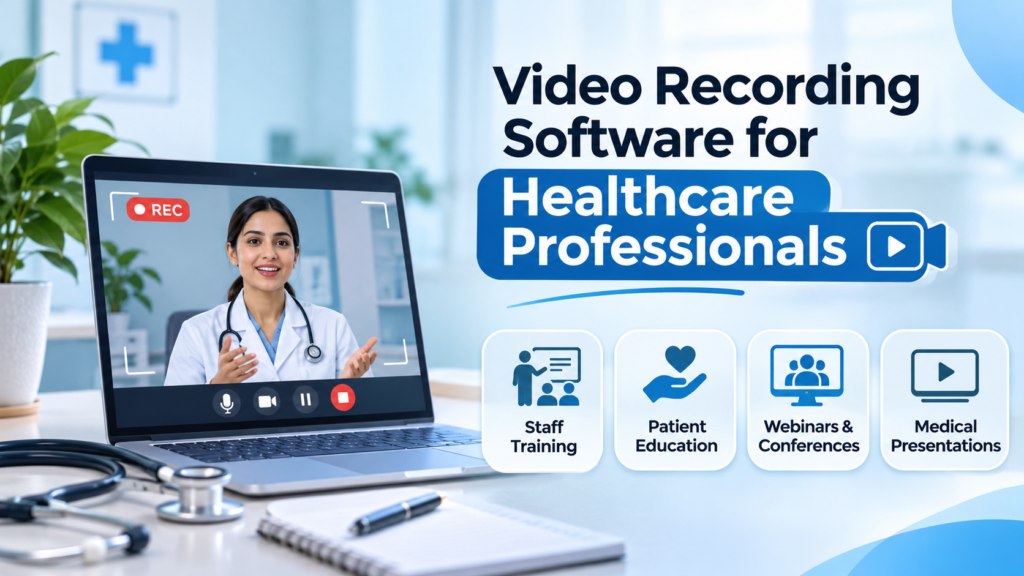
This blog explores various video recording software for healthcare professionals.
How Should You Choose Video Recording Software for Healthcare Professionals?
Healthcare teams need video recording software that meets their recording purpose, audience, and privacy needs. A staff training session is neither a patient education webinar or a clinical conference. So, before comparing platforms, determine the kind of material, anticipated audience size, recording quality, access rights, storage demands, and reporting requirements.
If patient information is contained in the recordings, check with your privacy, compliance and IT departments before picking a platform. Review the audio handling, video handling, transcript handling, download handling, backup handling and third-party processing of the software.
In the United States, HIPAA may be triggered whenever a service generates, receives, stores, or transmits electronic protected health information. Covered companies must analyze their risks and establish a suitable Business Associate Agreement if needed, according to HHS advice, before choosing video recording software for healthcare professionals.
Once the standards are in place, healthcare providers may then evaluate systems based on the workflows that they actually use for recording and learning.
What Video Recording Software Options Are Available for Healthcare Professionals?
Healthcare workers need video recording software that can help them achieve their own goals, whether it is to create training sessions, make training webinars or pass on medical expertise.
When choosing the proper platform you need to look carefully at aspects such as the recording quality, the privacy controls that they give, the type of storage that you have accessible and what audience engagement features.
There are several tools that cover these capabilities, and each platform ends up serving different professional requirements.
1. Airmeet: Video Recording and Virtual Healthcare Events
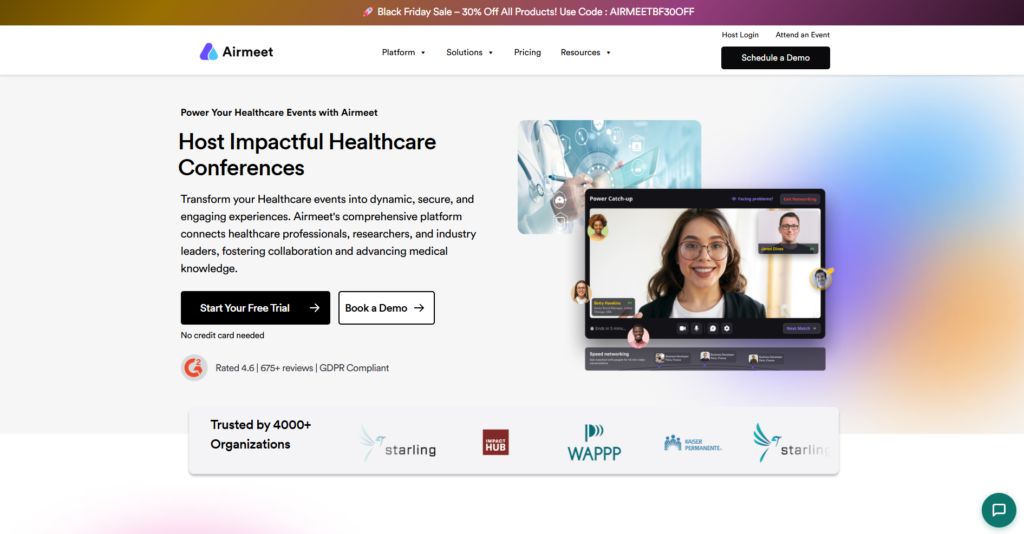
Airmeet is a virtual event and webinar platform used by healthcare organizations for medical conferences, staff training, continuing education, research presentations, and patient education programs. With an emphasis on healthcare, it focuses on –
- Event security
- Audience interaction
- Reporting
- And customizable event experiences
It offers live sessions and participant engagement. It also allows healthcare teams to access completed event recordings, making it easier to create and organize educational videos.
Security & Data Protection
Healthcare organizations are dealing with sensitive information therefore, security is a huge factor in choosing a platform. Airmeet provides specialized security infrastructure and compliance controls that align with HIPAA requirements.
It provides the following security measures
- ISO 27001:2022 certification for information security management system.
- SOC 2 Type II for security, availability and processing integrity.
- AES-256 encryption at rest for stored data.
- Encryption in transit using encrypted communication protocols.
- AWS Cloud infrastructure and security monitoring
It also offers-
- Access Control – Restricts access to authorized users and also protects sensitive event information
- Vendor Management – Helps manage third-party vendors and their security requirements
- Incident Management – Supports identifying, reporting, and responding to any kind of security incidents.
- Corporate Security Measures – Adds safeguards to protect organizational data and also maintain secure event operations.
These techniques help facilitate security reviews for healthcare education and professional activities. Organizations that maintain protected health information should still validate the appropriate contract, setup and recording procedure directly with Airmeet before use.
Recording Quality and Session Specifications
The quality of a recording impacts the clarity of demonstrations, presentations, and clinical learning materials. Airmeet offers multiple recording resolutions depending on the event format and subscription plan. Organizers can review the available recording resolutions and session recording options before selecting the appropriate settings.
Recording Specification | Airmeet Details |
Standard session quality | 720p HD |
Supported higher resolution | 1080p Full HD on eligible plans |
1080p setting | Must be enabled from the event dashboard |
Recording access | Event dashboard |
Recording actions | Preview, download, and delete |
Recording availability | Generated after the session ends |
Pre-recorded video upload | MP4 format, up to 5 GB for supported event setups |
Interactive Features for Healthcare Training
Healthcare education is often about questions, discussion and feedback. Airmeet features several tools to enable these tasks during live sessions.
- Live Q&A and moderation – During a session, people can ask questions. The host and co-hosts can moderate those questions first, before displaying them to viewers. This helps organizers handle conversations in medical webinars and in professional training.
- Live polls – Polls let the organizer gather feedback from participants while the presentation is going on. Trainers might use them not only to check learning, but also to collect comments or to talk about clinical education topics.
- Breakout rooms – Breakout rooms allow smaller groups to talk inside a larger session. These can be utilized by healthcare educators for case-based learning, seminars and team activities.
- Stage involvement – Hosts can pull chosen people on stage. This facilitates expert panels, debates and interactive meetings with healthcare specialists.
- Session management – Hosts and co-hosts can control participant microphones, cameras, layouts, and recording settings. These settings keep the session structured.
Airmeet’s video-call style enables up to 1,000 connected participants in a single session. Hosts may control the conversation while using chat, Q&A, surveys, and breakout rooms.
Recording Access and Post-Event Learning
Event managers and community managers can view the recording of sessions through the event dashboard on Airmeet. They can examine the recordings, download several recordings or delete files too.
This workflow can assist healthcare organizations in creating a reusable learning library for
- Staff training
- Medical conference sessions
- Education classes
- Research Discussions
- Webinars for Patient Education
- Internal knowledge-sharing sessions
Airmeet video recording software for healthcare professionals also offers event replay, so viewers may rewatch qualified sessions following the live event. Replays and permissions need to be established according to the organization’s learning and privacy policies.
Analytics and Reporting
Airmeet delivers event statistics that assist organizers in analyzing participation and engagement.
Reports may vary (depending on the event type and strategy), including
- Registrations and attendance
- Participation in sessions and viewing time
- Chat interaction and questions
- Poll responses
These insights help healthcare instructors determine what type of sessions draw participation and which subjects spark queries
2. Panopto: Recorded Learning and Video Management
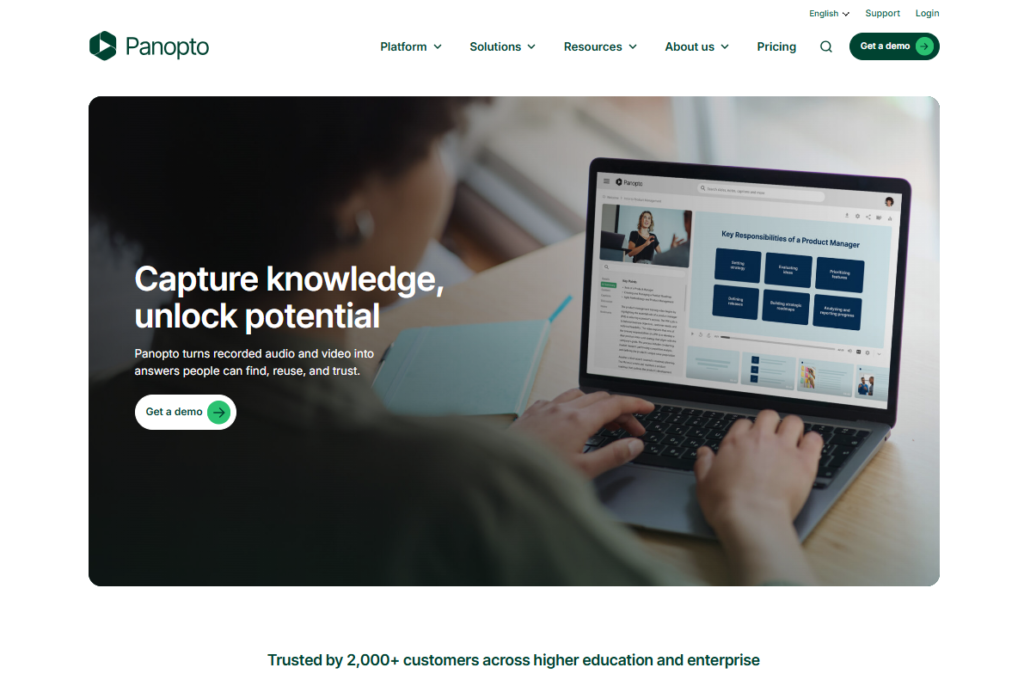
Panopto video recording software for healthcare professionals is designed for video-based learning and sharing corporate information. In healthcare settings, it is used for recorded lectures, staff education, clinical training libraries, and limited video access.
This video recording software for healthcare professionals features include
- Role-based access control (RBAC)
- Group and folder-level permissions
- Single sign-on integration
- Encryption at rest and in transit
- Admin reports and audit logs
- Video management for institutional learning
Panopto may be a good choice for enterprises that need an organized video collection and want control over access restrictions and administration.
3. Zoom for Healthcare: Clinical Communication and Virtual Visits
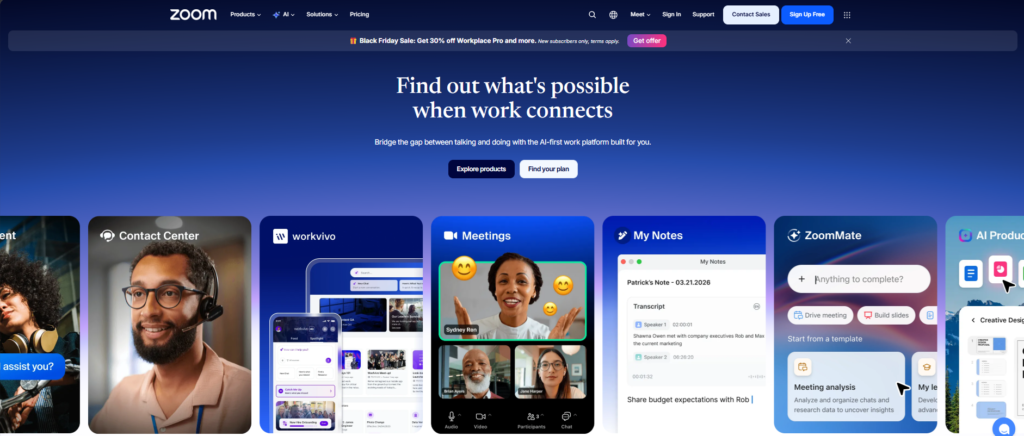
Zoom video recording software for healthcare professionals is built for healthcare communication and virtual care processes. It may be assessed by healthcare organizations for telehealth sessions, consultations and remote clinical communication.
Whether it is appropriate or not depends on the organization’s subscription, setup, and contract agreements. Before recording patient consultations, ensure that the relevant Business Associate Agreement, recording permissions, storage settings, and retention rules are in place.
4. Doxy.me: Browser-Based Telehealth
Doxy.me is a healthcare-focused telehealth platform. It is developed for virtual appointments. Patients may connect using a browser, which makes it easier for those who don’t want to install additional software to have access.
This video recording software for healthcare professionals features include
- Patient access using the browser
- Virtual queues
- Managing appointments
- Clinic roles and permissions in supported plans
- Paid subscriptions include optional recording of session audio
- Recording playback and downloadable transcripts with available tools
It is especially helpful when it comes to individual consultations and telemedicine processes. Check its recording features and privacy conditions applicable to your plan before you use it.
Which Platform Should Healthcare Professionals Choose?
The ideal video recording software for healthcare professionals will depend on what you wish to record.
Airmeet is a good solution for healthcare firms that produce instructional webinars, medical conferences, staff training, and interactive professional events. It combines event recording, participant involvement, session controls, replay access and analytics to provide a comprehensive workflow for an educational event.
Panopto is ideal for institutional video archives, whereas Zoom for Healthcare and Doxy.me are more geared toward virtual treatment and patient communication.
If you’re thinking about using Airmeet for any recording that involves protected health information, consult your compliance team to be sure that the contractual protections and acceptable setup are in place. Its event and recording features can be a practical approach to deliver, record and assess healthcare learning events for public education and professional training that use fictitious or de-identified data.
You can also refer to Airmeet’s ultimate video podcast checklist for additional guidance on guest preparation, recording requirements, and publication permissions.
Final Thoughts
Picking video recording software for healthcare professionals needs clarity about why it’s being recorded, who will watch, what privacy rules are in place, and also how the publishing process works. Doing a quick pilot run helps everyone sort out those details before you open any software.
Start with one recording assignment, use fictional material during testing, and confirm that the final file reaches the intended viewers. For public clinician interviews, test the Airmeet Podcast workflow and verify the recording options available through your account.
FAQs:
A smartphone can work for general patient education videos if your organization approves the device and the workflow. Use a stable mount, test the microphone distance, and watch the result on a phone. Confirm where files go after capture, including any automatic photo backups, before using the device. A general explainer shot with a clinician and demonstration props is a good pilot.
Healthcare teams should follow the retention schedule that applies to the footage and its purpose. Ask the records or privacy lead to classify the raw takes, review copies, and publish the master. Assign someone to apply the schedule across approved storage, downloads, and editing workspaces. If a clip needs to stay available for a course, record who will replace it when the content changes.
If patient information appears in a test recording, stop the session, restrict access where you are authorized to do so, and report it through your organization’s privacy incident process. Note where the file was saved, who could access it, and whether a captioning service or backup received a copy. Follow the privacy team’s instructions on preserving evidence and handling existing copies.