




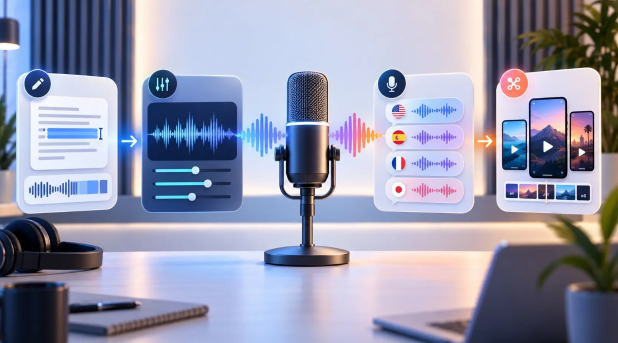
AI podcast production software automates various tasks, reducing the need for manual work, including:
- Recording audio or video shows
- Removing background noise
- Improving voice quality
- Removing pauses and unwanted sections
- Creating transcripts
- Writing show notes
- Creating summaries
- Converting long episodes into short clips for social media
The AI podcast production tools help creators spend less time on editing, so they can focus on creating valuable content for their audience.
Quick Overview
AI Podcast Tool | Best For |
Riverside | Remote podcast recording |
Descript | AI-powered podcast editing |
Async | AI podcast creation |
Auphonic | Audio enhancement |
Cleanvoice | Audio and video podcast editing and enhancement |
Alitu | Podcast recording and editing |
Adobe Podcast | AI-powered speech enhancement and audio cleanup |
OpusClip | Turning long podcasts into short social media clips |
Castmagic | Podcast content repurposing |
AirStudio | Professional podcast recording and live streaming, with AI-powered tools for turning long-form recordings into engaging, shareable content |
10 AI Podcast Production Tools for 2026
Whether you host a solo episode or a remote guest interview, AI podcast production software automates the editing process and produces polished content in no time.
In this guide, we will look at the top ten AI podcast production tools, including their essential features and pricing plans.
1. AirStudio
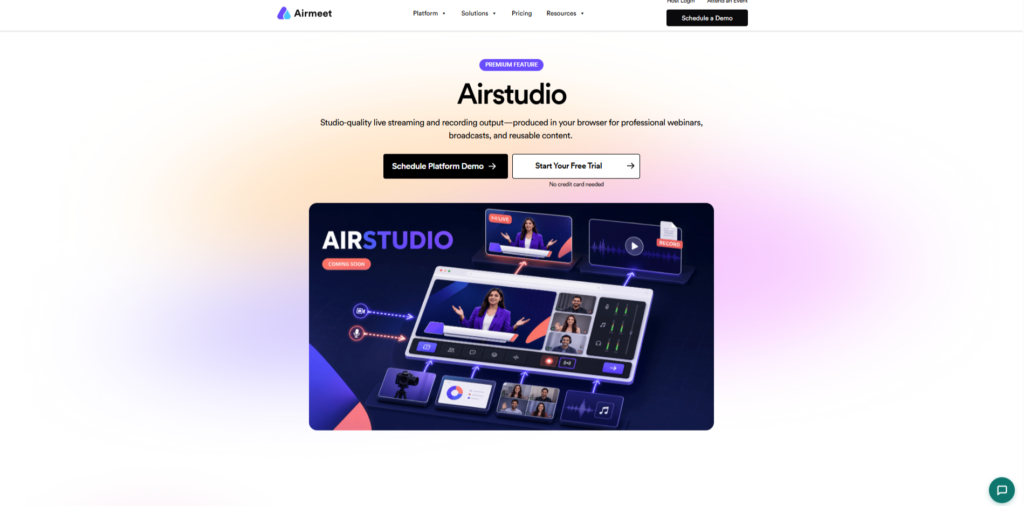
AirStudio is a professional live streaming and recording studio by Airmeet that allows you to create studio-quality video content directly from your browser. It is designed for webinars, podcasts, interviews, live broadcasts, and other professional video content without requiring a complicated production setup.
AirStudio allows you to record and stream with guests, screen shares, branded overlays, logos, banners, and virtual backgrounds. You can manage the production from a single workspace, giving you more control over how your content looks and feels while reducing the need for multiple production tools.
The platform also supports multistreaming, making it possible to distribute your live content across multiple destinations. Its production workflow brings together speakers, scenes, media, branding, audio, preview, live output, and recording in one workspace.
Key Features of AirStudio
- Studio-quality recording
- Live streaming
- Guest recording and management
- Custom overlays
- Logos and banners
- Screen sharing
- Virtual backgrounds
- Branded scenes and layouts
- Multistreaming
- Live production controls
- Recording and streaming preview
- Browser-based production
Pricing – AirStudio is part of Airmeet’s premium product offering, and to check the plans and pricing, visit here.
2. Descript
Descript is an AI podcast creation and AI editor tool that allows you to seamlessly record, transcribe, edit, make clips, and publish the podcast. This platform supports studio-quality recording and allows you to add up to 10 guests in a single podcast.
You can record podcast interviews remotely. Whether it’s audio-only or 4K video, your podcast co-hosts’ and guests’ interviews will be recorded in crystal-clear audio and video from the comfort of your own home.
Descript’s AI transcribes your audio and video podcast, and then you can edit the transcription to cut, trim, and rearrange the video. With a text-based editor, you can effortlessly remove filler words and background noise with a single click, add voice-overs, and correct audio mistakes using AI voice cloning.
Descript has 4.6 stars on G2 and 4.6 stars on Capterra.
Key Features of Descript
- AI video editor
- Text-based editing
- Audio cleanup
- Screen recording
- AI video enhancer
- AI video generator (with custom avatars and AI voices)
- AI caption generator
- AI show notes
- AI translation
Pricing – Descript offers 5 pricing tiers.
- Free plan – 1 media hour/month and 100 AI credits
- Hobbyist – $16 a month if billed annually
- Creator – $24 a month if billed annually
- Business – $50 a month if billed annually
- Enterprise – Custom price
3. Riverside
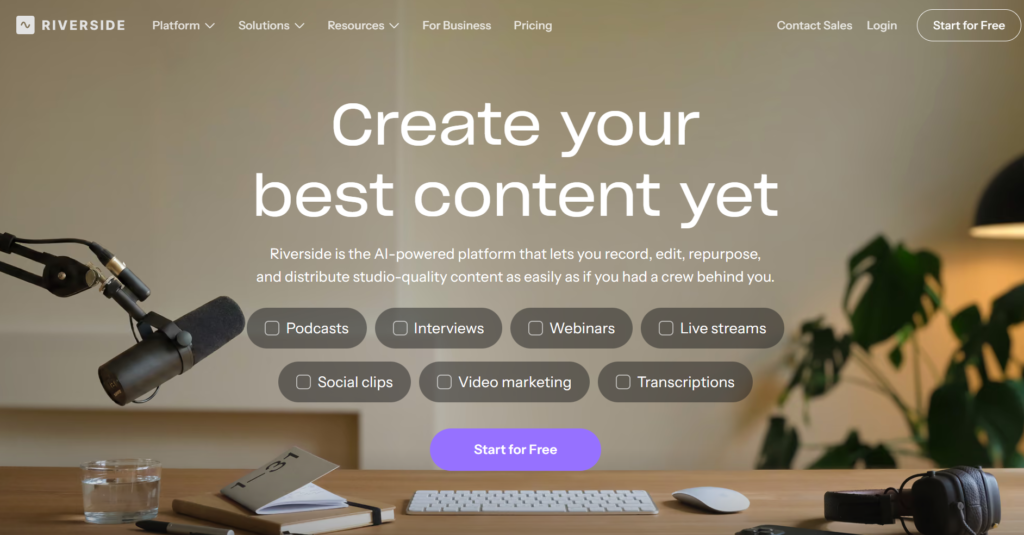
Riverside is an AI-powered production tool that lets you record, edit, repurpose,
and distribute studio-quality podcasts. This platform allows you to record podcasts in pure, uncompressed audio along with up to 4K video.
Riverside allows you and your guests to store recordings directly to the cloud without compromising quality, whether you have a strong internet connection or not.
It gives separate, fully matched video and audio tracks for each participant, allowing for greater flexibility in post-production.
Its podcast-specific editing features, like
- Magic Clip picks out the best moments in your episode and turns them into social clips
- Magic Audio Background Noise creates a rich, immersive sound experience
- AI translation translates, voices, and lip-syncs your recordings in 30+ languages.
Riverside has 4.8 stars on G2 and 4.8 stars on Capterra.
Key Features of Riverside
- Remote guest recording
- Magic clips
- Live streaming in full HD
- Magic audio
- Local recording
- AI co-creator
- AI translation
- AI show notes
- Social media scheduling
- Podcast hosting and publishing
- Caption and subtitle generator
Pricing – Riverside offers 5 pricing plans.
- Free plan
- Pro – $24 a month if paid annually
- Grow – $34 a month if paid annually
- Webinar – $79 a month if paid annually
- Business – Custom price
4. Async
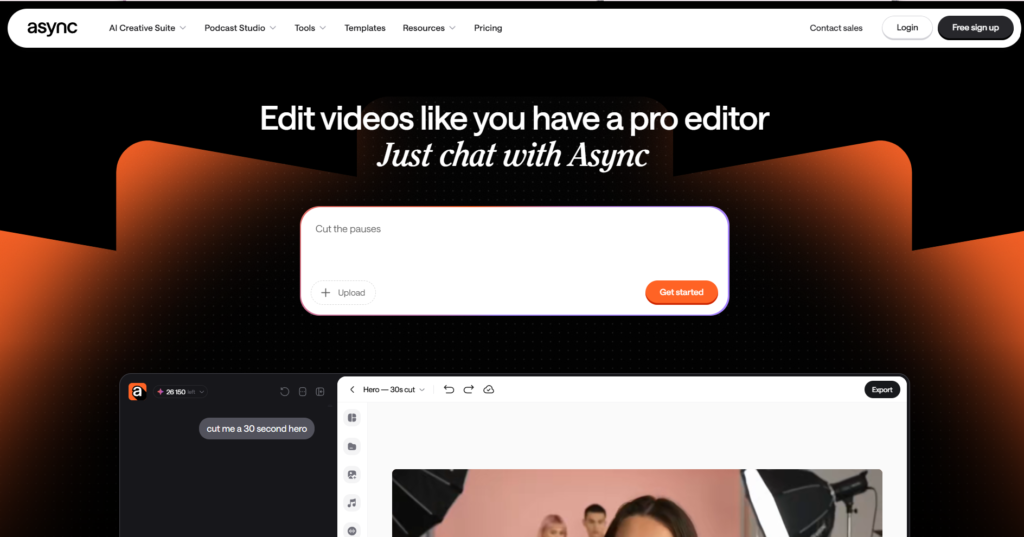
Async is an AI podcast creation platform that records podcast episodes in crisp 4K video and uncompressed WAV audio.
This platform supports up to 10 guests in a single podcast episode. It allows you to brand your studio with your brand color, logo, and font, as well as change the background, creating a customizable experience and reinforcing your brand.
Their AI video editor edits the videos, cuts, cleans up audio, and enhances the quality of the episode right in your browser. Async also offers an AI audio editor that trims, cuts, and adjusts your audio effortlessly.
Async has 4.7 stars on G2 and 3.7 stars on Capterra.
Key Features of Async
- Remote recording studio
- Audio editor
- Video editor
- Separate audio and video tracks
- AI clips
- Hosting and publishing
- AI caption and subtitles
- AI translation and dubbing
Pricing – Async offers 5 pricing tiers.
- Free plan
- Essentials – 11.99 a month if paid annually
- Pro – 23.99 a month if paid annually
- Teams – 49.99 a month if paid annually
- Business – Custom price
5. Adobe Podcast
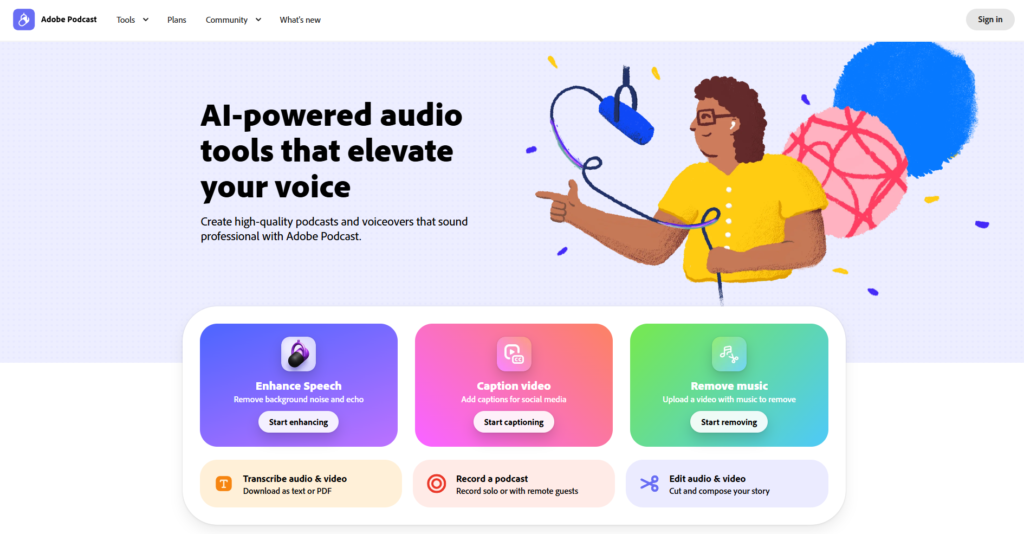
Adobe Podcast is an AI-powered platform that allows you to create high-quality podcasts and voiceovers that sound professional. This platform lets you and your guests record professional and high-quality audio.
Even if someone’s internet connection isn’t good, Adobe Podcast Studio captures everyone’s audio as a separate track in 16-bit 48k WAV.
Adobe Podcast offers pre-edited, royalty-free music that you can add to podcast intros, outros, transitions, and backgrounds.
Adobe Podcast has 4.7 stars on G2 and 3.0 stars on Capterra.
Key Features of Adobe Podcast
- Remote guest recording
- AI-enhanced speech
- Text-based audio and video editing
- Automatic transcription
- Automatic captions
- Music removal
- Royalty-free music
Pricing – Adobe Podcast offers a free plan and a Firefly Pro plan that costs $19.99 a month.
6. Auphonic
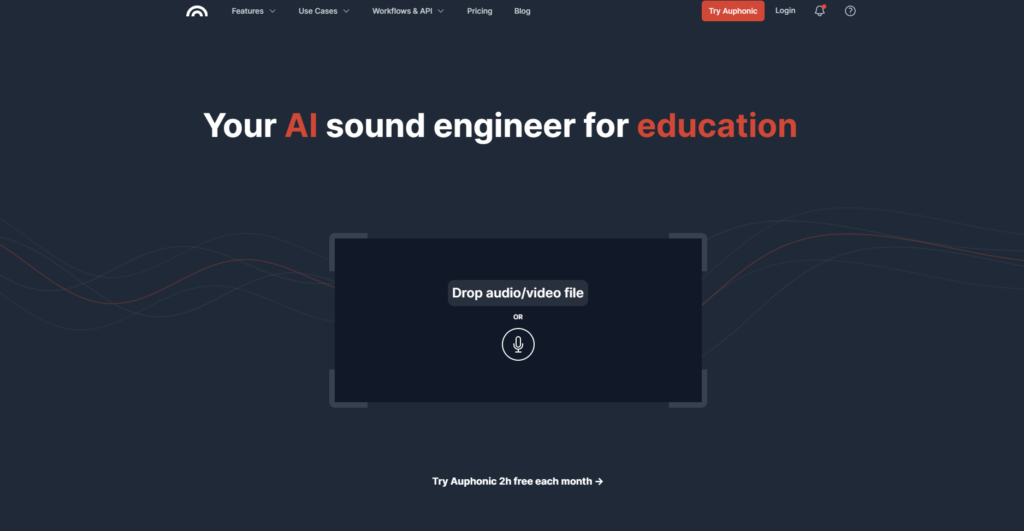
Auphonic is an AI podcast production tool that enhances your podcast quality and removes unwanted noises and sibilance (De-Esser) to create a warm and pleasant sound, upgrading the listening experience.
With a few clicks, Auphonic takes care of audio post-production for you, so each episode sounds professional and polished, helping you attract more listeners and grow your monthly downloads.
Auphonic also removes noise and improves the audio quality of your video podcast, saving you a lot of time in the editing room.
Their post-production tool ensures that you automatically meet all the common audio specifications (loudness, true peak level, dialogue normalization, maxLRA, maxM, and maxS) of broadcasters, commercials, or video platforms.
Auphonic has 4.2 stars on G2 and 4.8 stars on Capterra.
Key Features of Auphonic
- Noise & reverb reduction
- Intelligent leveler
- Filtering & enhancement
- Cutting filler words, coughs, and silence
- Multitrack algorithms
- Loudness specifications
- Speech-to-text & automatic show notes
- Video, subtitles, metadata & chapters
Pricing – Auphonic offers 3 pricing tiers.
- Free plan
- Recurring credits – $11 a month if billed annually
- One-time credits – $12 for 5 Hours
7. Cleanvoice
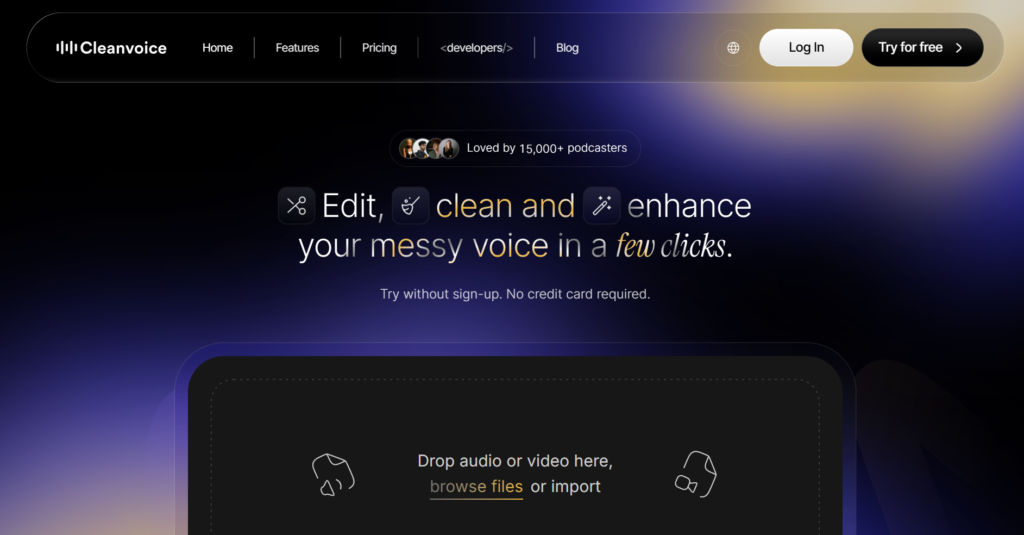
Cleanvoice is an AI podcast editor that removes heavy background noise, wind noise, ambient noise, static, mic noise, buzz sounds, hiss, hum, puffs, and more from your podcast episode. This takes your original podcast recording and allows you to make any edits you want to make to it.
Their audio enhancer balances your tone and your voice level, removes echo, distortion, and more, giving you a studio-quality sound and making the episode sound clearer, cleaner, and more professional.
Cleanvoice allows you to choose which features to apply and which not. For example, if you only want to remove fillers and don’t want to remove stutters or background noise, you can deselect the other features and select only fillers.
Cleanvoice has 3.6 stars on G2 and 4.6 stars on Capterra.
Key Features of Cleanvoice
- Filler word remover
- Background noise remover
- Studio sound (audio enhancer)
- Podcast summary & show notes
- Silence remover
- Podcast transcription
- Podcast mixing
- Breath remover
- Stutter remover
- Mouth sound remover
Pricing – Cleanvoice offers pay-as-you-go and subscription pricing with a free trial.
- Pay-as-you-go – ($11 – 5 hours), ($20 – 10 hours), ($45 – 30 hours)
- Subscription – ($11 – 10 hours), ($30 – 30 hours), ($90 – 100 hours)
8. Alitu
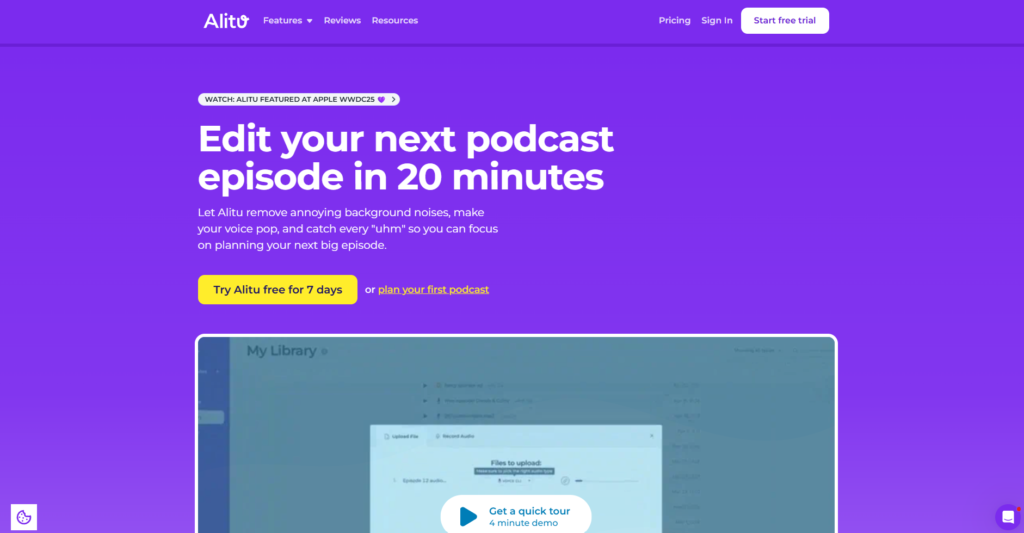
Alitu is AI podcast creation software that enables you to record podcasts in high quality as well as edit the episode to polish it so you can publish in a professional manner.
You can record the podcast with up to 10 guests, including you and your guests or co-hosts. Alitu supports high-quality double-ender video recording, allowing each participant to record video locally on their own device in HD.
Alitu has 4.3 stars on G2.
Key Features of Alitu
- Remote guest recording
- Audio editor
- Audio cleanup
- Podcast music library
- Podcast hosting
- Podcast website
- Podcast transcription
Pricing – Alitu costs $38 a month. It also includes a 7-day free trial.
9. OpusClip
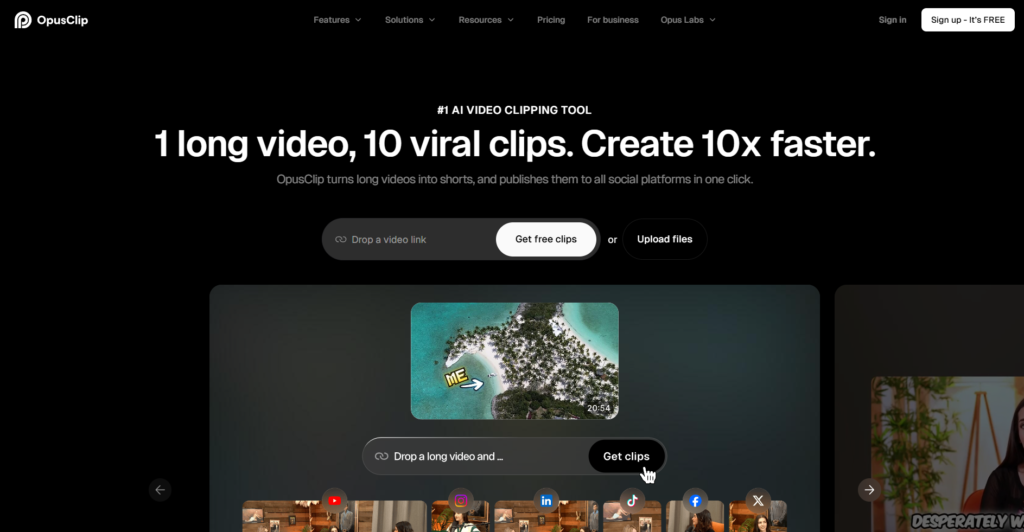
OpusClip is an AI-powered video clipping and editing platform that allows podcasters to turn their video episodes into short clips and post them across social media platforms.
This platform provides you with powerful customization to build your podcast brand, allowing you to personalize your podcast episode with animated captions, B-roll, intros/outros, logos, overlays & more.
OpusClip has 4.6 stars on G2
Key Features of OpusClip
- AI producer
- Clip anything
- AI B-roll
- AI editor
- Animated caption
- Social scheduler
- AI voiceover
- Audio cleaning
- Analytics
Pricing – OpusClip offers 4 pricing tiers.
- Free plan – 60 credits per month and up to 1080p rendered clips
- Starter – $15 a month (This plan is only available monthly)
- Pro – $19.43 a month if billed annually
- Business – Custom price
10. Castmagic
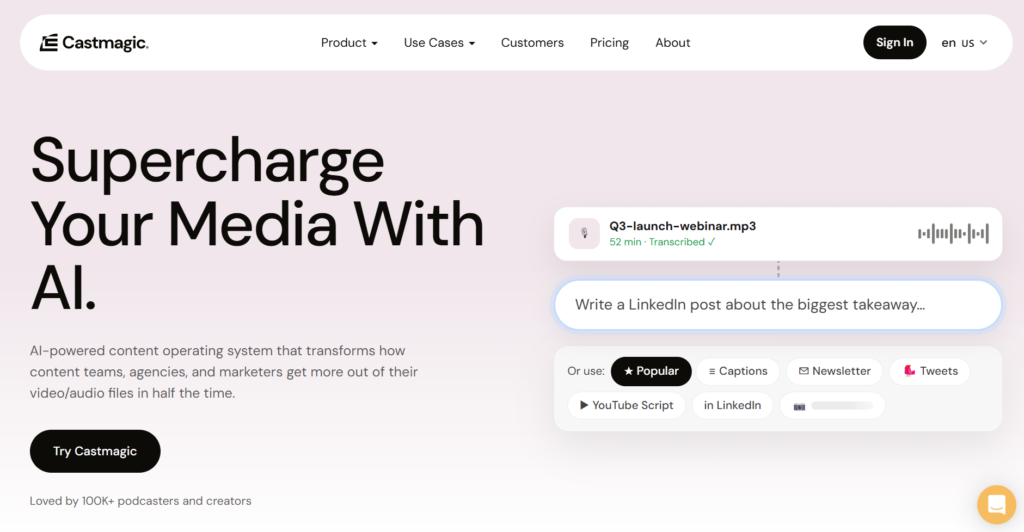
Castmagic is an AI-powered content creation and repurposing platform designed mainly for podcasters, creators, marketers, and content teams. This platform allows you to upload your audio and video podcast file, then it uses AI to turn the podcast content into multiple items, including transcripts, show notes, summaries, blog posts, newsletters, LinkedIn posts, social media content, and more. Castmagic is an ideal platform for podcast hosts and long-form content creators who want to get more mileage out of their content.
Castmagic has 5 stars on Capterra.
Key Features of Castmagic
- Transcription in 60+ languages
- Podcast content repurposing
- Podcast clips
- Audiograms
- Multiple podcast import options
Pricing – Castmagic offers 3 pricing tiers
- Hobby – $19 a month when billed annually
- Starter – $48 a month when billed annually
- Team – $139 a month when billed annually
Final Thoughts
AI podcast production tools help creators, podcasters, and marketers record, edit, repurpose, host, publish, and distribute their audio and video podcasts with ease.
Your budget and the features you need will determine which AI podcast-producing software is best for you.
Choose an AI podcast production platform that best fits your budget and needs and makes your podcasting workflow easier and faster. Before deciding on an AI podcast platform, compare its features, tools, capabilities, and pricing.
Frequently asked questions
AI handles time-consuming post-recording tasks such as removing background noise, filler words, long pauses, echo, and more. AI also generates podcast transcripts, summaries, episode titles, show notes, and descriptions, reducing the amount of manual work needed after recording. In addition, AI repurposes the podcast content into multiple pieces such as blog posts, social video clips, newsletters, and more, which helps creators reach a wider audience for their podcast episodes.
AI tools will not be able to fully replace human editors because they are primarily designed to automate repetitive production tasks and speed up the editing process. When a podcast requires a refined, distinctive, or highly controlled final production, human editing will be needed.
AI podcast production tools are designed for recording, editing, audio enhancement, transcription, and content repurposing. So they can’t generate interview questions. However, if you need to generate podcast scripts and questions for remote guests, you can use a generative AI tool like ChatGPT.