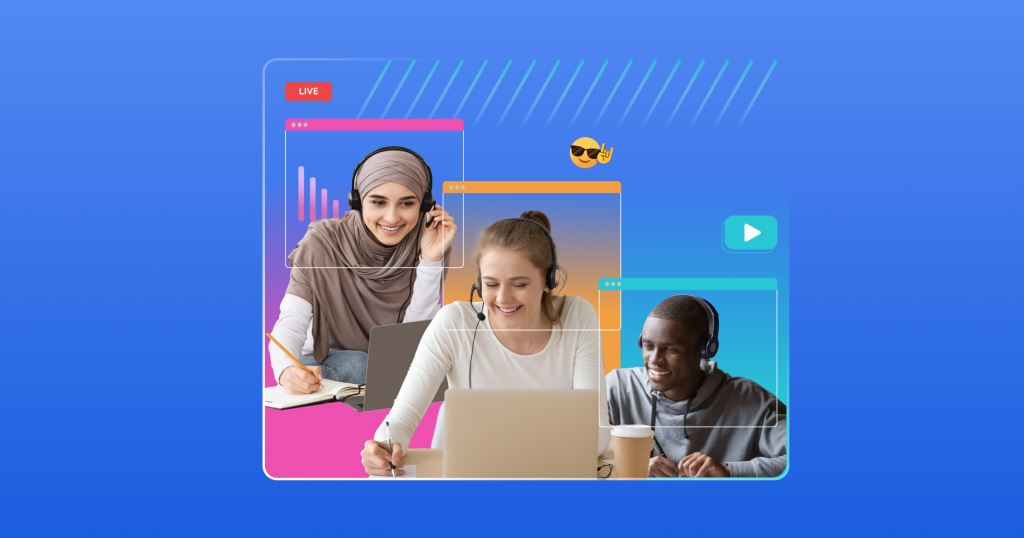





But to create a good podcast, it’s not enough to just have a microphone, a laptop or mobile phone, and a good topic. As a producer or creator, you need podcast software that lets you livestream your episode, record podcast episodes in high-quality audio and video, invite remote guests, interact with listeners in real-time, edit the recording to create polished episodes, stream it to multiple platforms simultaneously, and more.
In this guide, we’ll learn about the best podcast software for live streaming and recording podcast episodes.
10 Best Podcast Software
1. Airmeet Podcast
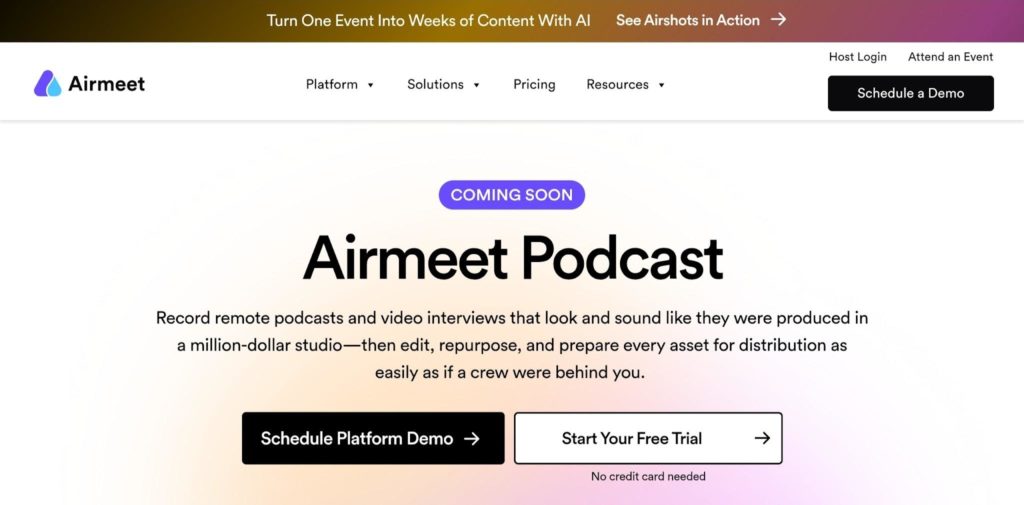
Airmeet Podcast lets you record remote podcasts and video interviews, then edit, repurpose, and prepare the content for distribution in a single streamlined workflow. It is specifically built for marketers, content teams, podcast hosts, executive communications teams, consumer marketers, and anyone who creates expert-led audio or video conversations remotely.
On Airmeet Podcast, you can invite guests from anywhere, record studio-quality audio and video, turn a conversation into a great episode, create other episodes ready for the channel, and more.
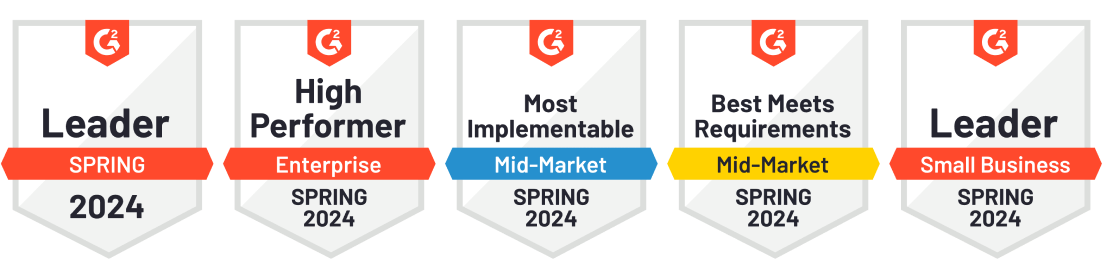
Airmeet has 4.6 stars on G2.
Key Features of Airmeet
- Remote video interviews
- Podcast recording
- Studio-quality audio and video
- Built-in editing
- Content repurposing
- Webinar conversion into podcast episodes
2. Riverside
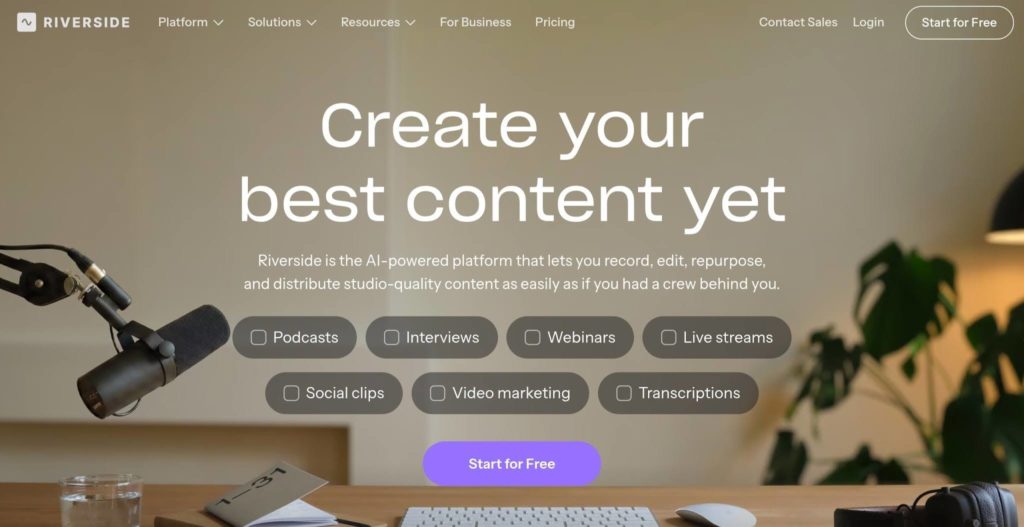
Riverside is the AI-powered platform that lets you record, edit, repurpose,
and distribute studio-quality content with ease. This platform lets remote podcasters record interviews with multiple guests, regardless of their location.
For podcasters, Riverside brings the entire workflow into a single platform, such as inviting guests, recording conversations, editing episodes, creating transcripts and show notes, converting them into short clips, live streaming the interview for listeners, and more.
Riverside records participants locally in separate tracks with up to 4K video and clear audio, even if their internet connection drops. Its AI-translation feature translates, voice, and lip sync your recordings in 30+ languages.
Riverside has 4.8 stars on G2.
Key Features of Riverside
- High-quality local recording
- Separate audio and video tracks
- Remote guest recording
- Live podcast streaming
- Magic clips
- Magic audio
- AI-powered editing
- Podcast repurposing
- Studio branding
3. StreamYard
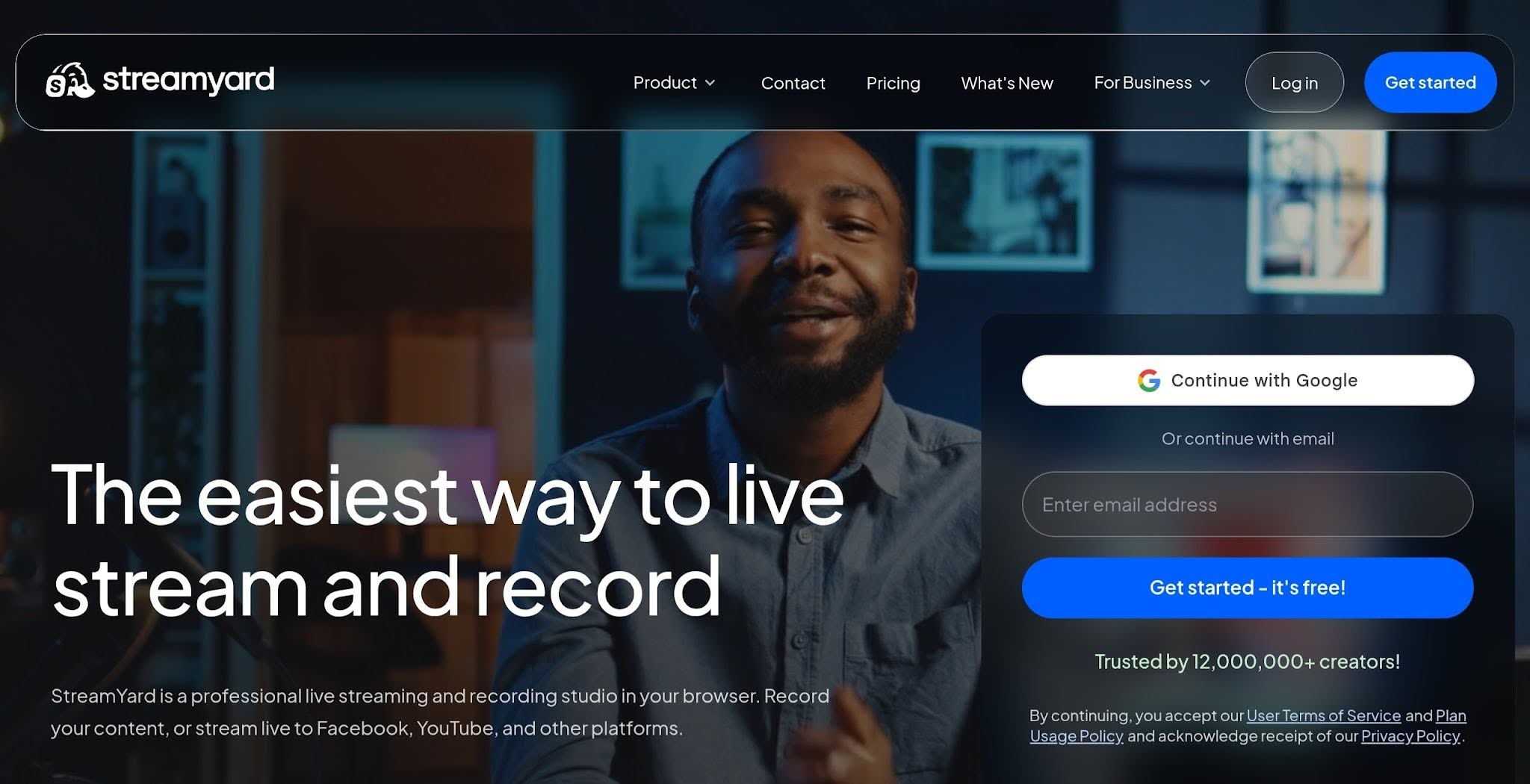
StreamYard is a browser-based live streaming and recording, allowing you to record your content and stream it live to Facebook, YouTube, Instagram, LinkedIn, X (Twitter), Twitch and other platforms.
This platform has a local recording feature that allows each participant to record separate audio and video files directly to their device. And it ensures that the recording will not be blurry or choppy, even if someone’s internet is weak.
With StreamYard, you can invite remote guests with a separate link, host conversations with up to 10 people, record the conversation, add branding and graphics, interact with viewers, and livestream to multiple platforms from one studio.
StreamYard has 4.8 stars on G2.
Key Features of StreamYard
- Browser-based podcast recording
- Studio-quality sound
- Local recording
- Multistreaming
- Guest interview
- Branding tools
- Video repurposing
4. Descript
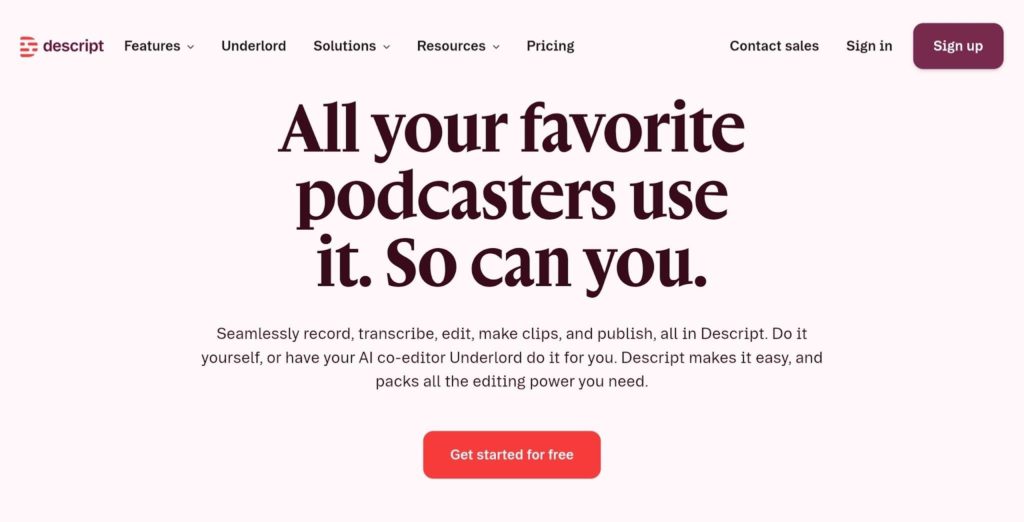
Descript is an AI video and audio editor platform that lets you record, edit, and publish podcasts with the power of AI. Most podcast editing software asks you to use a traditional timeline, but Descript’s text-based editor lets you edit your audio and video right in the transcript, making it as easy as typing in a document. With a single click, you can easily remove unnecessary words and background noise, add voice-overs, and correct audio errors using AI voice cloning, all from a single system.
Descript lets you record podcast interviews remotely, whether it’s audio only or 4K video, and your podcast guest interviews will be recorded in crystal clear audio and video, all from the comfort of your home. If you’ve created a video podcast, you can publish it to YouTube directly from Descript.
Descript has 4.6 stars on G2.
Key Features of Descript
- Crystal-clear recording
- AI Video editing
- Screen recording
- AI-voice (generate a podcast intro, video voiceovers and more)
- Custom caption
5. Zencastr
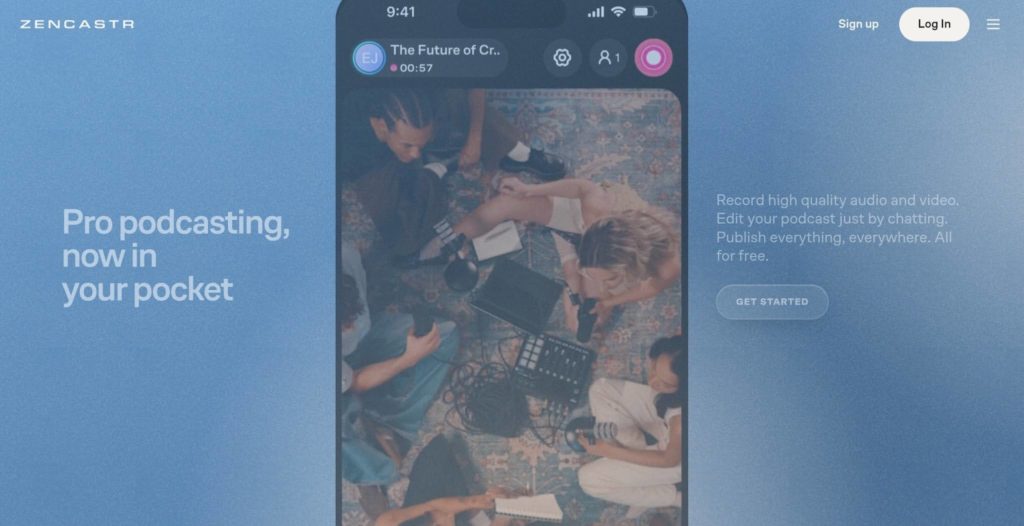
Zencastr is a podcast creation software that enables you to record studio-quality podcasts from your browser or phone. You can invite guests and ask them to participate by clicking a link; they, too, can produce studio-quality recordings. And up to six people can attend a single session for free.
Zencastr consistently produces excellent audio and video by recording locally to your device, regardless of the WiFi connection. With Zencastr, you can turn your audio-only recordings into a video presence with visual templates and customizable avatars. Zencastr’s hosting provider stores your podcast audio files and episode information and distributes them to various podcast directories like Apple Podcasts, Spotify, and more.
Zencastr has 3.7 stars on G2.
Key Features of Zencastr
- Audio & video recording
- Podcast editing
- Automatic transcript
- Social clips
- Visual and branding
- Live streaming
- Dynamic insertion
- Video RSS
6. Boomcaster
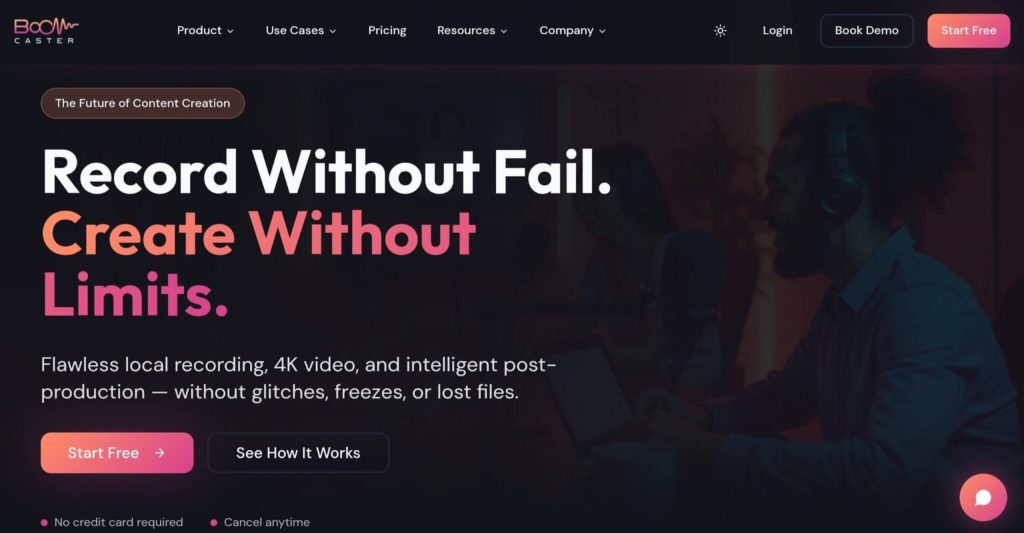
Boomcaster is an intelligent post-production platform that captures high-quality remote interviews and solo sessions. This platform enables you to make every podcast session unique with custom logos, backgrounds, layouts, and branded guest links that impress from the first. On Boomcaster, you can livestream your podcast on 5+ platforms at once including YouTube, LinkedIn, Facebook, Twitch, and more.
Boomcaster has 4.9 stars on G2.
Key Features of Boomcaster
- Studio customization & branding
- Built-in multistreaming
- AI-audio and video editor
- Local recording
- Studio-grade audio & 4K video
- Transcript editor & teleprompter
7. Alitu
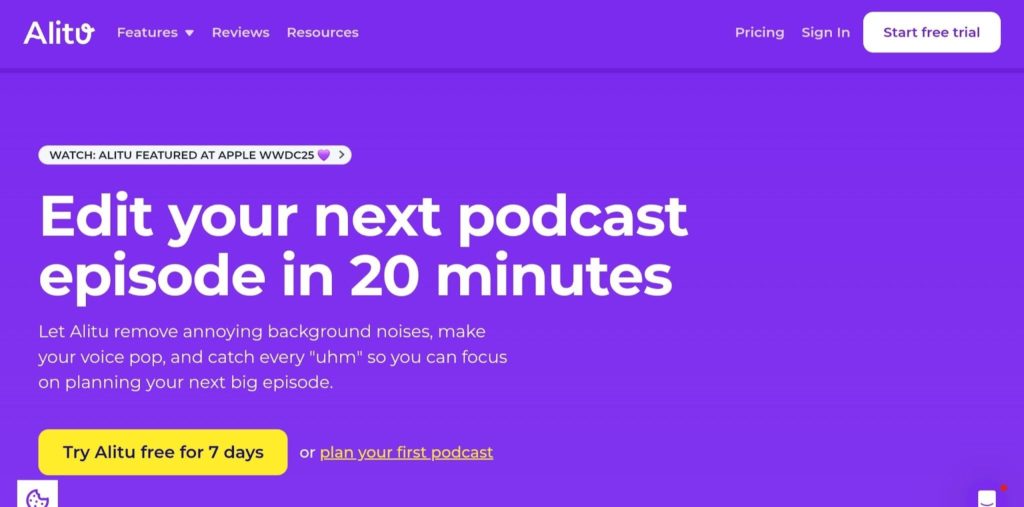
Alitu is an all-in-one podcast creation platform that allows you to record, edit, clean, review and publish podcasts with ease. This platform records high-quality audio and video and easily accommodates up to ten guests per podcast, making it ideal for interviews and panel-style podcasts.
One of Alitu’s key features is its audio editor which allows you to split any voice clip and insert an advert in the middle as well as add background music into podcast episodes. Alitu is able to automatically transcribe podcast episodes into 17+ languages including English, French, Spanish, German, Italian, Dutch and Portuguese and more, helping your podcast reach a multilingual audience.
Alitu has 4.3 stars on G2
Key Features of Alitu
- Audio and video podcast recording
- Audio editor
- Audio clean-up
- Podcast music library
- Podcast hosting
- AI-powered audio transcription
- Podcast websites
8. Buzzsprout
Buzzsprout is an audio and video podcast creation platform that lists your podcast in Apple Podcasts, Spotify, Podcast Index, Amazon Music, and YouTube. This platform also helps your shows listed in major podcast directories and apps, including Apple Podcasts, Spotify, Amazon Music, iHeartRadio, Overcast, Pocket Casts, Castbox, and so on.
Buzzsprout offers a customizable podcast website, enabling you to create a beautiful podcast website that is SEO optimized and includes podcast transcripts, your RSS Feed, and links to your show in the top podcast apps. Its Magic Mastering feature removes background noise from podcasts, balances levels, removes extraneous words, and helps you create studio-quality sound by serving as an Instagram filter for audio.
Buzzsprout has 4.8 stars on G2
Key Features of Buzzsprout
- Podcast hosting
- Audio and video podcast support
- Podcast directory distribution
- Video podcast analytics
- Magic mastering
- Podcast website
- Co-host AI
9. Squadcast
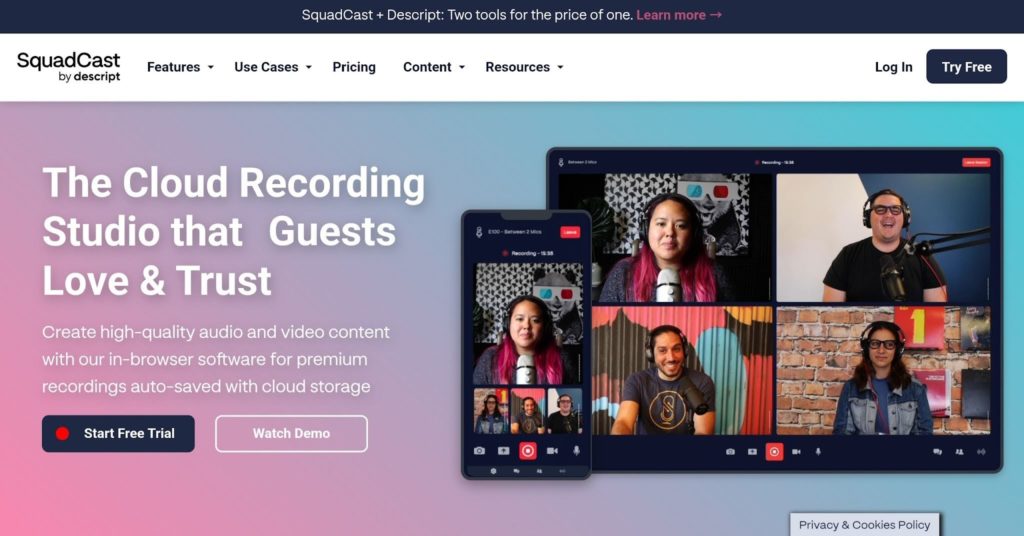
Squadcast, a browser-based remote podcasting and video recording platform, is now part of Descript. It allows creators to record podcast episodes in high quality video and pristine quality audio with remote guests.
With Squadcast, you can easily record and upload high-quality podcasts with their patented Progressive Upload process. This approach encodes media sources into chunks, which are uploaded to the cloud in real-time while recording is in progress, ensuring quality and reliability during remote recording sessions.
Squadcast makes it easy for creators to record quality podcasts on any device they have available, such as smartphones, tablets, and laptops, ensuring a seamless podcast recording experience.
Squadcast has 3.8 stars on G2.
Key Features of Squadcast
- Remote recording
- Progressive uploads
- Local and cloud recordings
- Audio and video recording
- Integration with Descript
10. Async
Async is an AI-powered audio and video content creation platform that allows you to create, edit and publish podcasts. Async supports remote interviews with up to 10 participants, with each participant recorded on a separate track. Its AI video editor helps you create and edit podcast videos using simple prompts. With Async, you can remove background noise, filler words, and long awkward pauses with a single click.
Async has 4.7 stars on G2.
Key Features of Async
- Multi-track recording
- AI-powered editing
- Remote interviewing
- AI Transcriptions
- Sound enhancement
Final Thoughts
Podcast software is a digital tool that allows creators to record, edit, publish, distribute and livestream audio and video podcast episodes. Podcast creation platform makes it easier for creators to record, edit and enhance the video interviews in a professional way through recording studios.
Podcast platforms covered here will make recording and live streaming the audio and video podcast much easier for creators. Whether you are a beginner, a professional podcaster, or a business creating podcasts for marketing, all of the above software will enable you to record high quality episodes and livestream on multiple platforms, allowing your show to reach a wider audience.
FAQs
Riverside is one of the best podcast software options for beginners because it has an intuitive interface and combines recording, editing, video, remote guests, and live streaming in one platform.
You need to look for features in podcast software such as high-quality audio and video recording, remote guest support, multistreaming, screen sharing, automated transcription, local recording, built-in editing, live chat, and branded studio customization.
Yes, you can livestream your podcast on multiple platforms simultaneously including YouTube, Facebook, Instagram, and LinkedIn, helping you reach your target audience through various media channels.
You need a laptop or desktop, microphone, headphones, HD webcam, lighting, and strong Wi-Fi connection to record and live stream your podcast with good audio and video quality.