



YouTube is now the most-used podcast platform in the United States, with 39 percent of weekly podcast consumers naming it their primary service. 71 percent of podcasters now incorporate video into their shows, and YouTube users streamed over 700 million hours of video podcasts on connected TVs in October 2025 alone, nearly double the year before. Not every platform that streams also records well. Many a time, the issue is not the gear or the guest, but the way the platform captured the audio in the first place.
This guide is organized around the point where platforms actually break down during a live show. Each entry covers the failure mode you are most likely to hit before you sign a subscription.
Before You Choose: The Question Most Podcasters Get Wrong
Instead of asking how many destinations a platform can stream to at once, ask what the editor will receive after the live broadcast ends.
A live podcast has two deliverables.
- The first is the broadcast your audience watches in real time.
- The second is the master file your editor turns into a polished episode.
These are not the same thing, and the platform you choose determines which one you are prioritizing.
When the recording comes from the mixed live stream, a dropped connection or unstable call does not just affect what the audience hears, it damages the master file your editor works from too. If the platform records locally on each participant’s device, the broadcast can degrade while the master stays clean. That architectural difference shapes everything downstream.
Start with the recording architecture. Then evaluate destination count, production controls, and everything else.
The 10 Best Live Podcast Streaming Platforms in 2026
1. Riverside: The Platform That Protects Live Reach And Recording Quality Equally
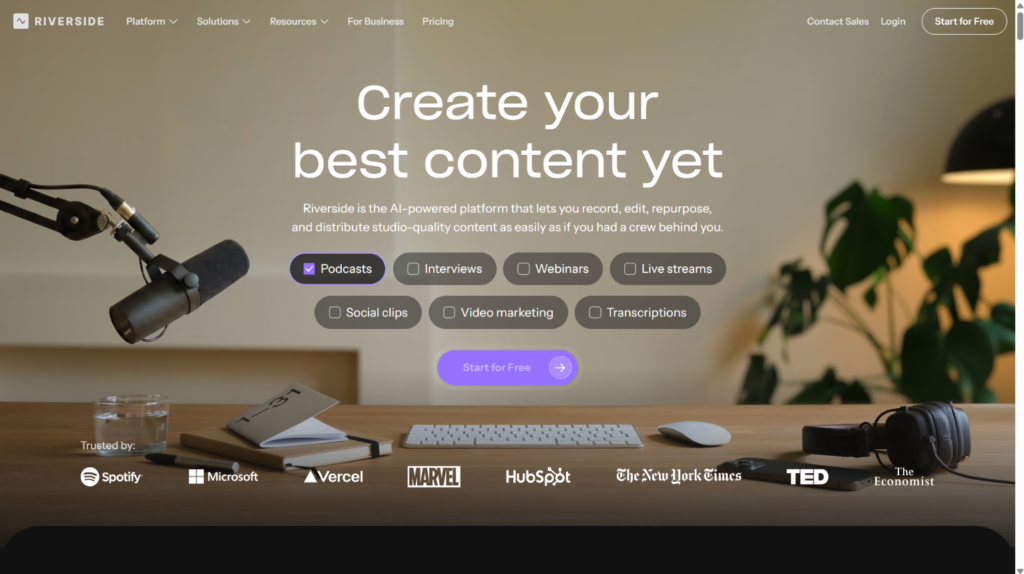
Riverside solves a problem that other live podcast platforms quietly sidestep: protecting both the broadcast and the master file at the same time. Each participant records locally on their device at up to 4K video and 48 kHz audio while the live stream goes out at up to 1080p. A bad connection during the interview appears in the broadcast and nowhere else. The master files stay clean regardless of what happens to the call.
The Live plan at $34 per month annually adds full HD multistreaming to YouTube, LinkedIn, Instagram, Facebook, X, and Twitch alongside everything included in the Pro recording plan. That combination of local isolated tracks and genuine multistreaming in one platform is rare.
The failure mode to watch: the free plan gives only two hours of multi-track recording as a one-time allowance, not monthly. The recording resolution and the live stream resolution are different specifications. Confirm which plan covers both your recording requirements and your streaming destinations before committing.
2. StreamYard: The Safest Choice When The Host Is Also The Producer
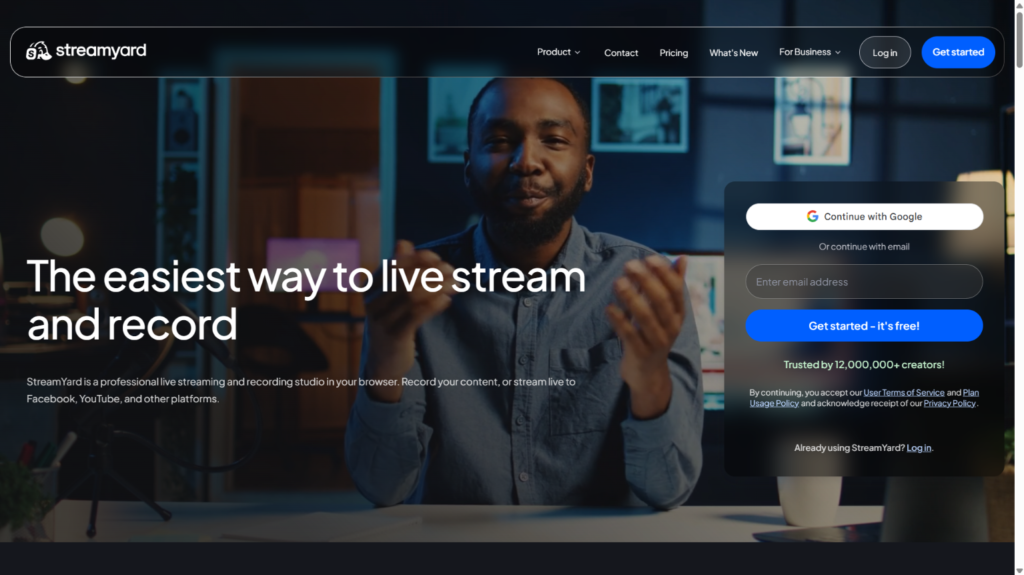
Not every podcast team has a dedicated producer. StreamYard was built for the host who needs to manage guests, layouts, comments, recording, and multistreaming without a second person running the controls. Guests join by browser link with no software install. The platform handles the live broadcast in the cloud while simultaneously capturing studio-quality local recordings of each participant’s audio and video on their own device.
Per StreamYard’s official documentation, local recording is available on all plans including free, though the free tier caps it at two hours per month and cannot combine local recording with live streaming at the same time. Paid plans remove both restrictions and allow unlimited local recording during live broadcasts. The Core plan at $35.99 per month annually supports three simultaneous destinations and 1080p output.
The failure mode to watch: StreamYard raised prices significantly after its 2024 acquisition. Live streaming and recording at the same time requires a paid plan. The free tier watermarks every export and cannot multistream. Confirm your required destination count against the plan before starting a trial.
3. Restream: When Channel Reach Is The Primary Metric
Some shows measure success by how many platforms they reach simultaneously. For those teams, Restream is the strongest option. Its relay service routes one production to multiple destinations at once while a built-in browser studio handles guests, layouts, and audience comment aggregation from multiple platforms in a single view. It also sits cleanly between a desktop encoder like OBS and several destinations simultaneously for teams that want more production control.
The failure mode to watch: local recording with isolated tracks was still in beta in mid-2026 and requires the Professional plan or above. It works best in desktop Chrome and has mobile limitations. A team that chooses Restream for reach and assumes the local recording safety net is fully operational is going to have a bad day when a guest’s connection fails mid-episode. Treat local recording as a feature to validate in your pilot, not a given.
4. OBS Studio: The Ceiling For Technical Producers Willing To Build Their Own System
OBS is free, runs on Windows, macOS, and Linux, and gives technically confident producers more control over scenes, sources, audio routing, transitions, filters, and plugins than any other option on this list. It records locally, outputs a live stream to any RTMP destination, and pairs with a relay service for multistreaming. For producers using capture cards, multiple cameras, custom audio routing, and specific encoder settings, nothing else at this price point comes close.
The failure mode to watch: OBS does not include a remote guest room. Adding Riverside or Zencastr for guest isolation, a relay service for multistreaming, and OBS for production creates a system with more credentials, more monitoring points, and more ways to fail during a live show. Every piece works. The producer has to own every failure.
5. Ecamm Live: The Mac Studio That Earns Its Complexity
Ecamm Live gives Mac-based video podcasters a native desktop production environment with scenes, overlays, interview guests, recording, and live streaming in one application.
The platform supports up to ten simultaneous multistreaming destinations and, on the Pro plan with an Apple Silicon Mac, captures isolated audio and video per participant. Isolated video is capped at 1080p on Pro.
The failure mode to watch: every Ecamm feature described above requires a Mac. Windows teams should stop reading this entry and move to the next one. Beyond the operating system restriction, native multistreaming places real bandwidth and processing demands on the local machine. A show that rehearses on a reliable home network and then records at a venue with shared Wi-Fi will discover these limits the hard way.
6. AirStudio: The Option Built For Brand And Business Teams
AirStudio was designed for brand and business podcast teams that want live production controls, browser-based guest access, recording, and multistreaming without building a system from separate parts. AirStudio production controls, browser guest links, transcripts, and clip creation support the path from live conversation to distributed content asset.
For teams where each episode needs to function as a campaign deliverable rather than just a broadcast, keeping production, recording, and post-production asset creation in one workflow removes the handoff friction that slows recurring shows down.
7. YouTube Live: The Destination That Earns A Spot On Every Shortlist
YouTube Live distributes your live show to the largest video podcast audience in the United States, which is why it belongs on this list.
1 in 3 Americans use YouTube as their primary podcast platform, which means a live show on YouTube reaches an audience that is already there discovering new shows through the recommendation algorithm.
Production can come from a webcam, a browser studio like StreamYard or Restream, or a desktop encoder pointed at YouTube’s RTMP endpoint. YouTube adds a public viewing page, live chat, scheduling, and automatic replay. It does not replace isolated guest recording, a production studio, or RSS hosting.
The failure mode to watch: YouTube requires channel live streaming to be activated, which can take up to 24 hours to verify. Activate it and run a test broadcast before announcing the episode. Discovering the delay on the morning of a scheduled live show is avoidable and common.
8. Zencastr: When Audio Quality Matters More Than Live Production Depth
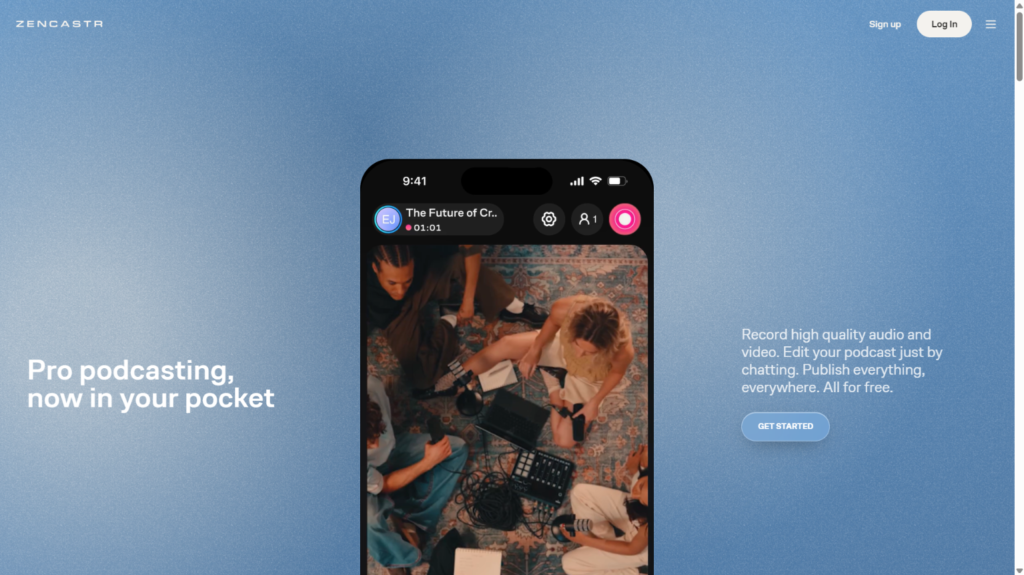
Zencastr captures each participant locally in separate high-quality tracks and has added live streaming to its feature set. For shows where the editorial quality of the master file is the primary concern and live production is secondary, Zencastr gives the editor cleaner source material than platforms that optimize for live reach over recording fidelity. Browser-based guest access with no software required keeps the guest experience simple.
The failure mode to watch: Zencastr’s live streaming capability is a newer addition to a platform built primarily around recording. Verify which plan includes live streaming, which destinations are supported, what the stream resolution is, and how many participants can join a live session before building a production workflow that depends on the live feature being fully equivalent to the recording feature.
9. Onestream Live: For Shows That Need To Be Everywhere At Once
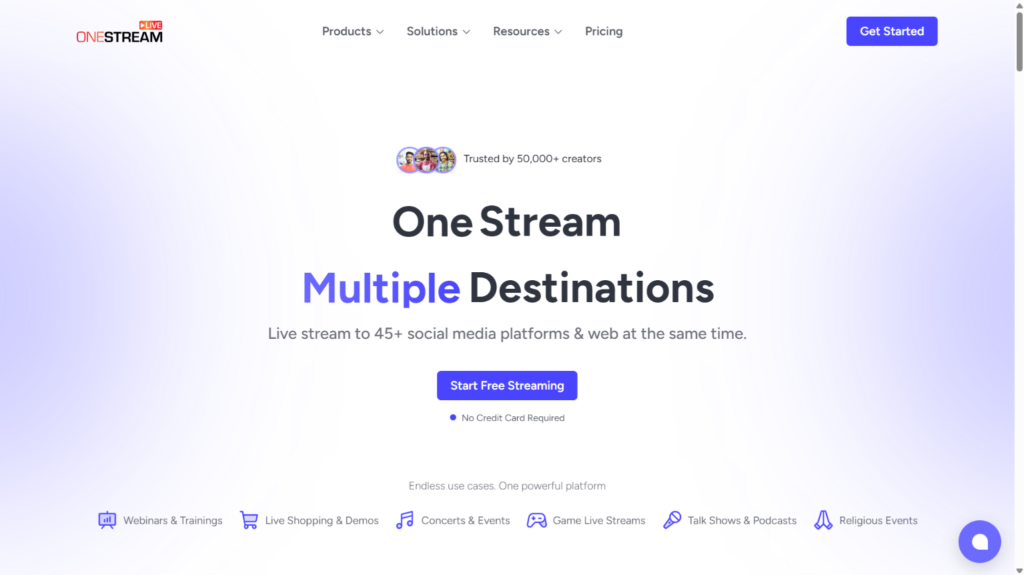
OneStream Live is built for teams with audiences scattered across many platforms simultaneously. The platform supports multistreaming to more than 45 social and web destinations, a built-in browser studio, RTMP encoder input for teams using OBS or Ecamm, hosted live pages, unified chat, branding controls, and session recording.
The failure mode to watch: operational complexity scales with destination count. A team that activates 20 destinations on launch day and has never rehearsed multi-platform monitoring will miss problems that a simpler setup catches immediately. Start with three to five destinations, build confidence in the monitoring workflow, and expand from there.
10. Mixlr: The Right Answer For Audio-Only Live Programming
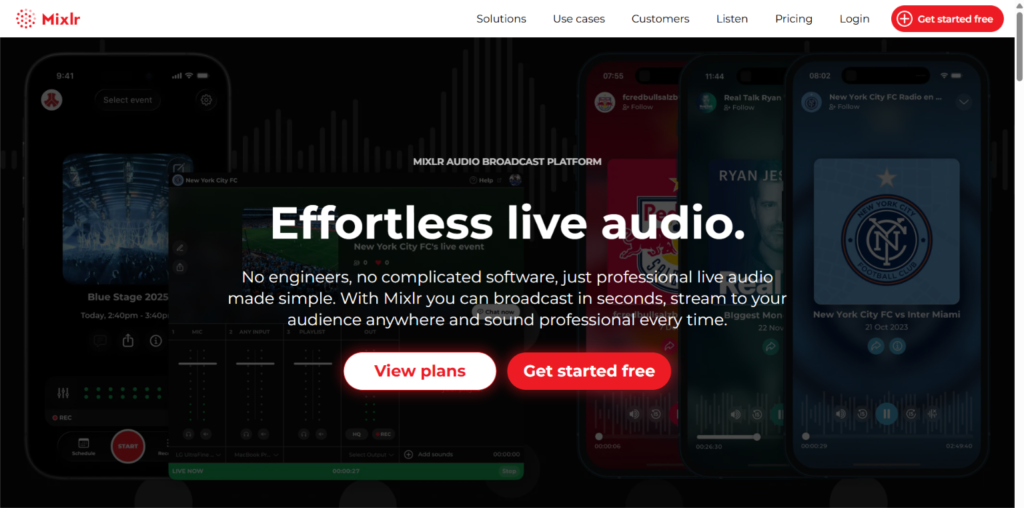
Mixlr occupies a specific and underserved niche. It is purpose-built for live audio broadcasting with a branded listener channel, real-time chat, scheduled show pages, recordings, embeddable players, and listener metrics. The livestream is encoded at 128 kbps MP3. For call-in programs, community radio-style shows, and podcasts that have no video component and no interest in one, Mixlr delivers without asking the host to manage anything a video show would require.
The failure mode to watch: Mixlr as a substitute for a video platform. It is not. There are no visual layouts, no video tracks, and no multi-camera production. Confirm how remote guests contribute audio, which recordings are retained after the broadcast, and how the finished episode moves into your podcast host and RSS feed before committing.
Live Podcast Streaming Platforms At A Glance
Platform | What it does best | Local isolated tracks | The failure mode to test first |
Recording quality plus live reach | Yes, 4K local, 1080p live | Free plan multi-track is one-time only | |
Solo host browser production | Yes, paid plans | Local recording and live need paid plan | |
Multistreaming and distribution | Pro plan, beta | Local recording not fully stable on all devices | |
Technical desktop production | Local only | No native remote guest room | |
Mac native live studio | Pro, Apple Silicon | Mac-only, bandwidth-intensive | |
Brand and business production | Confirm with team | Newer product, verify specs directly | |
Primary live destination | No | Channel activation can take 24 hours | |
Remote audio quality | Yes | Live feature is secondary to recording | |
Broad destination reach | Confirm per plan | Complexity scales with destination count | |
Audio-only live programming | Audio only | Not a video platform |
Conclusion
A live podcast shouldn’t end when the broadcast does. What happens to the recording afterward can determine how much value you actually get from each episode.
If your team is publishing regularly, the difference between downloading one mixed file and having production-ready assets can mean hours of additional editing, cleanup, and coordination. The same goes for managing remote guests, live production, and distribution across multiple channels.
Platforms such as AirStudio take a more connected approach to the live podcast workflow, particularly for teams that need both the live production and the resulting content to fit into the same process.
So before choosing a platform, ask, “What will our team actually have to work with when the stream is over?” And the answer will tell you whether a platform is right for your podcast.
FAQs
No, and this is the most common assumption that leads to a bad editing experience after a great live show. Multistreaming and local isolated recording are separate capabilities that happen to appear on the same feature page. Restream is strong at multistreaming and had local isolated recording in beta as of mid-2026. YouTube Live sends your show to the largest video audience in the US and provides no production recording at all. Always verify recording architecture separately from distribution architecture before the first live episode
For testing, yes. For a recurring live show, almost certainly not. StreamYard’s free plan cannot combine live streaming and local recording at the same time. Riverside’s free plan gives two hours of multi-track recording as a one-time allowance, not monthly. OBS is free and genuinely capable but requires separate solutions for remote guests and multistreaming. If the show is going live regularly with remote guests and multiple destinations, budget for a paid plan from the start and treat the free tier as a trial, not a production environment.
Running a pilot without a test plan is just recording an episode on new software. Before you call a platform ready, confirm each of these:
- Connection failure recovery: disconnect one guest’s internet mid-session and check whether the local recording stays clean
- Upload completion: stay on the session screen after the broadcast ends and watch every participant file complete its upload before anyone closes the browser
- Editor handoff: open the downloaded files in your actual editing software and confirm the format, track count, sync point, and audio quality match what you expected
- Multistream monitoring: activate every destination you plan to use and watch all of them simultaneously for at least 15 minutes to understand what monitoring actually requires
- Guest entry time: measure how long it takes a non-technical guest to join from a cold browser link, because that number determines how much buffer to build into every pre-show schedule