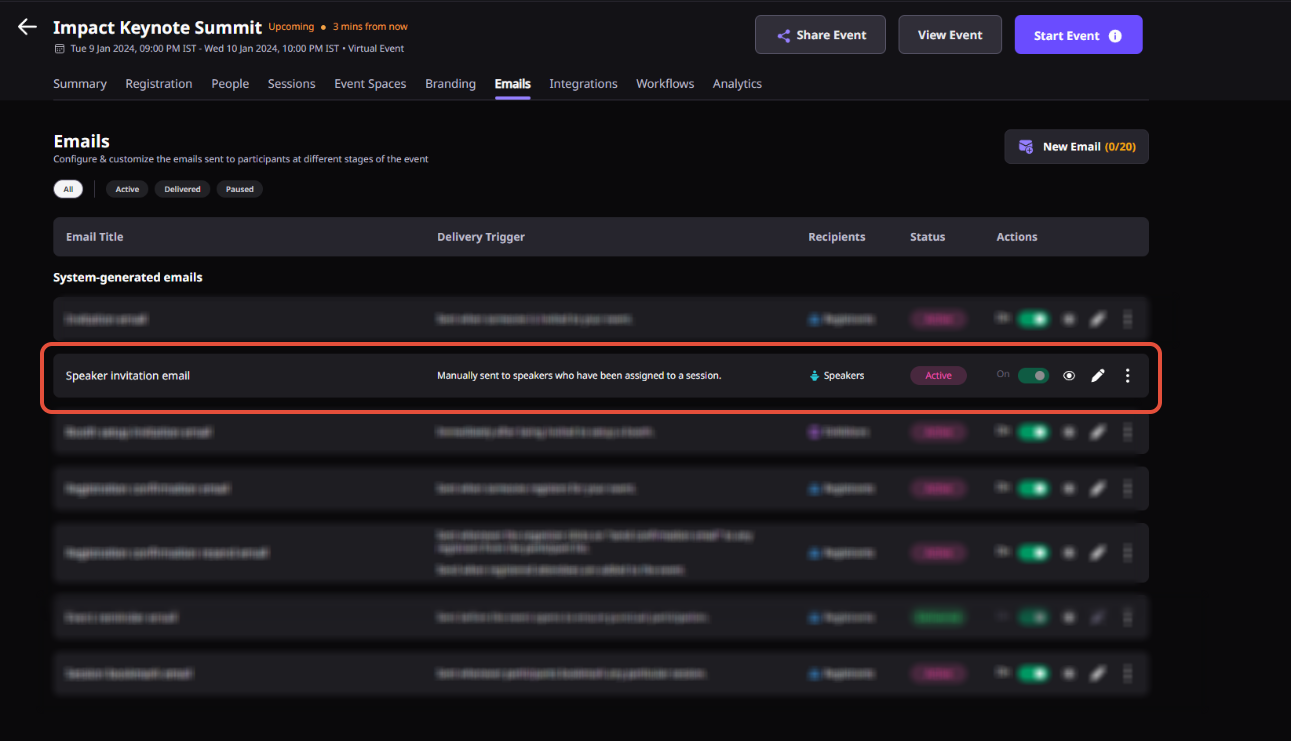
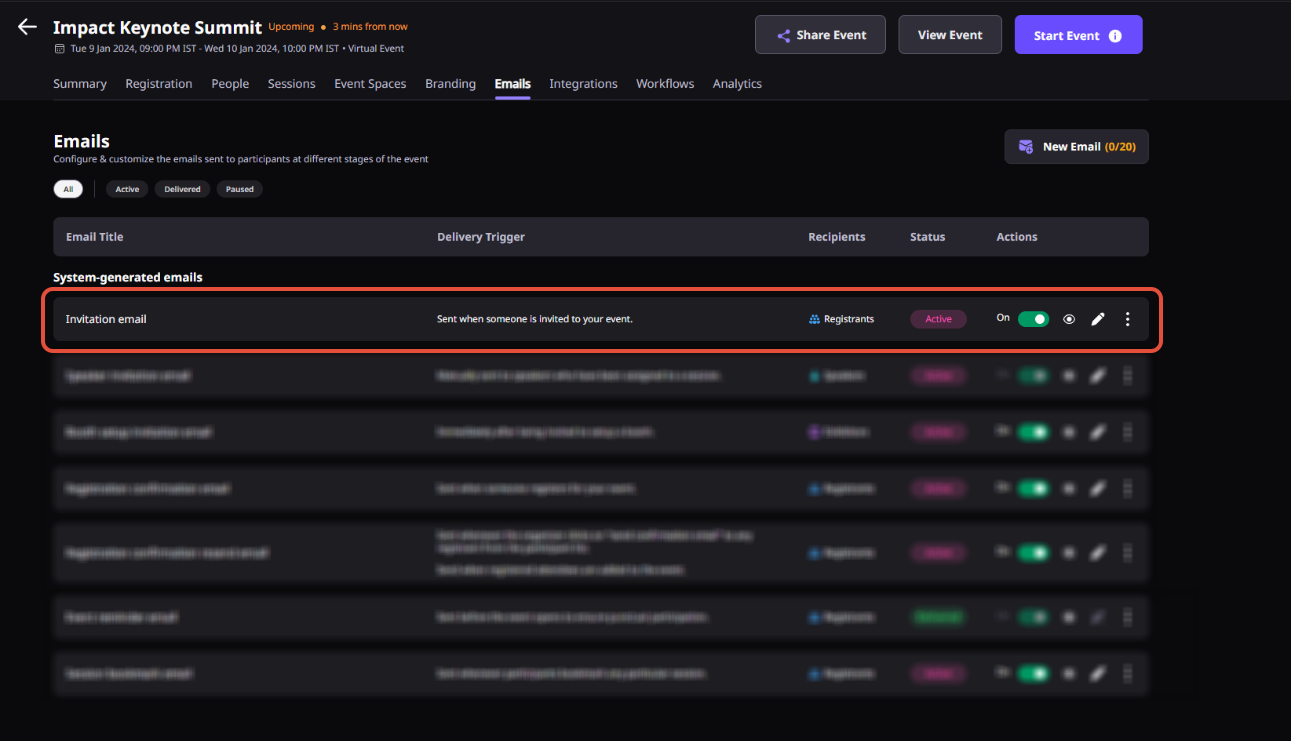
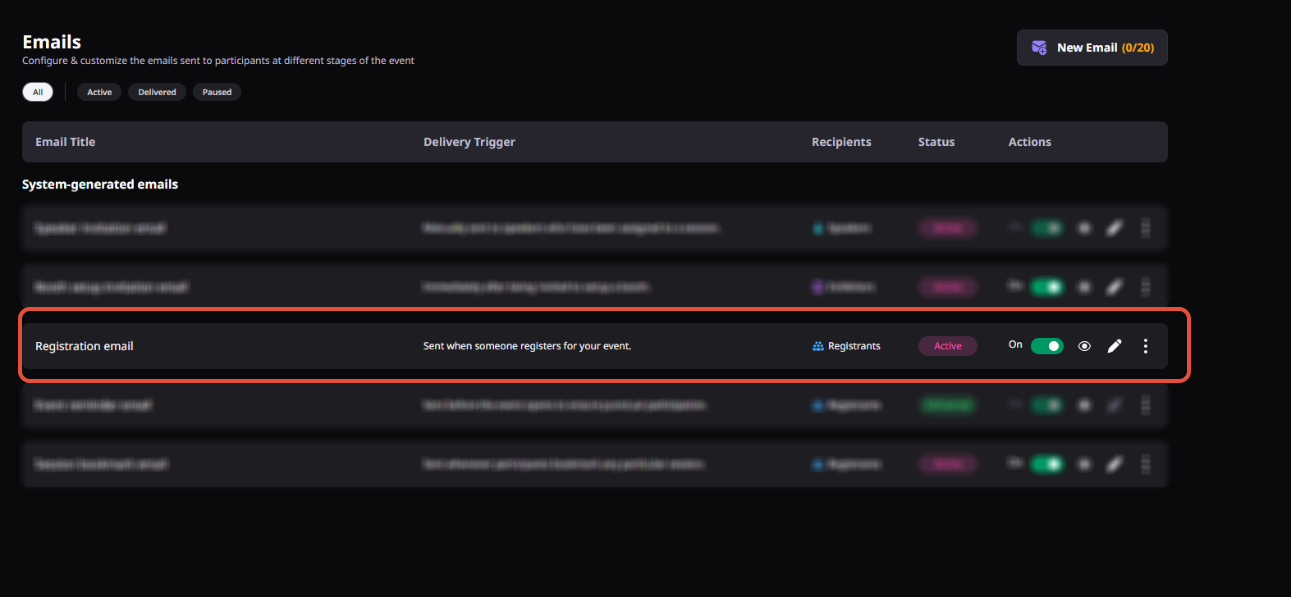
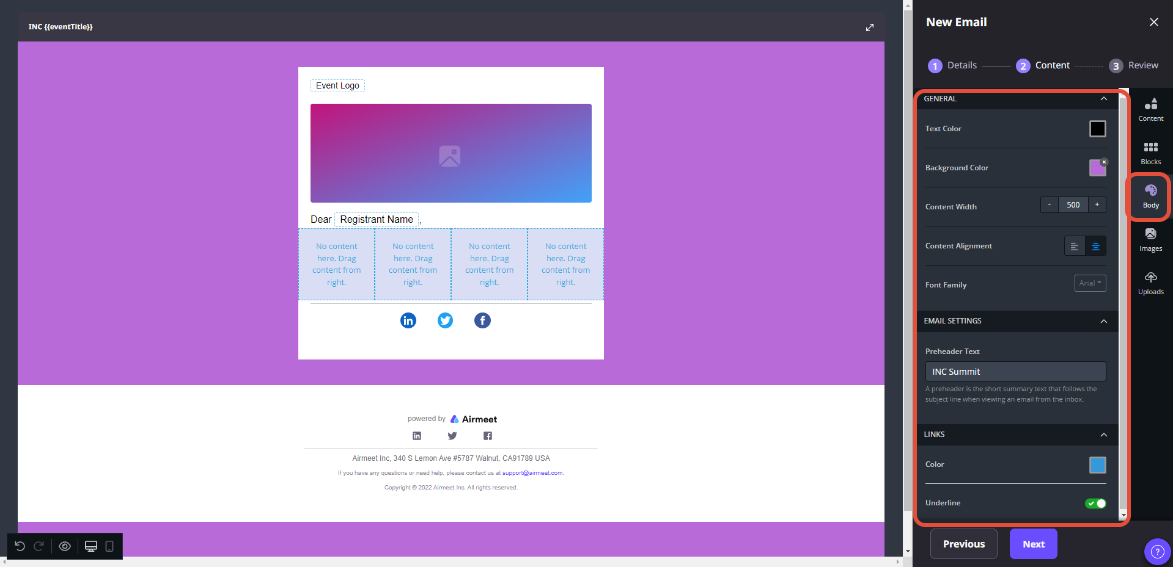
Custom Email Domain lets Airmeet organizers send registration, reminder, invitation, and participant communications from a branded sender domain instead of relying only on the default Airmeet sender identity.
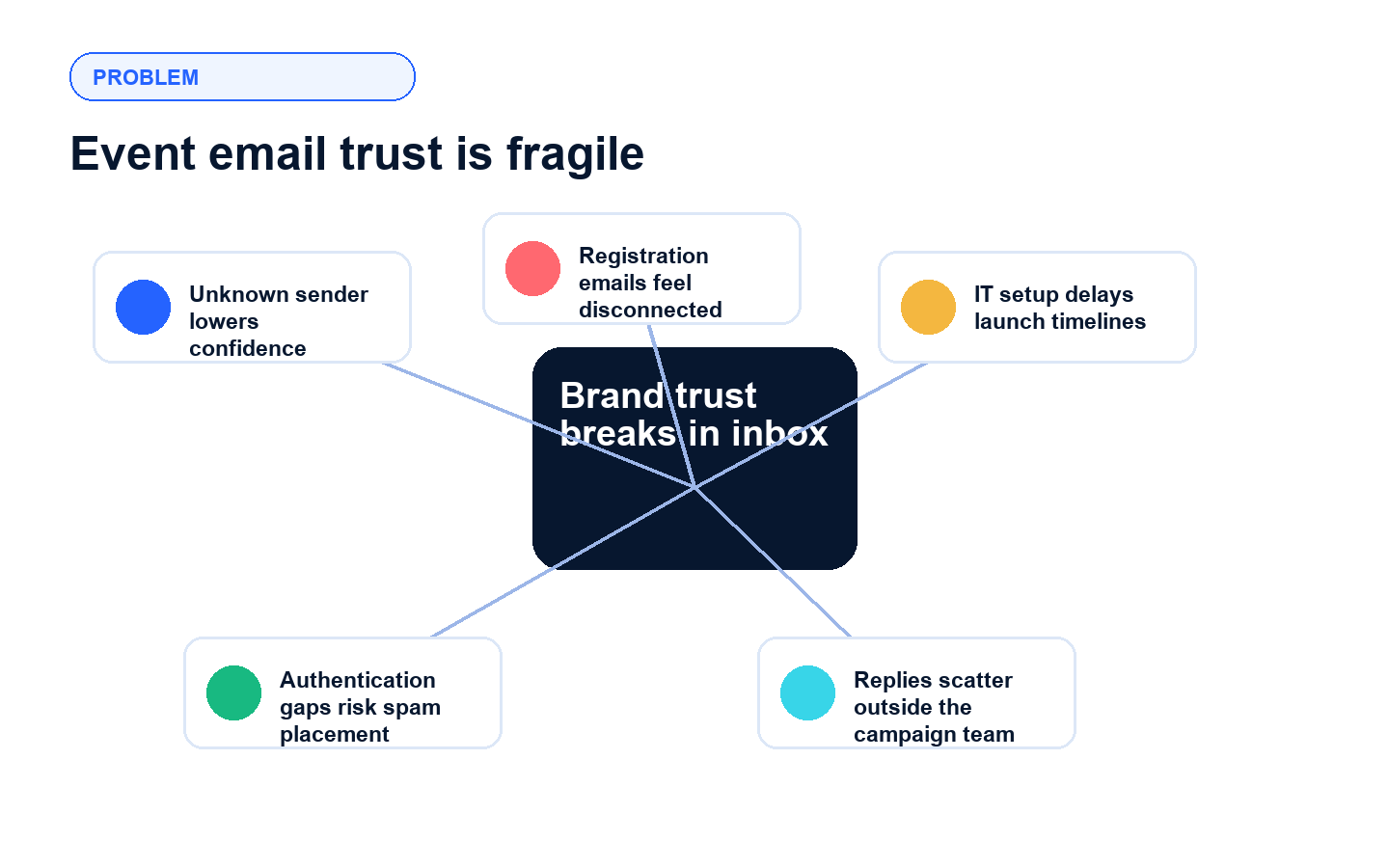
Revenue-focused webinars depend on timely inbox moments: registration confirmations, reminders, speaker invitations, follow-up nudges, and attendance-driving updates. When those emails arrive from an unfamiliar sender, buyers may hesitate, ignore the message, or miss the event link entirely.
Sender trust gap A default sender can feel disconnected from the brand that invited the prospect.
Inbox filtering pressure Gmail and Yahoo now expect senders to authenticate mail, and bulk senders need SPF, DKIM, and DMARC alignment practices.
Operational handoff risk Marketing, event ops, and IT need a clear path for DNS records, sender identity, and activation timing.
Lost attendance momentum If registrants miss confirmations or reminders, show rates and pipeline conversations suffer.
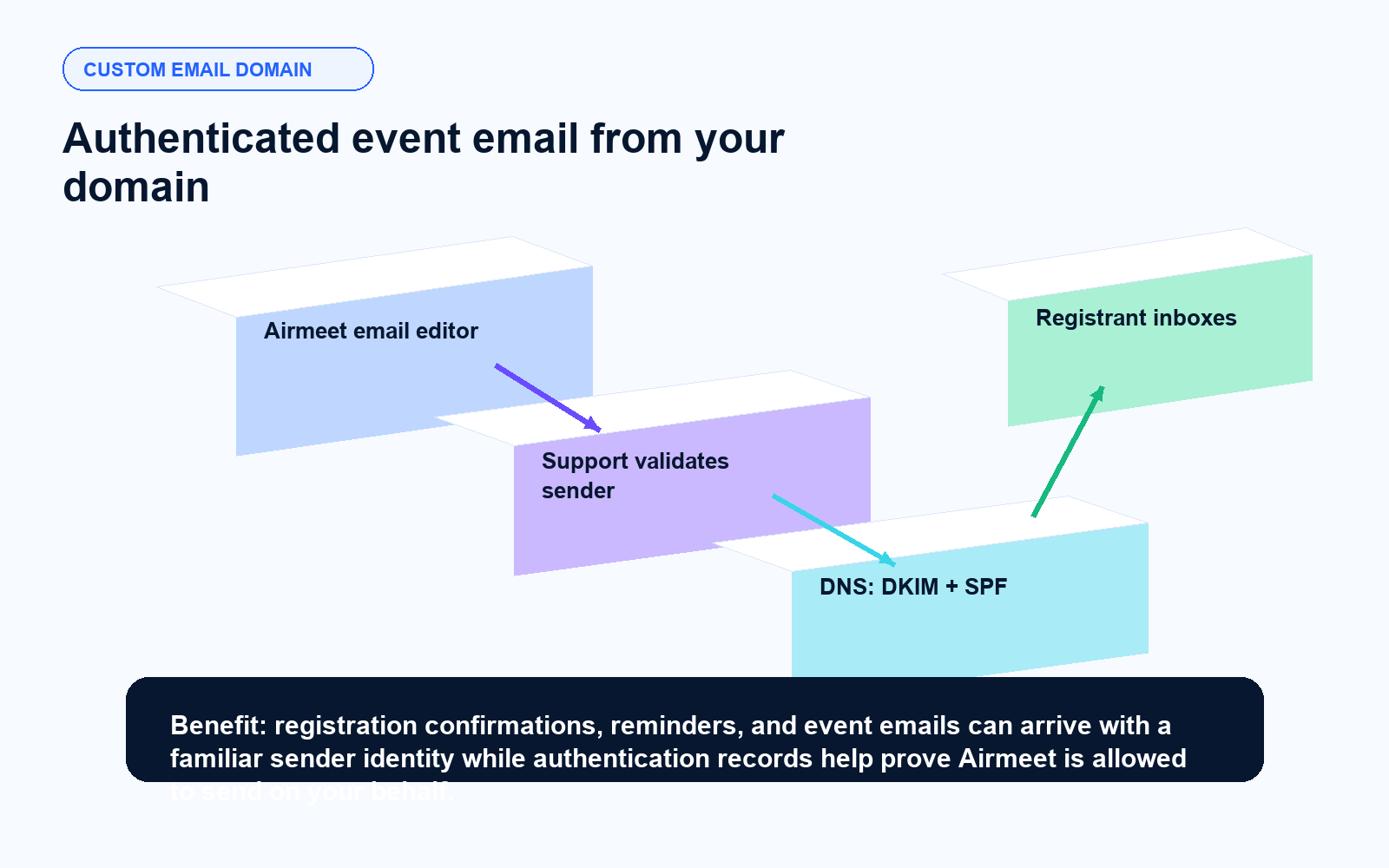
Airmeet authenticates your sender domain for event communications
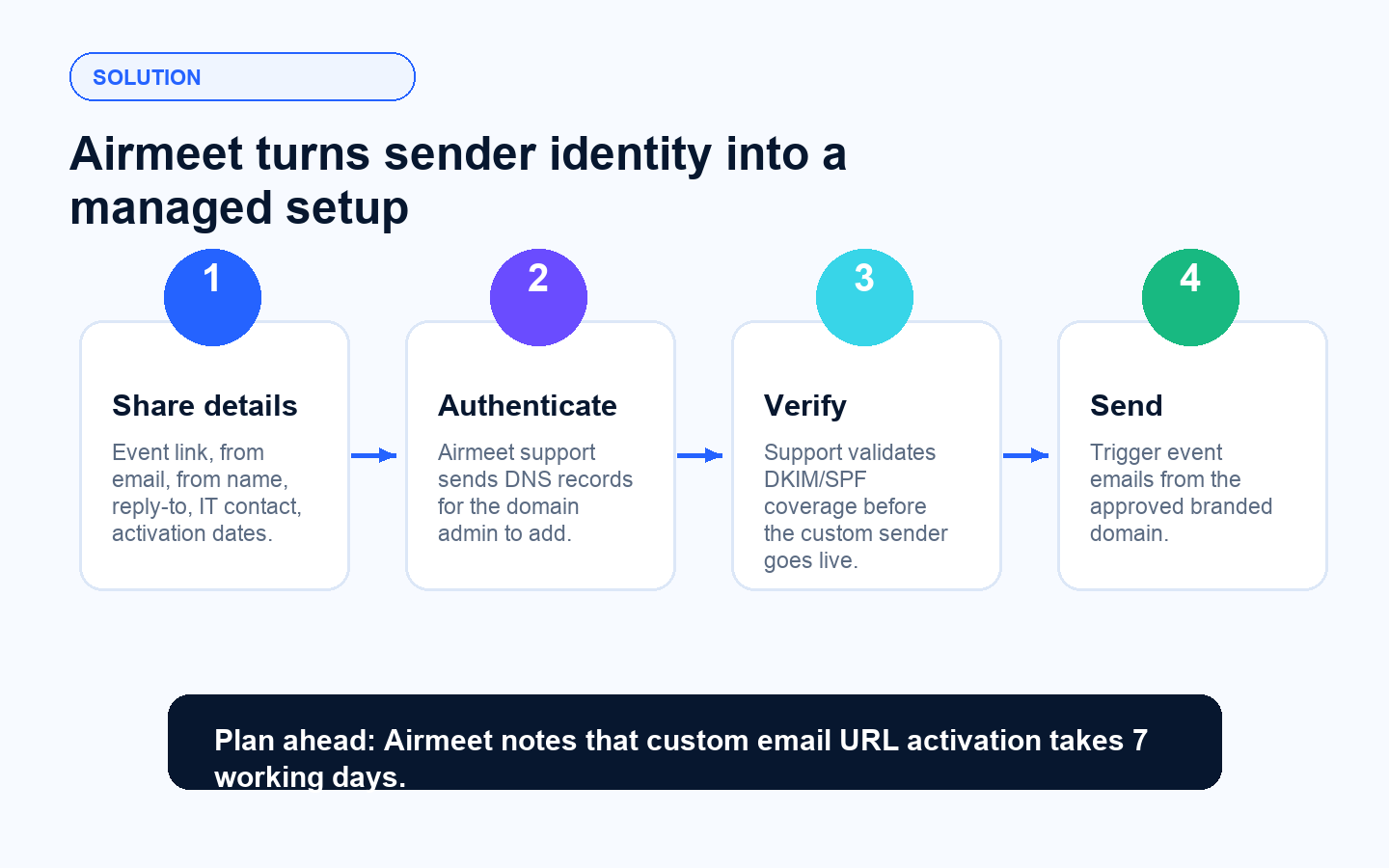
Airmeet supports custom email domains at the event level and the same capability can also be enabled for a community. After the organizer shares the required sender details, Airmeet technical support sends authentication instructions so the domain admin can add DNS records. Airmeet uses SendGrid DKIM and SPF coverage authentication to show email providers that Airmeet is authorized to send on the domain's behalf.
Branded from identity Provide the from email, from name, and reply-to address buyers should see.
Support-guided setup Airmeet sends authentication details to the admin, IT, or organizer contact responsible for DNS.
DNS-based verification The domain admin adds the required records, then notifies Airmeet for verification.
Planned activation window Airmeet asks for activation and deactivation dates and notes a 7 working day activation timeline.
Benefits across revenue-focused virtual event use cases
Custom Email Domain helps B2B teams reinforce trust at every stage where inbox engagement influences registration, attendance, and post-event follow-up.
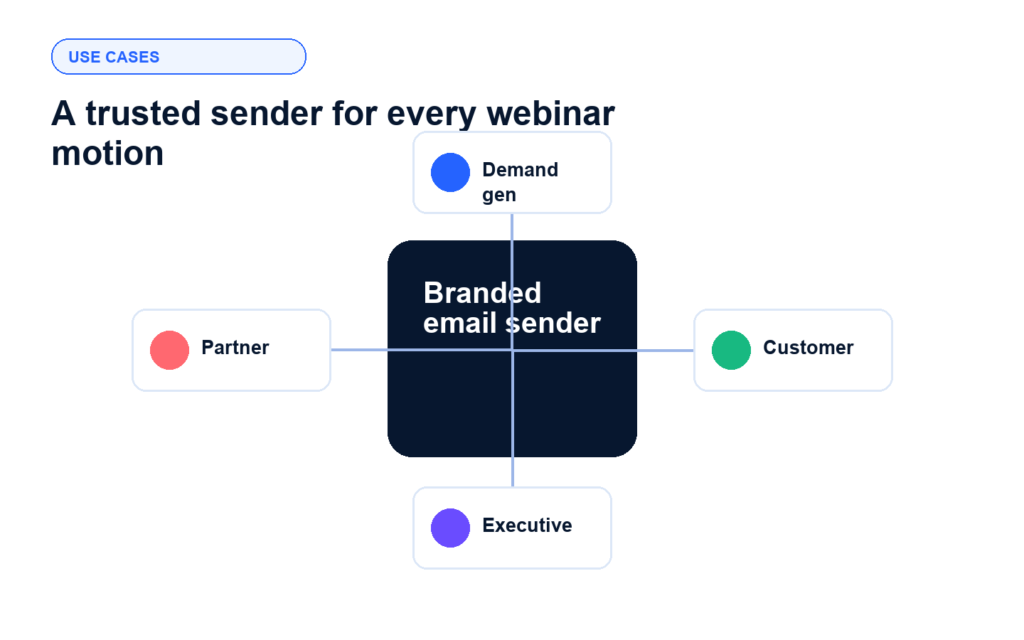
Demand generation webinars
Send confirmations and reminders from a recognizable campaign domain to build trust among prospects and encourage them to attend your webinar. A familiar sender name in the inbox reduces the hesitation that costs you a show rate on high-intent registrants.
Customer education sessions
Use a familiar sender identity for training reminders, adoption sessions, and community updates. When your brand name is in the from field, your customers are more likely to open, click, and show up.
Executive webinars
Make VIP invitations and reminders feel aligned with the host brand and executive program. An executive event sent from a generic sender address undermines the credibility of the invitation before it is even opened.
Partner and sponsor events
Route co-marketed communications through a domain identity that supports the event promise. When both parties share a trusted sender setup, attendee confidence in the event increases across the full registration journey.
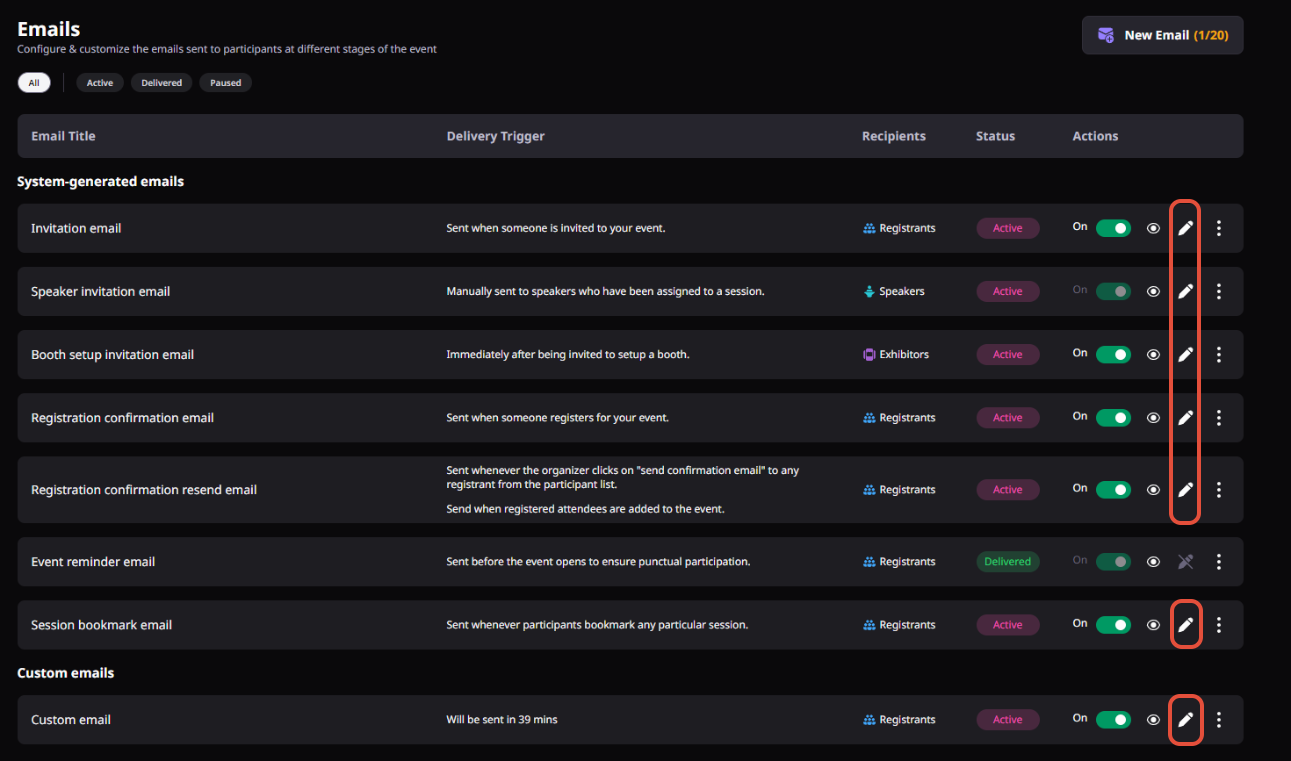
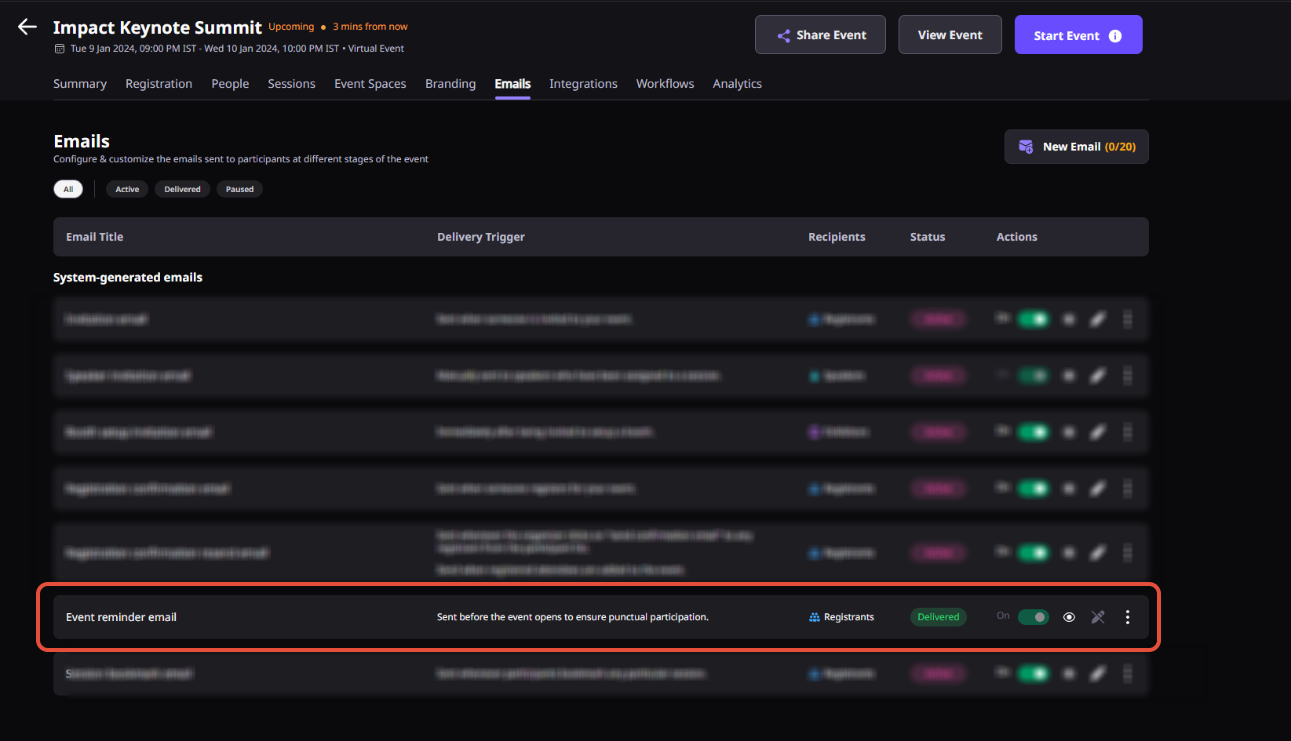
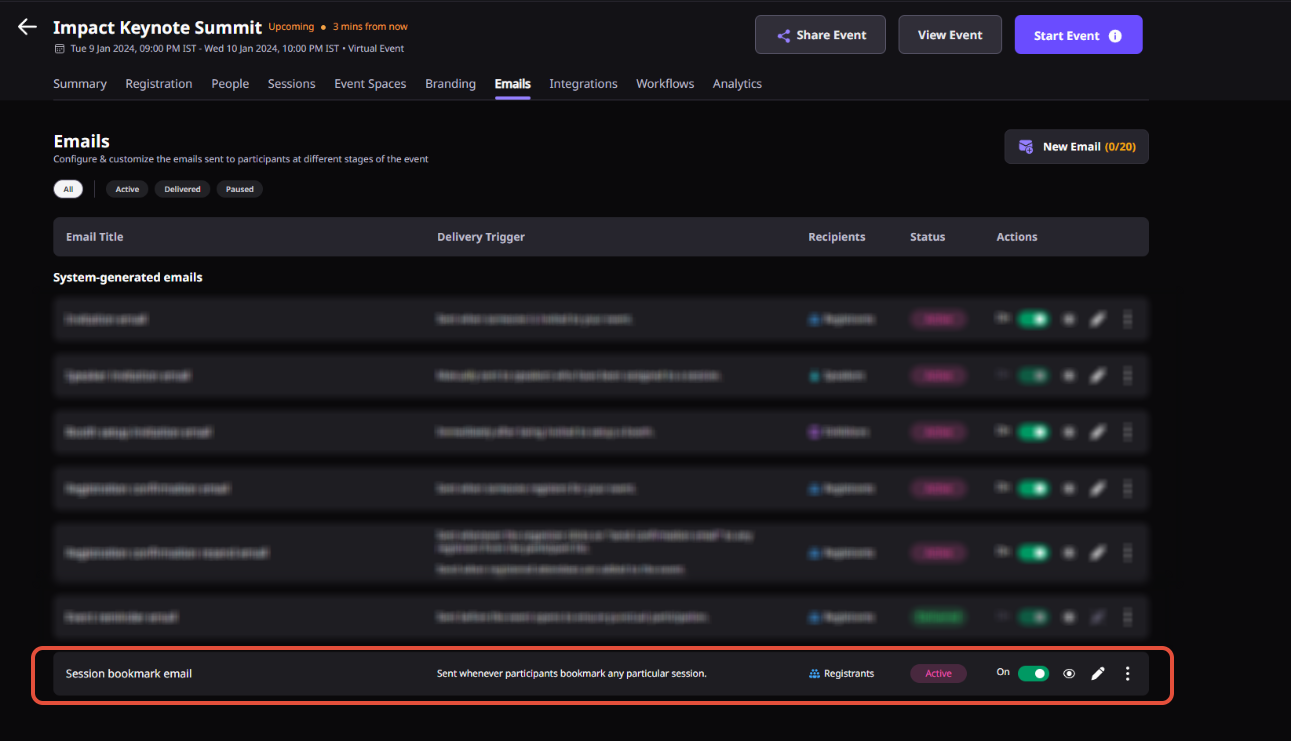
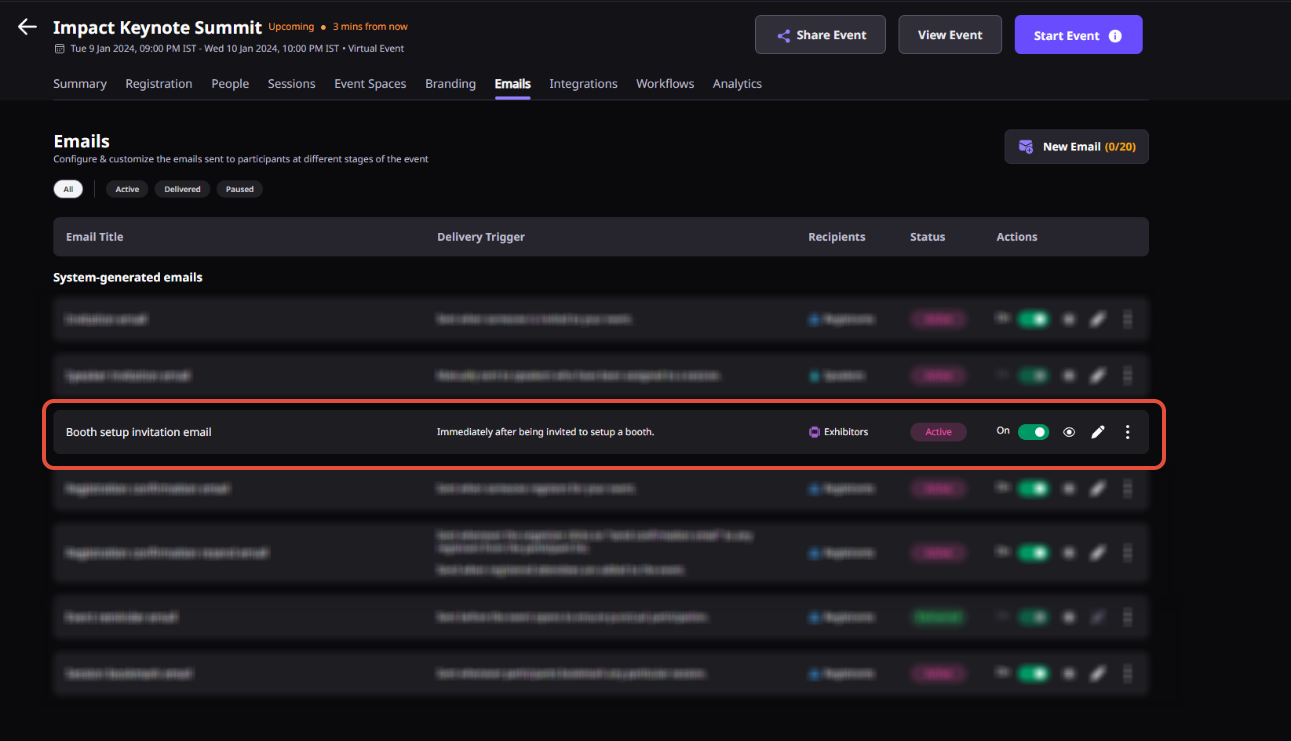
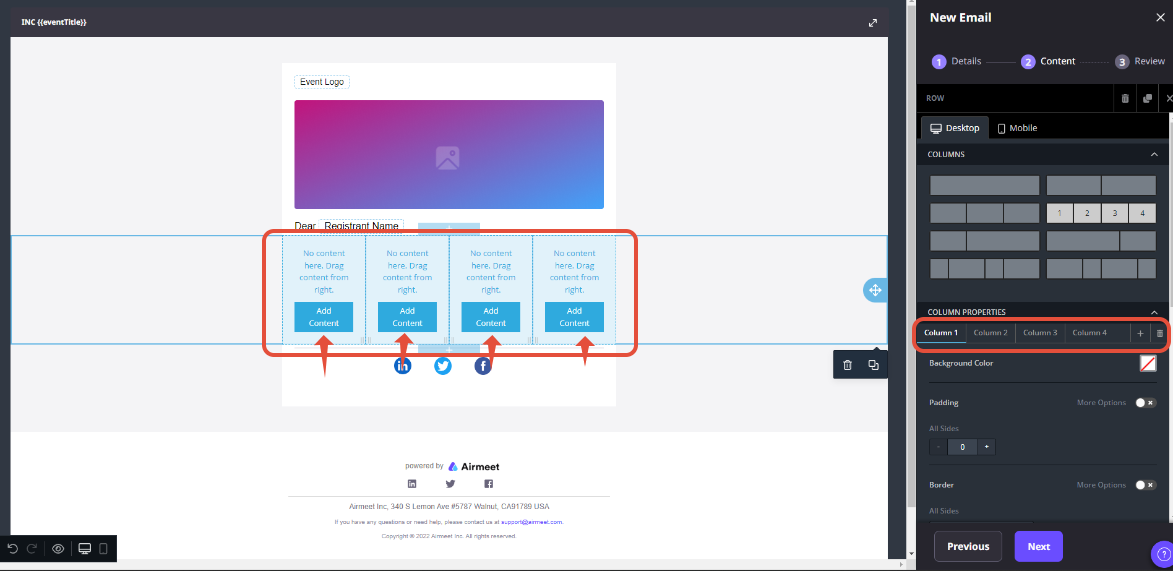
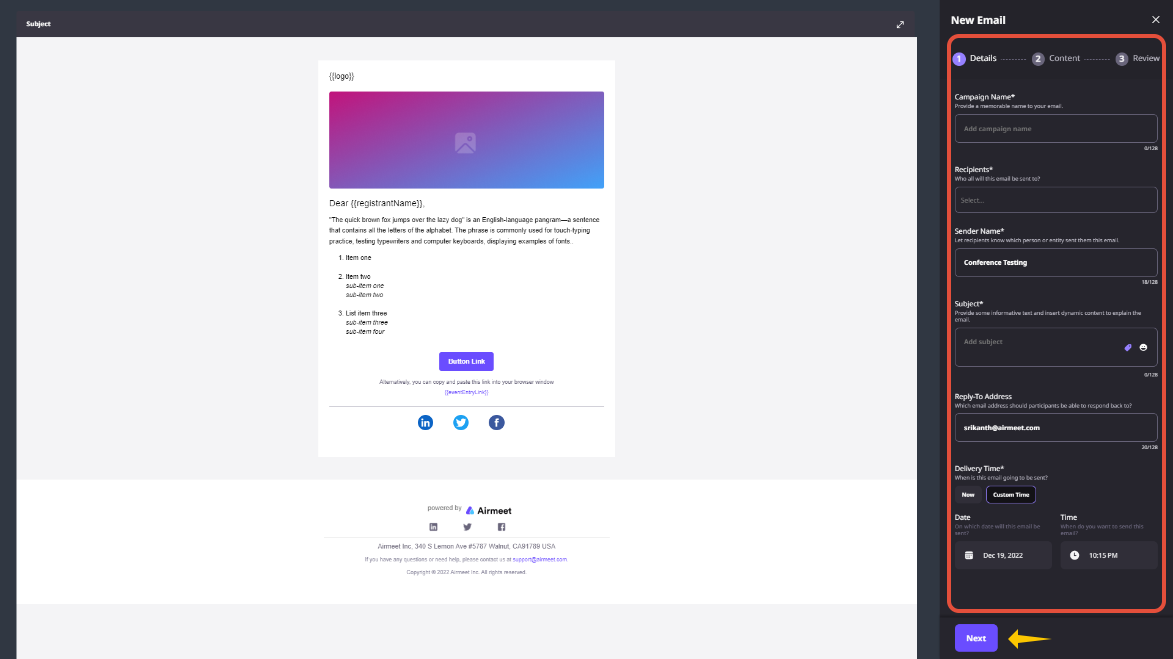
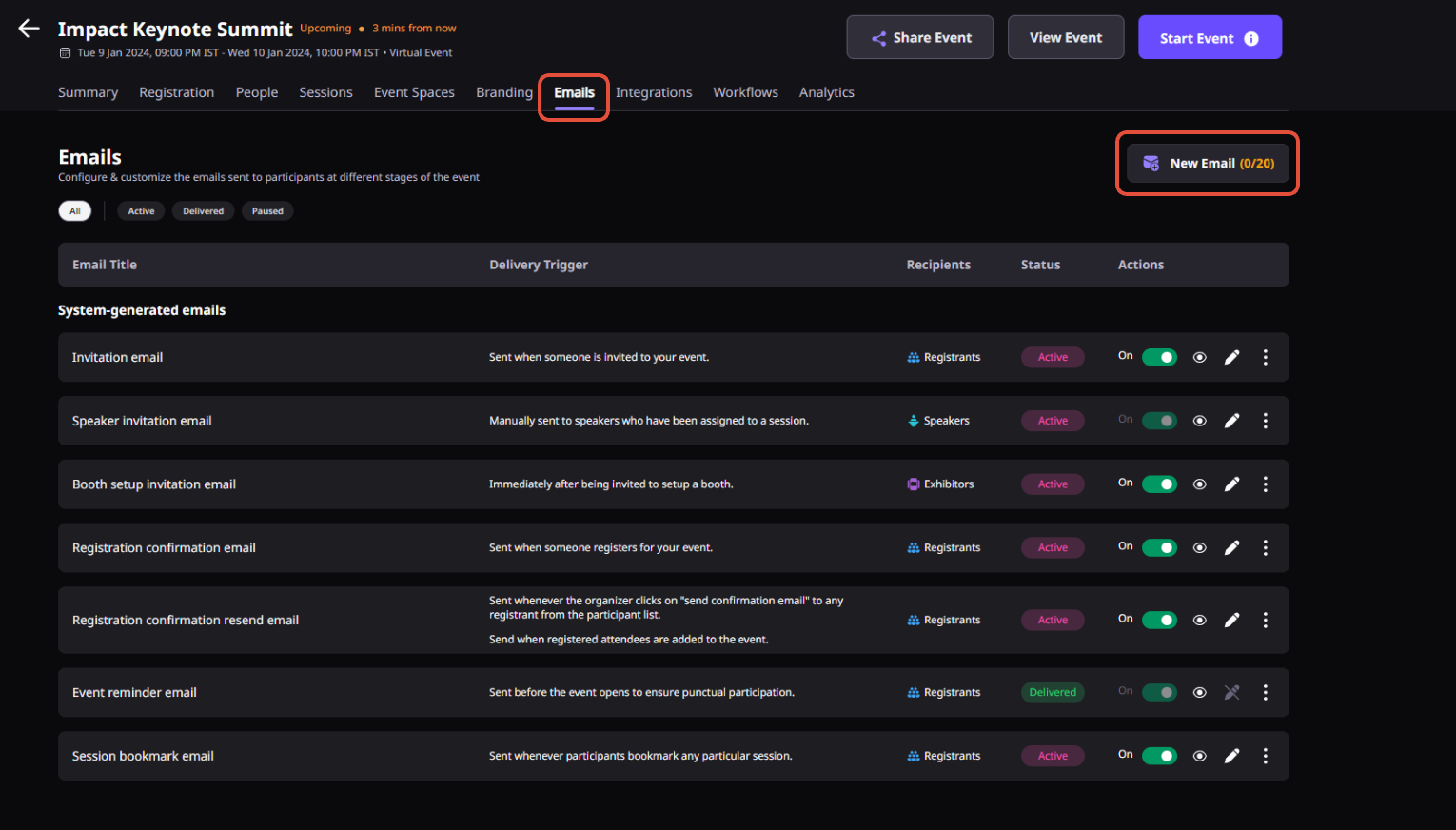
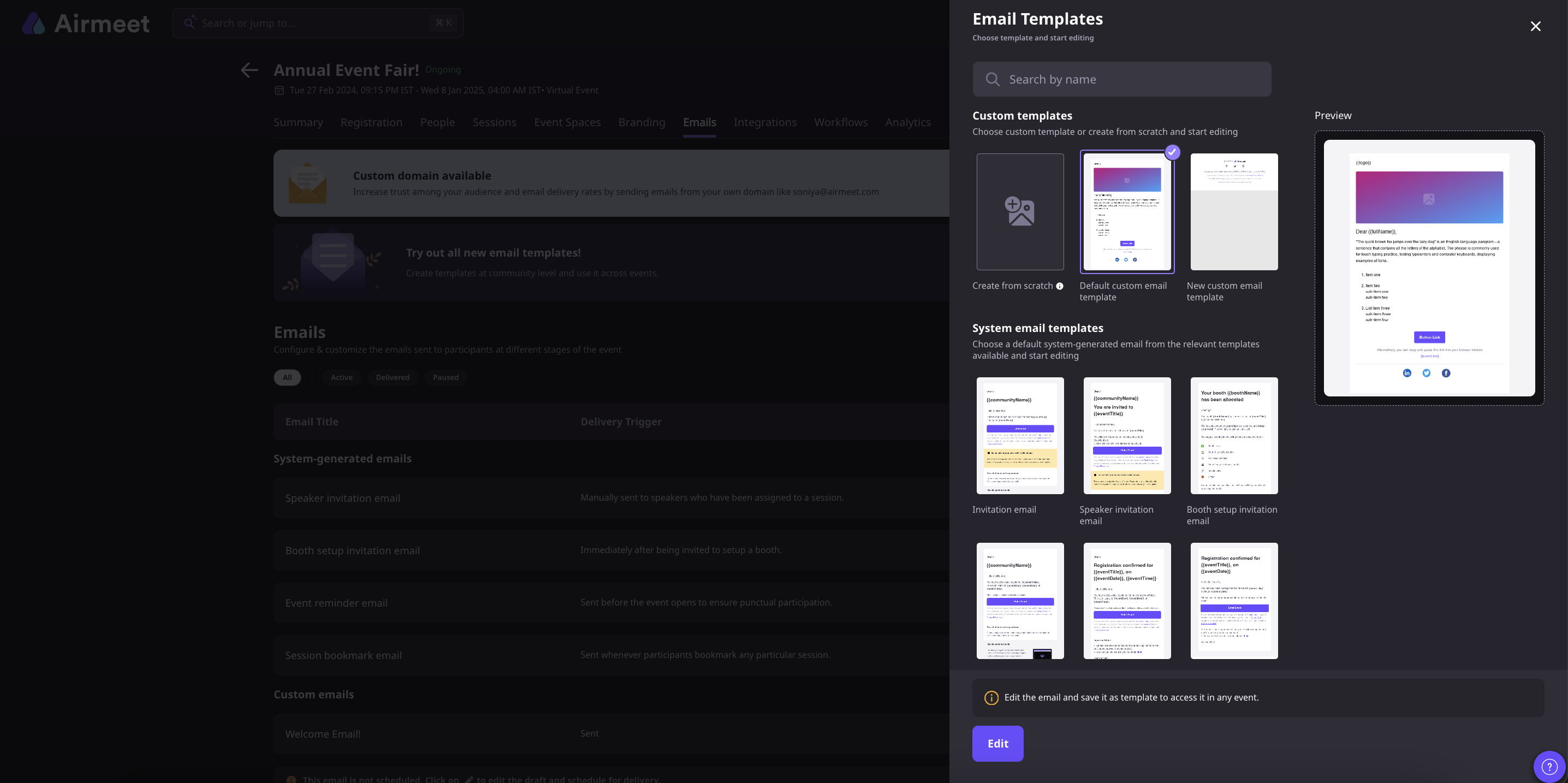
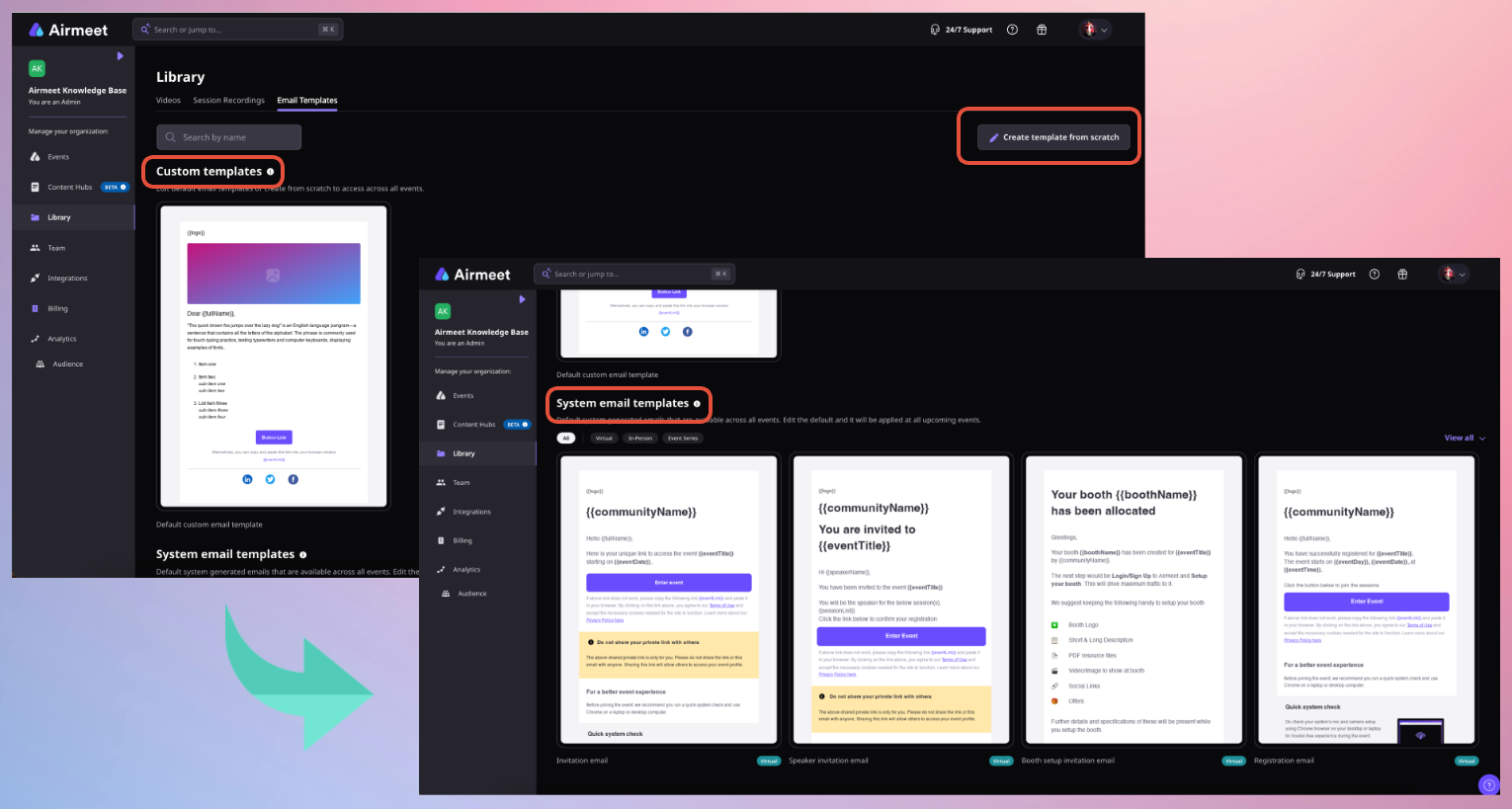
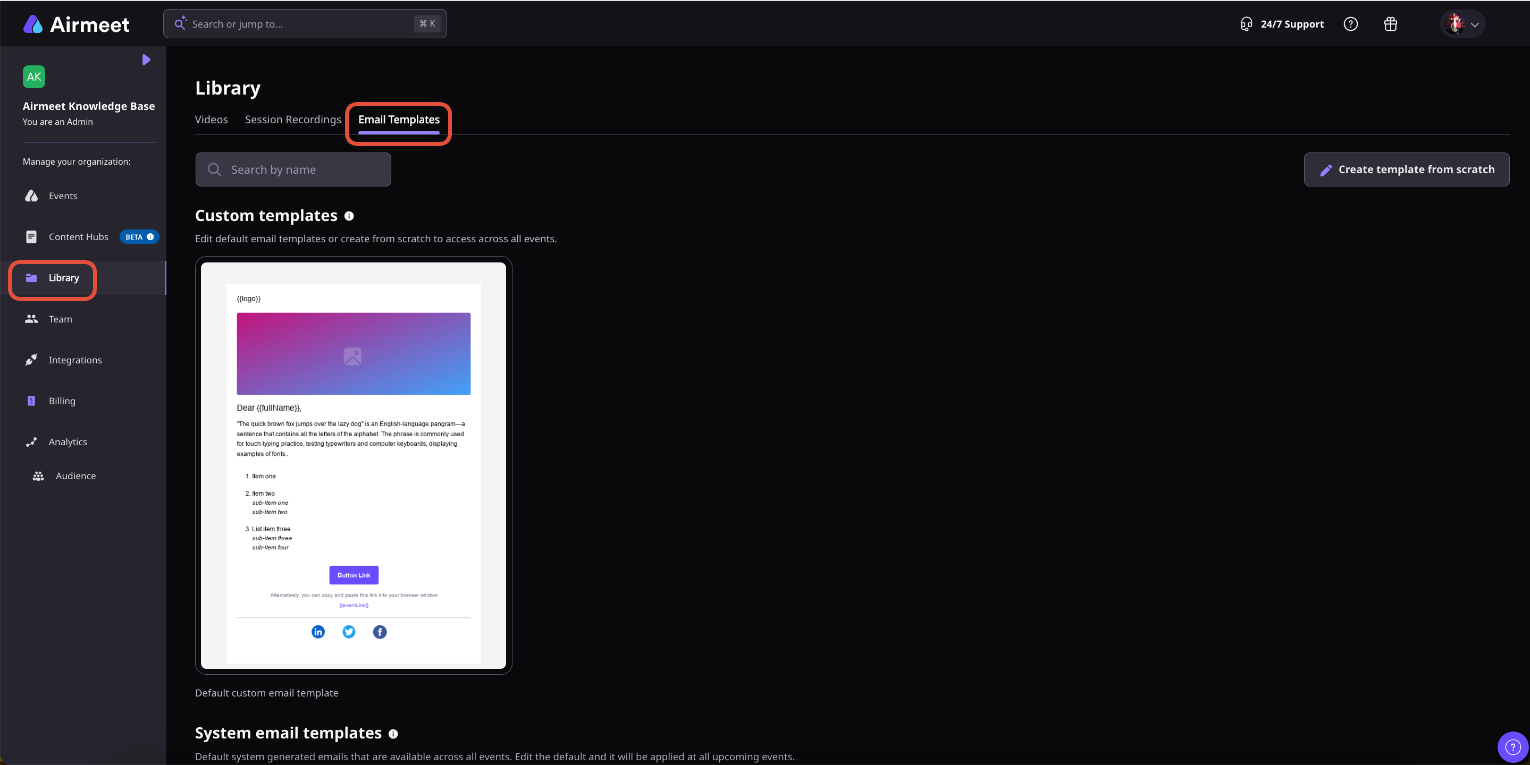
Actual Product Screenshots
Step-by-Step Process
Step 1. Pull Together the Details First
Get these six things ready so the process does not stall halfway.
The Airmeet community or event link you want the domain applied to
The from Email, which is the address your registrants and attendees will see it sent from
The from Name, the name that shows up alongside that email address in their inbox
The reply-to address for any participant responses
The Admin, IT, or Organizer email address, and this one matters more than it looks. It is the specific address Airmeet sends the one-time DNS authentication email to, so it has to be the right person from the start
Your custom email activation date and de-activation date
Step 2. Send Everything to Airmeet
Once you have all six details, share them with Airmeet technical support, your Account Manager, or your Event Success Manager. After that, Airmeet technical support sends an authentication email with the necessary links to the admin or IT contact you listed. Nothing moves forward until that email goes out and the right person receives it.
Step 3. Your DNS Admin Adds the Records
This step belongs to whoever manages your domain DNS. Airmeet sends the authentication email with exactly what your DNS admin needs. Airmeet uses DKIM and SPF coverage authentication so inbox providers can confirm that Airmeet is authorized to send on your domain’s behalf.
Step 4. Tell Airmeet Once the Records Are in Place
After your DNS admin adds the records, someone on your team needs to notify your Account Manager, Event Success Manager, or support agent. Airmeet does not automatically know when DNS records go live. You have to tell them so they can verify the setup on their end.
Step 5. Build the 7 Working Days Into Your Timeline
Airmeet is specific about this. It takes 7 working days to get the custom email domain activated, so plan your request accordingly. If your first registration confirmation or reminder email is going out in two weeks, you are already cutting it close. Request this well before any launch-critical campaigns are on the calendar.
Step 6. Your Branded Domain Is Now Live
Once everything is verified and active, all emails from your Airmeet event or community go out from your domain rather than Airmeet’s default sender address. Registration confirmations, reminders, invitations, and participant updates all route through your branded domain automatically from this point forward.
A few things worth knowing before you start:
The admin email you provide is for a one-time DNS authentication only, make sure it reaches the person who can actually act on it
Custom email domain works at the event level and can also be enabled for a community, once enabled, all emails go from your custom domain instead of Airmeet’s default provider
DKIM and SPF coverage is what Airmeet uses to verify sender authority with inbox providers
The 7 working day window is fixed; build your timeline around it
Why choose Airmeet for Custom Email Domain?
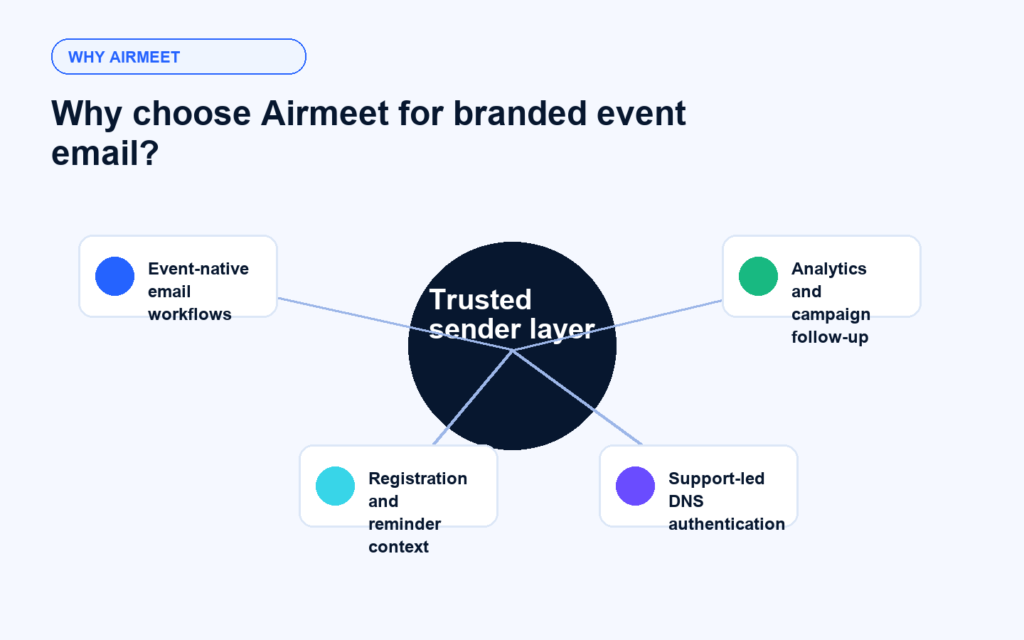
Airmeet brings sender branding closer to the event workflows marketers already use: registrations, email templates, reminders, segmentation, magic links, and email performance analytics. Instead of separating event email trust from webinar operations, Custom Email Domain gives teams a managed path to connect branded sender identity with the communications that move registrants toward attendance.
Designed for event moments Apply branded sender identity to the emails that matter most around registration, invitation, and attendance.
Works with Airmeet email tools Pair the domain with customizable email templates, sender names, reply-to addresses, merge tags, and scheduling.
Built for buyer confidence A familiar domain can reduce friction when prospects look for confirmation emails, reminders, and entry links.
Ready for measurement Use Airmeet email performance analytics to understand delivered email, opens, clicks, and bounces.
help Center
Relevant Help Articles
Explore guides and tutorials to help you create, customize, and host exceptional events on Airmeet.
Airmeet Whitelisted/Custom Email Domain and prerequisite for enabling custom email domain
Custom Email Domain lets an organizer configure a branded sender domain for Airmeet event or community emails, so participants receive communications from a domain identity connected to the organizer’s brand.
Use it for event communications such as registration confirmations, invitations, reminders, participant updates, and other Airmeet emails where sender trust affects attendance.
Yes, a custom email domain can also be enabled for a community, after which emails are sent from the custom domain instead of Airmeet’s default email provider.
Airmeet asks for the Airmeet community or event link, from email, from name, reply-to email, admin or IT contact for DNS authentication, and the activation and deactivation dates.
After Airmeet receives the required details, technical support sends authentication instructions. The domain admin adds DNS records, and Airmeet verifies the setup. With SendGrid DKIM and SPF authentication, email providers can verify that Airmeet is authorized to send emails on behalf of your domain.
Airmeet notes that custom email URL activation takes 7 working days, so marketing and event operations teams should request setup before launch-critical email sends.
Major inbox providers expect authenticated mail. Google requires SPF or DKIM for all senders to Gmail and SPF, DKIM, and DMARC for high-volume senders; Yahoo lists similar SPF, DKIM, DMARC, DNS, and unsubscribe requirements for bulk senders.
Airmeet features
Other Features to Explore
Discover more powerful features that help you create engaging, branded, and seamless event experiences with Airmeet.
“I was really excited to see how alive Airmeet seemed. The first time I raised my virtual hand to ask a question, I was brought up on stage, my camera flipped on, and I was able to talk with the presenters, that was the sold-moment in my head! That is what I wanted. We weren't going to be speaking at our audience. We wanted a two-way engagement. With the analytics in the background, that was my “Aha moment!”
Victoria YounesExecutive Events Manager
Incredible Companies Use Airmeet
Most loved Virtual Events Platform
“I was really excited to see how alive Airmeet seemed. The first time I raised my virtual hand to ask a question, I was brought up on stage, my camera flipped on, and I was able to talk with the presenters, that was the sold-moment in my head! That is what I wanted. We weren't going to be speaking at our audience. We wanted a two-way engagement. With the analytics in the background, that was my “Aha moment!”
Victoria YounesExecutive Events Manager
Incredible Companies Use Airmeet
Most loved Virtual Events Platform
“I was really excited to see how alive Airmeet seemed. The first time I raised my virtual hand to ask a question, I was brought up on stage, my camera flipped on, and I was able to talk with the presenters, that was the sold-moment in my head! That is what I wanted. We weren't going to be speaking at our audience. We wanted a two-way engagement. With the analytics in the background, that was my “Aha moment!”