


AirGenie generates a structured blog post from an entire Airmeet event or a specific session, so your team is not starting from a blank page after every webinar. The discussions your speakers had, the insights they shared, and the key takeaways from each session become the raw material for post-event recaps, thought-leadership articles, newsletter content, and campaign assets, all drafted faster than any manual process allows. Instead of piecing together notes and session highlights by hand, your team gets a structured long-form draft it can actually work with.


Create SEO-friendly recaps and nurture articles from high-intent conversations. Keyword controls and session-level sourcing help teams produce content that stays relevant to the original topic and audience.
Turn session discussions and key takeaways into searchable knowledge content your audience can reference long after the event. AirGenie starts from the actual session so the draft reflects real content rather than generic summaries.
Turn session discussions, key insights, and launch takeaways into focused post-event articles. The session-level source option means the draft stays focused on the specific launch content rather than the full event.
Repurpose expert discussions into polished long-form perspectives for the brand. Editorial controls, including tone, point of view, and word limit, let teams shape the draft before any editing begins.
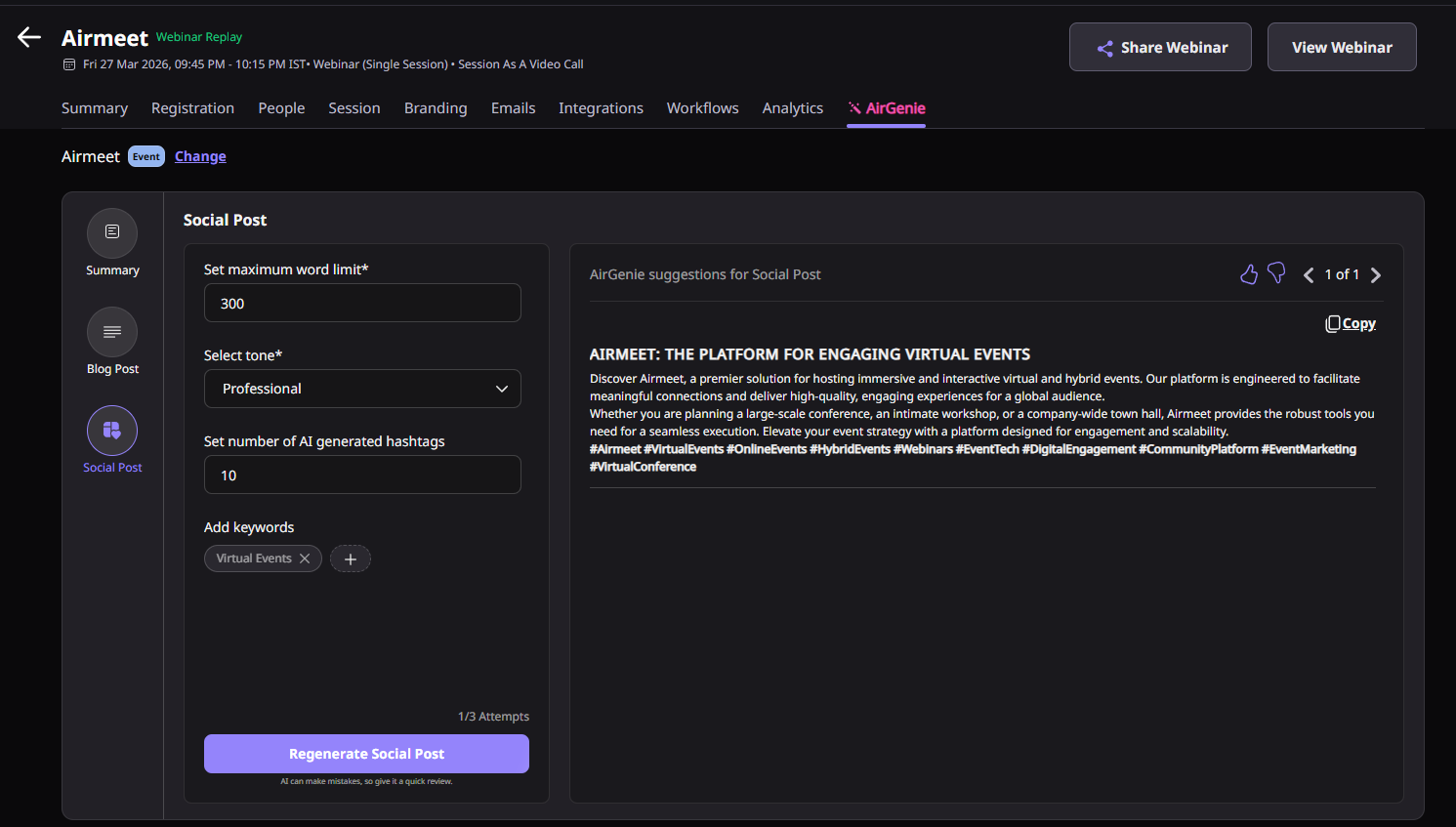
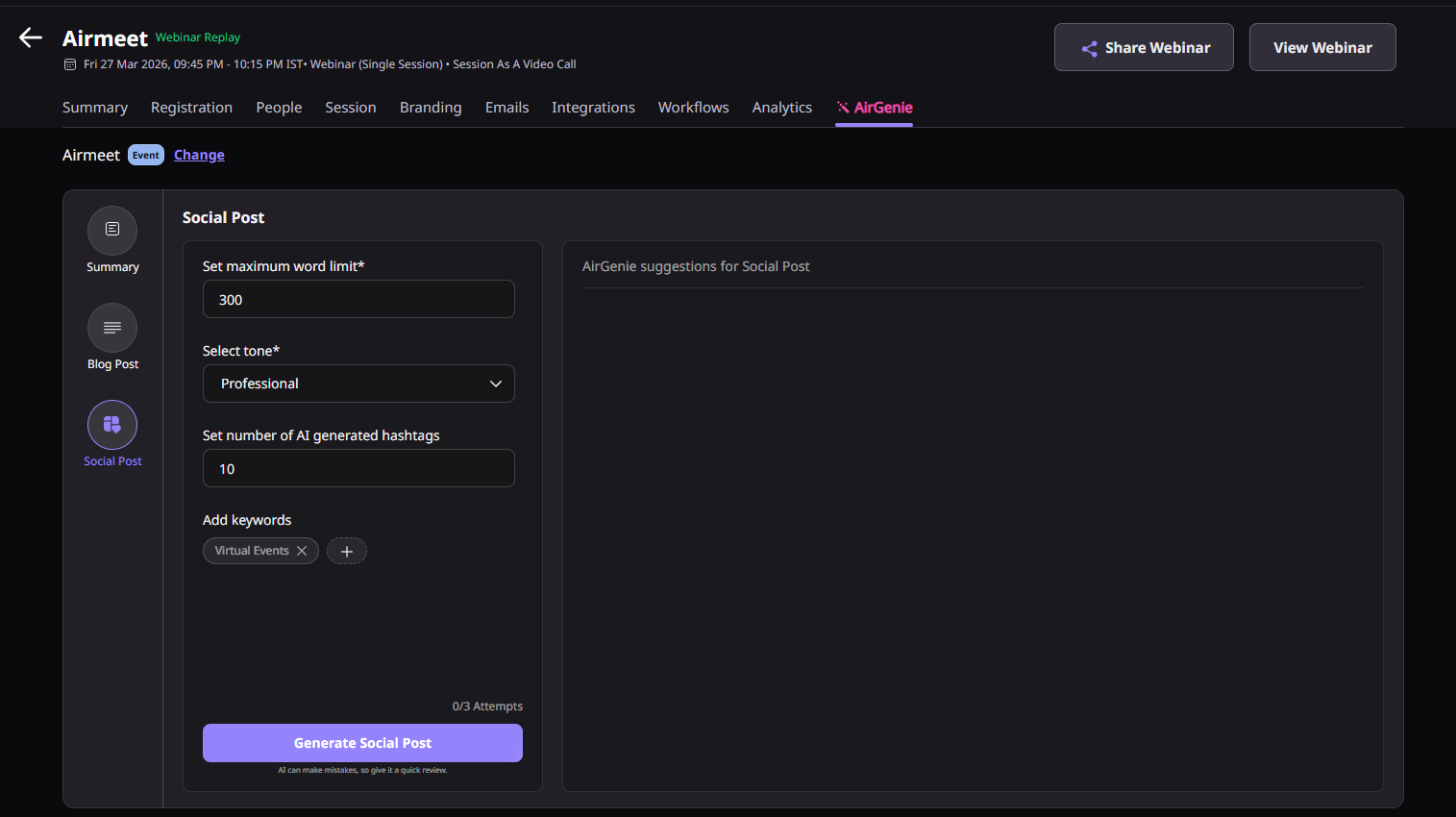
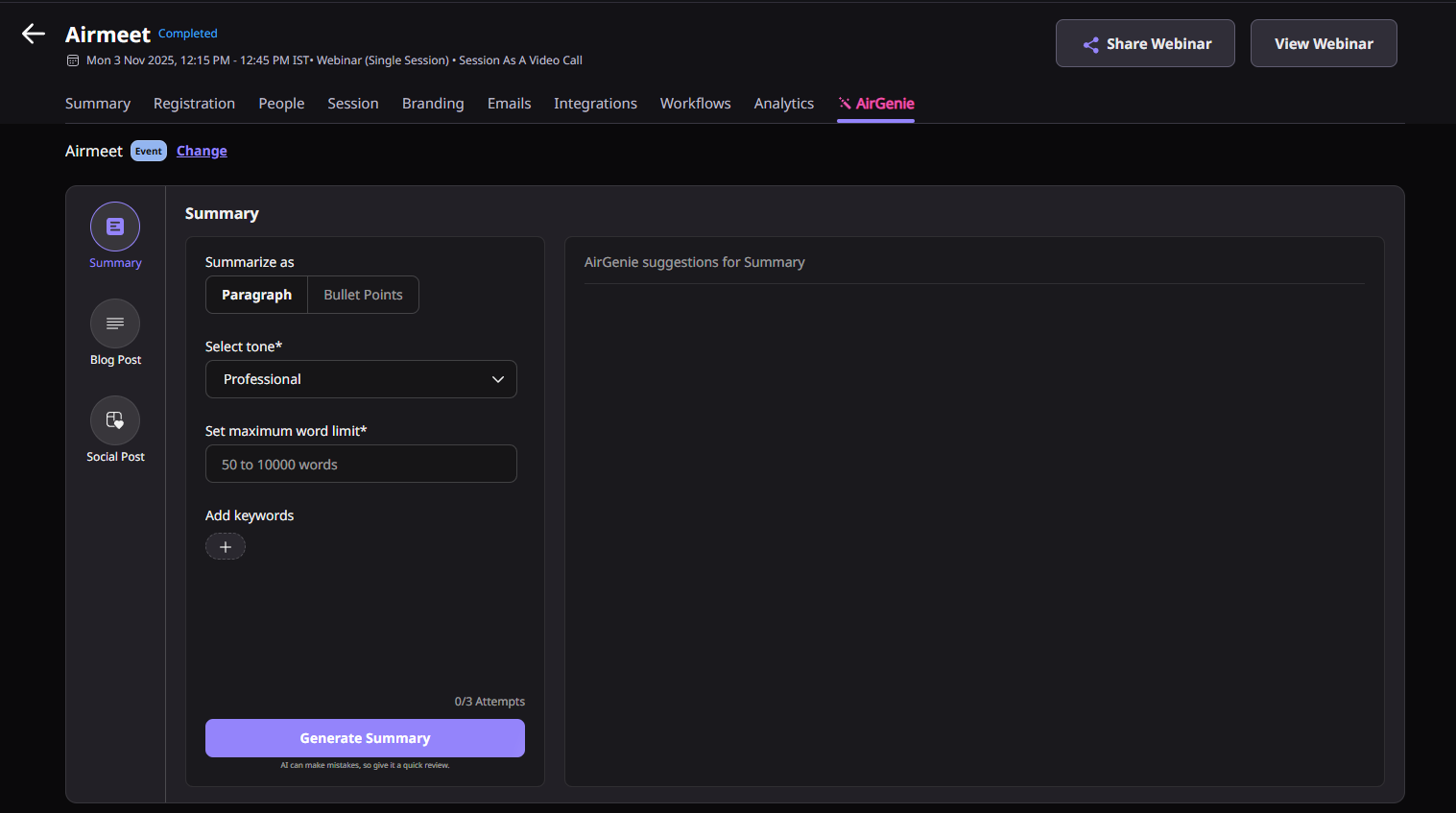
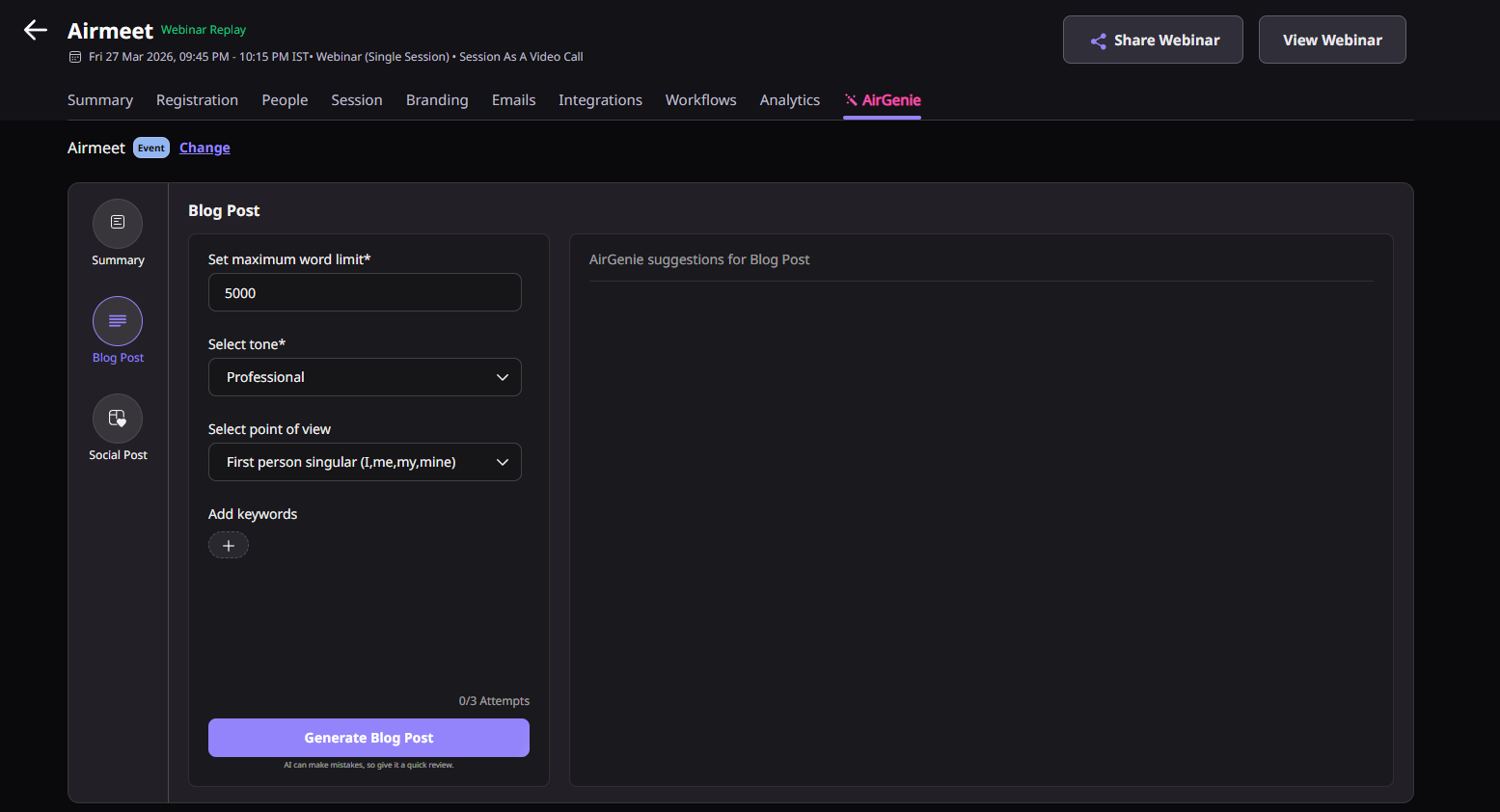
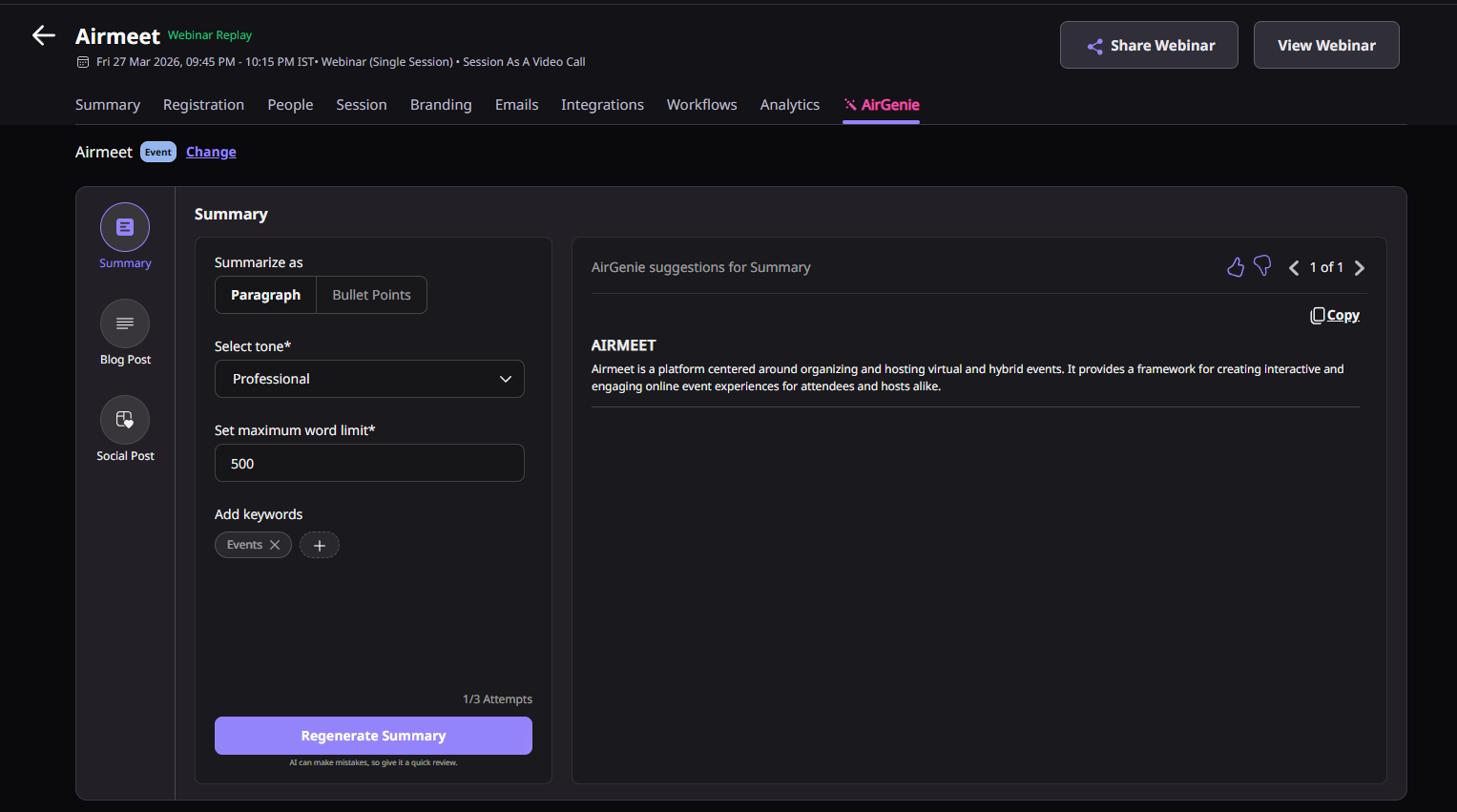
Head to your event dashboard and click AirGenie in the top navigation menu. Once it opens, you will see it is already pointed at your current event or session by default, so you do not need to set anything up from scratch.
If you want the blog to cover your full event, you are already set. If you want it focused on one specific session, click “Change” next to the event or session name. A side panel will open where you can pick between two options:
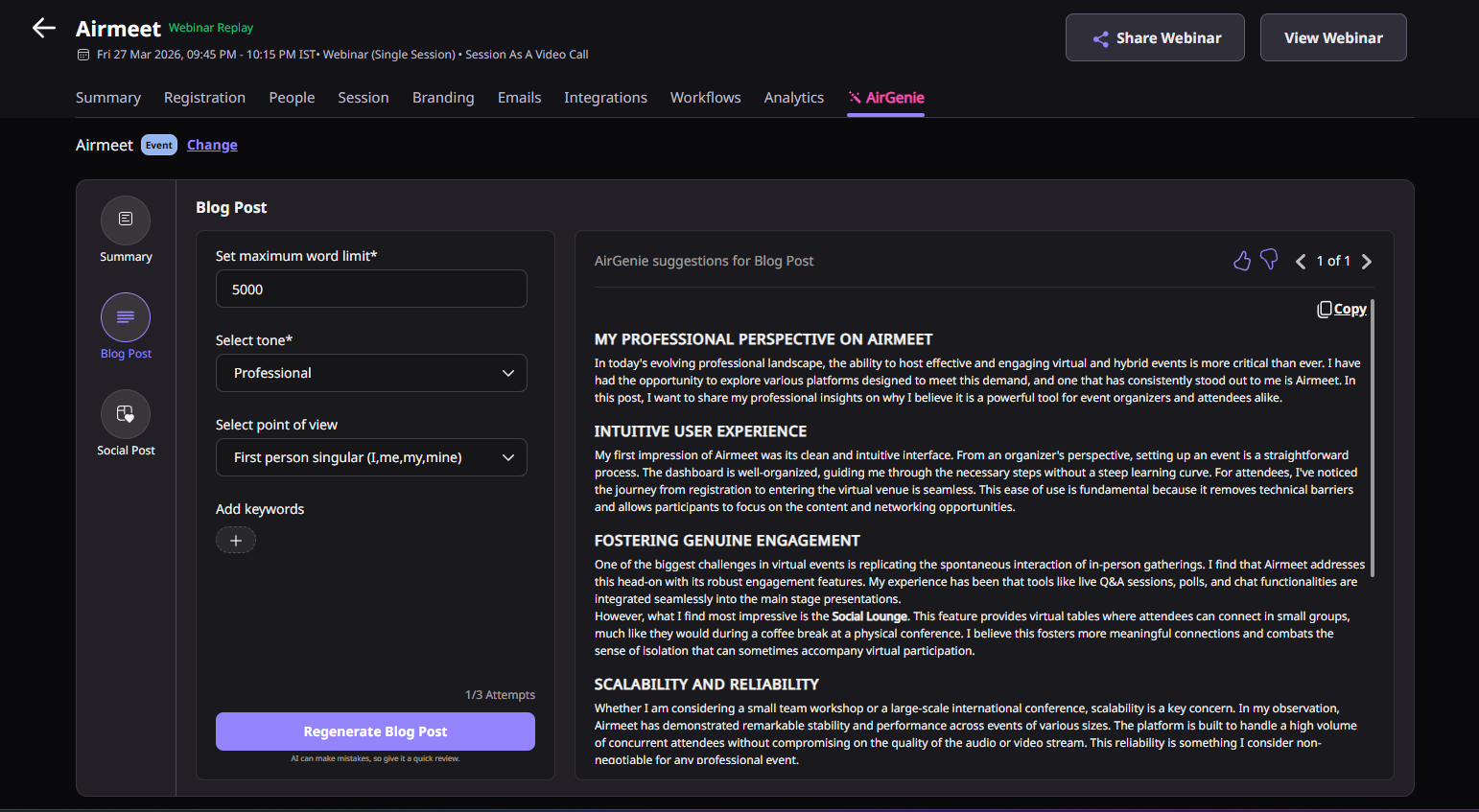
After selecting your source, look at the left-side menu inside AirGenie and click “Blog Post.” This opens the blog generation settings where you will configure everything before generating.
Before hitting generate, spend a moment setting these four things. They directly shape what comes out:
Click “Generate Blog Post.” AirGenie will process your selected source and parameters and return a structured draft in the suggestions panel. Keep in mind that each event and each session comes with three generation attempts by default, and they are counted separately, so you have attempts available at both levels.
Go through the draft before doing anything with it. AirGenie notes that AI-generated content can contain errors and should be reviewed before publishing, sharing, or using it in any official communication. Treat it as a strong first draft, not a finished piece.
Once you are happy with the content after editing, copy it and use it wherever you need it, your blog, website, newsletter, social campaigns, or sales enablement materials. If you want to refer back to an earlier version, you can view previously generated outputs for the same event or session without it counting as a new generation attempt.

It is an AirGenie capability that generates a structured blog post from an entire Airmeet event or a specific session.
Marketers can use AI blog post for generating post-event blogs, webinar recaps, thought-leadership articles, and newsletter content and for supporting marketing campaigns.
Yes. AirGenie can generate a blog post from an entire event or a specific session.
Organizers can define the maximum word limit, tone, point of view, and keywords while generating a blog post.
It helps teams convert high-intent webinar content into recap posts, nurture content, and campaign assets while the topic is still timely.
No. AI-generated content may contain errors or require edits, so teams should review before publishing or sharing.
Yes, when reviewed and edited well. Keyword controls and webinar-specific source material can help teams create more relevant long-form content.
Three AI-generation attempts are available by default for each event or session.
Yes. Teams can copy generated content for use outside the Airmeet workflow after review.
It works on any event sitting in your Airmeet dashboard, whether it happened last week or six months ago. As long as the event and session data is there, you can go back in, select it as your source, and generate a blog post whenever your team is ready.
Do not worry, it does not disappear. AirGenie saves your previously generated outputs so you can come back to them anytime by selecting the same event or session. The best part is that going back to view an older output does not eat into your generation attempts either.
They are shared. The three attempts per event and three per session belong to the event itself, not to any individual on your team. So if a colleague runs all three attempts on a session before you get to it, those attempts are gone for everyone. It is worth coordinating with your team before generating, especially on sessions where you only have one shot left.


Incredible Companies Use Airmeet

Most loved Virtual Events Platform

Incredible Companies Use Airmeet
Most loved Virtual Events Platform
Incredible Companies Use Airmeet
Most loved Virtual Events Platform
Incredible Companies Use Airmeet

Most loved Virtual Events Platform
Incredible Companies Use Airmeet
Most loved Virtual Events Platform

