


From discovery to producing standout content, to engaging buyers, repurposing every moment, and proving impact, Airmeet brings together a revenue-focused webinar platform and an expanding product ecosystem: AirPulse for AI searches and social discovery, AirStudio for professional recording and streaming, and AirShots for AI-powered video repurposing. The result is a more connected operating model for modern marketing teams.


The Problem
Four consistent gaps slow the team down:
The Solution
Airmeet helps Marketing Operations connect the work before, during, and after a revenue event. Each product has a clear job. Together they create a repeatable system that compounds audience insight and content value.
Here is how each product fits into the loop:

Use Cases
Capture buyer intent in the session and turn engagement into segmented nurture and sales follow-up.
Use AirPulse to identify the questions worth owning, AirStudio to capture a premium conversation, and AirShots to multiply its reach.
Produce a high-impact broadcast, distribute it across channels, engage evaluators live, and measure which moments created action.

Create recurring education, capture customer voices, make replays available, and turn each session into an ongoing content library.
Invite target accounts into relevant experiences, track meaningful participation, and give sellers conversation context.
Scale co-marketing content and events while maintaining brand consistency, performance visibility, and a repeatable operating model.
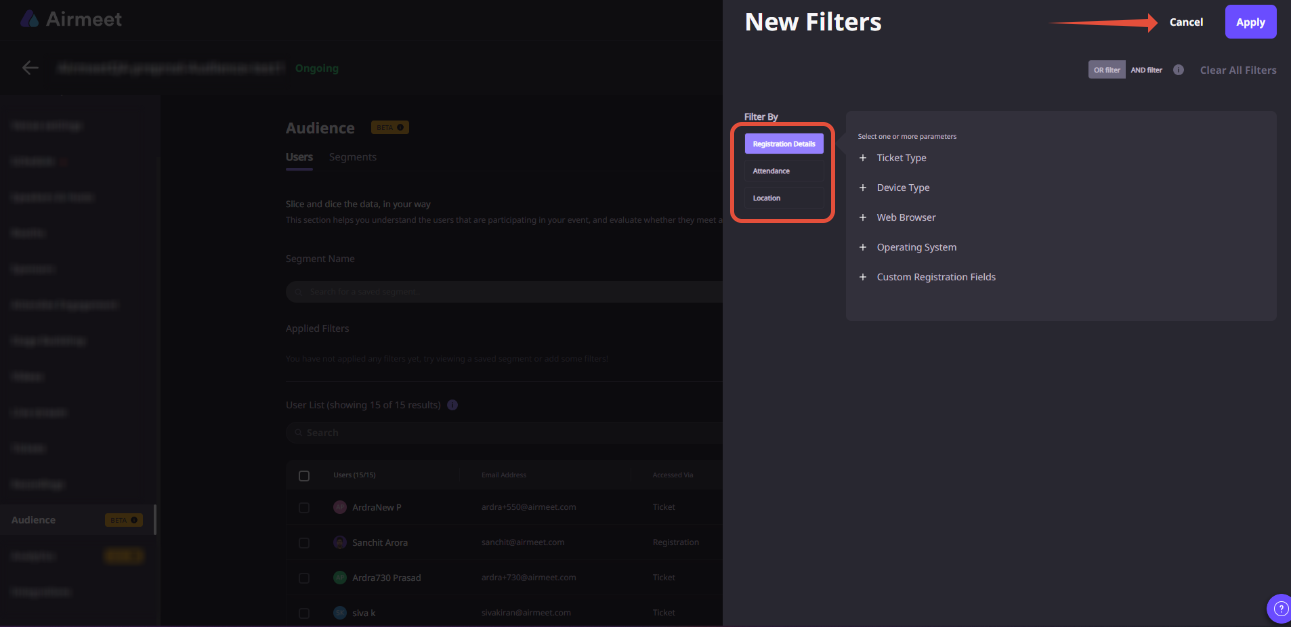
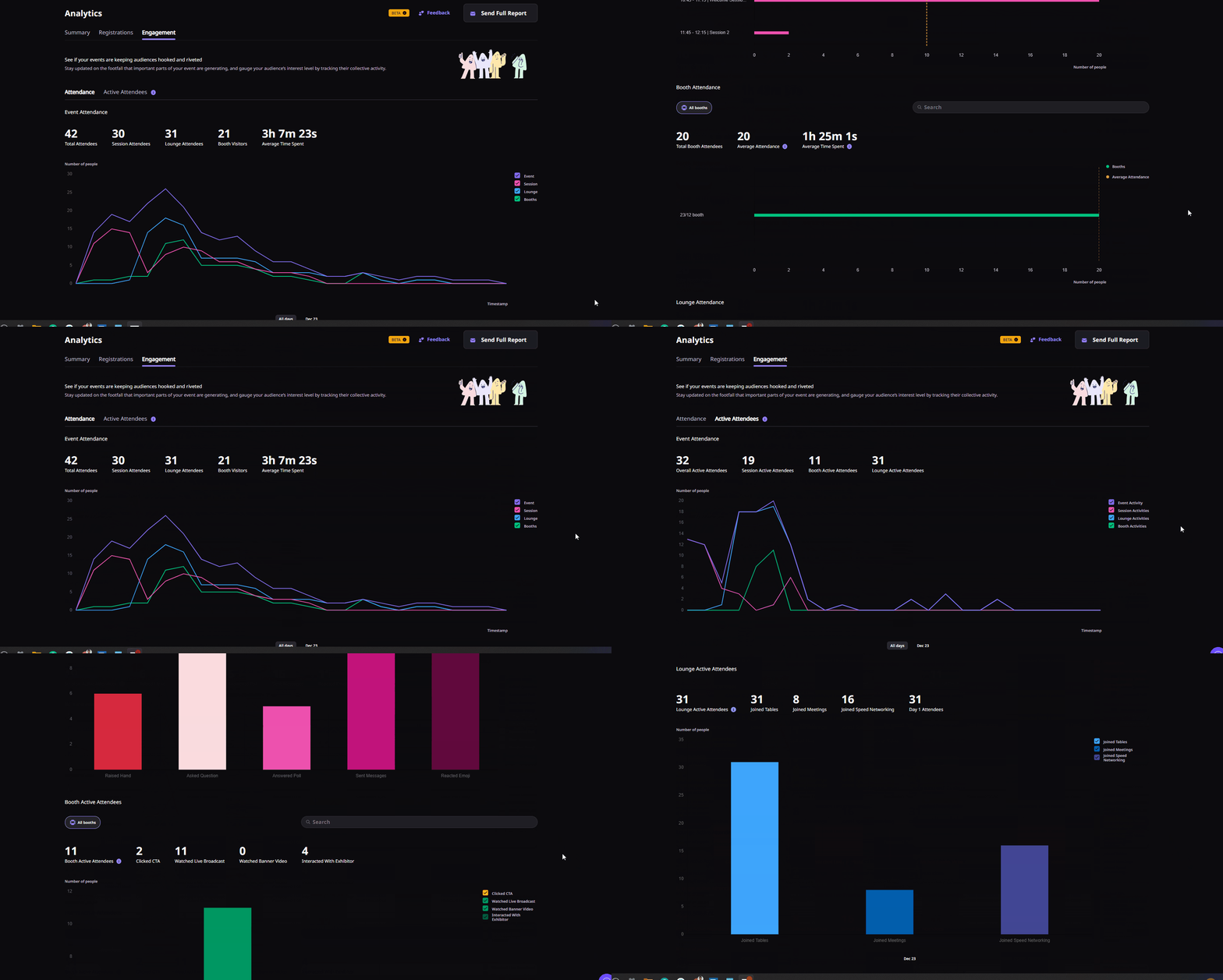
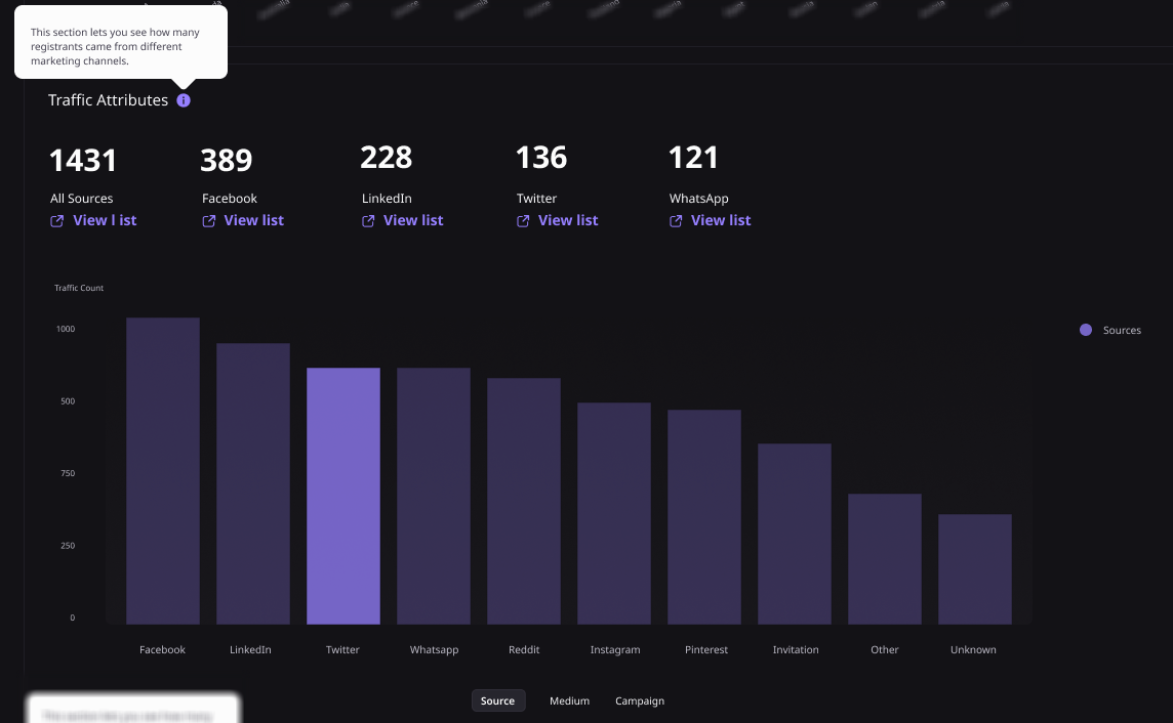
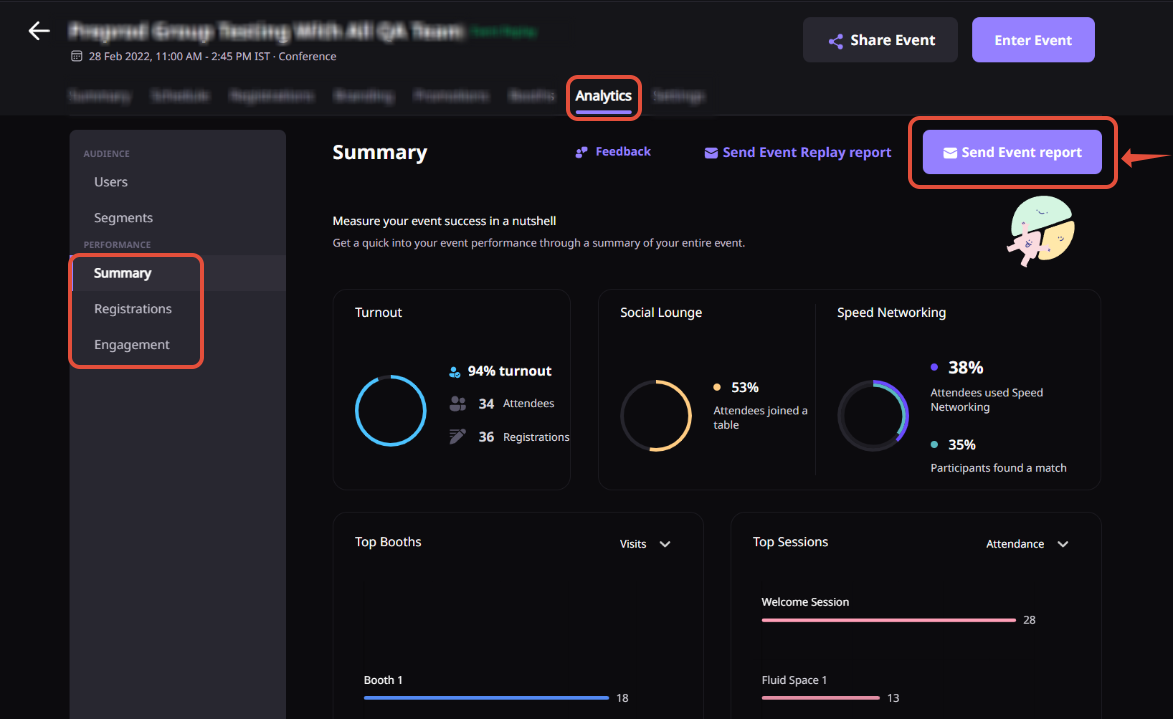
Phase 1: Plan and Produce
Path: AirPulse App > Act > Missed Opportunities
Path: Event Dashboard > Registrations tab > Event Entry > Registration Source Tracking URLs
Path: AirStudio Desktop App > New Project > Configure Layout > Go Live or Record
Phase 2: Host and Engage
Path: Event Dashboard > Sessions tab > Session Settings > Live Stream > Add Stream Destination
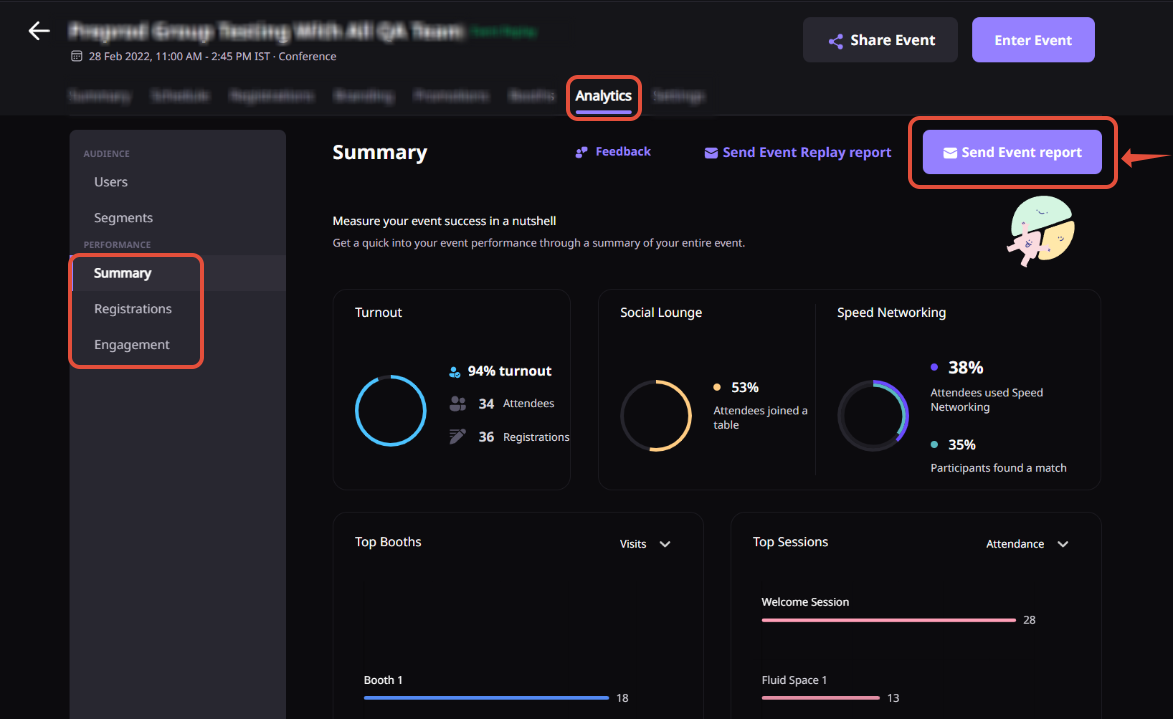
Path: Event Dashboard > Analytics tab > Real-time Analytics
Record poll responses, questions asked, CTA clicks, resource downloads, chat signals, and session participation. These signals feed the post-event segmentation and follow-up workflow.
Phase 3: Activate and Repurpose
Path: Event Dashboard > People tab > Attendees > Download List and Analytics tab > Reports
Path: Event Dashboard > Registrations tab > Pre & Post Event Entry > Enable Event Replay
Path: Community Dashboard > Integrations tab > Apps > Select Platform > Connect, then Event Dashboard > Integrations tab > Enable
A few things to keep in mind:
Why Airmeet
No. Airmeet remains the engagement layer for webinars and virtual events, while the broader product ecosystem extends into AI search visibility with AirPulse, professional recording and multistreaming with AirStudio, and AI-assisted video repurposing with AirShots. Together, these products support a wider marketing lifecycle.
It gives Marketing Operations a repeatable system for registration, live engagement, analytics, reporting, CRM and marketing-automation connections, recording access, and post-event activation. That reduces manual handoffs and makes webinar data easier to govern and use.
Airmeet provides real-time and downloadable analytics, attendee-level engagement signals, workspace-level views, and integration paths that help teams connect event behavior to lead prioritization, campaign performance, and pipeline conversations.
AirPulse monitors how a brand appears in AI answers and social conversations, identifies missed buyer questions and content gaps, prepares prioritized fixes or drafts, and reports what changed. Publishing remains approval-led.
AirStudio is a desktop recording and streaming studio for professional-looking live and recorded content. It supports production elements, browser-based guests, multistreaming, and high-quality output, helping lean teams create executive interviews, webinars, livestreams, and podcasts.
AirShots is an AI workflow for turning long-form event and video content into short, shareable clips. It helps marketing teams extend the reach and distribution of every recording without rebuilding content from scratch.
Yes. Airmeet supports connections for HubSpot, Salesforce, Marketo, Pardot, Zapier, and public APIs. Exact fields, sync direction, timing, and availability depend on your plan and configuration, so validate the intended workflow during implementation.


Incredible Companies Use Airmeet

Most loved Virtual Events Platform

Incredible Companies Use Airmeet
Most loved Virtual Events Platform
Incredible Companies Use Airmeet
Most loved Virtual Events Platform
Incredible Companies Use Airmeet

Most loved Virtual Events Platform
Incredible Companies Use Airmeet
Most loved Virtual Events Platform

