Redirect participants directly into the booth that matches their intent—from sponsor campaigns, product demos, partner promotions, QR codes, and follow-up.
Stop making high-intent attendees hunt for the right booth
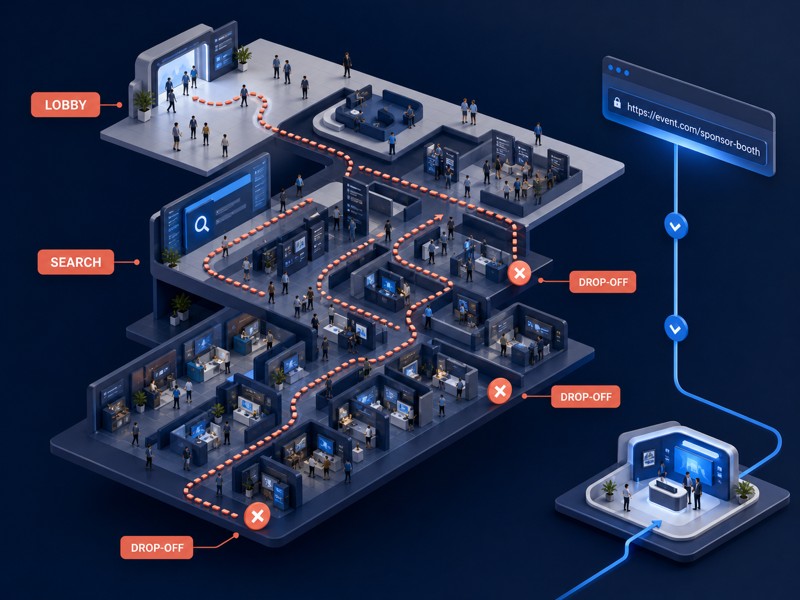
A sponsor mention, demo invitation, partner email, or QR scan can create strong intent—then lose it in a crowded lobby that adds unnecessary navigation. Every extra navigation step asks a buyer to search, interpret booth names, and decide again.
Unique Booth URLs remove that detour. Give each campaign, sponsor, or sales follow-up a direct destination so the message and the booth experience stay connected.
Reduce lobby-to-booth drop-off
Keep sponsor traffic attributable by channel
Make booth promotion easy for partners and sales teams
The Solution
One booth-specific link turns every campaign into a direct route
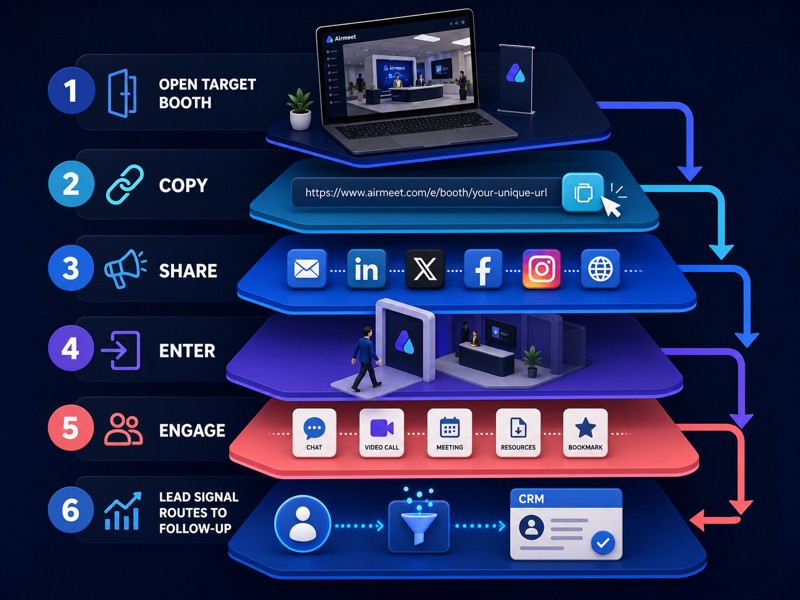
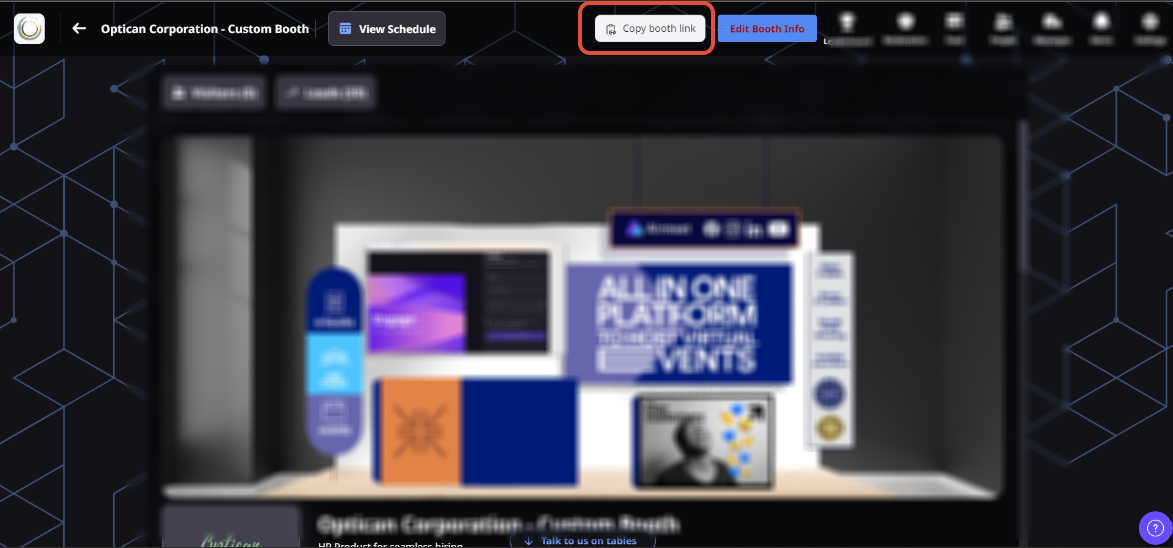
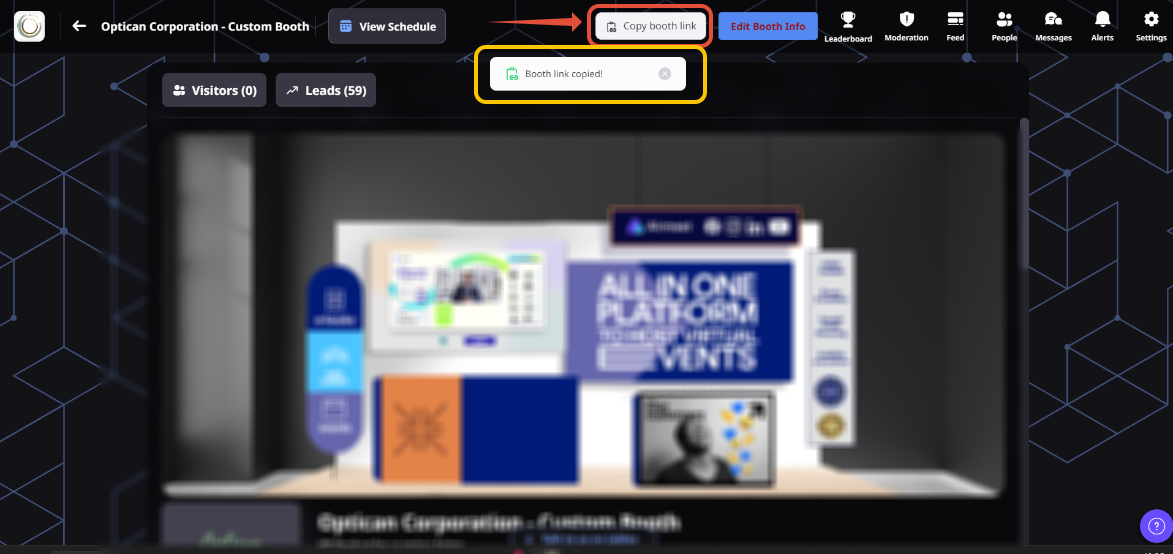
Open the target booth, use Copy Booth Link, and share the copied destination wherever your audience already engages. (Participants, speakers, organizers, and booth exhibitors can copy and share the booth link.)
The result is a cleaner journey from invitation to booth interaction: fewer clicks before the visitor reaches the relevant content, people, resources, and lead-capture moments.
Copy from the booth itself
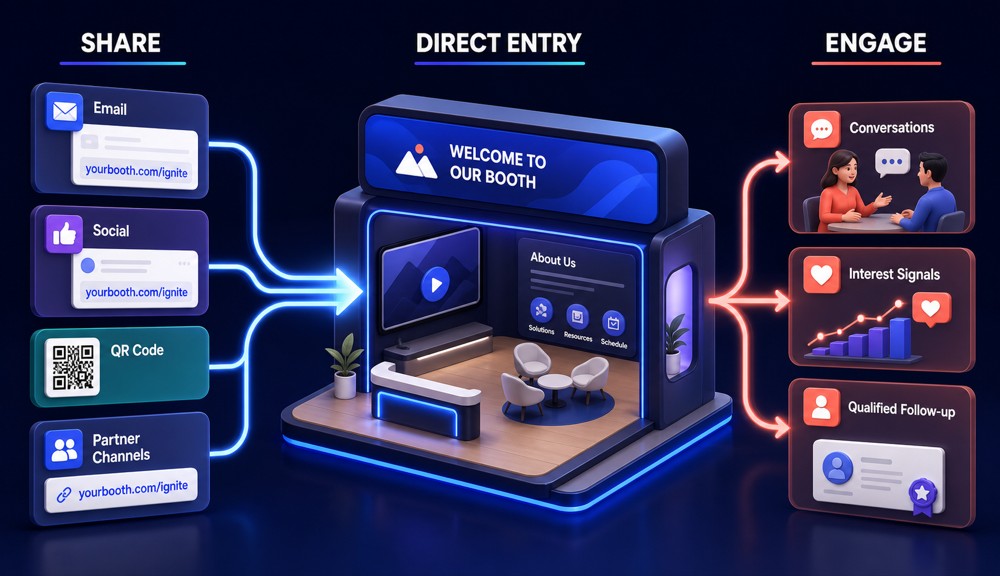
Distribute through email, social, QR codes, partner channels, and follow-up
Route visitors into the intended booth experience
Virtual Event Use Cases
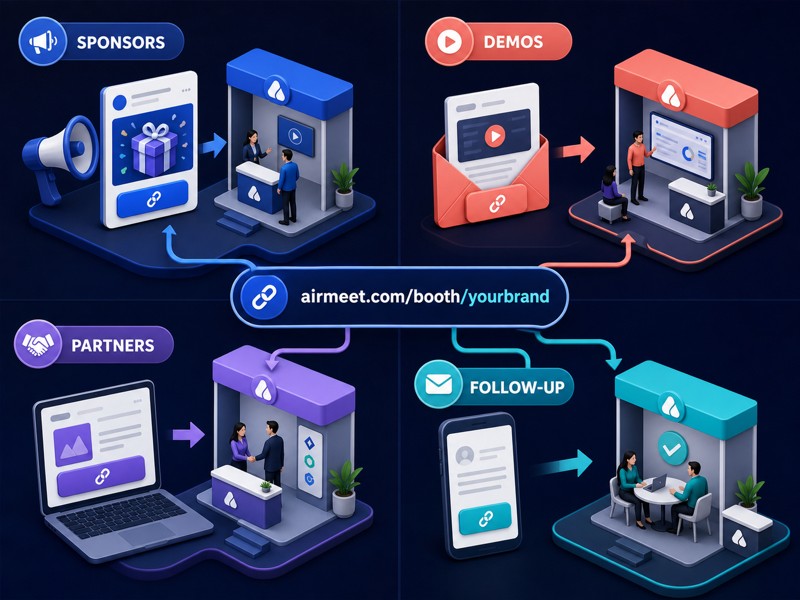
Create a direct path for every revenue-event motion
Use the same simple link mechanic across the moments that matter to B2B marketers.
Sponsor promotion
Give every sponsor a booth destination they can share with their own audience.
Partner showcases
Keep co-marketing traffic aligned with the partner experience it was promised.
Product demos
Send registrants straight to the booth where the product story and team are waiting.
Post-session follow-up
Route engaged attendees from a session recap into deeper resources and conversations.
Actual Product Screenshots
Step-By-Step Process
Step-by-Step Process Complete Process
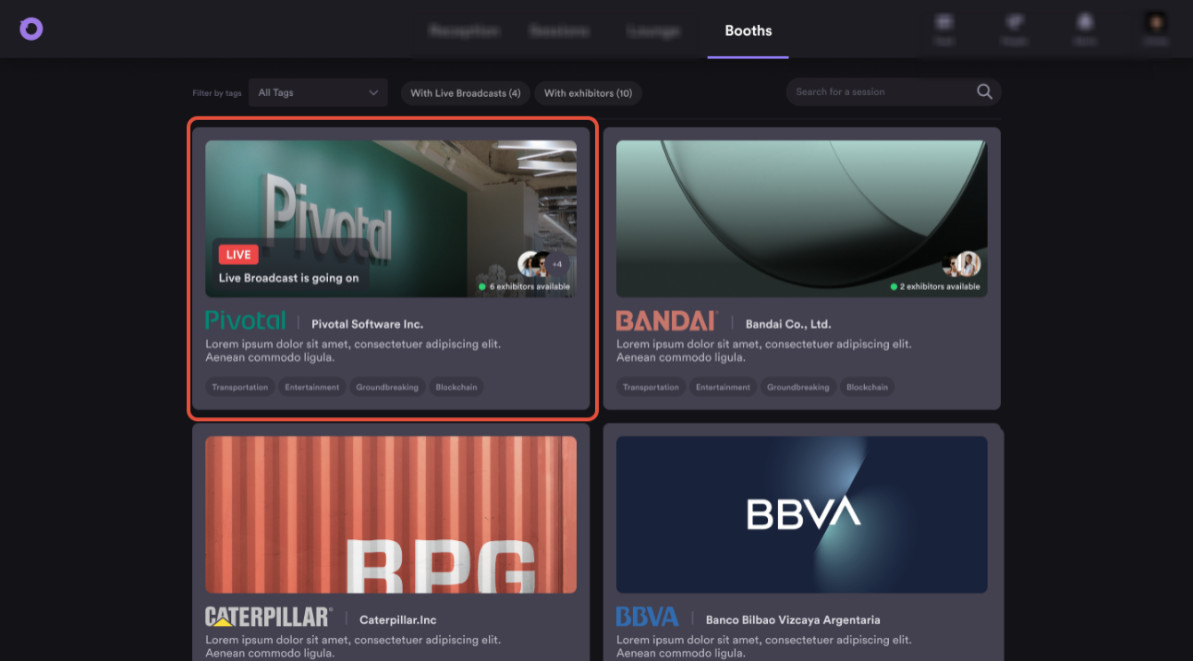
Unique Booth URLs make it easy to send attendees directly to the most relevant booth without requiring them to browse through the event lobby.
Step 1. Open the Booth
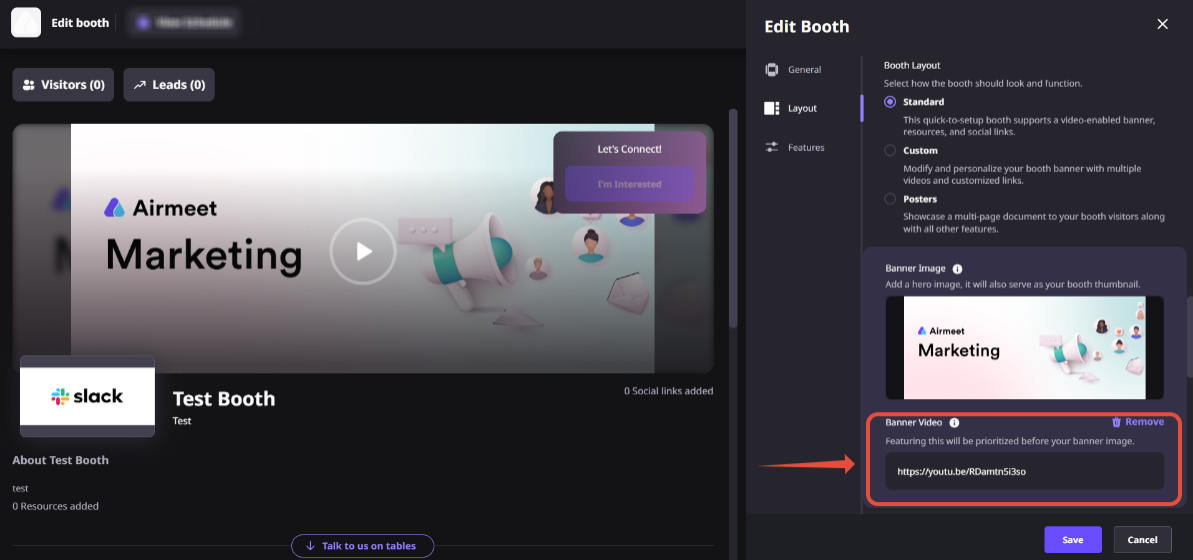
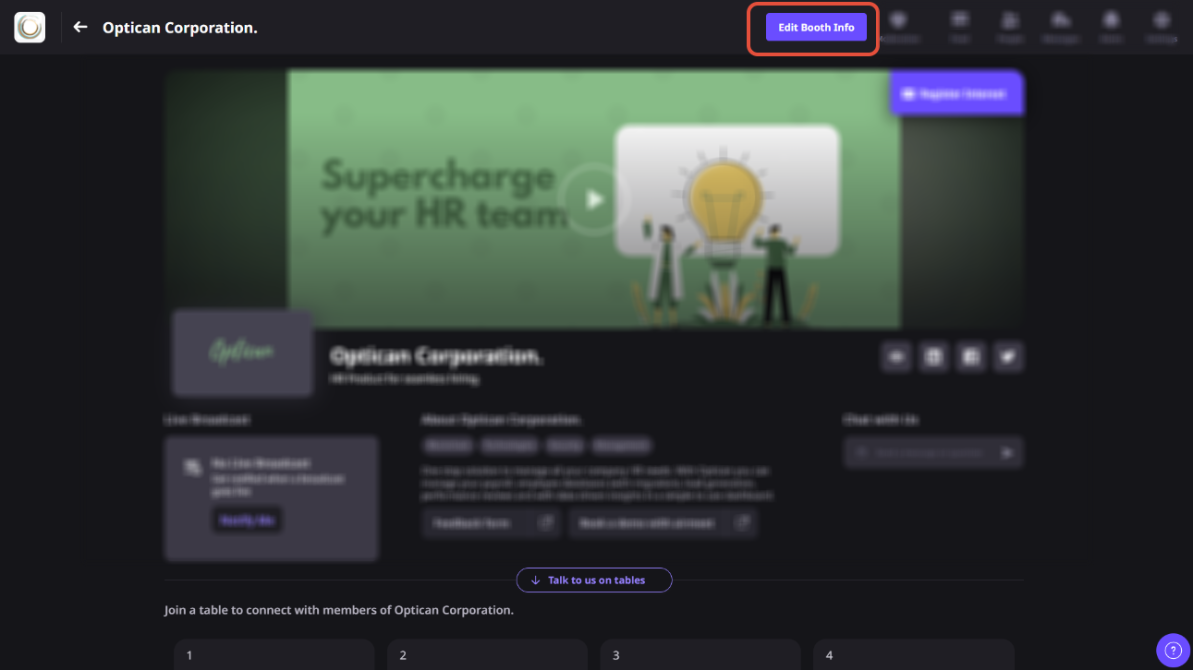
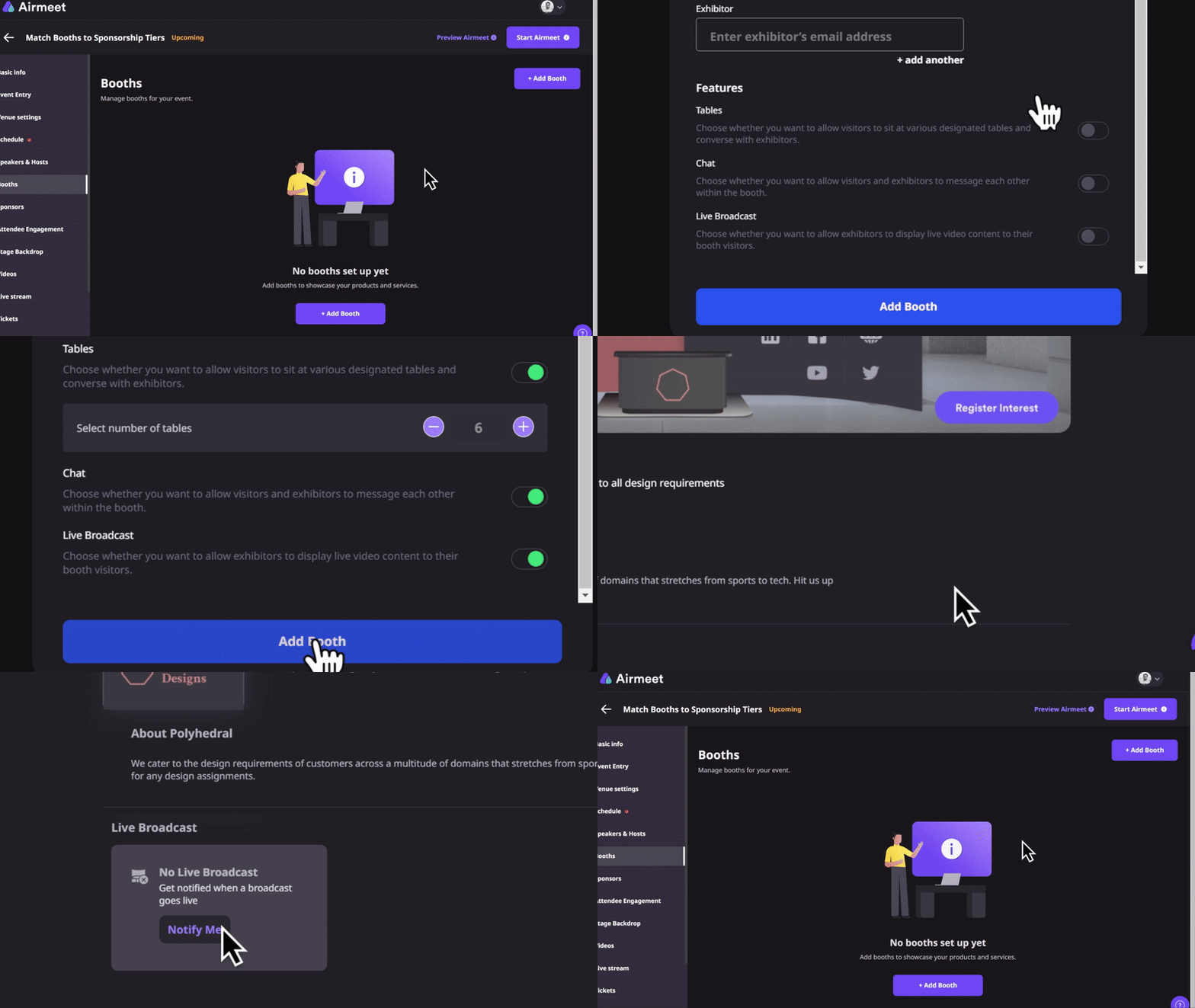
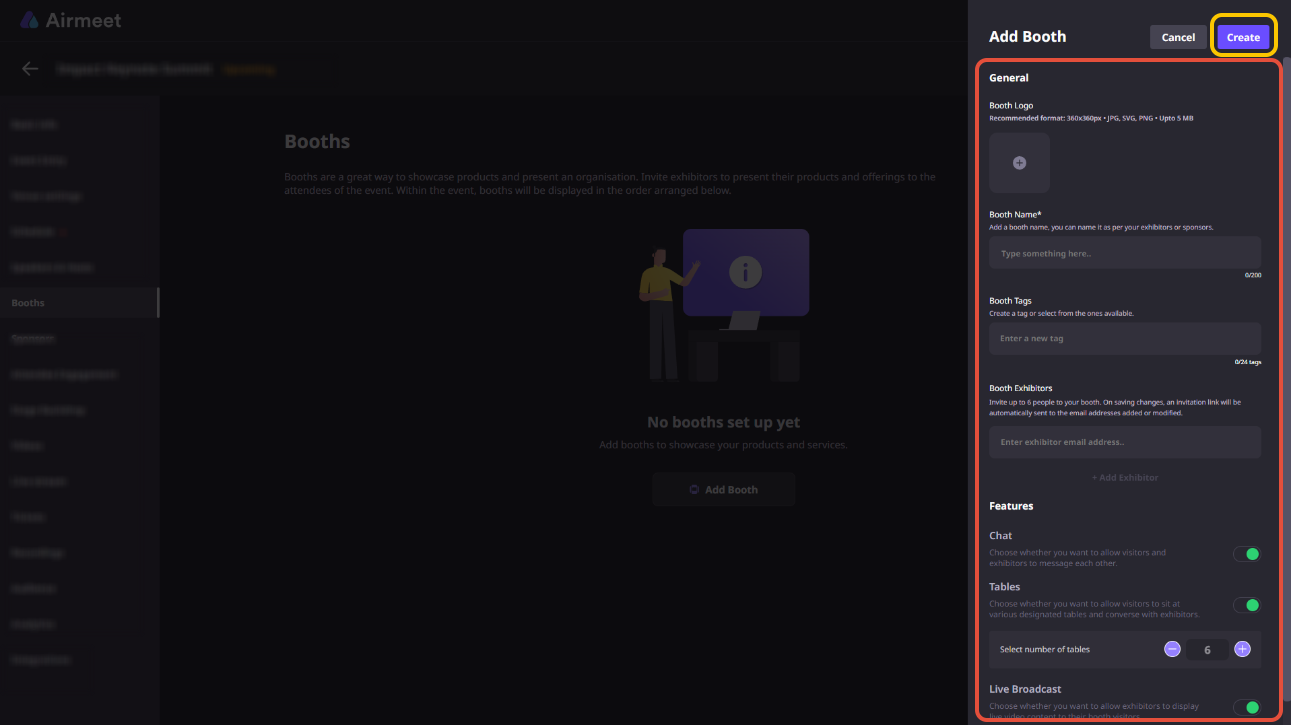
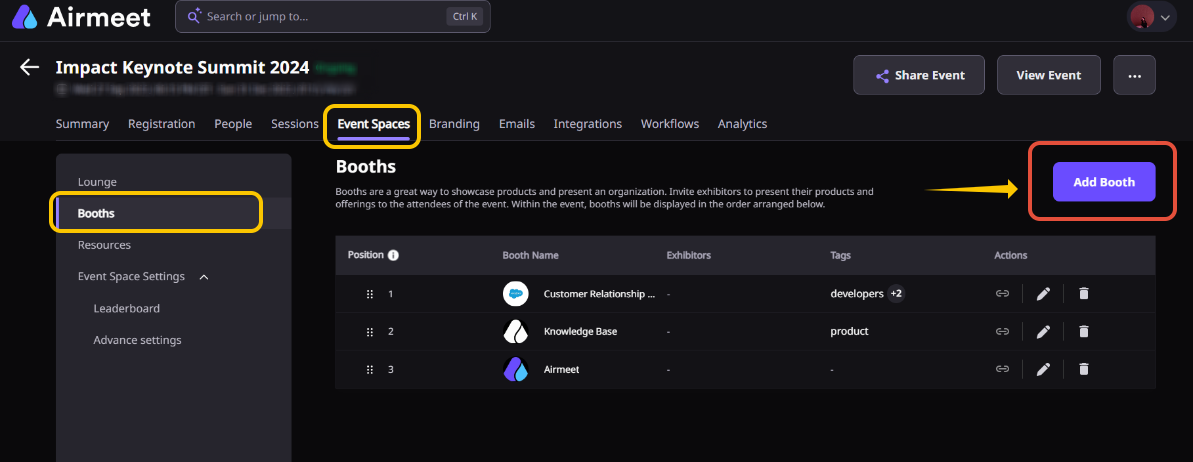
From the “Event Dashboard,” navigate to “Booths” and open the booth you want to share.
Step 2. Copy the Booth URL
Select “Copy Booth Link” from the booth page. Airmeet generates a unique URL that points directly to that specific booth.
Step 3. Share the Link
Use the copied booth URL in email campaigns, sponsor promotions, QR codes, social media posts, partner communications, event landing pages, or sales follow-up emails.
Step 4. Guide Visitors Directly to the Booth
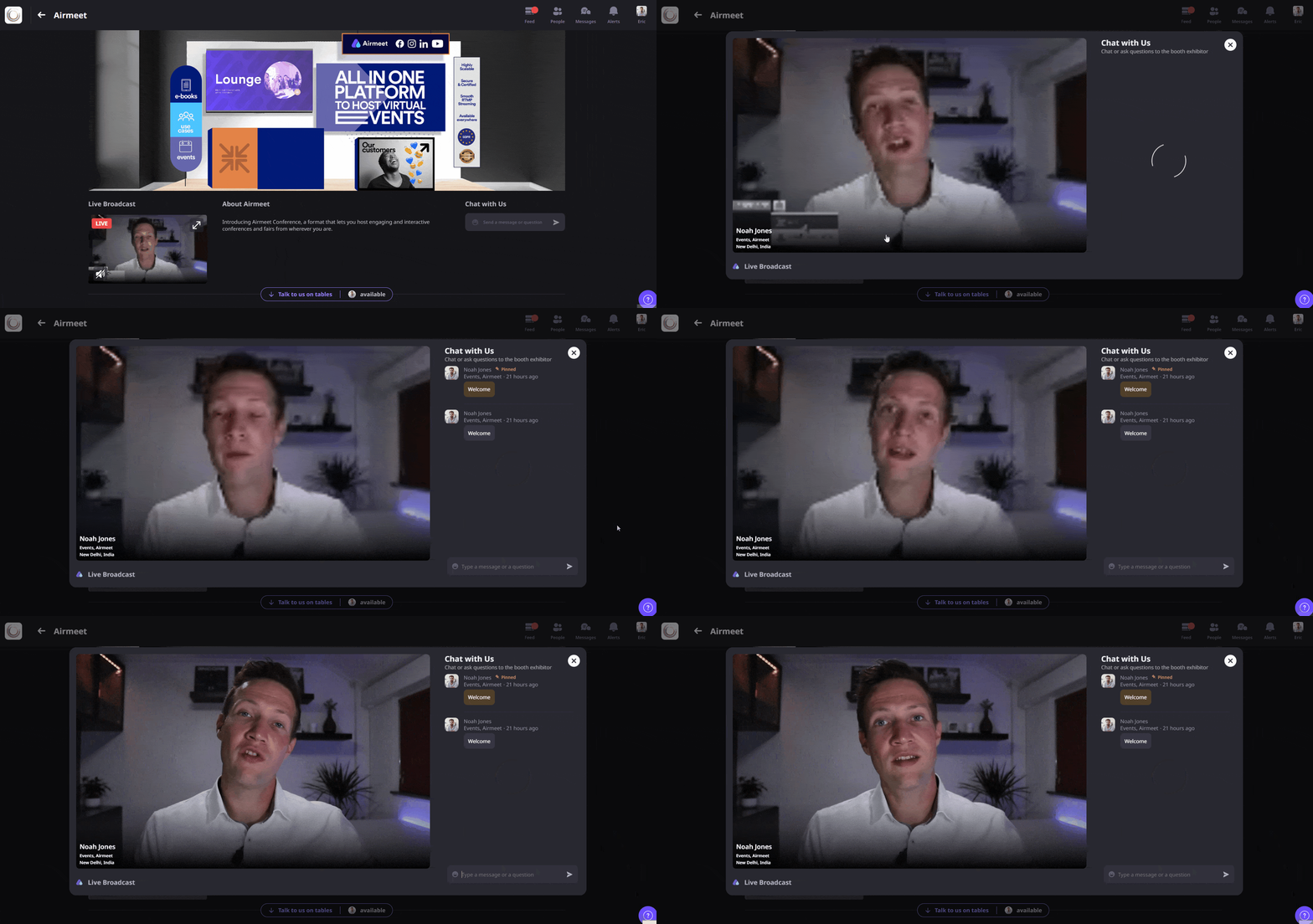
When attendees open the shared link, they are taken directly to the selected booth (subject to normal event access requirements), reducing unnecessary navigation.
Step 5. Engage Booth Visitors
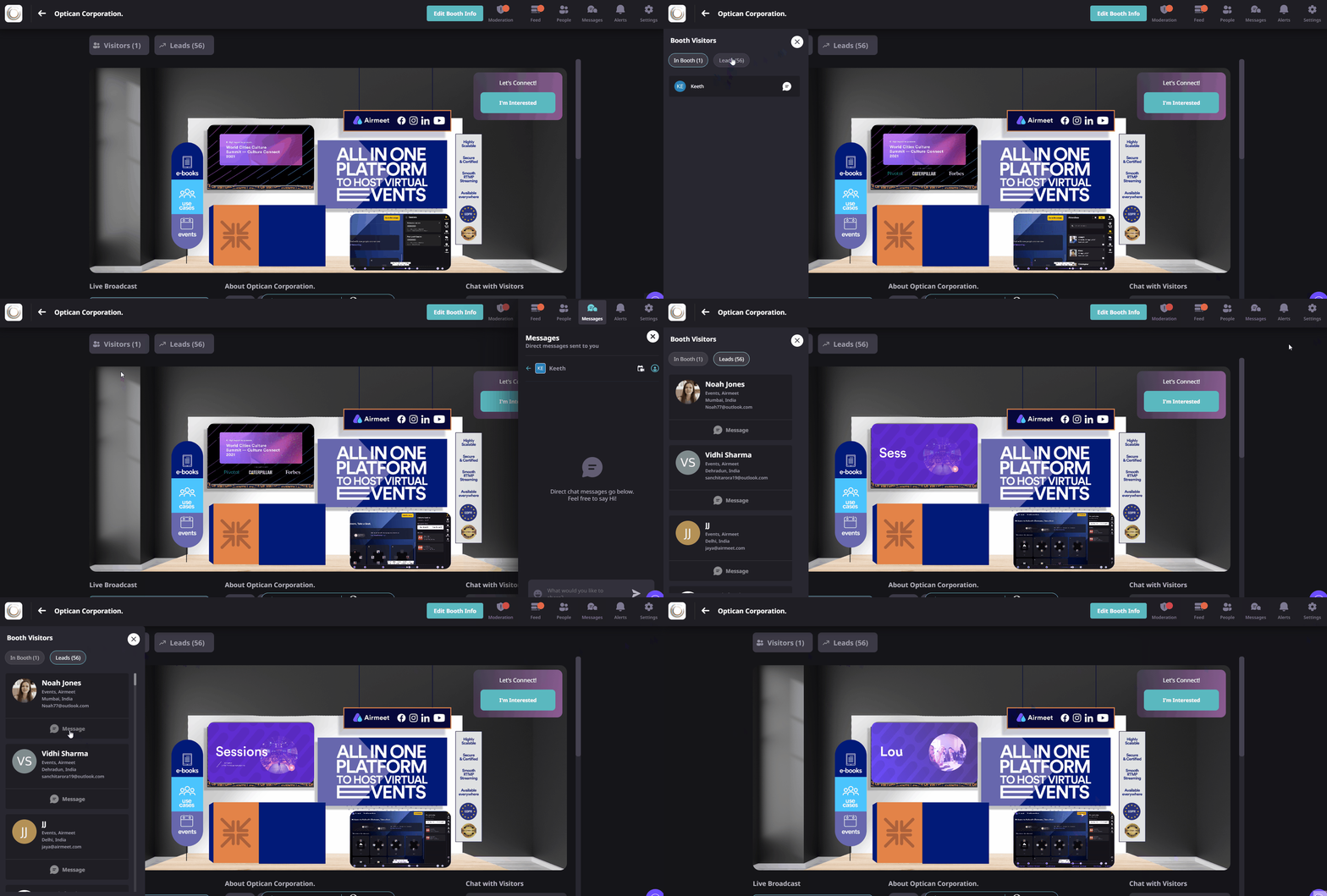
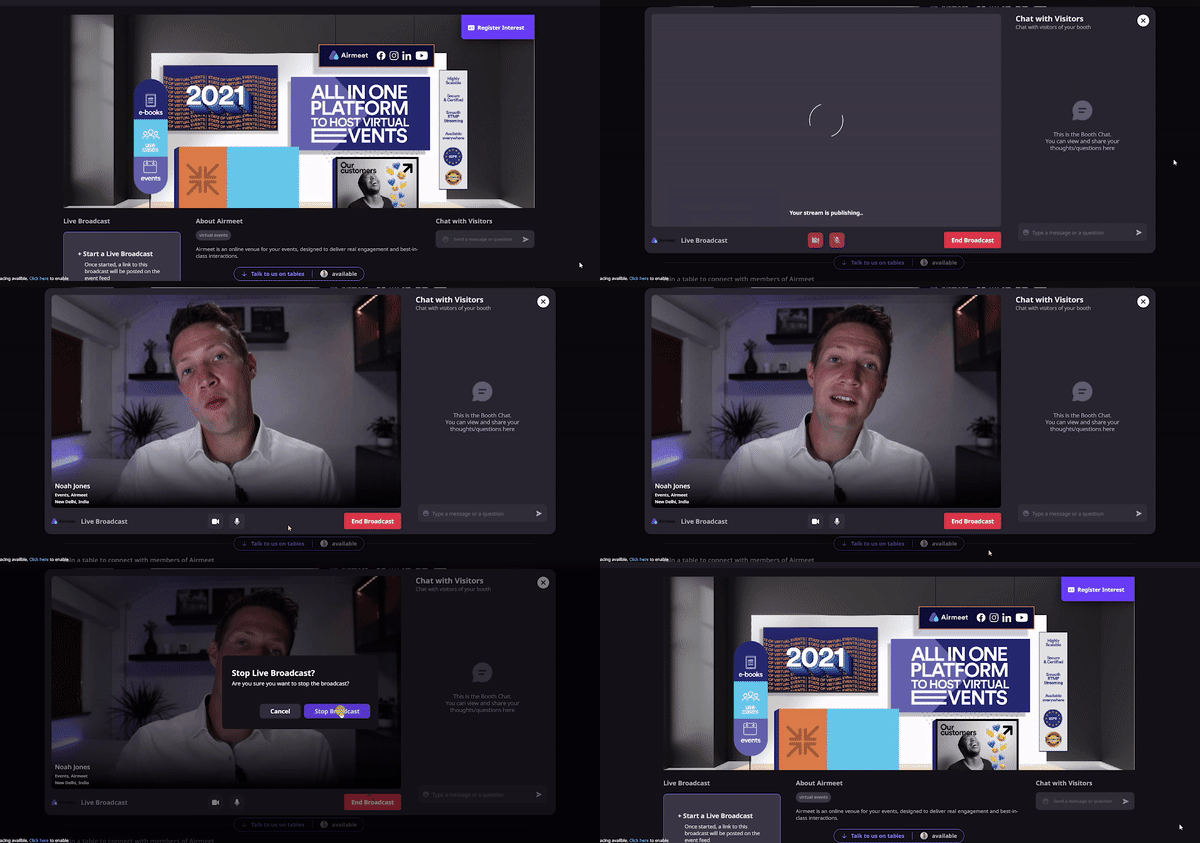
Once inside the booth, attendees can explore resources, interact with exhibitors, join live demonstrations, and express interest in products or services.
Step 6. Continue Post-Event Follow-up
Reuse booth URLs in post-event recap emails or sales outreach to direct interested attendees back to product information, demos, or sponsor resources.
Why Airmeet
Why choose Airmeet for direct-to-booth experiences
A direct link is most valuable when the destination can continue the buyer journey. Airmeet booths can combine branded content, resources, live demos, visitor interaction, and interest signals inside the same event experience.
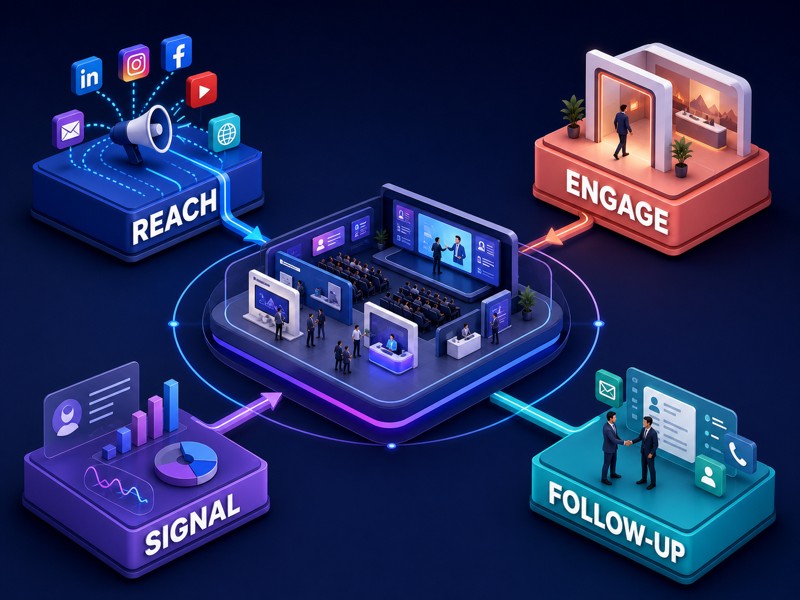
That lets marketers design a connected path from campaign reach to meaningful engagement and follow up, while sponsors get a simple destination they can promote themselves.
Direct access to sponsor experiences Send attendees straight to the right booth without asking them to navigate through the event lobby.
Easy sharing across campaigns Promote booths through emails, social media, QR codes, partner campaigns, and sales outreach using a single shareable link.
Supports sponsor engagement Help sponsors drive qualified visitors directly to their virtual booths and product experiences.
Works throughout the event lifecycle Use booth URLs before, during, and after the event to support promotions, demos, and follow-up campaigns.
help Center
Relevant Help Articles
Explore guides and tutorials to help you create, customize, and host exceptional events on Airmeet.
How to Copy "Booth Link" and Redirect Participants Directly into Your Booth
A Unique Booth URL is a shareable link that takes attendees directly to a specific virtual booth within an Airmeet event, making it easier to access sponsor content without navigating through the event lobby.
Use it in sponsor emails, social posts, QR codes, partner promotions, session follow-ups, sales outreach, or any channel that supports a clickable destination.
No. A booth link is a participant-facing destination for visiting a booth. An exhibitor access or invitation link is used by the assigned exhibitor to access and manage their booth.
Yes. Booth exhibitors are among the stakeholders that can copy the booth link. This allows sponsors/exhibitors to use that booth URL in approved promotional channels.
The link shortens the route to a booth where visitors can interact with content and people. Airmeet booth features can also surface visitors and interest signals for follow-up; the link itself does not guarantee a lead.
Yes, when the event and booth remain accessible under your event setup, the link can be included in recaps and follow-up to connect attendees with deeper resources or sponsor conversations.
Use channel-specific campaign tracking around the shared link where appropriate, then compare visits, interactions, interest signals, conversations, and downstream follow-up outcomes.
Airmeet features
Other Features to Explore
Discover more powerful features that help you create engaging, branded, and seamless event experiences with Airmeet.
“I was really excited to see how alive Airmeet seemed. The first time I raised my virtual hand to ask a question, I was brought up on stage, my camera flipped on, and I was able to talk with the presenters, that was the sold-moment in my head! That is what I wanted. We weren't going to be speaking at our audience. We wanted a two-way engagement. With the analytics in the background, that was my “Aha moment!”
Victoria YounesExecutive Events Manager
Incredible Companies Use Airmeet
Most loved Virtual Events Platform
“I was really excited to see how alive Airmeet seemed. The first time I raised my virtual hand to ask a question, I was brought up on stage, my camera flipped on, and I was able to talk with the presenters, that was the sold-moment in my head! That is what I wanted. We weren't going to be speaking at our audience. We wanted a two-way engagement. With the analytics in the background, that was my “Aha moment!”
Victoria YounesExecutive Events Manager
Incredible Companies Use Airmeet
Most loved Virtual Events Platform
“I was really excited to see how alive Airmeet seemed. The first time I raised my virtual hand to ask a question, I was brought up on stage, my camera flipped on, and I was able to talk with the presenters, that was the sold-moment in my head! That is what I wanted. We weren't going to be speaking at our audience. We wanted a two-way engagement. With the analytics in the background, that was my “Aha moment!”