


Turn a virtual sponsor presence into an immersive, on-brand destination with a custom background, auto-play video, and multiple clickable paths to the content that moves buyers forward.
The Problem

The Solution

Virtual Event Use Cases
Give top-tier partners an immersive destination that makes premium placement feel genuinely premium.
Bring employer brand, culture videos, open roles, and team stories together in one memorable environment.

Turn a campaign visual into an explorable demo hub with video, proof, and launch resources one click away.
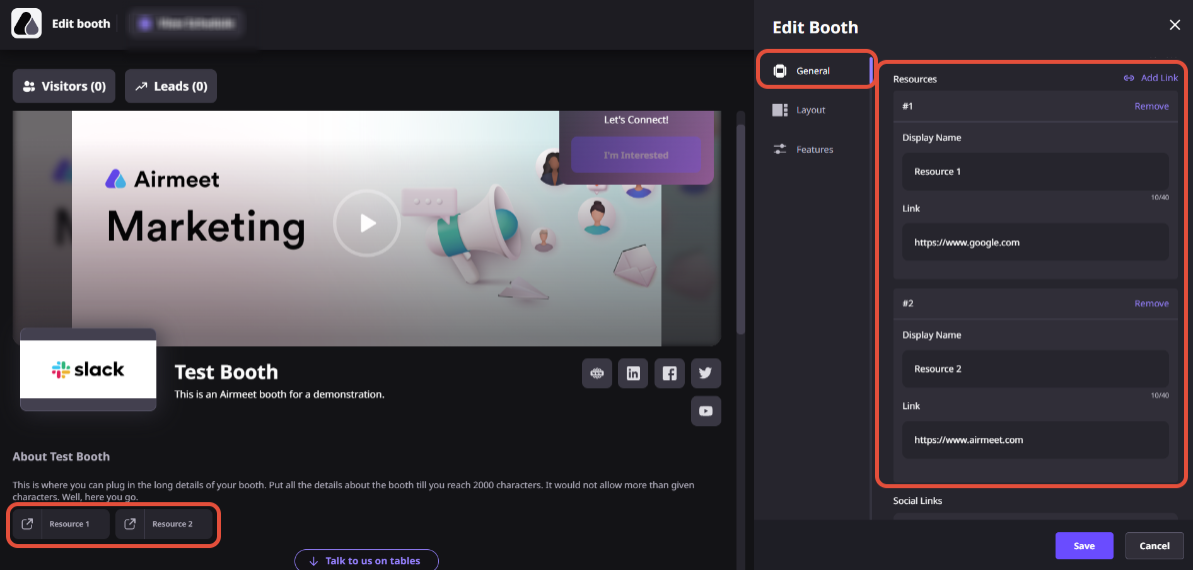
Guide customers from an overview video to documentation, training, community, and support resources.

Step-By-Step Process
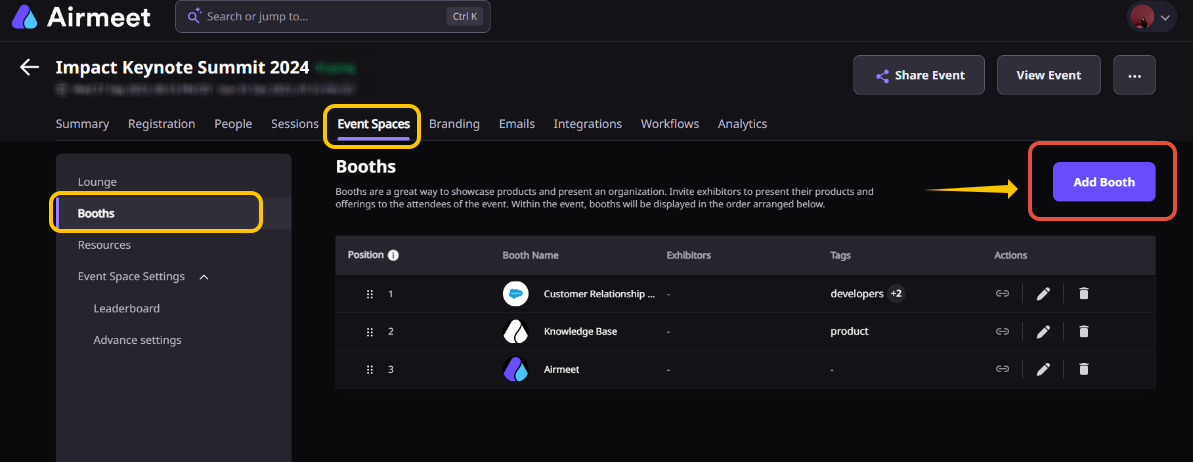
From the “Event Dashboard,” navigate to “Booths” and either create a new booth or edit an existing exhibitor booth.
Open the booth configuration and choose the “Custom Booth Layout” option to start designing your booth experience.
Upload a custom 2D or 3D booth background image (recommended dimensions: 1176 × 504 pixels, JPG or PNG format).
Place video components and transparent clickable hotspots on top of the background. Resize and position each element to create a natural visitor journey.
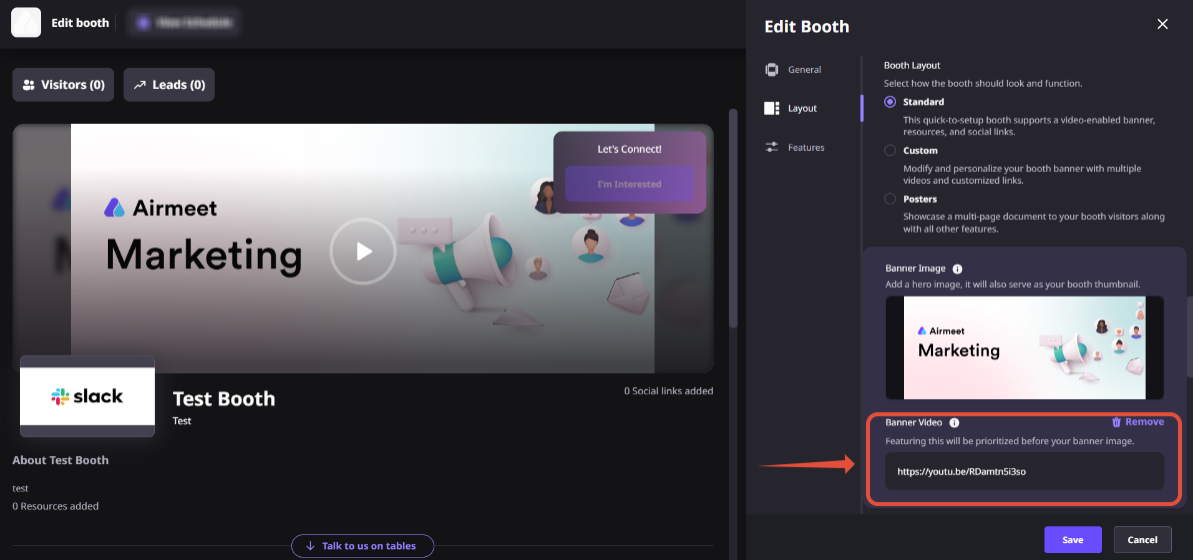
Upload supported booth videos, adjust their placement, and allow them to autoplay in muted mode to immediately capture visitor attention.
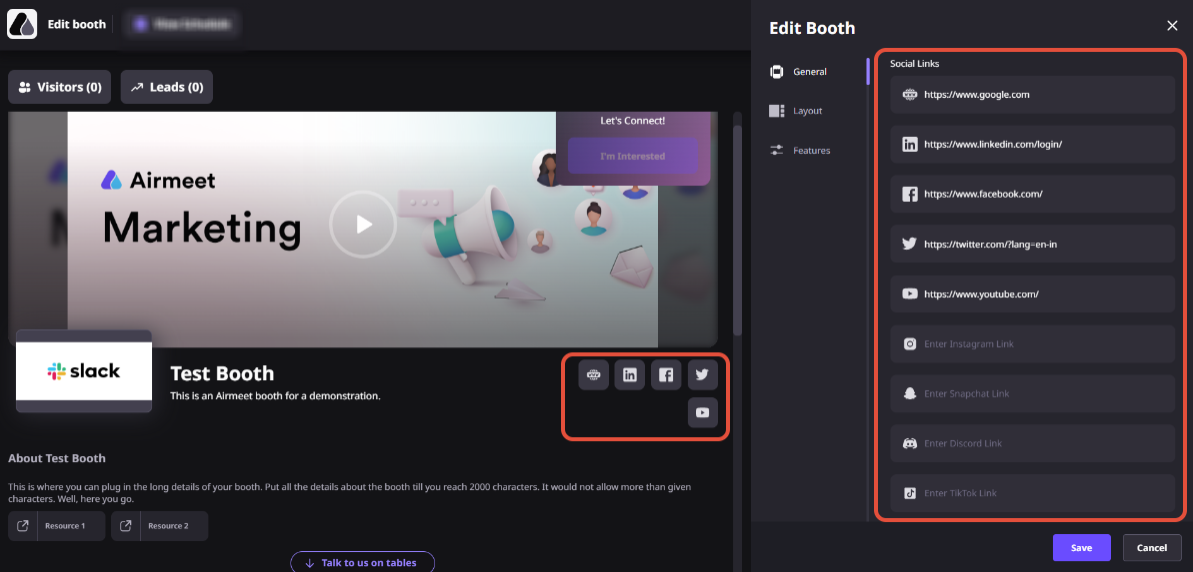
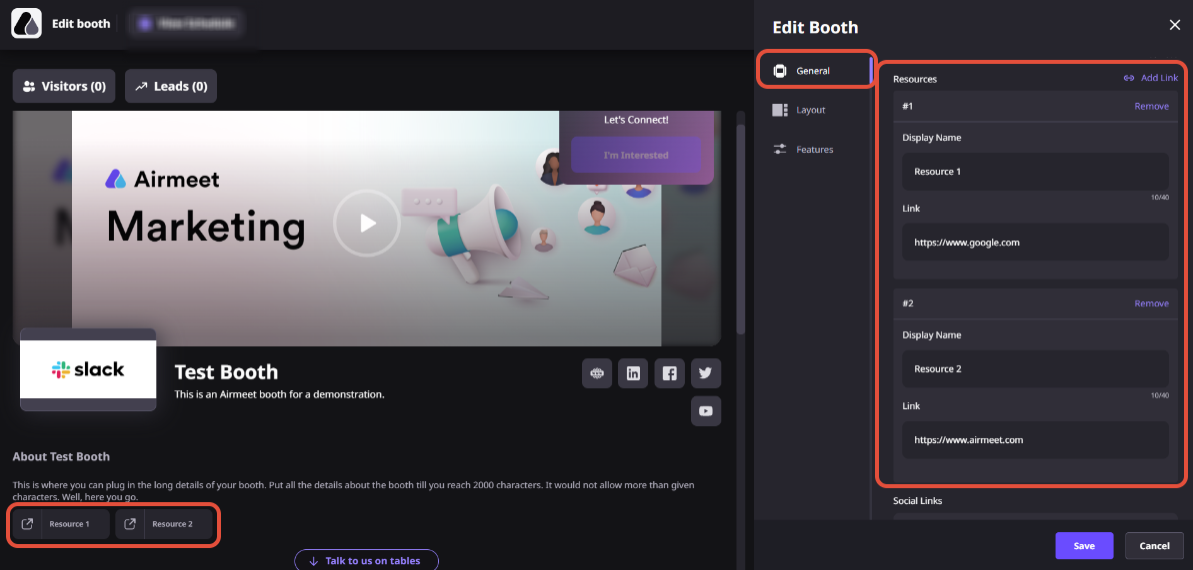
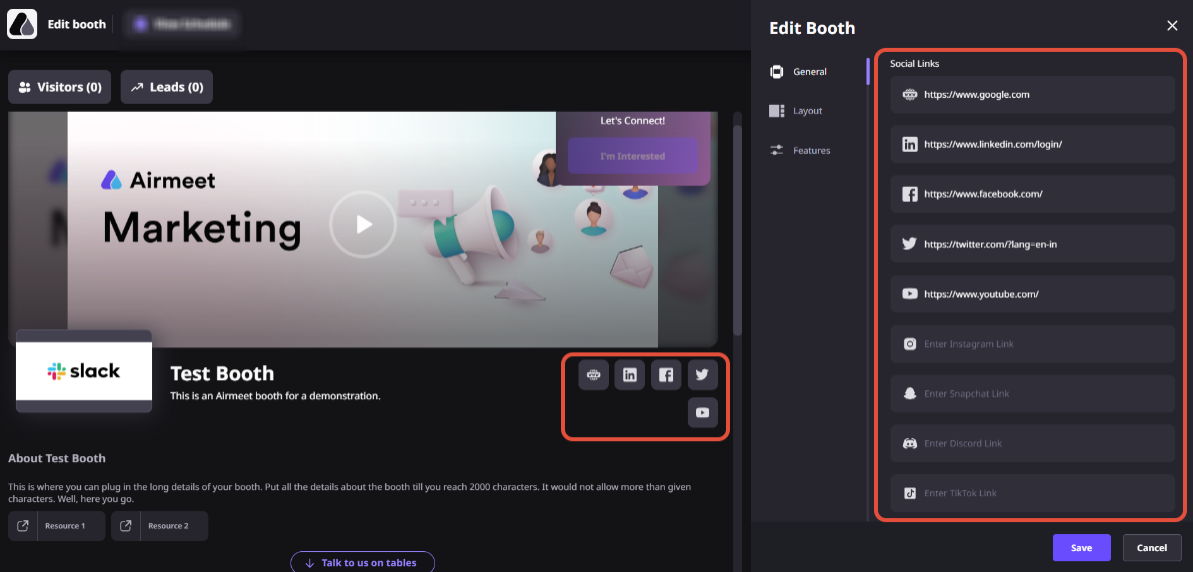
Create multiple clickable hotspots that direct visitors to product pages, documentation, booking links, social channels, landing pages, or other external resources.
Preview the booth layout to verify content placement, links, and branding before publishing it for attendees.
Why Airmeet

It is an Airmeet virtual booth layout that uses a custom background as the visual canvas, with video and transparent clickable link objects placed on top to create a more immersive visitor experience.
Yes. Organizers can upload their own custom 2D or 3D booth background image to create a fully branded virtual booth experience.
Yes. Videos placed in the custom booth autoplay muted by default. Attendees can unmute them and enter full-screen mode when they choose.
You can upload videos in MP4 and AVI formats. Each video can be up to 1000 MB in size, and you can add up to five videos to your event’s custom booths.
Yes. The layout supports multiple transparent link objects. Each can be placed and resized over a relevant part of the booth creative.
A custom link can point to an external resource or social destination. (Airmeet notes that external links open in another browser tab.)
An organizer can edit a booth, and an assigned exhibitor can access its booth in edit mode using the invitation or access flow provided by the organizer.
Begin with one primary buyer action, then map the background, video, and hotspots around it. Give each click a distinct job, such as viewing proof, exploring a product, downloading a resource, or contacting sales.
They can create a stronger branded destination and more intentional paths to sponsor content. Pair the custom experience with the wider booth capabilities and a clear post-event follow-up plan to translate engagement into measurable value.
Yes. They can support sponsor activations, product launches, customer education, recruiting, partner programs, and any virtual event that benefits from an explorable branded content hub.
Yes. Organizers can assign exhibitor access, allowing exhibitors to update booth content, manage resources, and maintain their custom booth based on the permissions provided for the event.
Yes. A custom booth can contain multiple videos and clickable hotspots, allowing attendees to explore product information, documentation, demos, websites, and social channels from a single interactive space.


Incredible Companies Use Airmeet

Most loved Virtual Events Platform

Incredible Companies Use Airmeet

Most loved Virtual Events Platform

Incredible Companies Use Airmeet
Most loved Virtual Events Platform

