Customize the emails going out to event registrants and attendees on Airmeet with branded layouts, images, GIFs, custom HTML, device previews, sender details, magic links, and segment-based sending.
The problem: webinar emails can move—or stall—the attendee journey
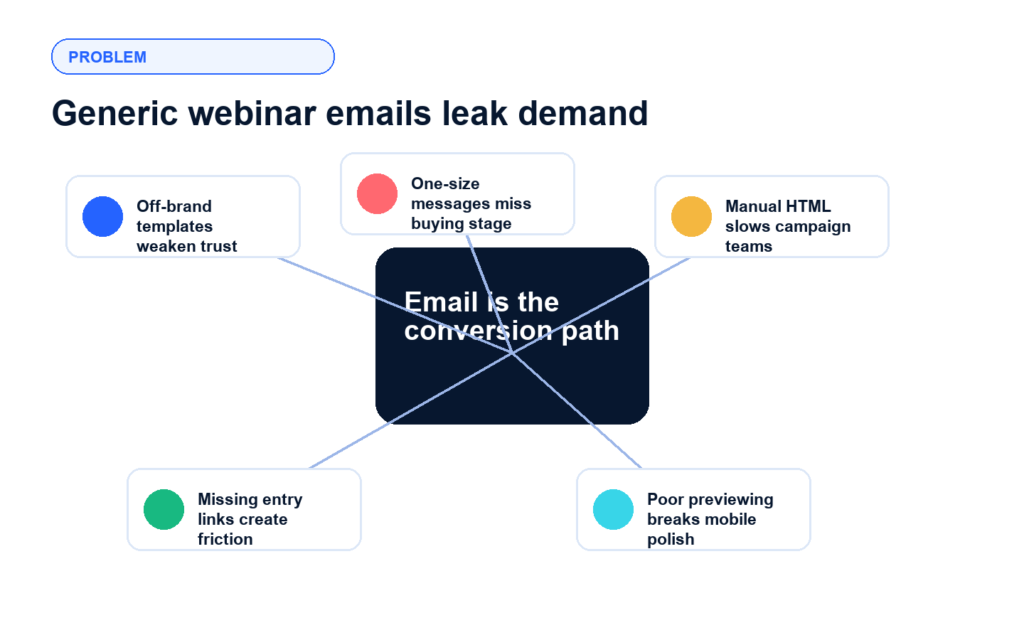
For B2B marketers, the email before and after a webinar is not a housekeeping detail. It is the handoff between registration intent, live attendance, sales follow-up, and post-event nurture. When event emails look generic, miss the right segment, or fail on mobile, qualified buyers can ignore the reminder, lose their entry link, or disengage before sales ever get a signal.
Brand trust is diluted Default-looking emails can feel disconnected from the campaign experience buyers signed up for.
Audience context is lost A prospect who attended, a no-show, and a customer need different messages, not one generic blast.
Entry friction hurts attendance If the event link is hard to find, registration intent does not reliably become attendance.
Operational polish is hard to scale Teams need fast previews, reusable layouts, and custom HTML without slowing every event launch.
The solution: branded, targeted event emails inside Airmeet
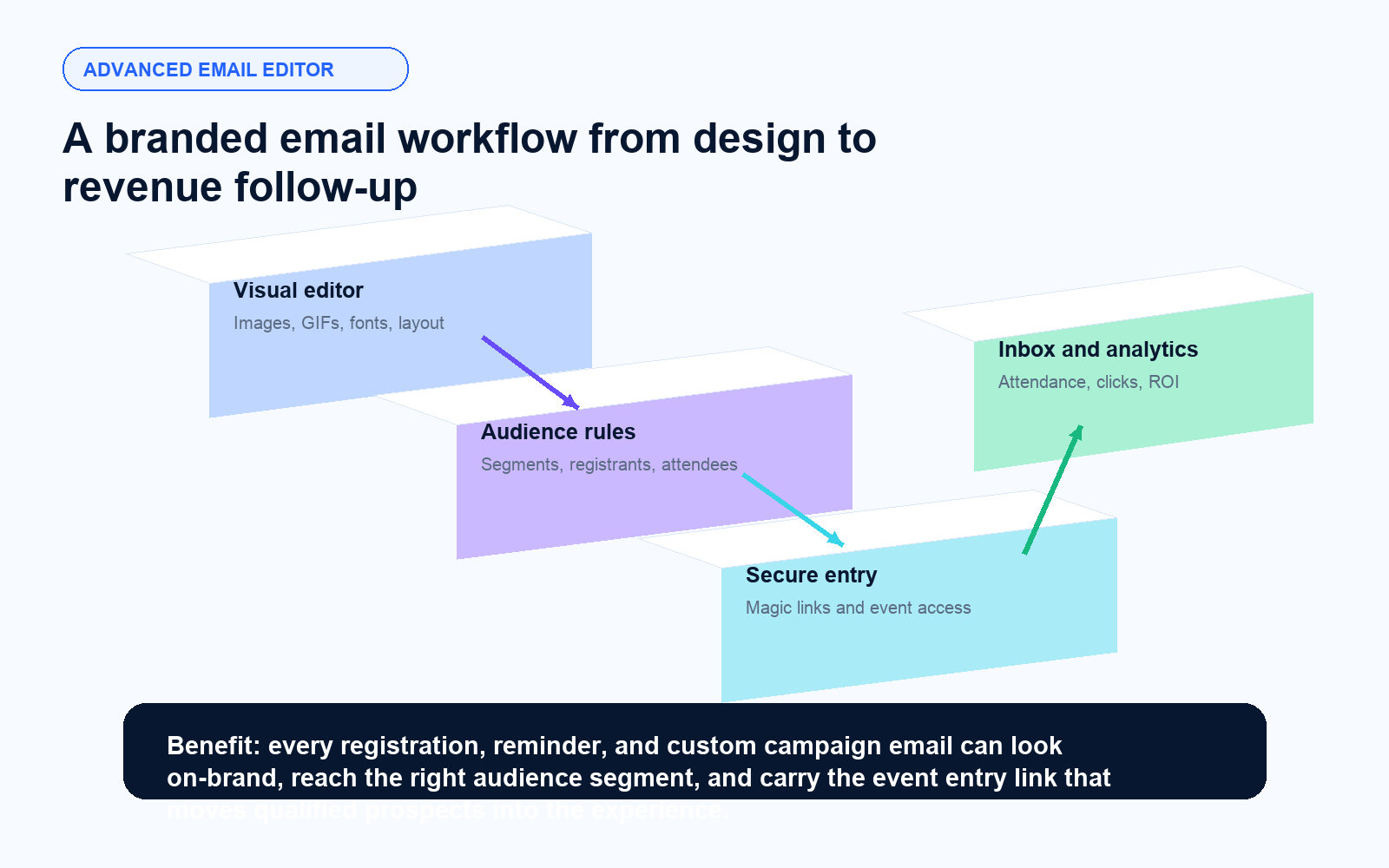
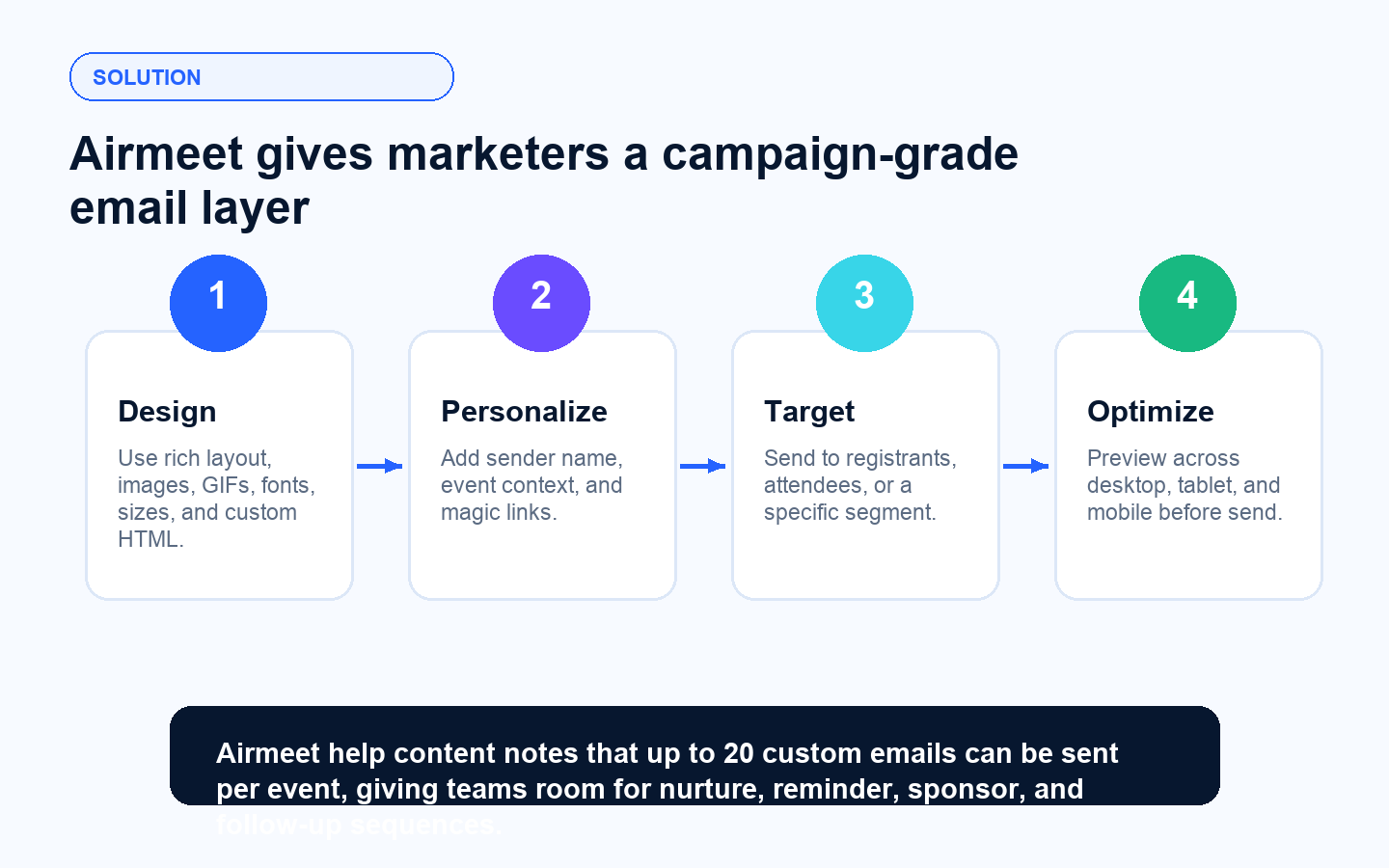
Airmeet's advanced email editor gives marketers a flexible way to build event communications that match the campaign brand and the audience moment. Teams can add rich media, adjust fonts and sizing, customize layouts, use custom HTML, preview across device types, insert event entry links, set the sender name, and send to a particular audience segment. For larger programs, Airmeet supports up to 20 custom emails per event.
Build emails that look like your campaign Add images, GIFs, brand fonts, sizing, and structured layouts so webinar communication feels intentional.
Use custom HTML when precision matters Bring in more controlled design blocks for launches, sponsor placements, and conversion-focused email sections.
Give every registrant a direct event access Magic links reduce login friction by letting invitees enter with their unique event link.
Send the right message to the right group Target a particular segment so reminder, attendance, and follow-up emails match buyer behavior.
Benefits for different virtual event use cases
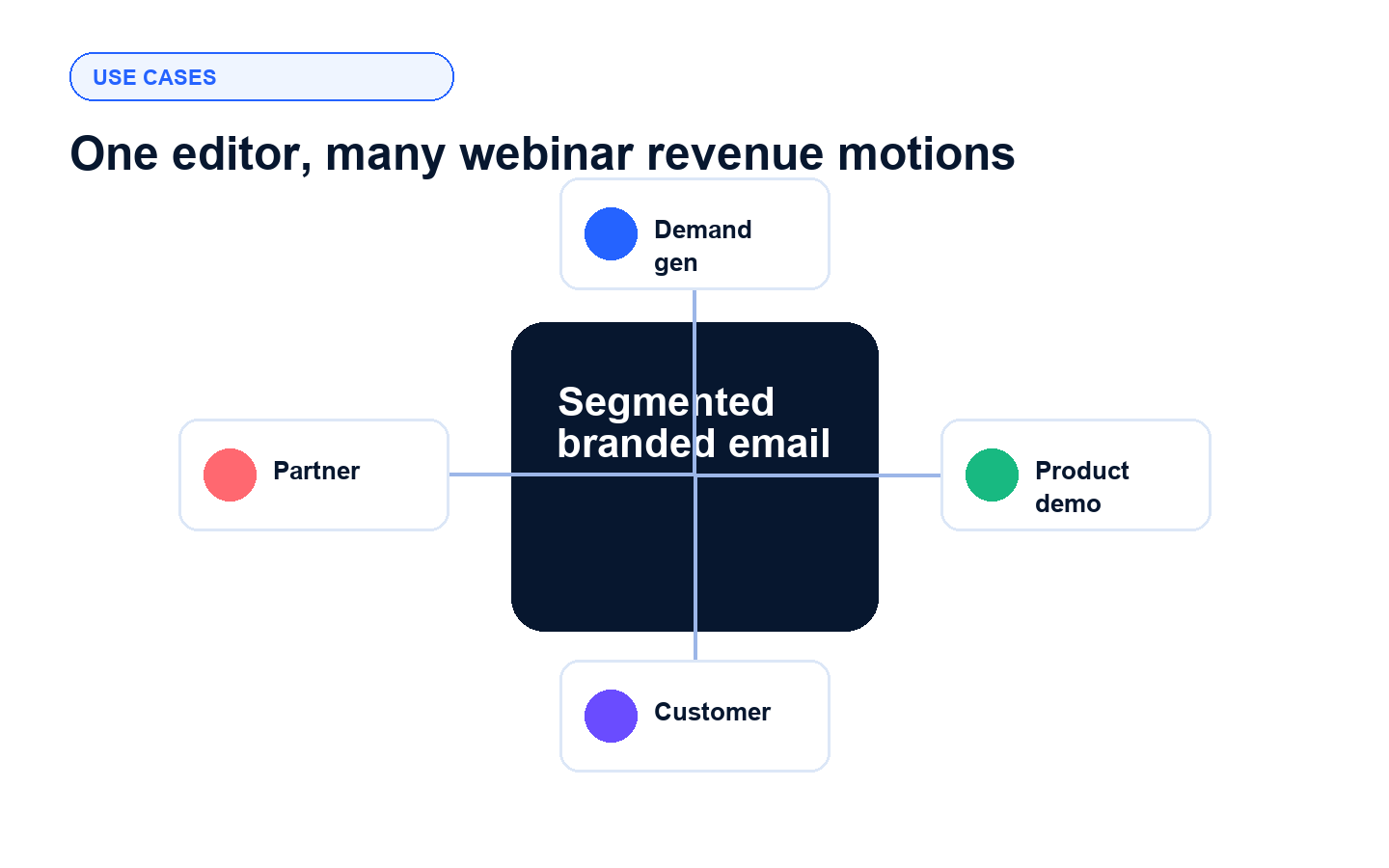
Revenue-focused webinar programs need different email motions by audience, event type, and buying stage. The editor helps marketers keep every message on-brand while still tailoring the send to the job it needs to do.
Demand generation webinars
Turn registrations into attendance with branded reminder sequences and clear magic-link access.
Product demos
Segment by interest or funnel stage and send conversion-focused reminders before the live demo.
Customer education
Keep customers informed with polished mobile-ready updates, training reminders, and post-session resources.
Partner webinars
Support co-branded campaigns with custom layouts, sponsor-friendly creative, and targeted audience sends.
Actual Product Screenshots
Step-by-Step Process
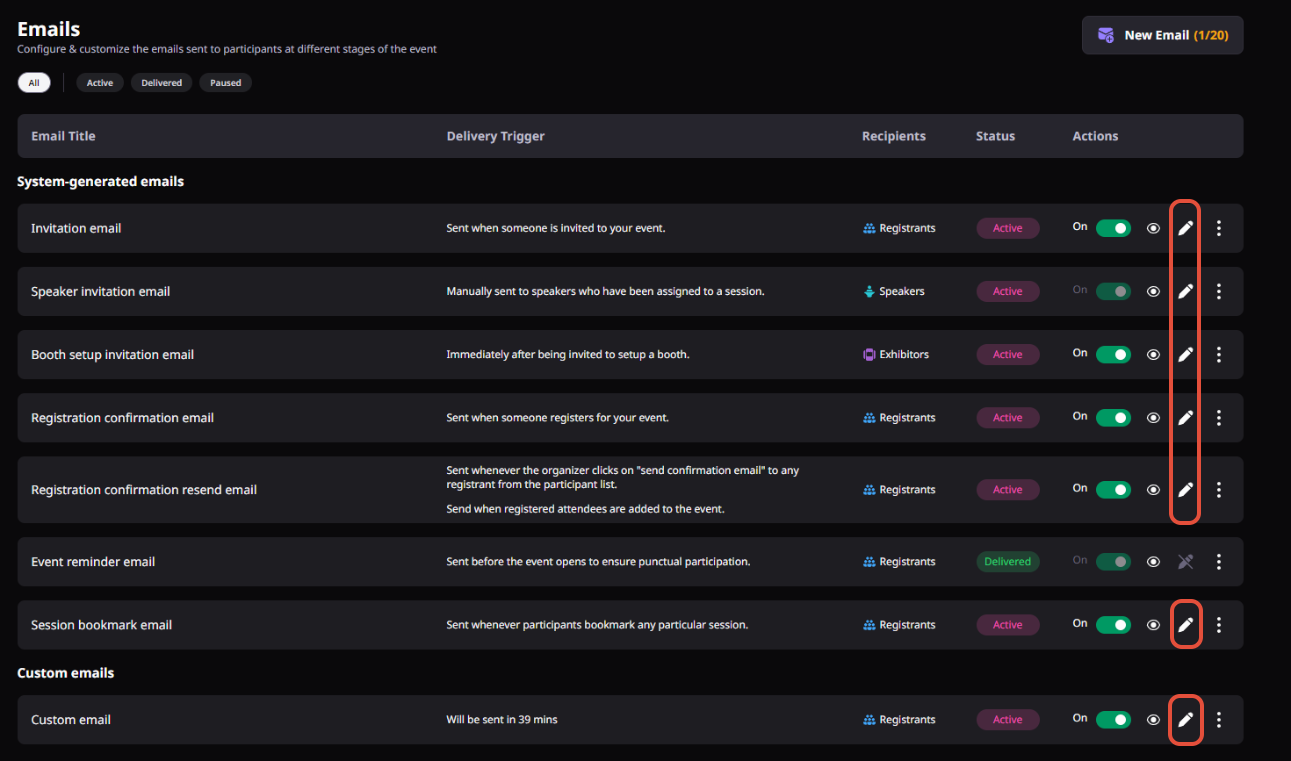
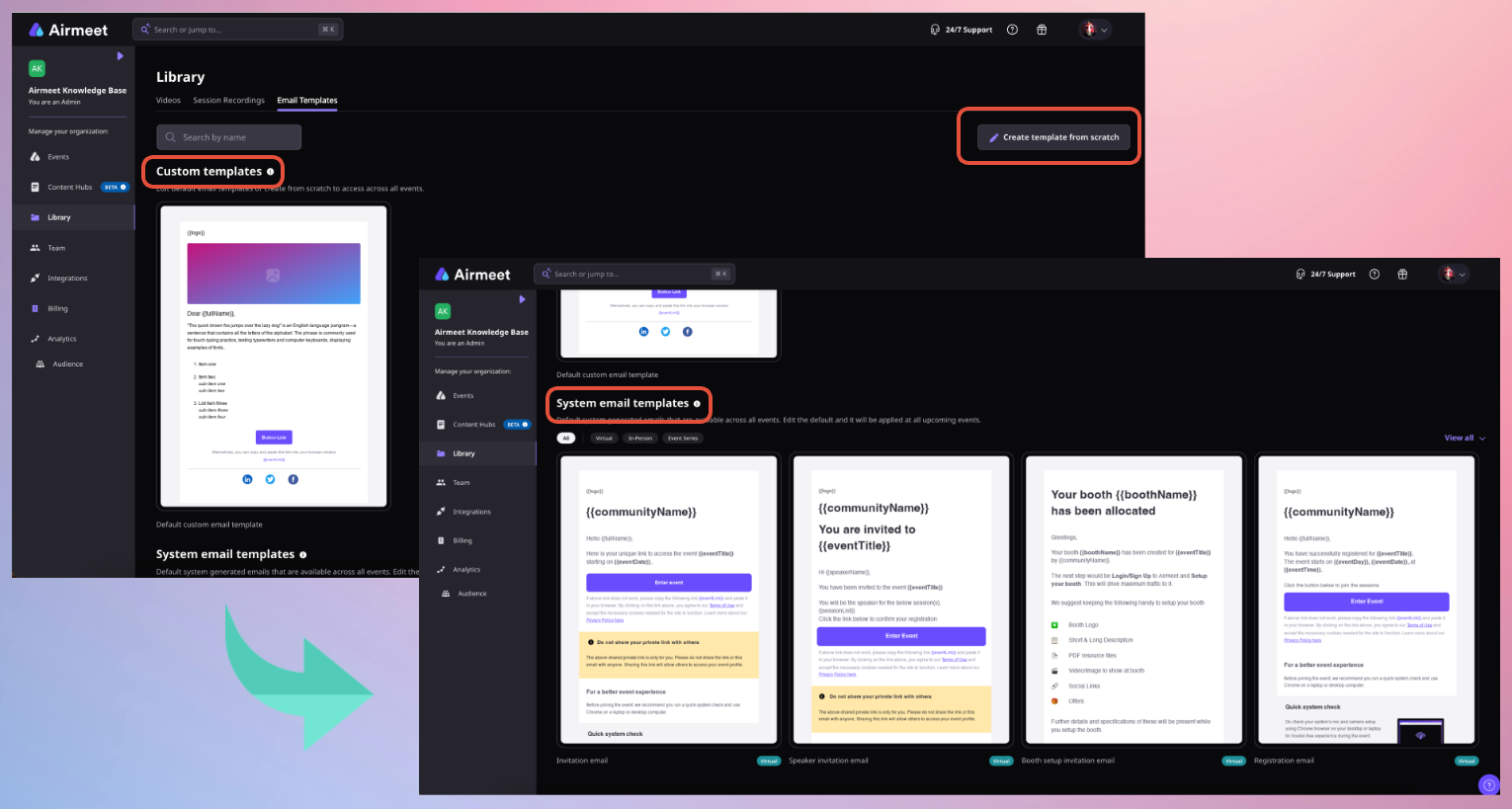
The Advanced Email Editor enables organizers to create, customize, preview, and send branded event communications throughout the attendee journey.
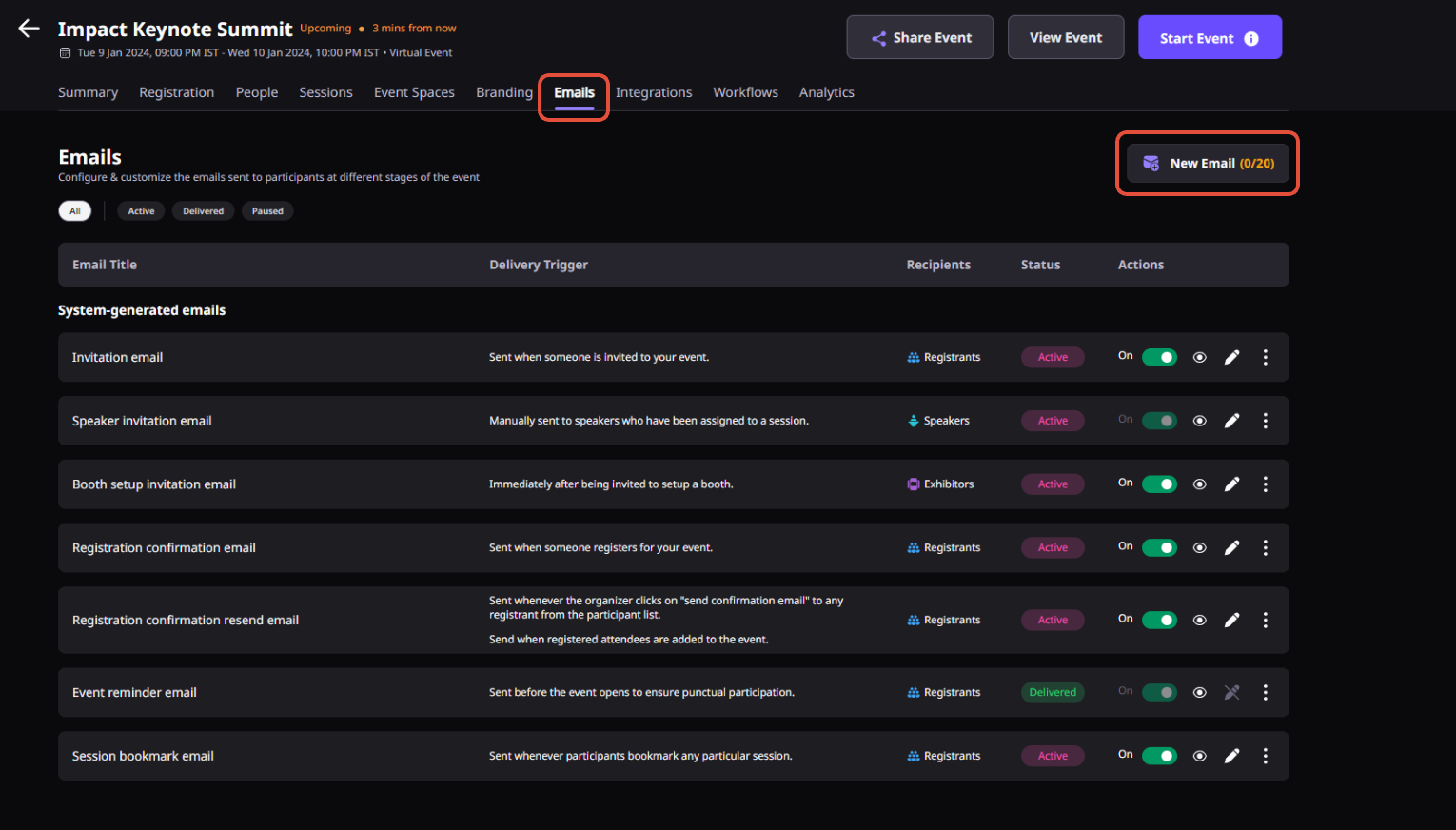
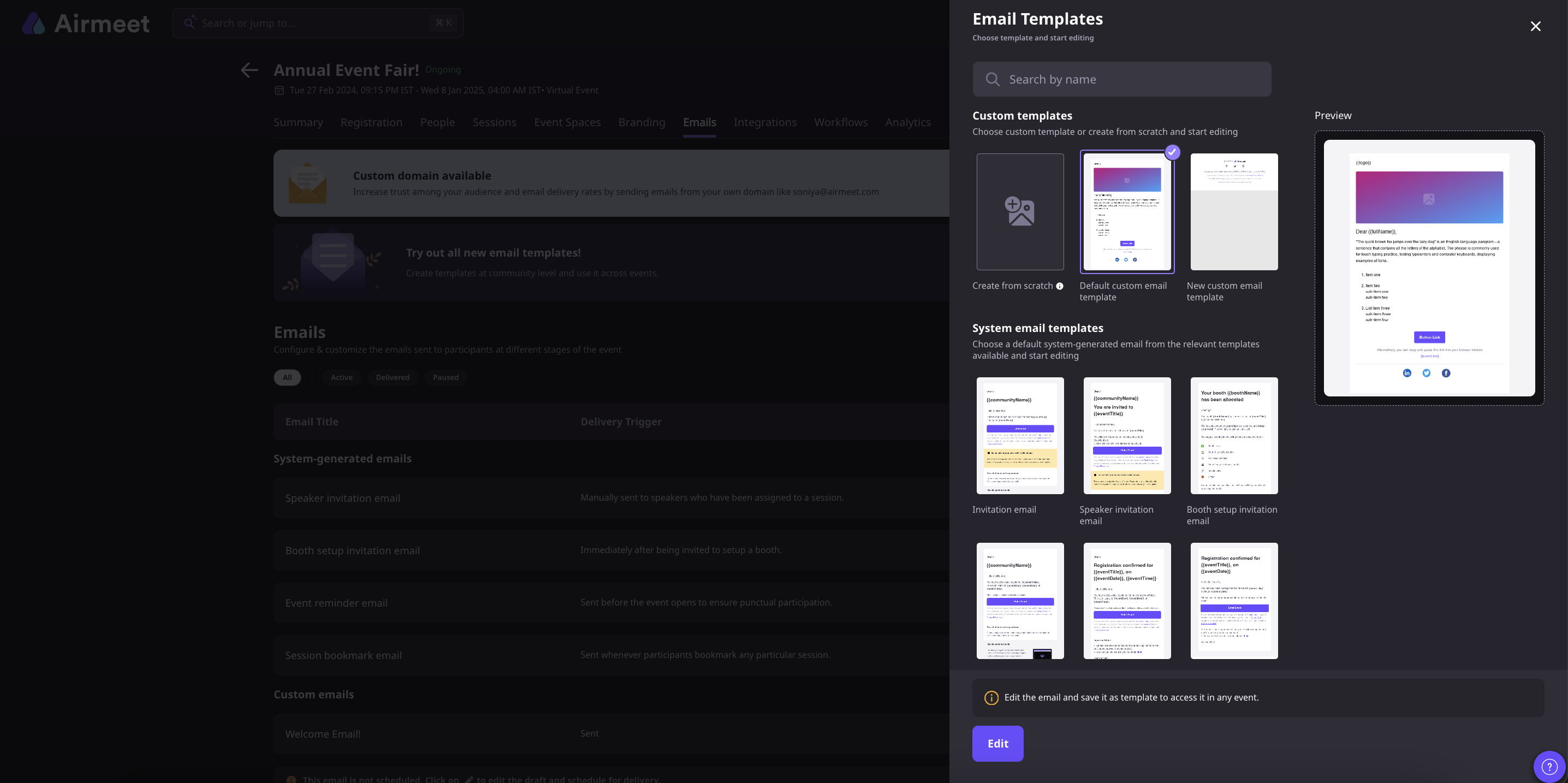
Step 1. Open the Email Editor
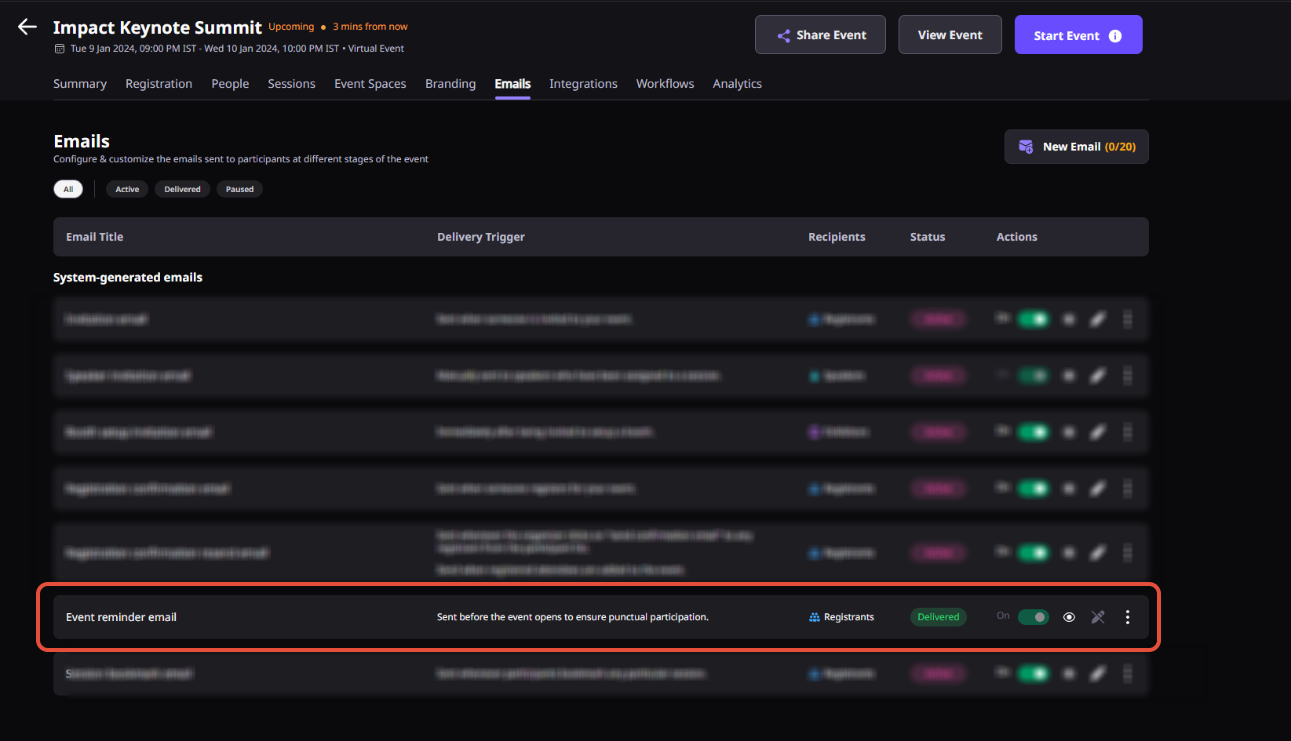
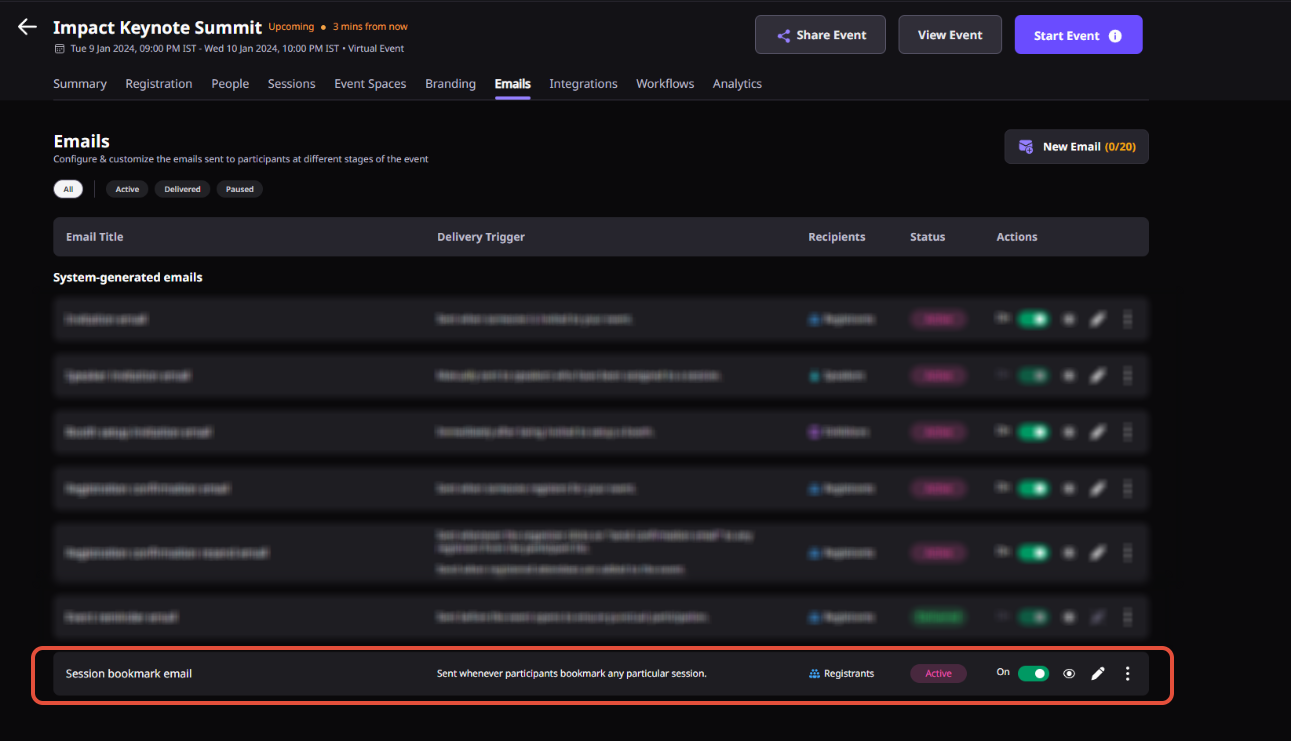
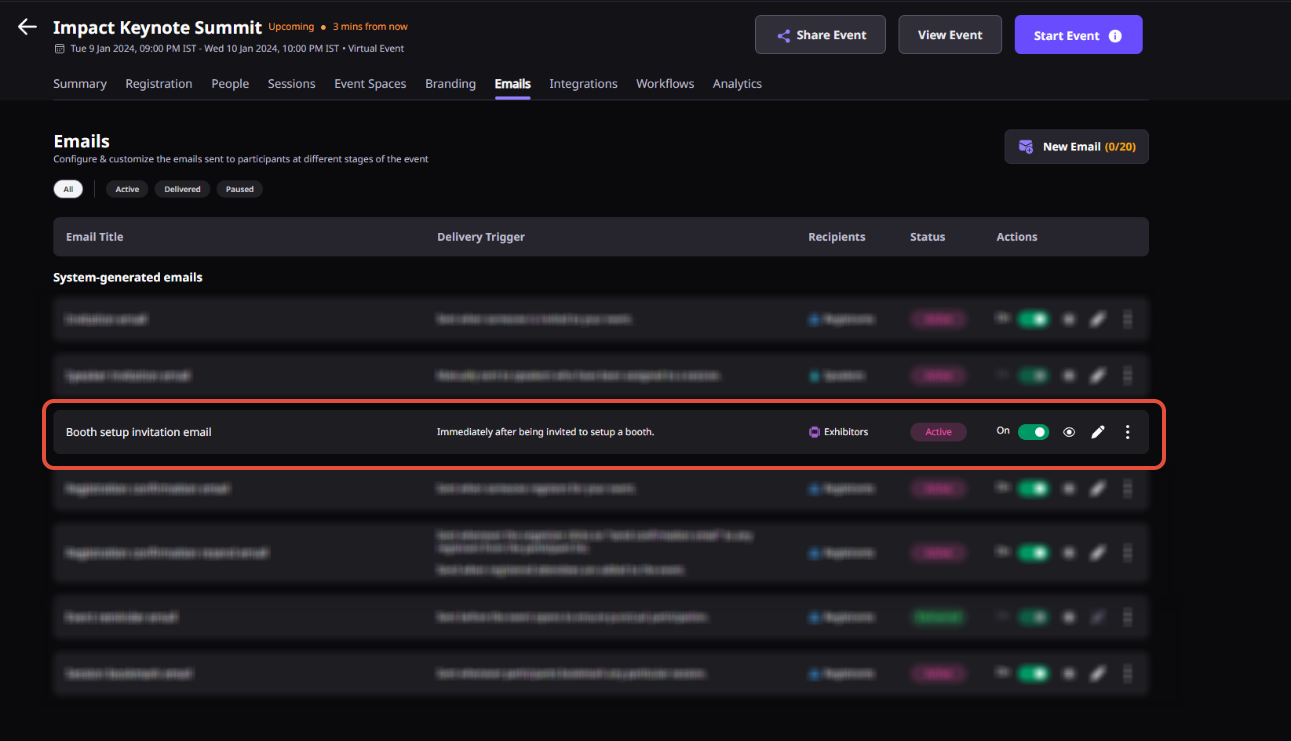
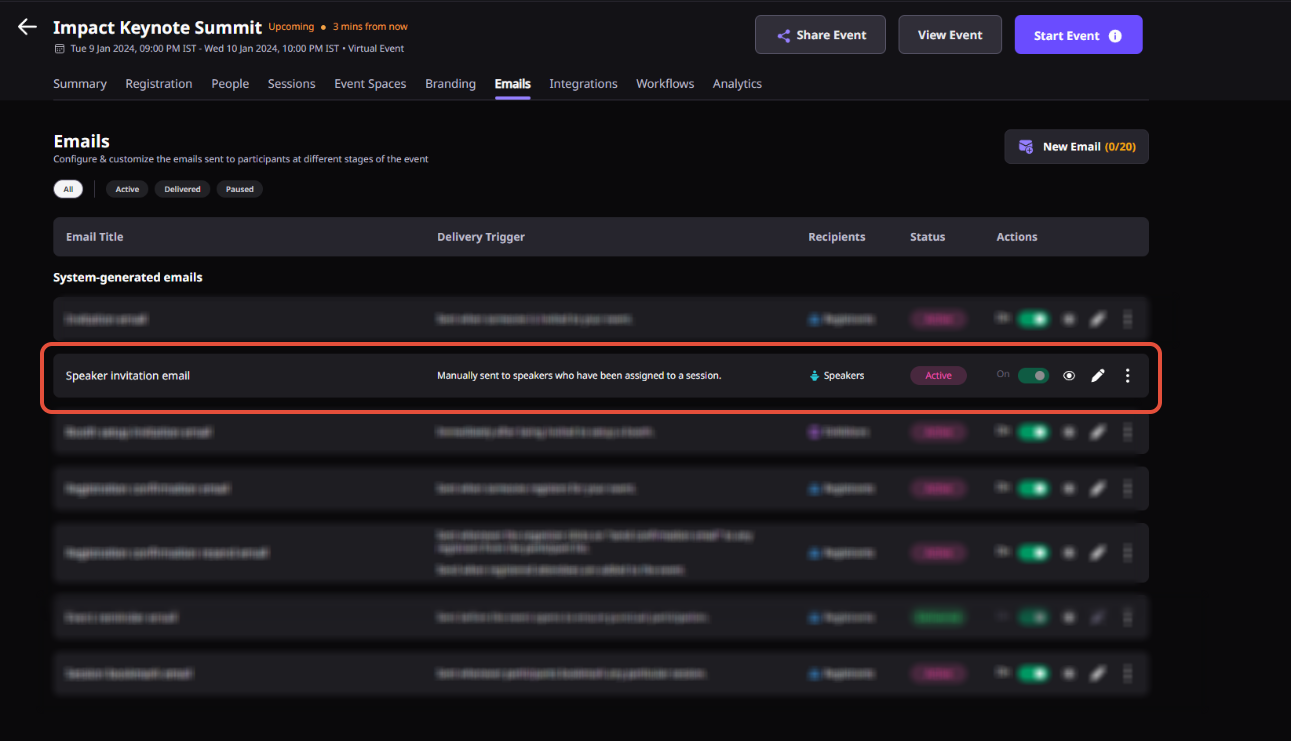
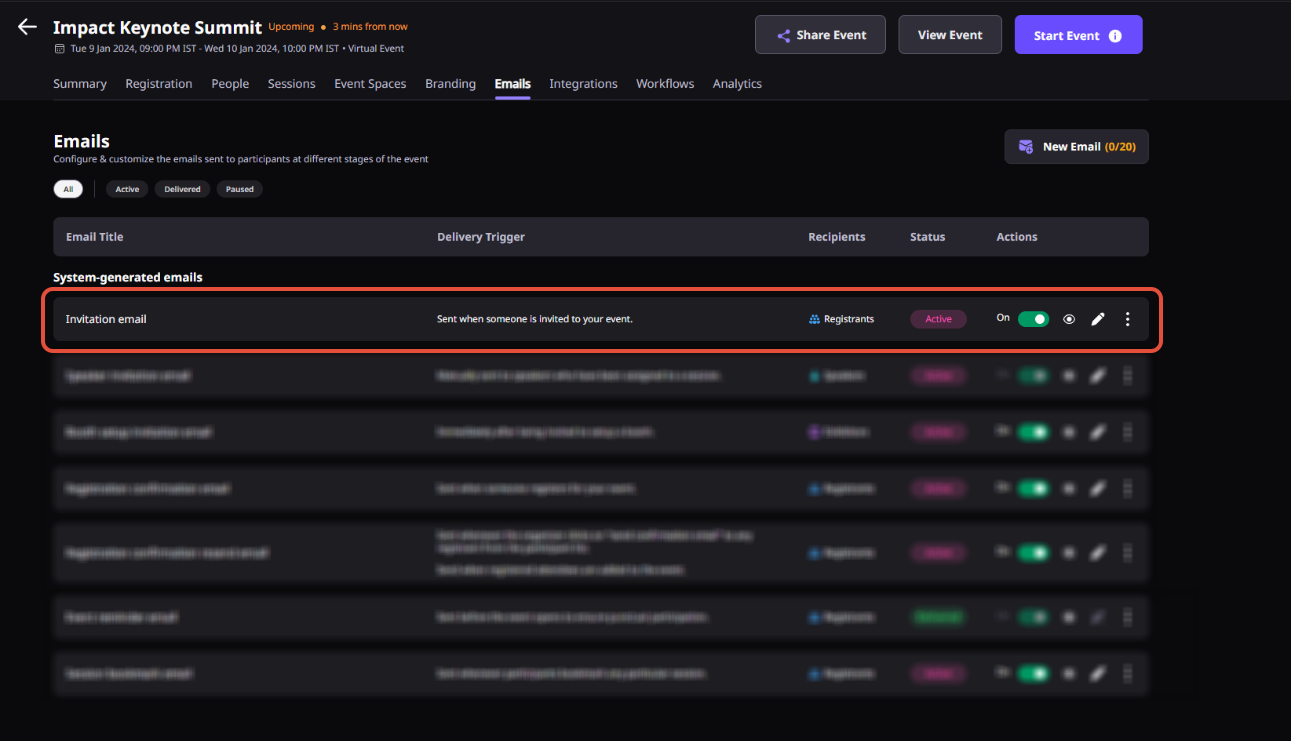
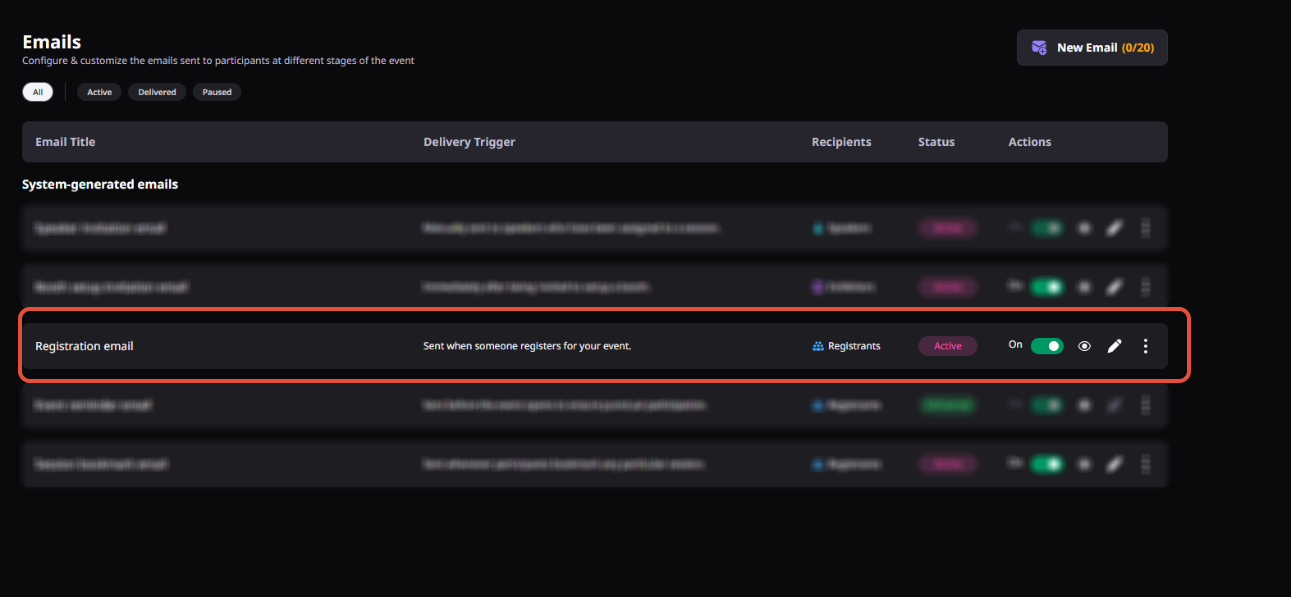
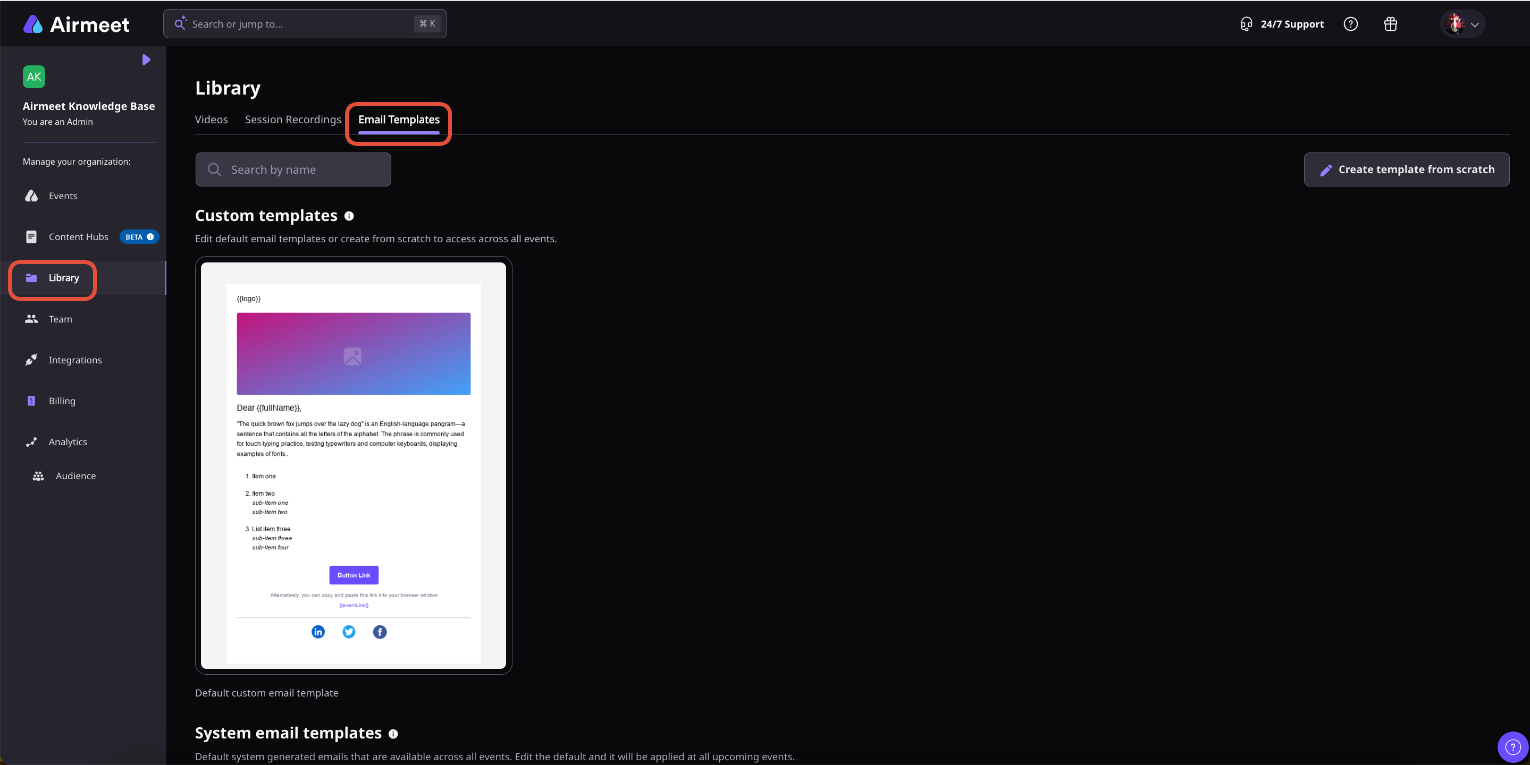
Navigate to your Airmeet event dashboard and open the Emails section. Create a new custom email or edit an existing email template for invitations, reminders, updates, or post-event communication.
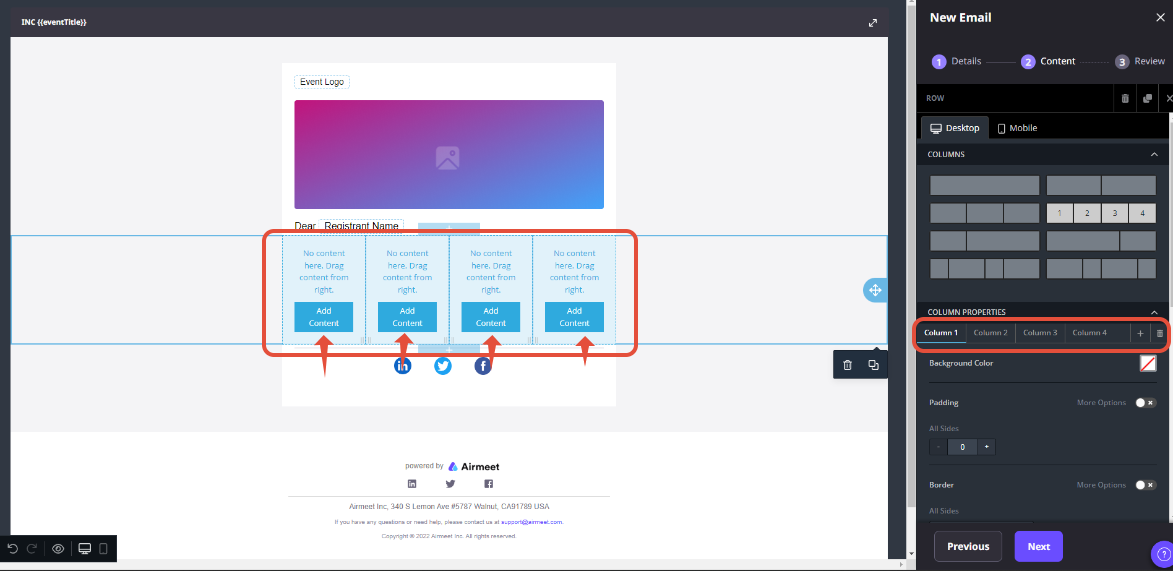
Step 2. Design Your Email
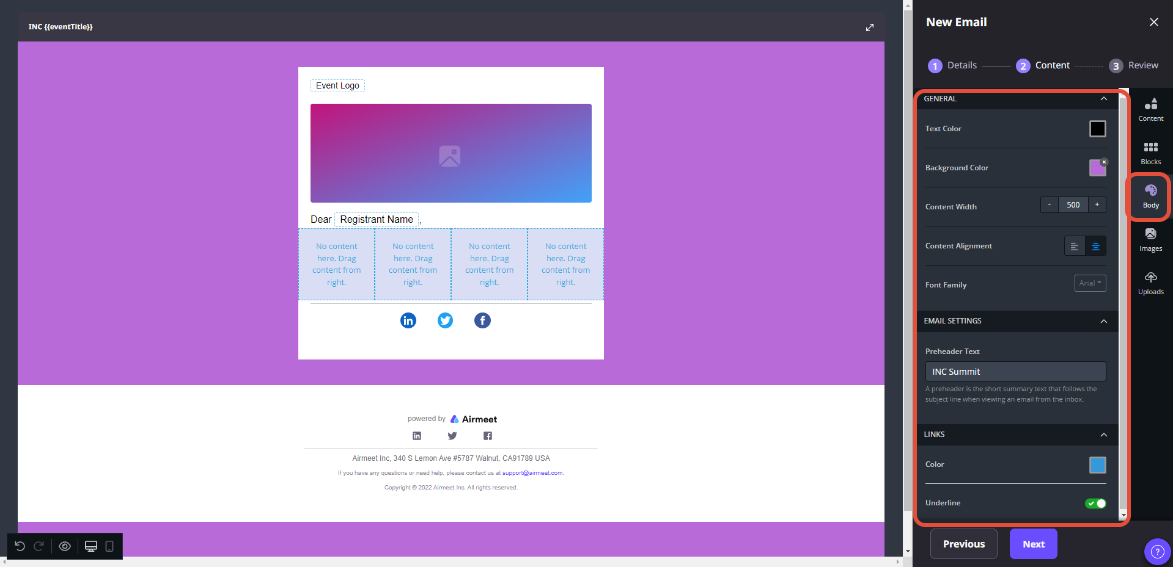
Build your email using the available formatting tools. Add your event branding with logos, banners, images, GIFs, text formatting, buttons, custom layouts, and custom HTML to create emails that match your campaign identity.
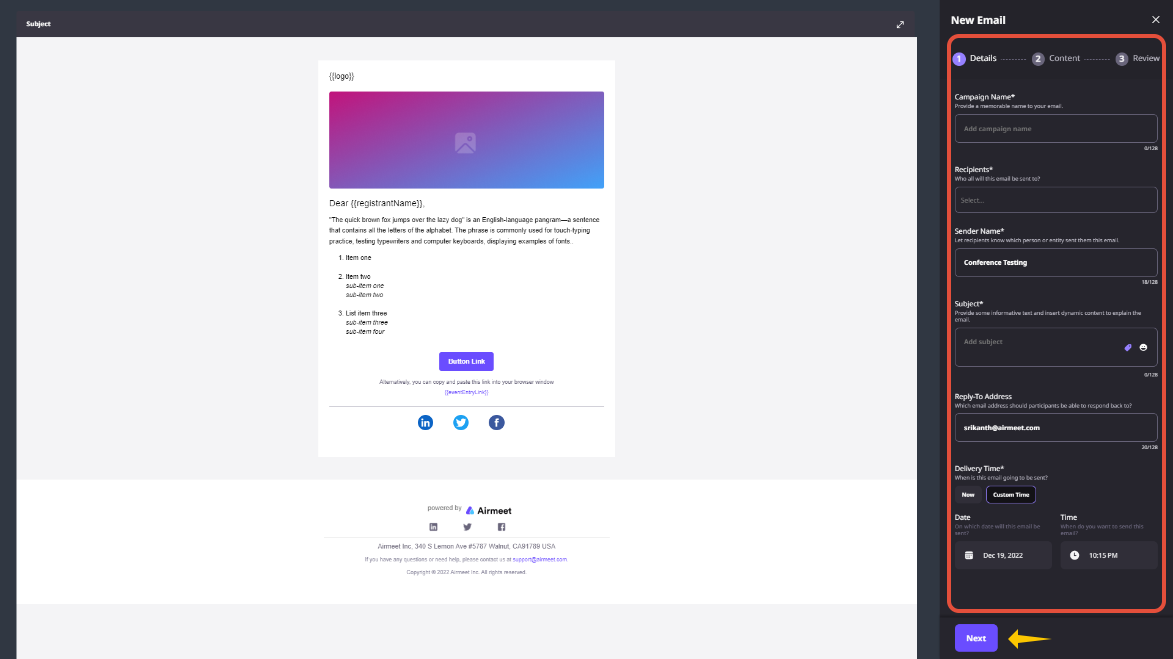
Step 3. Personalize the Experience
Configure sender details, insert dynamic event information, and add unique Magic Links so recipients can access the event directly with minimal login friction. Personalize content to create a more engaging attendee experience.
Step 4. Select Your Audience
Choose the audience segment you want to receive the email. Send targeted communications to registrants, attendees, no-shows, speakers, sponsors, or custom segments to deliver more relevant messaging.
Step 5. Preview Before Sending
Review your email using the built-in preview options for desktop, tablet, and mobile devices. Verify formatting, images, links, and overall layout before scheduling or sending the campaign.
Step 6. Send and Monitor Performance
Send your customized email to the selected audience. After delivery, monitor email performance and engagement to optimize future event communications and improve attendance and follow-up campaigns.
Why choose Airmeet for advanced email editor
Airmeet's Advanced Email Editor helps marketing teams create professional event communications without relying on external email design tools. From branded invitations to personalized follow-up emails, every message can be tailored to match your event experience.
Create Fully Branded Event Emails Design invitations, reminders, announcements, and follow-up emails using your brand colors, images, layouts, fonts, and custom HTML for a consistent attendee experience.
Personalize Every Communication Deliver more relevant emails by targeting specific audience segments and including personalized event information that matches each attendee's stage in the event journey.
Reduce Event Entry Friction Insert Magic Links directly into emails so attendees can join the event quickly without unnecessary login steps, helping improve attendance rates.
Optimize Emails Across Every Device Preview emails on desktop, tablet, and mobile devices before sending to ensure a consistent experience regardless of where recipients open the message.
Manage Multiple Campaigns with Ease Create and manage multiple custom emails for invitations, reminders, announcements, sponsor communications, and post-event follow-up within the same event.
Built for Revenue-Focused Event Marketing The Advanced Email Editor helps keep every attendee communication professional, timely, and aligned with your campaign goals.
help Center
Relevant Help Articles
Explore guides and tutorials to help you create, customize, and host exceptional events on Airmeet.
It is the email customization experience for event communications sent to registrants and attendees, including rich layout control, images, GIFs, custom HTML, sender details, magic links, device previews, and segment-based sends.
Yes. The editor supports rich media such as images and GIFs, which helps marketers make webinar invitations, reminders, and follow-up emails feel more branded and campaign-specific.
Magic links are unique event entry links that help participants join without unnecessary login friction. They are especially useful in reminders and last-mile attendance emails.
Airmeet supports up to 20 custom emails per event, which gives teams room for invitations, reminders, sponsor updates, attendance nudges, and post-event nurture.
Better email customization can improve attendance, reduce access friction, support audience-specific follow-up, and keep the full webinar journey consistent from registration through sales handoff.
Airmeet features
Other Features to Explore
Discover more powerful features that help you create engaging, branded, and seamless event experiences with Airmeet.
“I was really excited to see how alive Airmeet seemed. The first time I raised my virtual hand to ask a question, I was brought up on stage, my camera flipped on, and I was able to talk with the presenters, that was the sold-moment in my head! That is what I wanted. We weren't going to be speaking at our audience. We wanted a two-way engagement. With the analytics in the background, that was my “Aha moment!”
Victoria YounesExecutive Events Manager
Incredible Companies Use Airmeet
Most loved Virtual Events Platform
“I was really excited to see how alive Airmeet seemed. The first time I raised my virtual hand to ask a question, I was brought up on stage, my camera flipped on, and I was able to talk with the presenters, that was the sold-moment in my head! That is what I wanted. We weren't going to be speaking at our audience. We wanted a two-way engagement. With the analytics in the background, that was my “Aha moment!”
Victoria YounesExecutive Events Manager
Incredible Companies Use Airmeet
Most loved Virtual Events Platform
“I was really excited to see how alive Airmeet seemed. The first time I raised my virtual hand to ask a question, I was brought up on stage, my camera flipped on, and I was able to talk with the presenters, that was the sold-moment in my head! That is what I wanted. We weren't going to be speaking at our audience. We wanted a two-way engagement. With the analytics in the background, that was my “Aha moment!”