Broaden Market
Impact with
Immersive Events
Strengthen Bonds,
Boost Engagement
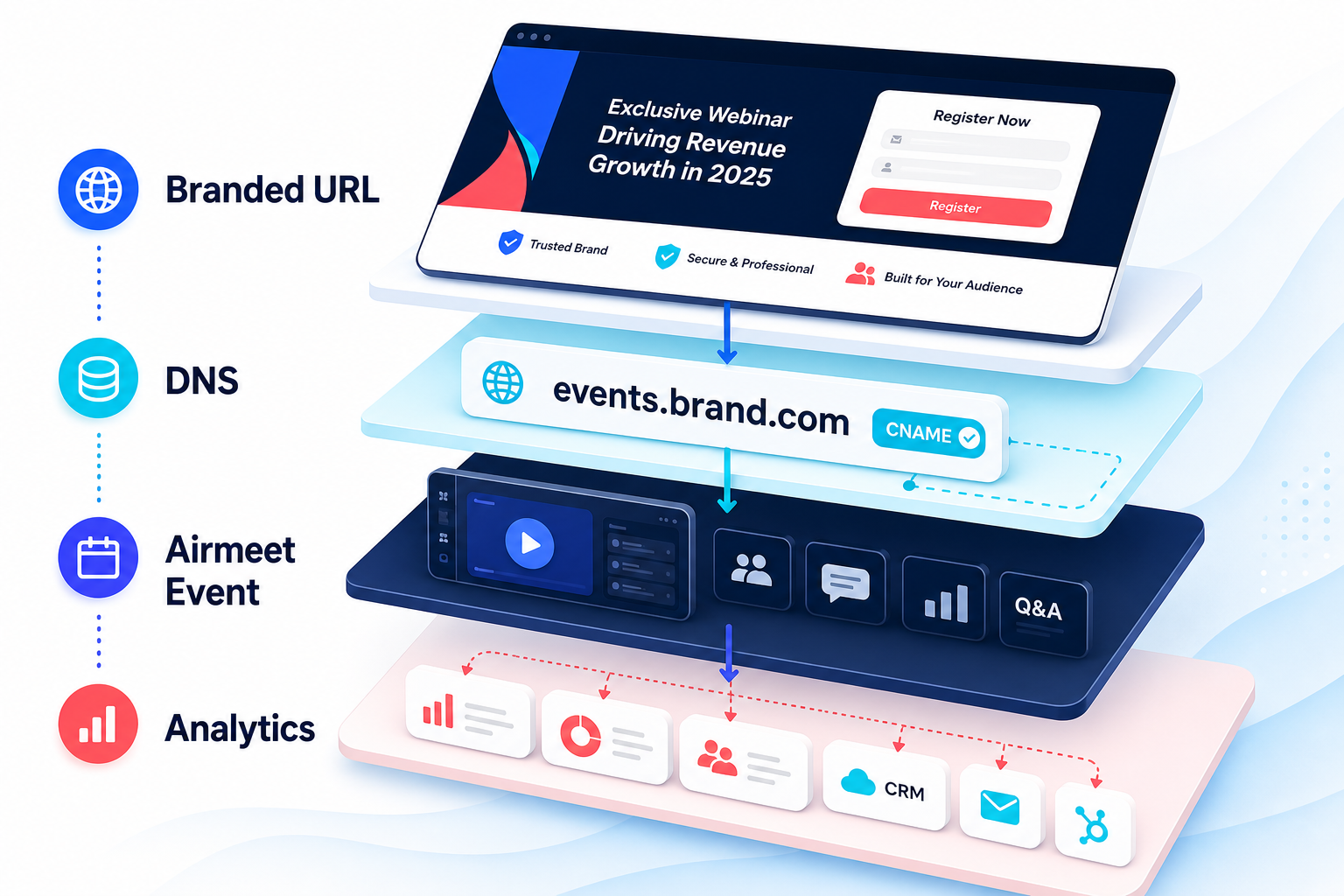
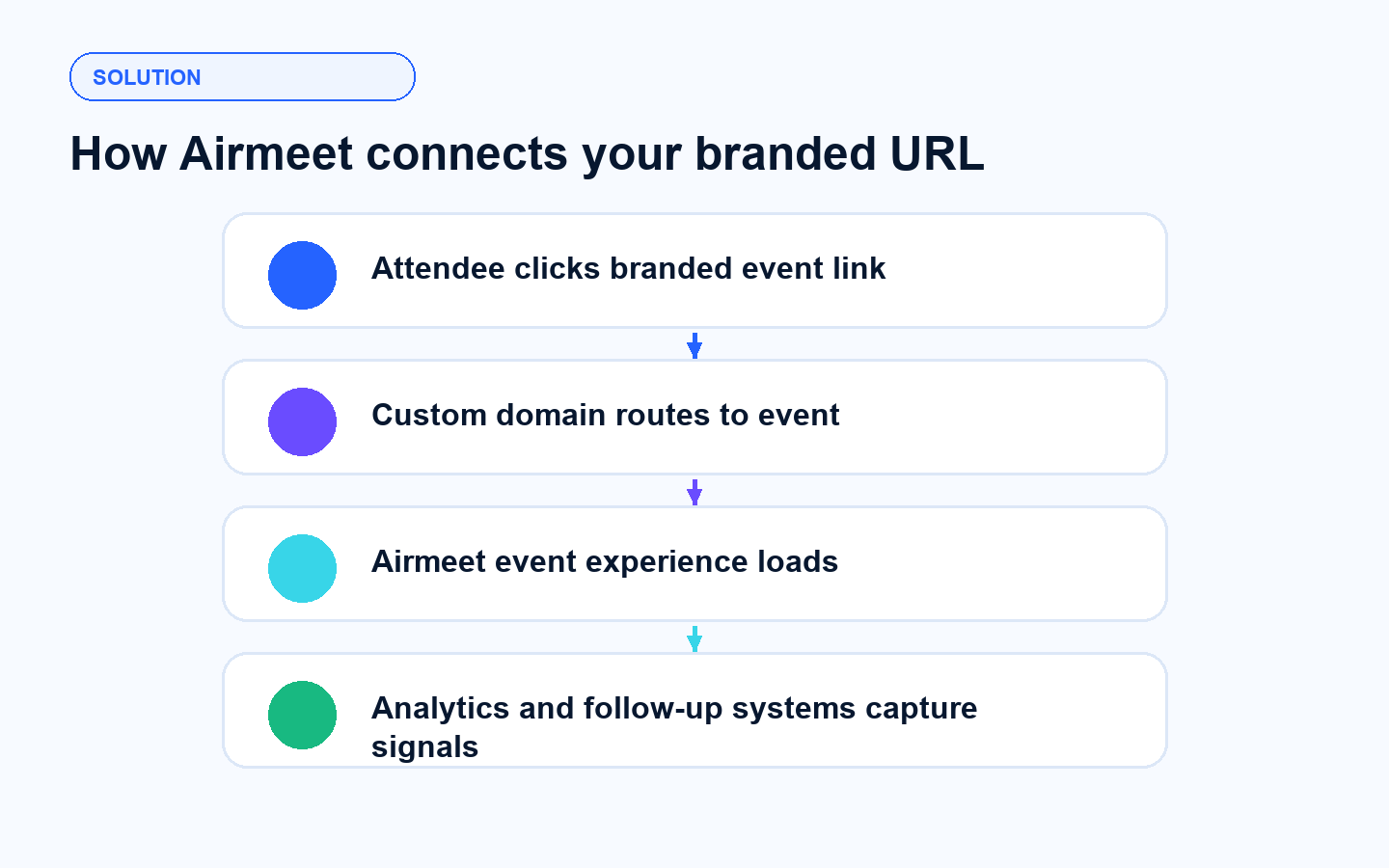
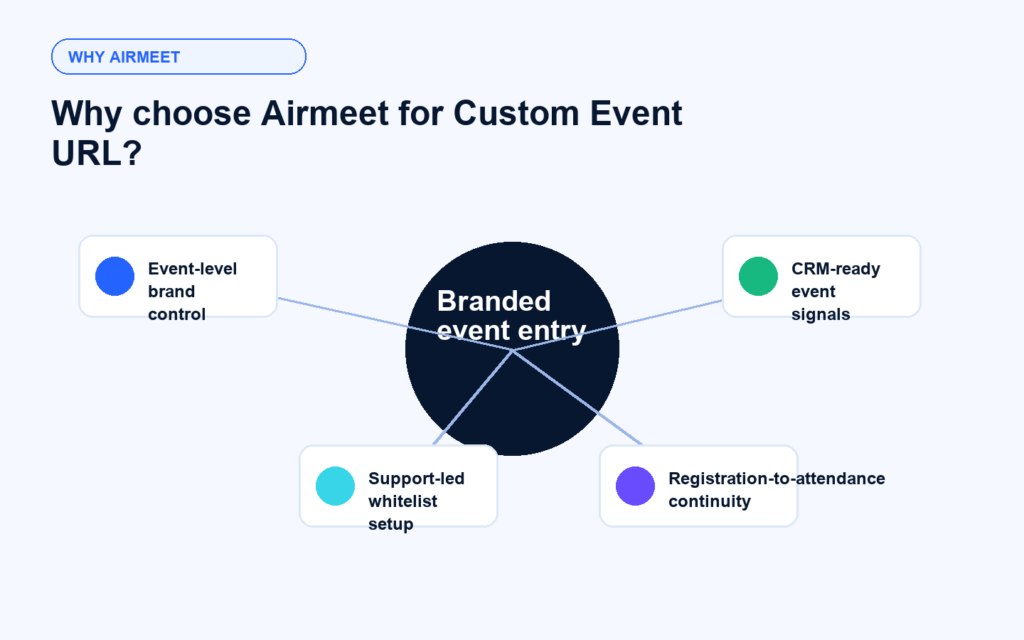
Custom Event URL lets Airmeet teams replace the default Airmeet event link with a branded web address, creating a more professional, cohesive path from campaign click to registration, event entry, and follow-up.
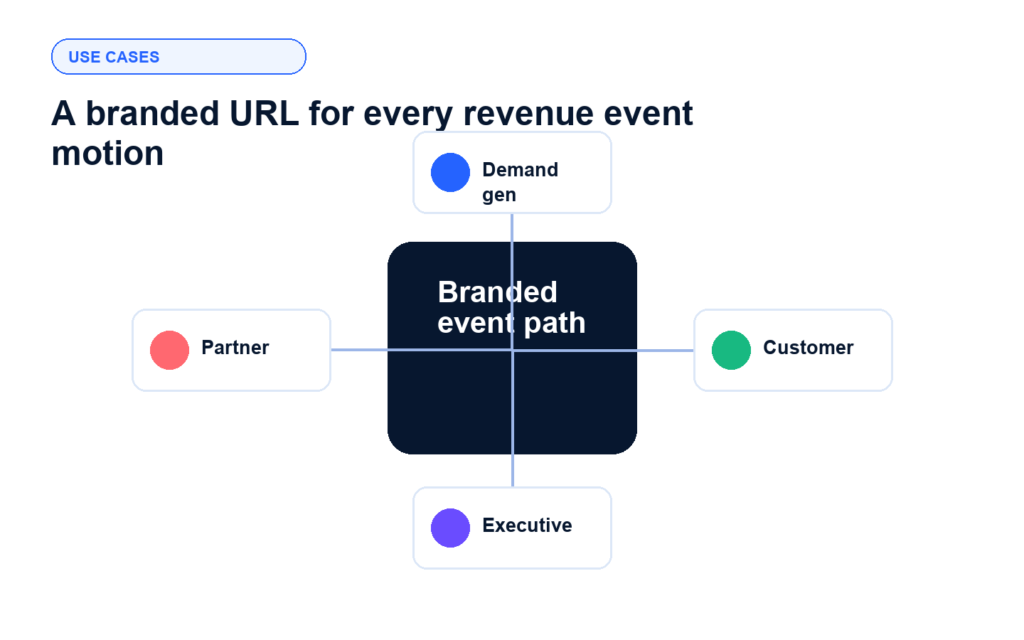
Custom Event URL helps B2B teams reinforce brand trust wherever link confidence influences registration, attendance, and pipeline movement.
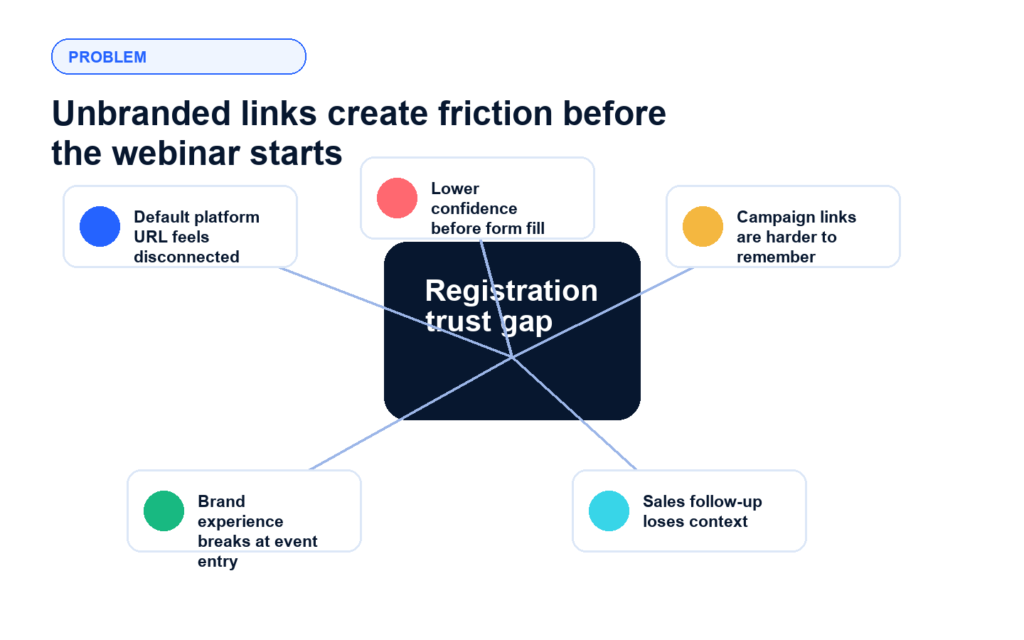
Keep the campaign path branded from ad click to registration, helping prospects feel confident enough to convert. A recognizable URL removes the moment of hesitation that generic platform links create right before a prospect decides whether to sign up.
Use a familiar learning or academy domain so customers recognize the event as part of your adoption program. When the link matches the brand they already trust, drop-off between click and registration decreases.
Give VIP audiences a polished event link that matches the promise of an executive-level experience. A branded URL signals that this is a curated program, not a generic webinar invite sent from a platform domain.
Make co-marketed promotions easier to share with a clean, credible event URL. A branded link that reflects the campaign rather than a platform default makes partner teams more confident sharing it across their own channels.
Do not skip this step. Custom Event URL only works on India-region data centers and is not available on US or UK Airmeet data centers. If you are not sure which region your account sits in, ask your Airmeet Account Manager or Event Success Manager before you plan anything around this feature.
Timing matters here more than most teams expect. Whitelabeling needs to be done before registrations start or any CSV uploads happen. Once the custom domain goes live, every unique link, speaker link, exhibitor link, and event link switches over to the new branded URL. If people have already registered before whitelabeling is active, their links will need to be reissued.
Before you reach out to Airmeet, pull these five things together so nothing stalls mid-process:
Once you have the above ready, share it with your Airmeet Customer Success Manager or Event Success Manager. From there, the Airmeet technical team takes over, verifies everything, and sends an authentication email with a DNS record set to the right contact.
This one is entirely on your domain administrator, not your marketing team. Airmeet sends over exactly what your DNS admin needs to add to your domain settings. The key here is to loop your DNS admin in early so they are not a bottleneck when this step arrives.
After your DNS admin adds the record set, someone on your team needs to give your CSM or ESM a heads up. Airmeet does not get notified automatically when DNS records go live. That message from your side is what kicks off the technical team to validate the domain settings and send the confirmation email once everything checks out.
Activation takes 7 to 14 working days from the point prerequisites are submitted. That is not a soft estimate, so factor it into your campaign calendar well before your launch date. You want the branded URL live and working before registration opens, not after.
Custom Event URL is an add-on capability that lets organizers use a branded domain or subdomain for an Airmeet event instead of sending attendees only to the default Airmeet URL.
A branded URL keeps the prospect journey consistent from promotion to registration and event entry, which can reduce hesitation when a buyer is deciding whether to trust the link and complete the sign-up.
The Help Center asks for the domain name, Airmeet event link, favicon image, and activation and deactivation dates.
Airmeet says custom URL whitelisting generally takes 7-14 working days, so teams should request it before major campaign launch dates.
Airmeet describes the add-on as available for India-region events. Teams running events in other regions should confirm availability with Airmeet before planning launch copy around it.
No. The directory-level whitelisting is not supported; the setup is handled for an event URL.
No. The feature is not supported on the mobile app, so teams should account for that in attendee instructions.
No. Custom Event URL controls the branded event web address. While Custom Email Domain is a separate feature for sending Airmeet emails from a branded sender domain.
Yes, when the event meets Airmeet setup requirements. A branded or campaign-specific URL can make co-marketed promotions cleaner and easier for partner teams to share.
The same domain or subdomain can be used across multiple events, and each one does not need a separate branded domain. What does need to happen separately is the whitelisting process itself. Each event requires its own setup request, even if the domain is identical to one already used on a previous event. The branded domain carries across as long as the whitelisting is completed individually for each event before registrations open.
Once deactivation kicks in, the event switches back to the default Airmeet URL. Anyone who tries to reach it through the custom domain after that point may not be able to get in. So when you are picking your deactivation date during setup, do not just think about when the live session ends. Factor in however long you plan to keep on-demand content available as well. Set the date after that window closes so attendees can still get to recordings without hitting a dead end.
Broaden Market
Impact with
Immersive Events
Strengthen Bonds,
Boost Engagement
Incredible Companies Use Airmeet
Most loved Virtual Events Platform
Incredible Companies Use Airmeet
Most loved Virtual Events Platform
Incredible Companies Use Airmeet
Most loved Virtual Events Platform
Incredible Companies Use Airmeet
Most loved Virtual Events Platform
Incredible Companies Use Airmeet
Most loved Virtual Events Platform