













Virtual Events & Conferences On Airmeet

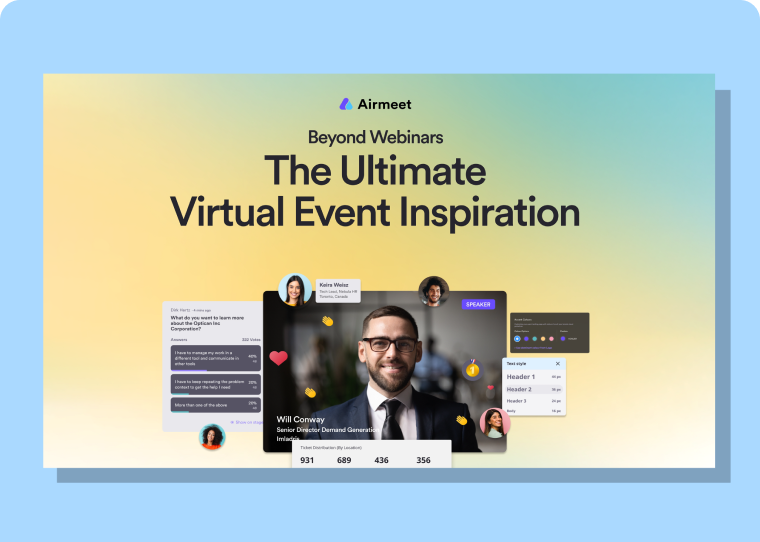
Build branded virtual and hybrid conferences that connect compelling content, sponsor discovery, human networking, and actionable engagement data from registration through revenue follow-up.  

Virtual Events & Conferences On Airmeet
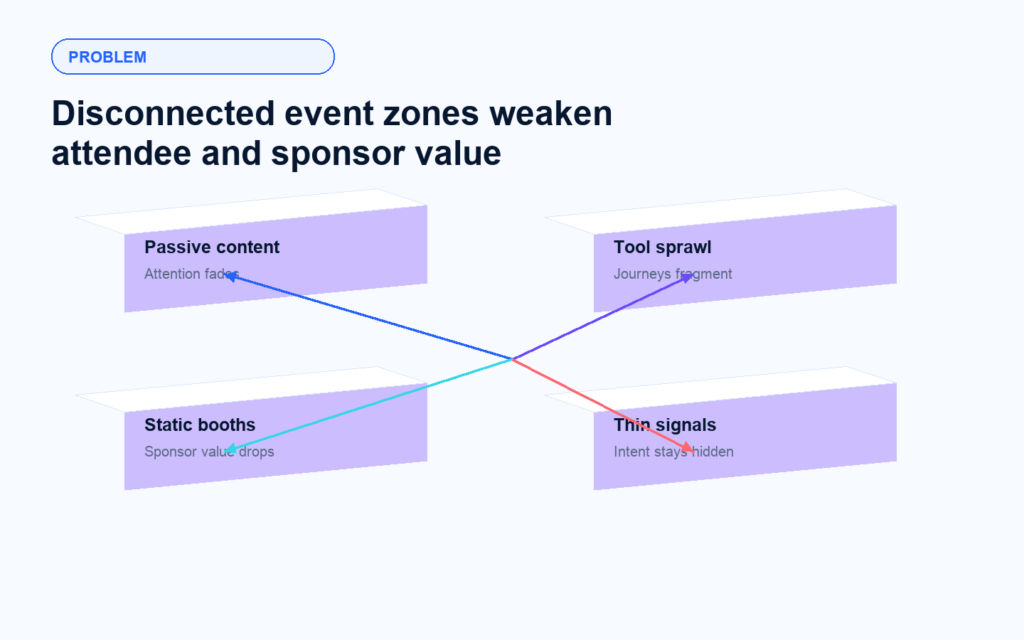
B2B conferences lose momentum when content, networking, sponsors, and analytics live in separate tools. Attendees become passive viewers, partners struggle to prove value, and sales receive a flat attendance list instead of context about buyer intent.

The Problem

Your Conference Cannot Create Pipeline If It Feels Like A Playlist

The Solution

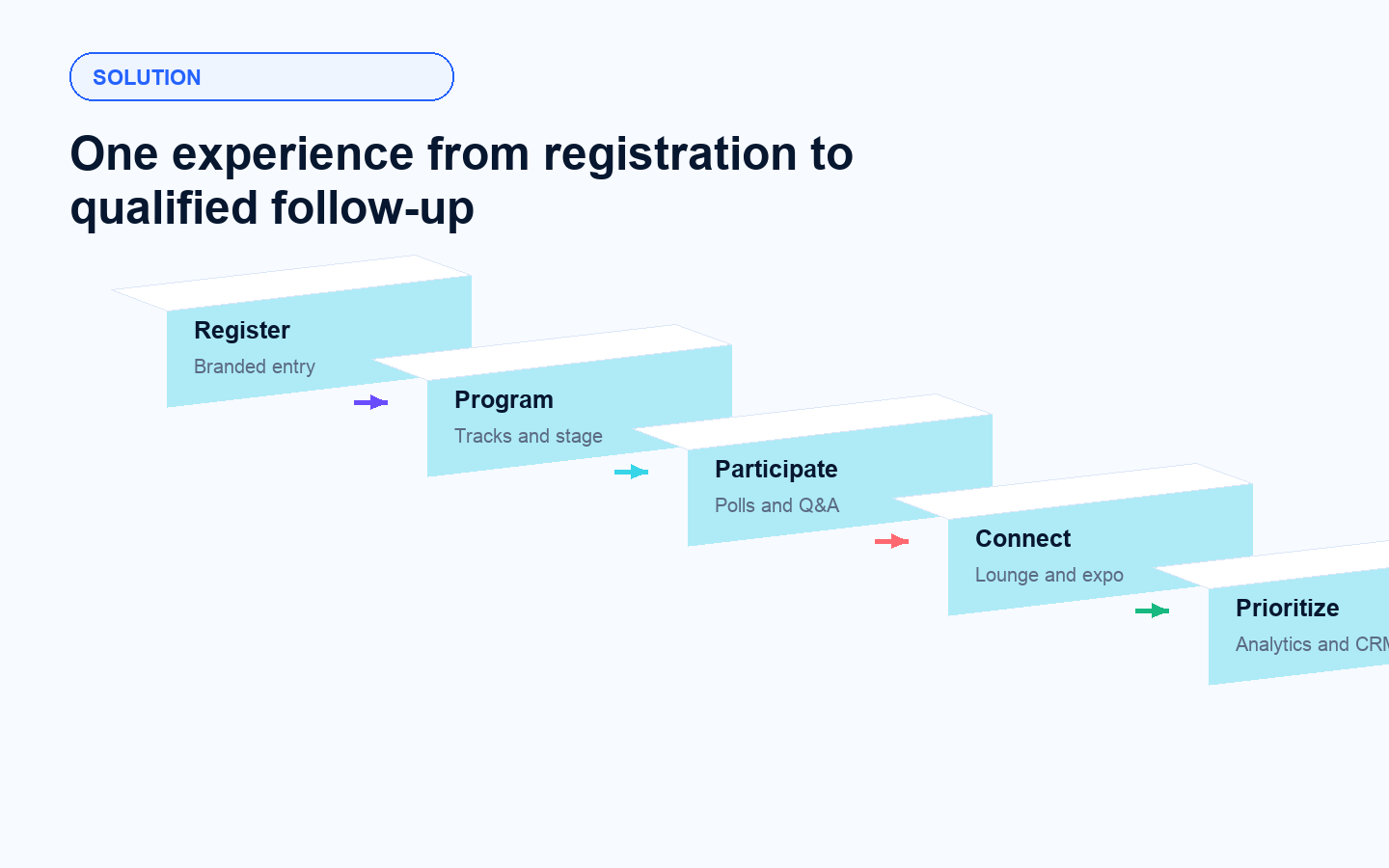
Turn Conference Activity Into Actionable Engagement Signals

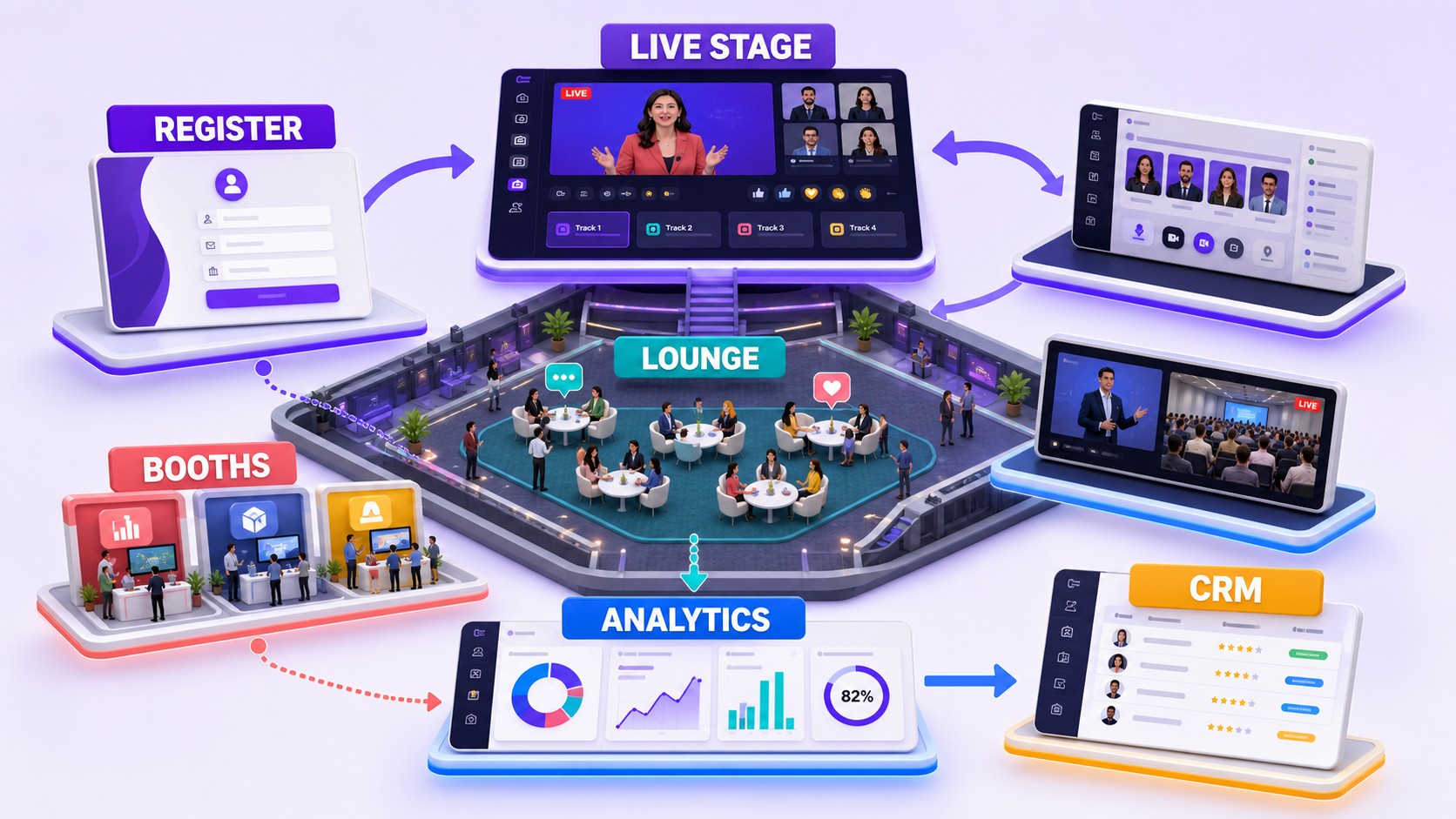
Airmeet brings programming, production, interaction, networking, exhibition, and measurement into one connected event environment. Marketers can design a branded journey, speakers can deliver interactive sessions, sponsors can engage visitors, and revenue teams can act on richer behavioral contexts.

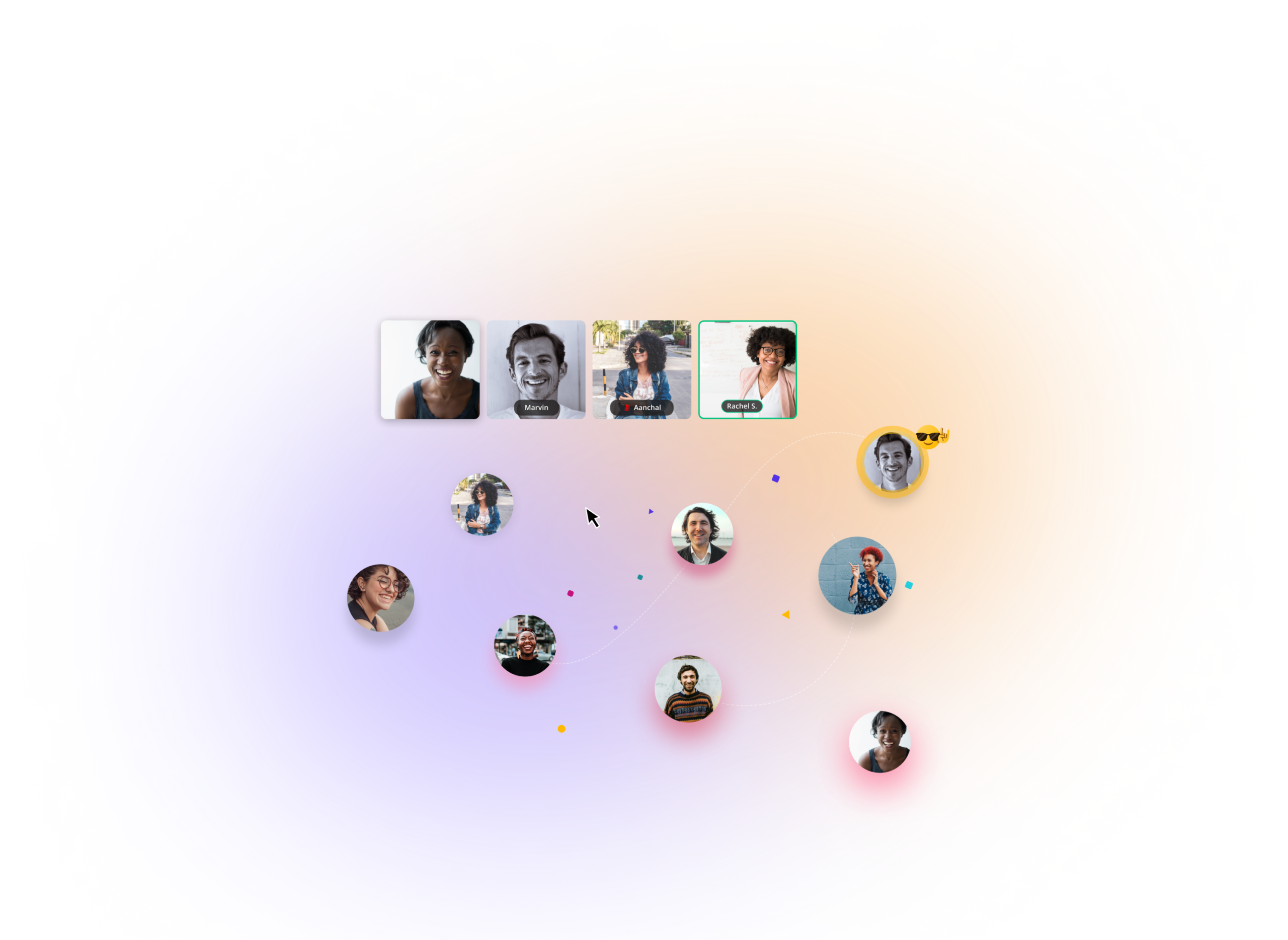
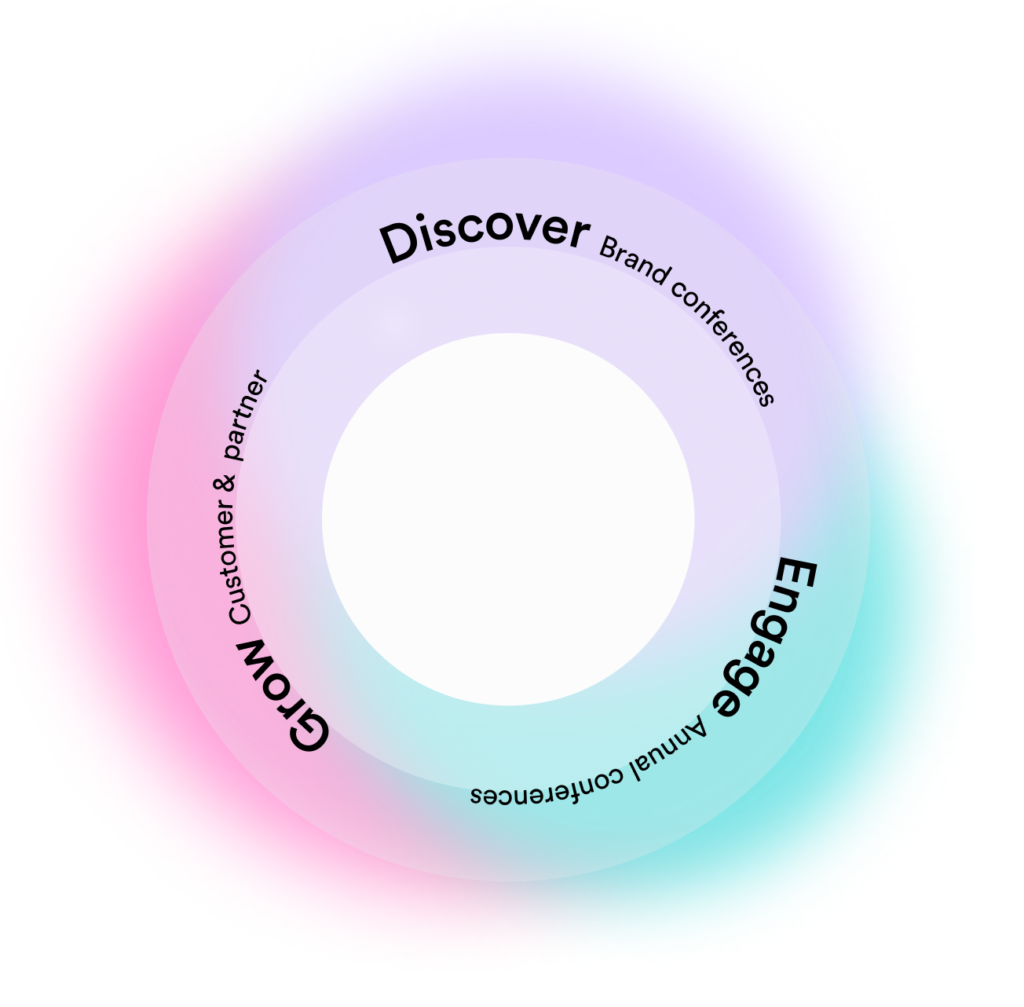
Grow, grow, grow your brand

Here at Airmeet, we believe in the power of Event-Led Growth. And with conferences, you have
a whole world of ways to help you discover, engage and grow customer loyalty and revenue.
It’s beautiful really, and here’s what it looks like.

Use Cases

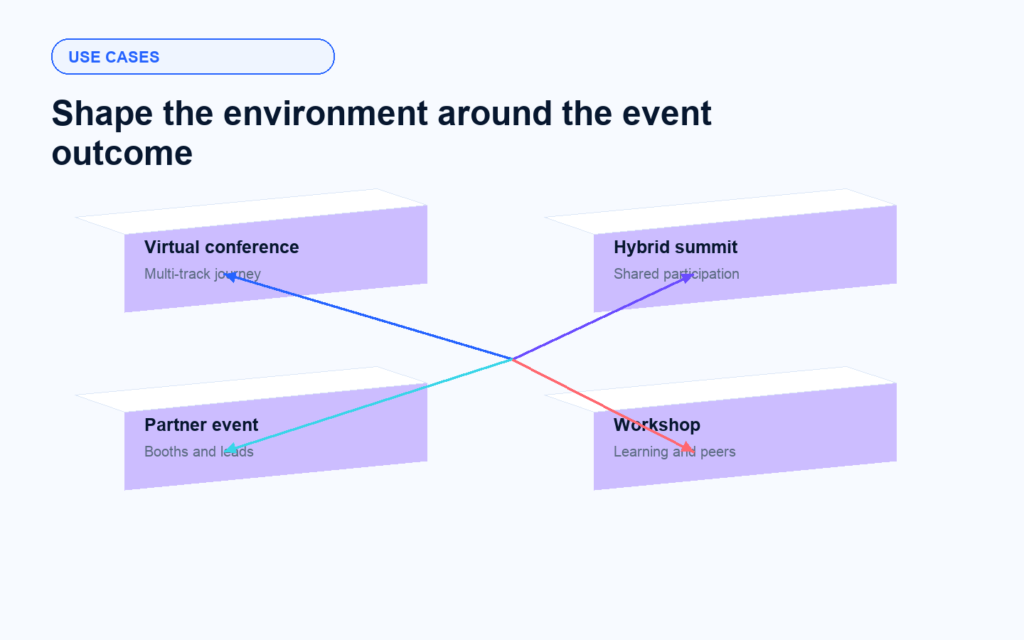
One Platform For Every High-Value Event Motion

Design the environment around the business outcome instead of forcing every audience into the same broadcast format.

Flagship virtual conferences

Run multi-track programming with branded stages, networking spaces, sponsor destinations, and a coherent attendee journey.

Hybrid summits

Connect onsite and online audiences through shared programming and digital participation while keeping the experience measurable.

One Platform For Every High-Value Event Motion

Partner and ecosystem events

Give sponsors and partners branded booths, resources, conversations, and lead context that make participation easier to value.

Community workshops and meetups

Combine focused sessions with lounge tables and networking so participants learn from speakers and each other.

Agorapulse Agency Summit

PLX Summit 2022

Lambdatest’s TestMu Conference

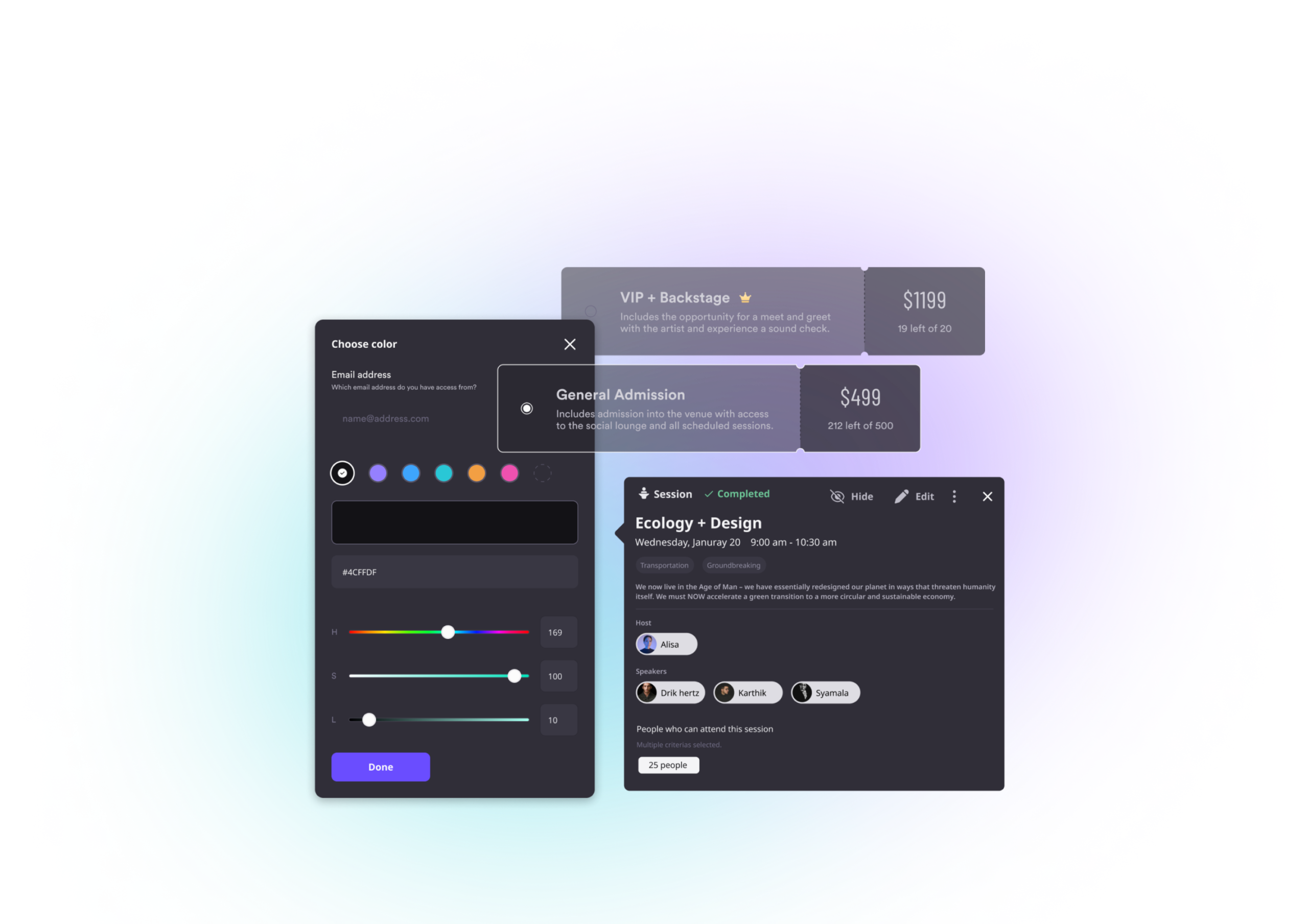
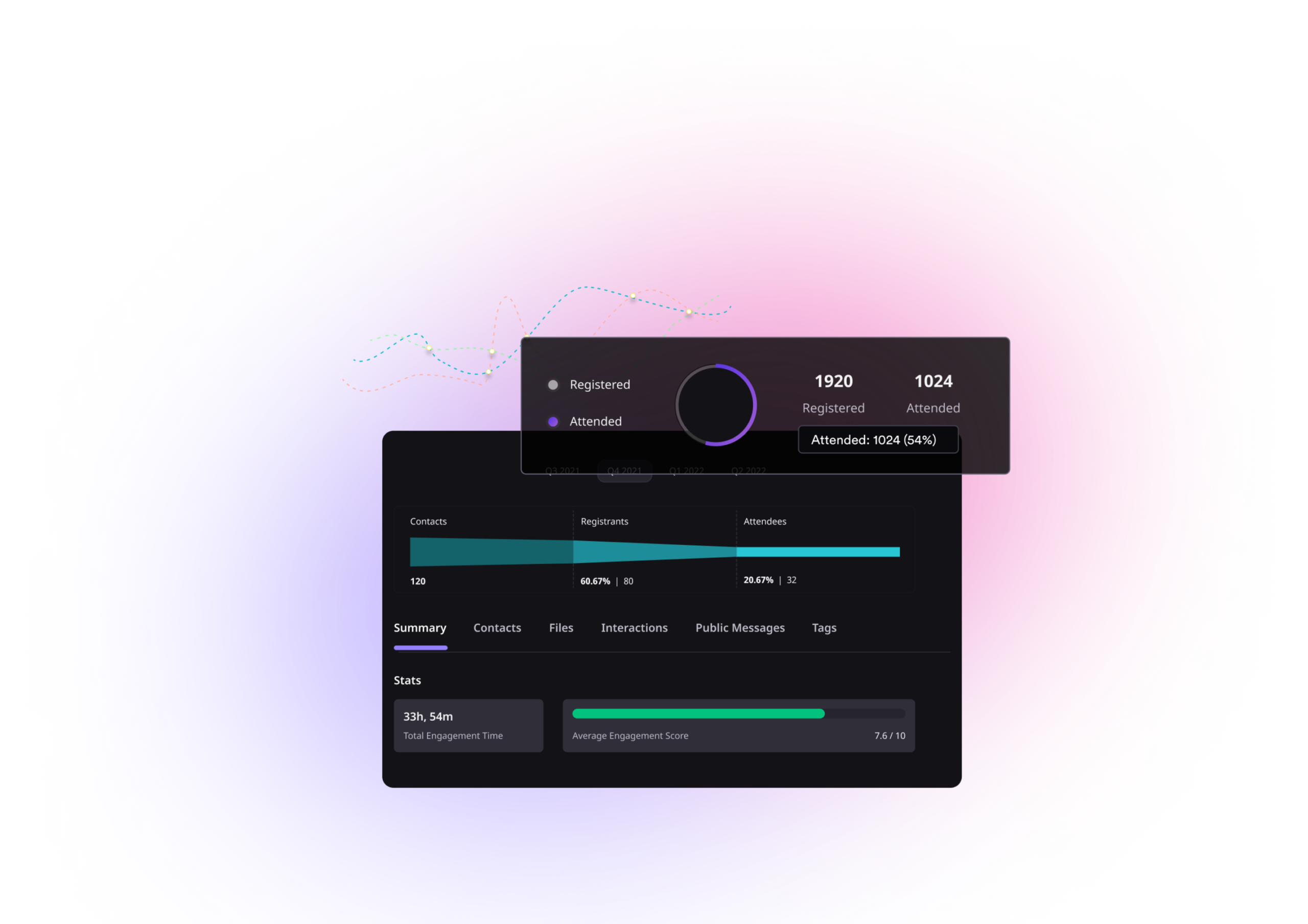
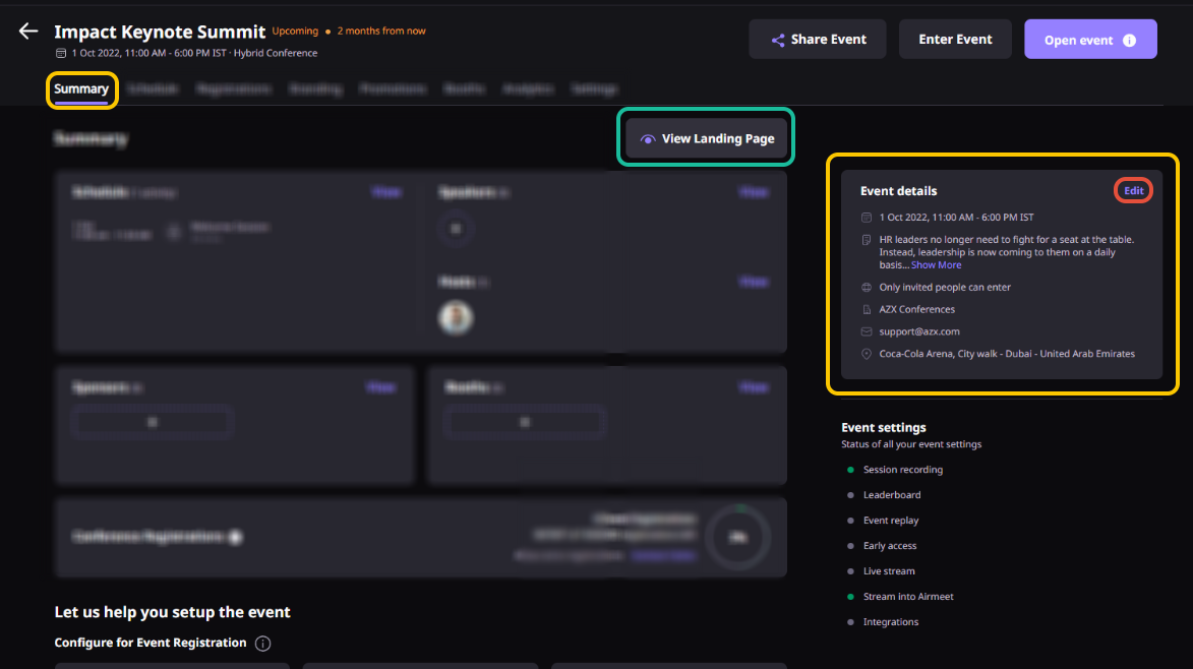
Actual Product Screenshots

Join the world’s top brands in the event-led growth revolution

Step-By-Step: Build And Run A Virtual Or Hybrid Conference With Airmeet

From creating the event and structuring the agenda to configuring networking, preparing speakers, going live, and reviewing event data.

Step 1. Create the event

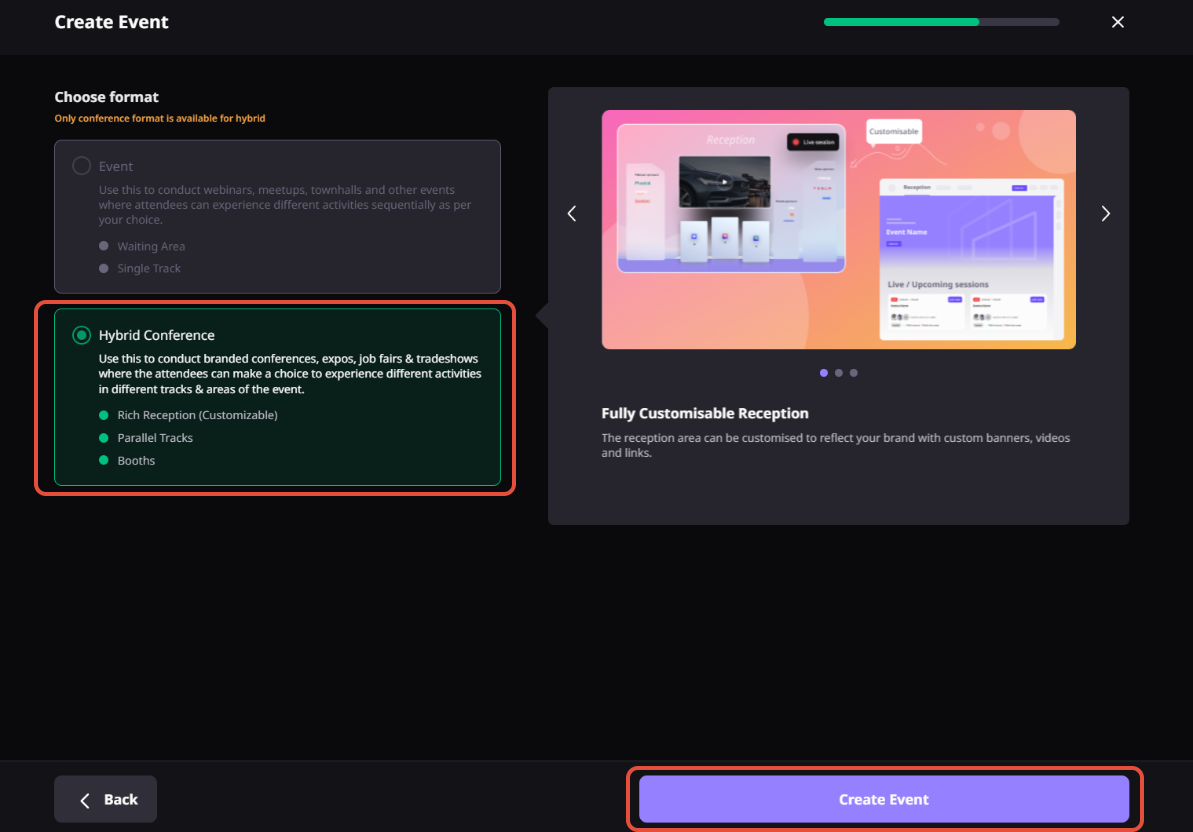
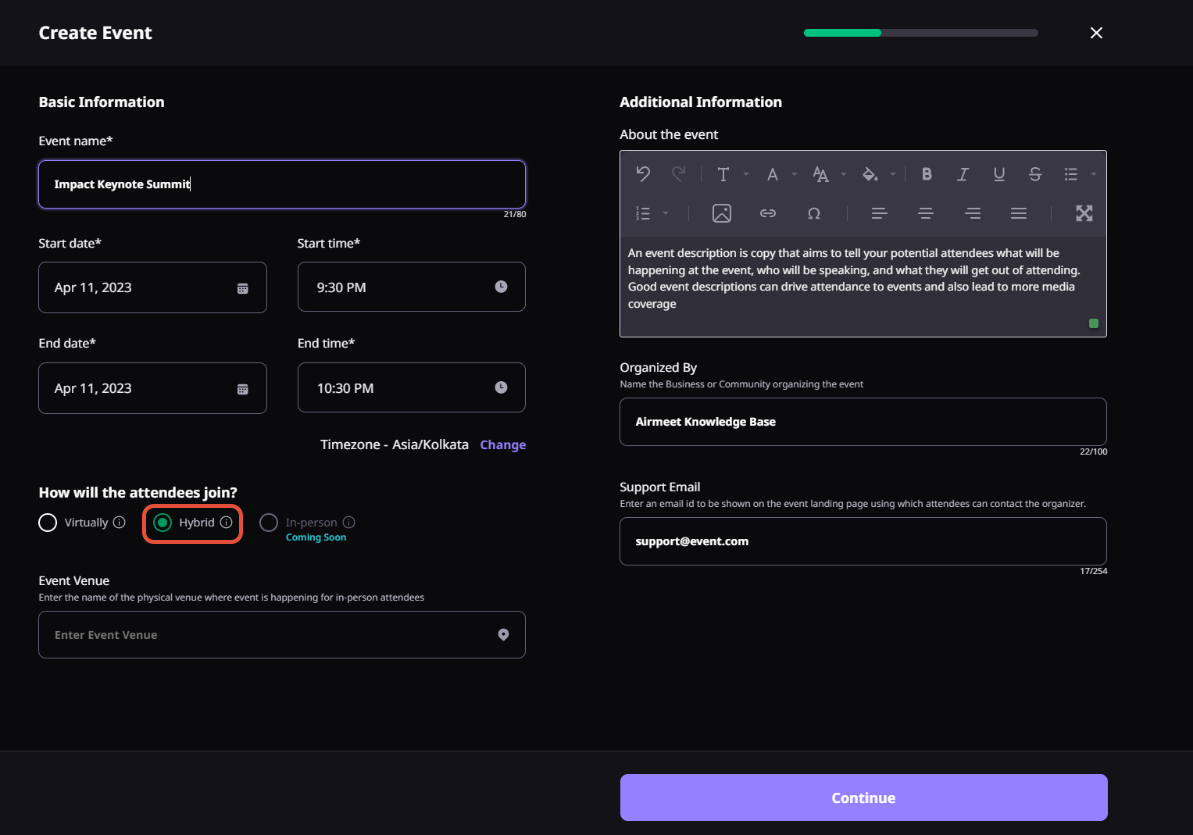
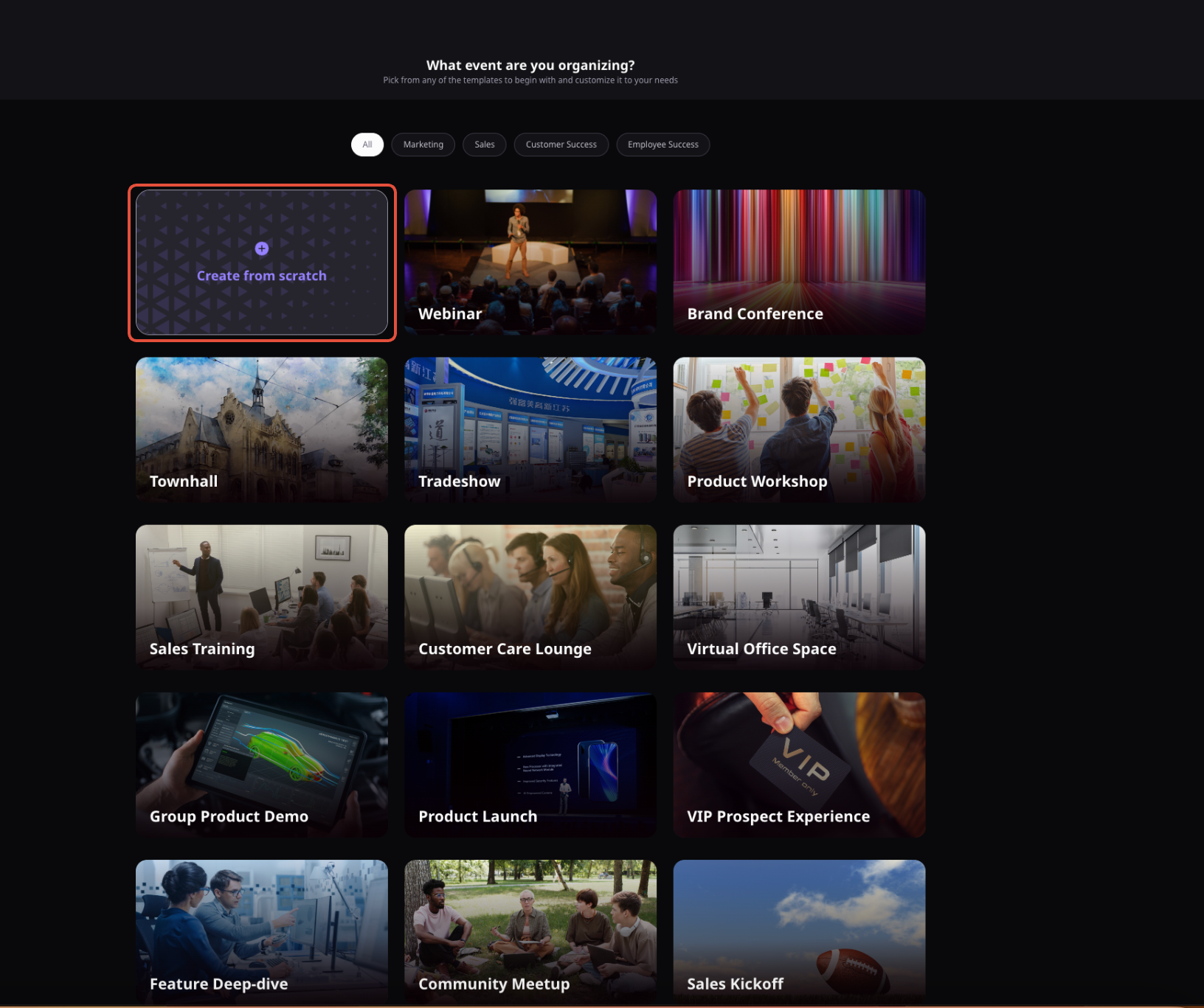
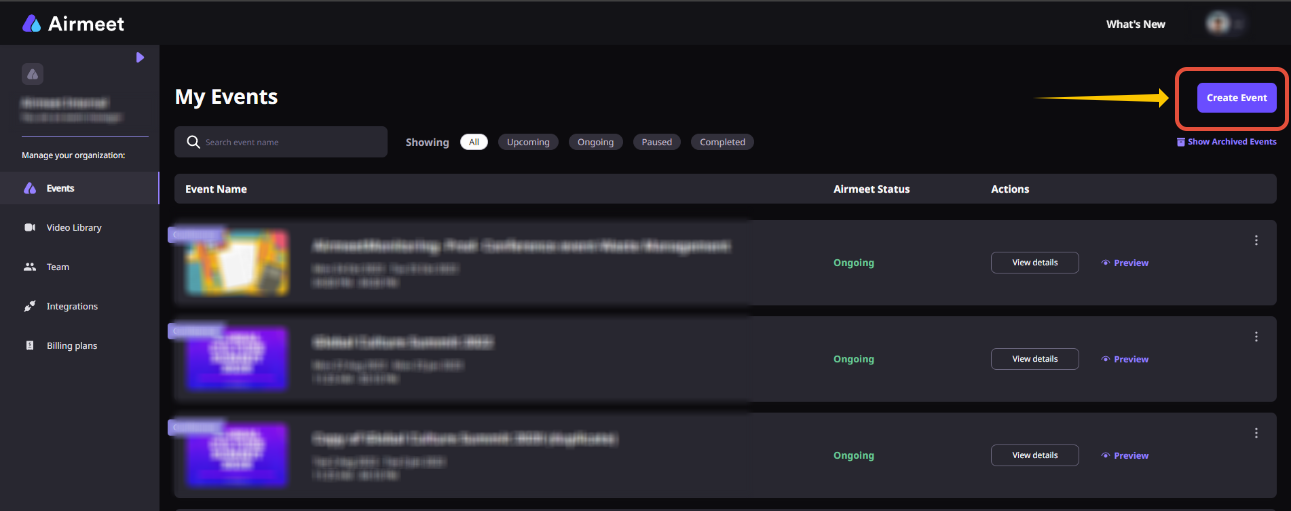
Start from the Airmeet dashboard and create your event. For a hybrid conference, select the Hybrid option and enter the event details, including the event name, dates and times, venue, description, and organizer information. Airmeet then takes you into the Event Dashboard, where the rest of the conference can be configured. Hybrid capabilities are subject to the applicable plan or add-on.

Step 2. Build the agenda

Use the Sessions tab to create the conference schedule. Add sessions and other schedule items, then organize relevant sessions into tracks for different audiences or topics. Airmeet supports tracks and session mapping, while the session types and parallel-session capabilities depend on the event format.

Step 3. Brand the experience

Customize the event’s visual experience through the Branding area. Depending on the event format, Airmeet supports elements such as event and sponsor logos, landing-page branding, reception banners, stage backdrops, Social Lounge and booth branding, and other branded experiences.

Step 4. Prepare speakers and exhibitors

Add and map speakers to sessions, then use Airmeet’s backstage workflow to prepare and coordinate speakers before or during live sessions. For sponsor and exhibitor areas, configure virtual booths with branding, content, resources, and visitor-engagement options. Exhibitors can view booth visitors and leads and engage with them in real time. 

Step 5. Configure networking and interaction

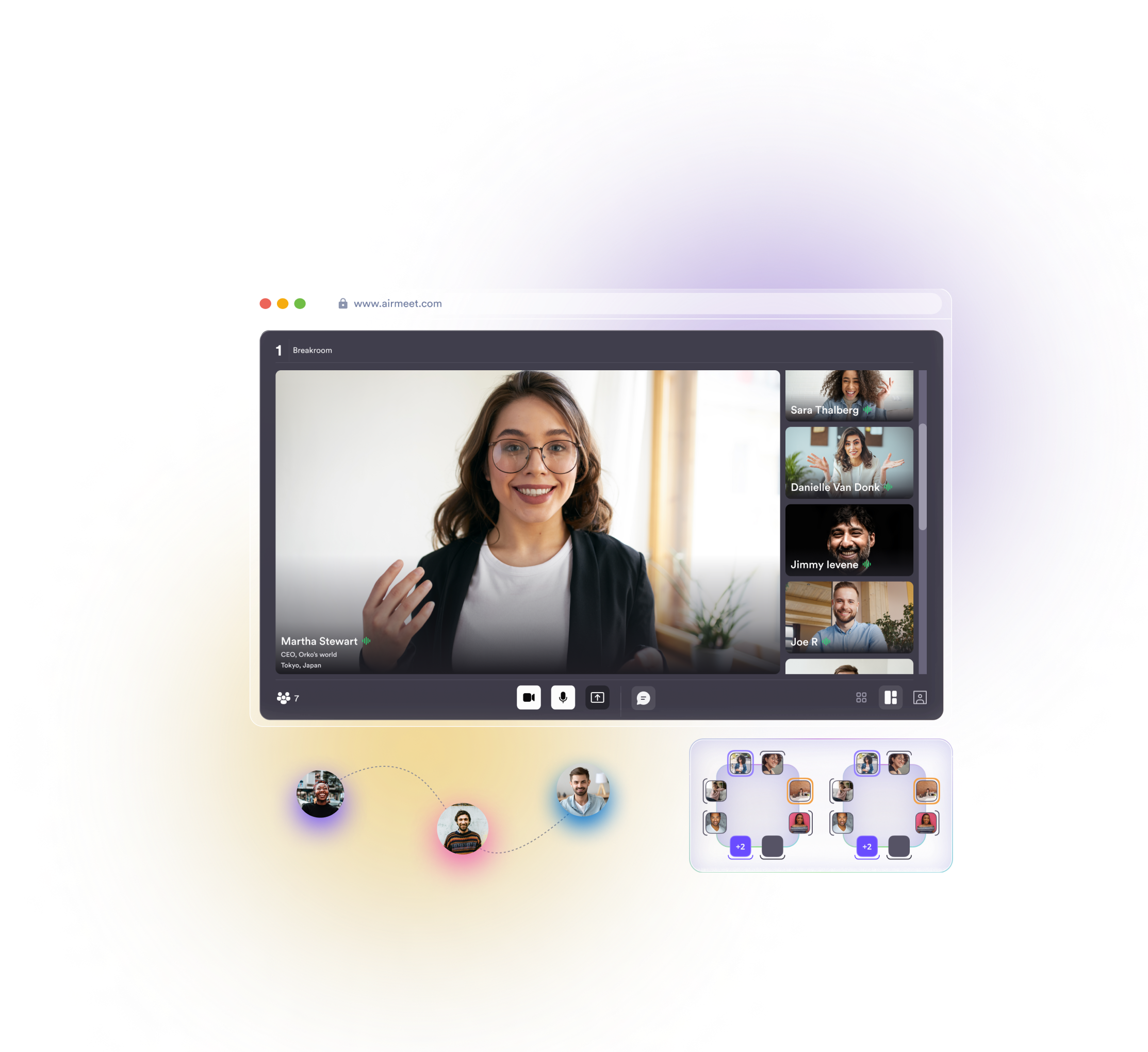
Add networking experiences such as Social Lounge tables and Speed Networking to the event schedule. Airmeet’s Serendipity Session, also known as Speed Networking, matches attendees for timed one-to-one conversations. Add polls, Q&A, chat, and other live interaction tools to create participation moments during sessions. 

Step 6. Go live

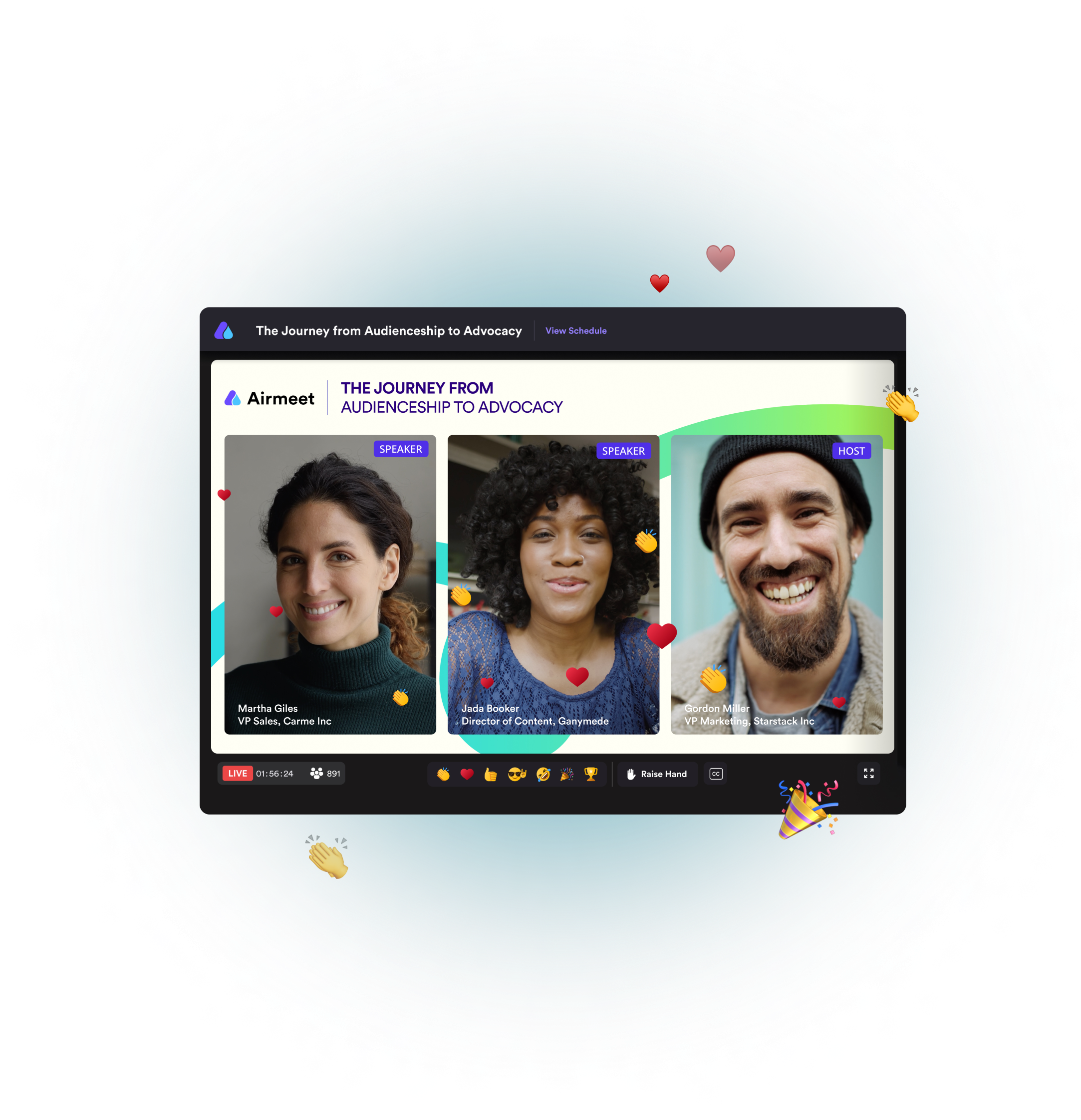
Run the scheduled sessions from the event dashboard and bring speakers onto the live stage. During sessions, hosts and speakers can use available engagement tools such as chat, Q&A, polls, Raise Hand, and stage participation to involve attendees. 

Step 7. Measure and follow up

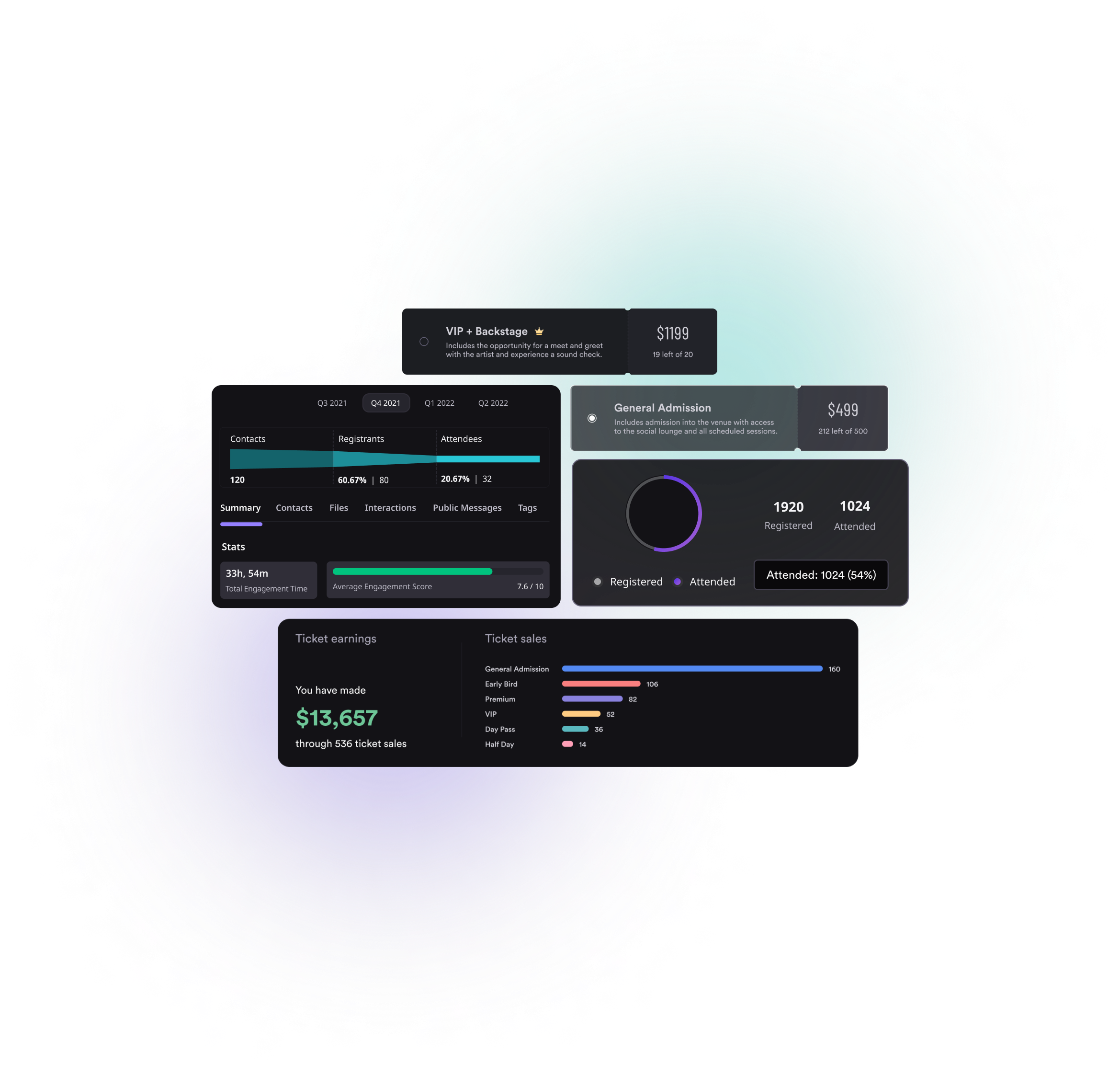
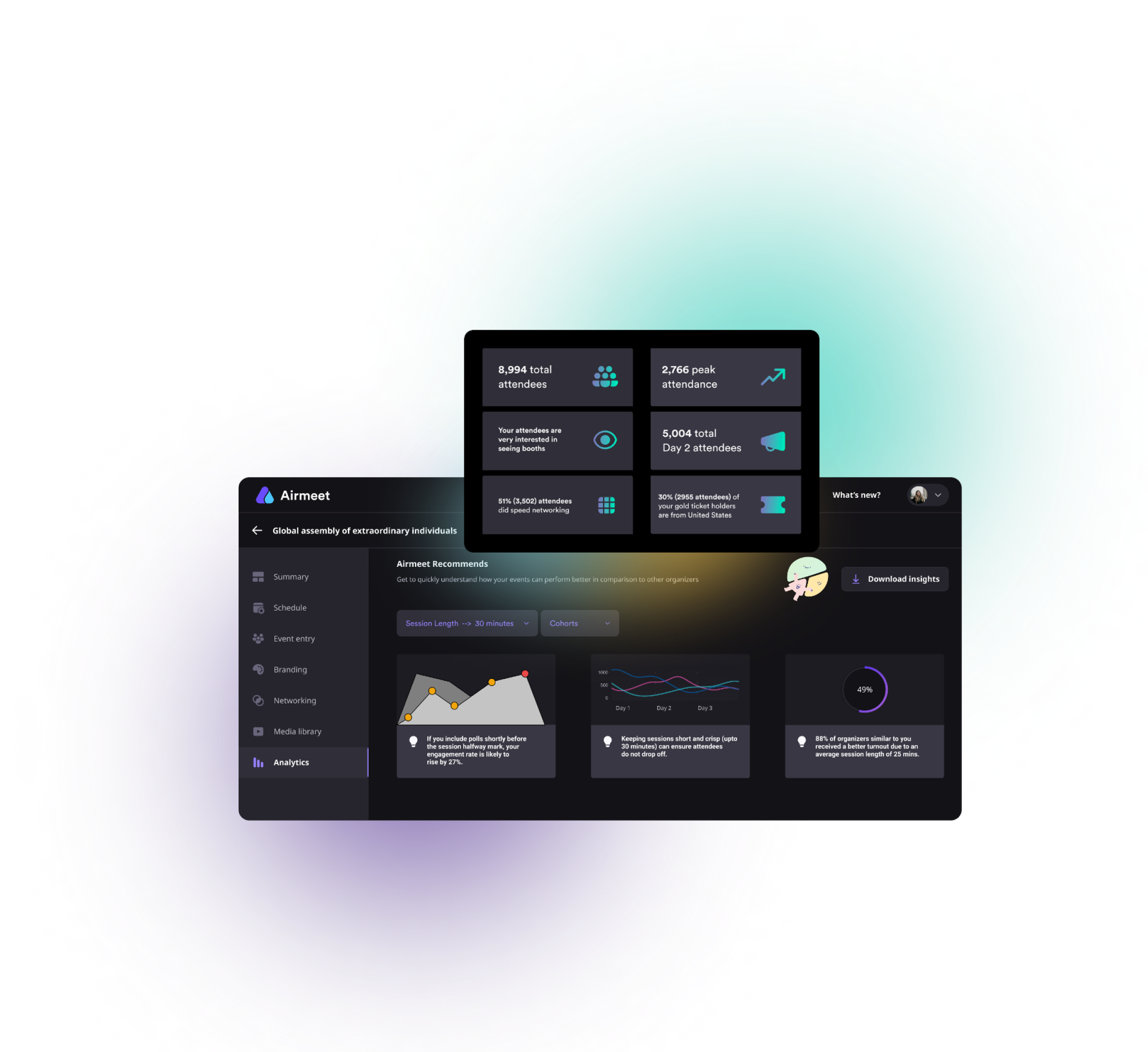
After the event, review available real-time and downloadable analytics to understand attendance and engagement across sessions, booths, polls, networking, questions, and other supported activities. Connect relevant event activity to downstream workflows through integrations such as HubSpot or Zapier when available for your plan and configuration. 

Event Experience Cloud

It’s not magic, it’s Airmeet

Our all-in-one Event Experience Cloud platform makes it easy to connect
with anyone, anywhere, anytime.

Why Airmeet

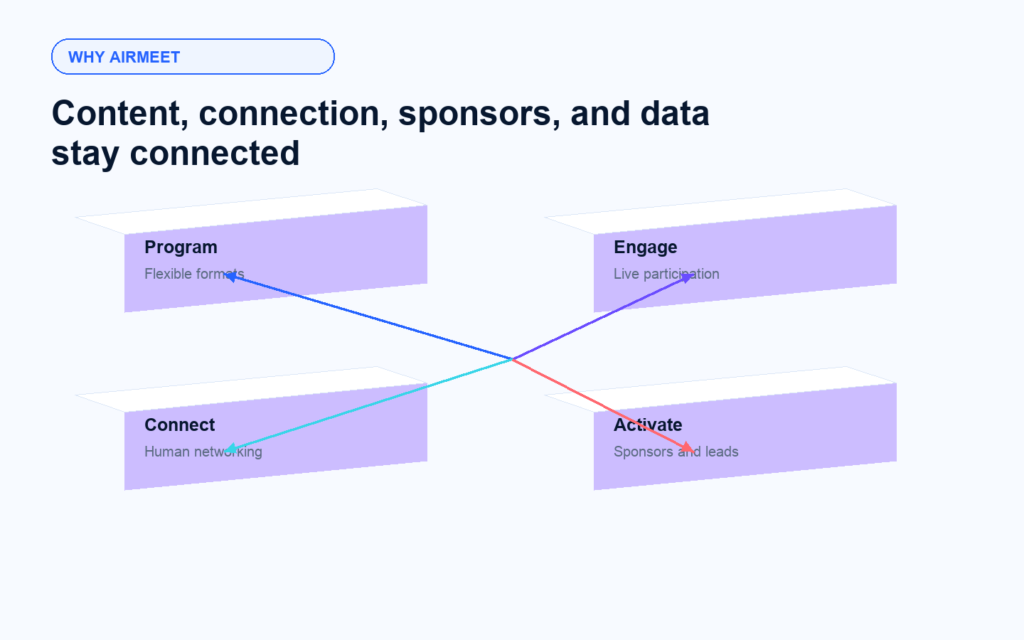
Why Conference Marketers Choose Airmeet

Airmeet treats a conference as an interconnected experience rather than a set of video rooms. Content, conversation, sponsors, brand, and data reinforce one another, helping event teams create a more memorable attendee journey and a more actionable revenue trail.

help Center

Relevant Help Articles

Explore guides and tutorials to help you create, customize, and host exceptional events on Airmeet.
Create a hybrid conference event on Airmeet
Branding guide - Hybrid event format
Set up and configure Social Lounge tables
Attendee interaction on virtual booths
Track and engage booth leads in real time

FAQs

Frequently Asked Questions

They are branded digital or hybrid event experiences that combine sessions, live interaction, networking, sponsor areas, and analytics in one platform environment. 

Airmeet supports conference-style programming with multiple sessions and tracks. Exact capacity, concurrent-session limits, and available controls depend on the selected plan and event configuration. 

Organizers can use live chat, moderated Q&A, polls, reactions, hand-raising, and attendee invitations to the stage, depending on enabled controls. 

Backstage gives hosts, co-hosts, and speakers a preparation and coordination area before or during a live session. Airmeet also documents a persistent backstage workflow for speaker management.

Social Lounge uses virtual tables where participants can join camera-on conversations. Hosts can configure tables and seating to support topic rooms, peer discussion, or informal networking. 

Yes. Airmeet offers Serendipity sessions, its speed-networking format, which helps attendees meet new people through timed, one-on-one introductions and conversations. 

Depending on configuration, booths can present branded content, video, resources, offers, and live interaction. Booth engagement workflows can also help exhibitors connect with visitors and understand interest. 

Yes. Airmeet supports hybrid conference experiences, with features and guidance for setting up and branding hybrid events, managing ticketing, and connecting online and onsite attendees. 

Airmeet provides real-time analytics and downloadable reports that help teams understand attendance, engagement, session performance, networking activity, and other useful event signals. The data available can vary depending on the event setup and plan.

Yes, integrations with platforms such as HubSpot and Zapier are offered, helping teams connect event activity with their existing CRM and marketing workflows. The integration, plan, and configuration determine the available fields, timing, and automation options.

Airmeet features

Other Features to Explore

Discover more powerful features that help you create engaging, branded, and seamless event experiences with Airmeet.
Virtual Booths
Persistent Backstage
HubSpot CRM Integration
Zapier Integration

Incredible Companies Use Airmeet

Most loved Virtual Events Platform

Incredible Companies Use Airmeet

Most loved Virtual Events Platform

Incredible Companies Use Airmeet

Most loved Virtual Events Platform

Incredible Companies Use Airmeet

Most loved Virtual Events Platform

Incredible Companies Use Airmeet

Most loved Virtual Events Platform

Incredible Companies Use Airmeet

Most loved Virtual Events Platform

Incredible Companies Use Airmeet

Most loved Virtual Events Platform