




Live chat helps website visitors across the world get answers at the exact moment they need, which matters because unanswered questions during pricing, signup, or product comparison often lead to page exits. If someone is comparing prices between you and a competitor, checking out a feature in depth, or looking for support, a quick response on the same page can often keep them from leaving.
A good live chat setup today must also integrate with AI chat routing, CRM tools, and event journeys—particularly for businesses that host webinars, virtual conferences, or product demos.
What is the Best Way to Implement Live Chat on a Website?
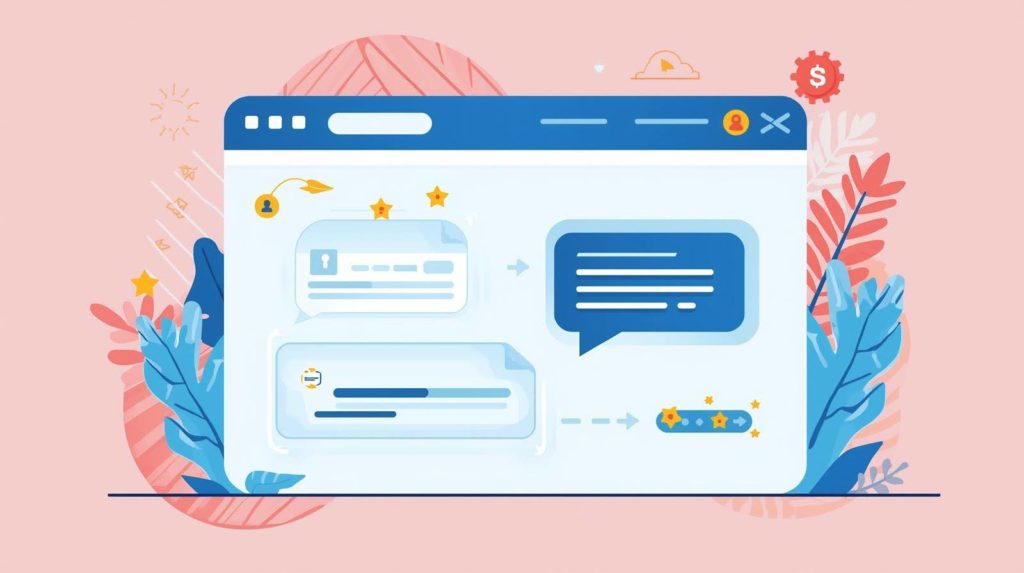
Live chat should appear only on high-intent pages because visitors are more likely to need reassurance when they are close to making a decision.
- Pricing page
- Product comparison page
- Checkout page
- Demo booking page
- Event registration page
A common mistake is displaying the chat option as soon as the page loads. A better method is to wait until the visitor –
- Stays on the page for 20 to 30 second
- Scrolls halfway down the page
- Returns to the same page twice
A delayed live chat trigger works better because an immediate chat prompt interrupts reading, while a short delay allows visitors to first identify whether they actually need assistance.
For example, if a visitor is reading a webinar platform’s pricing page, the initial message can be-
- Do you need help deciding on the best event format for your target audience?
Which Live Chat Tool Should You Choose for a Business Website?
Before selecting software, first decide whether live chat is meant to support sales, support existing customers, or qualify leads, because the setup changes based on that goal.
Integration matters more than price because if chat data stays isolated, sales and support teams lose conversation history and follow-up becomes manual. A live chat platform must connect with-
- CRM
- Email automation
- Analytics
- Meeting scheduler
- Inbox for support
Without CRM or email integration, useful conversations often stay inside the chat tool and never become part of the sales or support workflow.
The most useful features today are-
- Real-time routing
This directs sales questions to sales and support inquiries to the support teams.
- Chatbot + Human Handoff
Responses to simple questions can be automated and then routed to a human agent as needed.
- Visitor tracking
This shows source of traffic, page viewed and returning visits. That enables teams to respond with context.
How do you Install Live Chat on a Website?
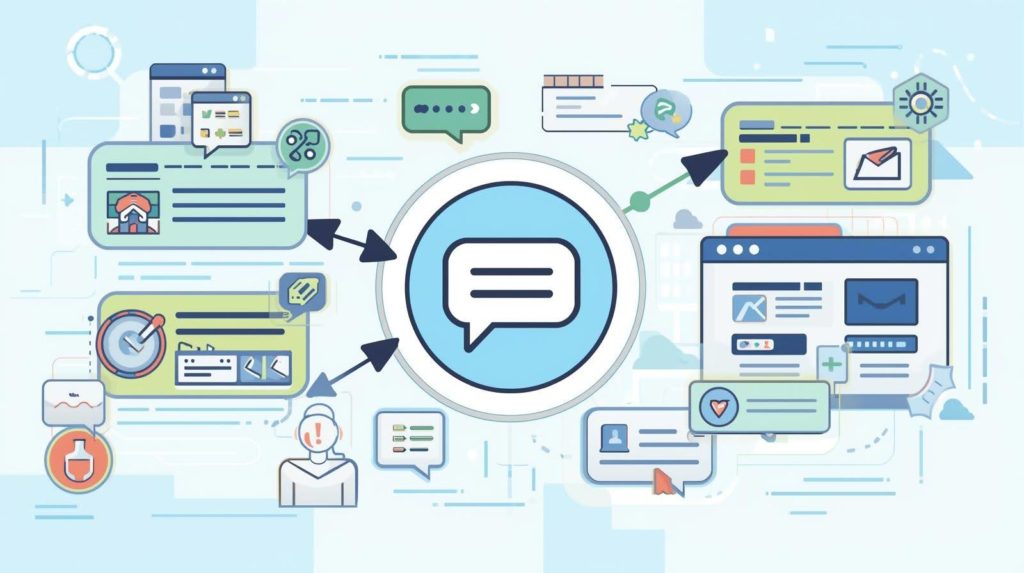
Most live chat tools are installed by adding one script before the closing body tag of your website.
1. Add the script before the closing body tag
Most live chat providers include a JavaScript code snippet in the dashboard after account setup.
This script is typically copied into the website footer or inserted using tag managers such as Google Tag Manager—allowing the widget to load across selected pages without having to manually edit each one.
After installation, make sure the widget loads properly on desktop and mobile, before making it visible to visitors.
2. Select pages where chat should appear
Do not enable the chat site-wide on day one. Start with a few critical pages like-
- High-intent pages
- Pricing pages
- Product pages
3. Set business hours
- If no one responds to a prospect’s queries, trust quickly declines. If support is unavailable, automate a sincere message that communicates genuine interest like “Please leave your question, and we will email you within 24 hours”. And make sure to deliver on this follow up.
4. Connect forms and CRM
Every live chat conversation should automatically create or update a contact record in your CRM; ensuring that sales and support teams do not lose context once the chat has ended.
If a visitor inquires about pricing, schedules a demo or requests product information, the conversation should immediately be synced with fields like-
- Name.
- Email.
- Page visited.
- Referral source.
- Chat transcript.
This enables follow-up emails, sales calls and nurture sequences to begin without manual copying. For example, if someone inquires about webinar attendee limits and provides their email address, the CRM can automatically route that contact to a product-interest workflow for webinar buyers.
5. Test mobile view
Mobile visitors now account for a large portion of US website traffic, so the widget must not block CTA buttons.
What Should Live Chat Say When a Visitor Opens it for the First Time?
The first message should be relevant to the page’s purpose. Avoid using generic text such as “Hello, how can we help?”
Use page-specific prompts instead.
- On price pages
“Hi there… Which plan are you considering now?”
- On webinar software pages
“Need help deciding on the best webinar format for your team?”
- On the event platform pages
“Do you want to know how many attendees your setup can accommodate?”
This works because visitors respond better to questions that reflect their current decision. Many businesses improve response rates by changing the first message based on the page the visitor is viewing or how they arrived there.
Should Live Chat Use AI Chatbot Replies or Human Agents?
AI should ideally handle only repetitive questions, so human agents can focus on decisions that require more nuance or context.
AI responses work best for generic questions, like-
- Pricing basics
- Event capacity
- Log in assistance
- Feature location
When the question becomes more specific, a human should step in.
1. Effective AI-to-human flow
A useful AI flow should first determine intent before deciding whether automation can respond or if a human should intervene. For instance, rather than immediately providing generic options, AI can ask-
- What type of event are you planning – a webinar, a virtual conference, a product demonstration, or customer training?
Depending on the answer, the system can route visitors differently-
- Webinar-related questions can activate pricing, attendee limits, or replay features.
- Product demo interest can lead directly to sales.
- Technical setup questions can be directed to support.
If the visitor then asks a decision-based question, such as integration requirements, branding limitations, or contract terms, the chat should immediately transfer to a human agent, along with the conversation’s context, so the agent can carry forward the dialogue seamlessly.
2. Bad AI flow
AI tends to repeat unrelated responses and visitors leave when they feel trapped.
Automation works best when it handles repetitive questions first and hands over to a human agent as soon as buying intent or complexity appears.
This is especially important for B2B purchases, which frequently involve multiple stakeholders.
How do you Measure Whether Live Chat is Improving Conversions?
The success of live chat should be measured by business outcomes, not by the number of conversations started. Important metrics should focus on actions that show whether live chat is helping visitors move closer to a business outcome, rather than simply increasing message volume.
- Leads created
- Demos booked
- Support resolved
- Page exit reduced
A high chat volume matters only when conversations move visitors toward a measurable action such as booking a demo, completing checkout, or resolving support quickly.
A more reliable benchmark is to compare conversion behavior between visitors who used live chat, and those who completed the same journey without it. If demo bookings, purchases or form submissions are consistently higher among users who initiated a conversation, it usually means that the chat is in fact reducing friction during decision-making.
That is the clearest signal.
How Does Live Chat Help Event-led Businesses Convert Faster?
Live chat eliminates hesitation in high-intent moments. For webinar and event software, visitors frequently ask-
- Attendee limits.
- Integrations.
- Replay access.
- Branding control.
If they do not receive an immediate response, they will be tempted to look into another platform.
For companies hosting virtual events, live chat is frequently the quickest link between product interest and pipeline.
Conclusion
Live chat works best when it responds to a visitor’s question at the precise moment they require clarification. A simple widget does not improve conversions; the true value comes from placing it on the right pages, connecting it to your CRM and ensuring that every response leads the visitor to a decision.
For businesses that sell software, services, or event solutions, live chat is often the quickest way to eliminate hesitation before requesting a demo or purchasing. It also assists teams in determining which questions appear frequently—allowing them to improve website content over time.
When used properly, live chat can improve both customer experience and lead generation without adding friction to the website journey.
FAQs:
Live chat is faster than contact forms because users do not have to wait for email responses. A website live chat tool initiates the conversation immediately, allowing for real-time lead qualification. Businesses using live chat software frequently capture high-intent visitors before they leave.
AI chatbots can perform basic live chat tasks such as answering pricing questions, directing users, and gathering contact information. Human agents are still required for questions about product fit, contracts, or technical issues. The most effective live chat implementation combines automation with human support.