

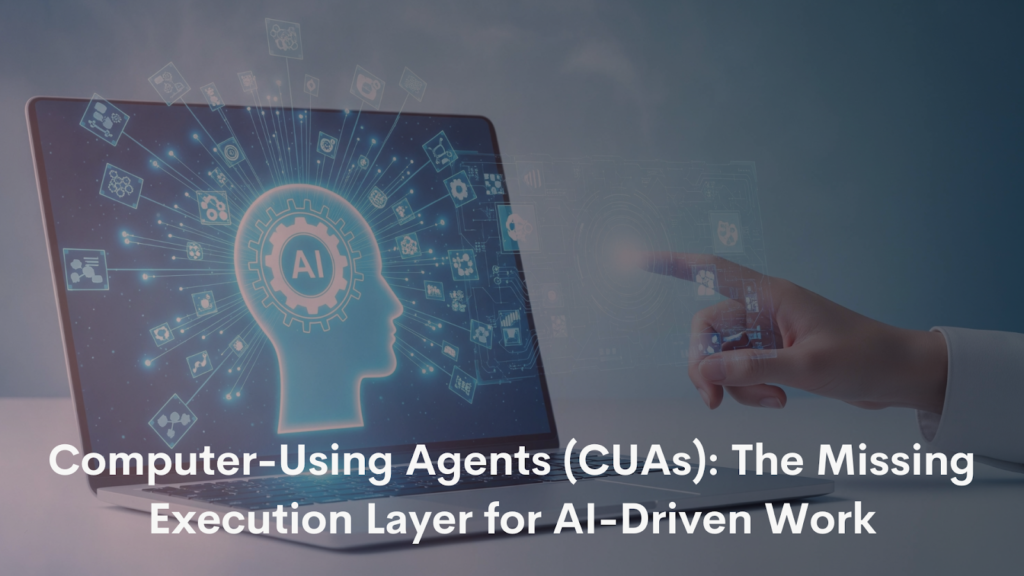

In simple terms, CUAs give Large Language Models (LLMs) hands, eyes, and the ability to act. It unlocks a new category of automation where AI is no longer limited by system integrations or engineering dependencies.
From “AI as a Brain” to “AI with Arms and Legs”
LLMs have already proven their value as powerful reasoning engines. They can
- Process language.
- Generate insights.
- Assist decision-making.
However, without the ability to interact with real systems, their impact remains constrained.
CUAs solve this by acting as the physical interface between the AI & the digital world. They enable AI to
- Navigate the websites and applications built for humans.
- Interact with legacy tools where APIs do not exist.
- Operate across the browsers, desktops, and mobile screens.
This makes CUAs a foundational capability for practical & real-world AI deployment.
Traditional Automation vs. CUA-Based Automation
The Traditional Approach
Historically—automation required
- Large engineering & QA teams.
- Product managers defining exact workflows.
- Backend access & API availability.
- Weeks/months of development as well as testing.
Even small UI changes could break the workflows—requiring code rewrites and also redeployments.
The CUA Approach
CUAs remove these constraints by:
- Working directly on the UI without APIs.
- Adapting dynamically to interface changes.
- Learning from instructions—instead of rigid scripts.
- Reducing implementation timelines from months to hours or days.
This shift dramatically lowers cost and complexity as well as time-to-value.
Core Industry Use Cases Enabled by CUAs
1. Data Entry & Report Generation
CUAs can automate repetitive data entry across the CRMs, banking systems, and internal dashboards. They can extract data from multiple tools—and can compile unified reports for manufacturing, finance, or marketing teams.
2. Form Filling & Process Automation
In industries such as insurance & government services, CUAs can complete multi-step forms using extracted data from the documents, voice notes, or even OCR—eliminating any manual intervention.
3. Helpdesk & Ticket Operations
CUAs can
- Update tickets.
- Process refunds.
- Resolve delivery issues.
- Navigate helpdesk tools.
All this by understanding the UI instead of only relying on the integrations.
4. Page Scraping & Market Research
CUAs are actively used to scrape platforms like LinkedIn, Google Search, and e-commerce sites for:
- ICP identification.
- Event discovery.
- Competitive pricing intelligence.
This capability is already being used for identifying repeat customers and monitoring market activity.
5. Software Testing & QA
CUAs validate end-to-end user journeys in fintech and e-commerce applications—from onboarding to payments by behaving like the real users.
6. Virtual Tutors & Accessibility Assistance
CUAs can
- Guide users step-by-step through the complex software.
- Assist differently-abled users via voice-based navigation.
- Act as always-available virtual assistants.
Why CUAs Matter for Marketing Teams
Marketing today spans a massive surface area—LinkedIn, X, Instagram, TikTok, Reddit, analytics tools, and CRMs—each operating in silos.
CUAs allow marketers to
- Extract the insights from walled-garden platforms where APIs are restricted.
- Monitor ICP behavior, comments, and content engagement over time.
- Consolidate analytics across platforms without enterprise-grade subscriptions.
- Understand audience psychology and not just demographics.
It enables faster experimentation, deeper research, and data-driven hypothesis testing that was previously inaccessible.
CUAs and the Future of Virtual Events & Webinars
Pre-Event Intelligence
CUAs help event teams understand
- Which of the topics are communities actively discussing?
- Unanswered questions across Slack, WhatsApp, and the forums.
- Speaker relevance and audience interests.
This leads to more relevant agendas and higher attendance quality.
During the Event
CUAs act as real-time event concierges by
- Assisting attendees who are facing technical issues.
- Recommending relevant networking connections.
- Coordinating last-minute logistics for speakers and VIPs.
Post-Event Execution
After events, CUAs can
- Generate consolidated performance reports.
- Update CRMs and also enrich audience profiles.
- Extract insights without manual exports.
For platforms like Airmeet, it means scaling events without having to scale the operational overhead.
CUAs as Autonomous Event Concierges
Large events often involve chaos like
- Booking cabs for speakers.
- Ordering refreshments.
- Coordinating logistics across multiple apps.
CUAs can
- Book rides across multiple accounts.
- Compare prices across apps to minimize cost.
- Place food or beverage orders via simple voice or text commands.
This frees human organizers to focus on attendee experience instead of operational firefighting.
Content Creation & Product Education at Scale
CUAs unlock a powerful but underutilized use case—automated content refresh.
They can
- Navigate the evolving product interfaces.
- Record updated walkthrough videos.
- Regenerate outdated help documentation.
For mature SaaS platforms, it ensures that the product education content always matches the live UI.
Mobile CUAs and Voice-First Workflows
CUAs are not limited to desktops. They can operate on mobile screens and also on control smart devices.
Examples include
- Sending a voice note to schedule smart appliances.
- Automating app-based workflows without manual scheduling.
- Operating multiple consumer apps simultaneously.
This opens the door to voice-driven, ambient automation across personal as well as professional contexts.
Tools and Companies Already Using CUAs
- OpenAI Operator – General-purpose computer use automation.
- Lindy AI – Sales, marketing, and email assistants.
- Thunderbit AI – LinkedIn and web scraping.
- Browserbase (Stagehand) – Browser-native CUA infrastructure.
- TinyFish – Dynamic pricing and competitor intelligence.
These examples show CUAs moving rapidly from experimentation to production use.
Current Challenges and What’s Missing
Despite rapid progress—CUAs face friction
- Major platforms blocking CUA traffic.
- Lack of standardized AI agent authentication.
- No clear regulation recognizing CUAs as user extensions.
As websites get adapted to the mobile users, platforms will need to evolve and support the AI-driven access responsibly.
Why CUAs Are Critical for the Future of Events
Virtual events are becoming more personalized, data-heavy, and operationally complex.
CUAs provide the missing execution layer—connecting AI directly to real systems. For Airmeet and modern event teams, this means
- Better audience understanding.
- Faster execution.
- Lower operational cost.
- More human-centric experiences.
The next generation of events won’t just be virtual. They’ll be autonomous, intelligent, and powered by the Computer-Using Agents.