


Make every fast one-to-one conversation more intentional with positive and negative matching rules based on participant segments.

The Problem

The Solution
USE CASES
Guide VIP and premium-ticket audiences toward the peers, experts, or executives that make the experience feel worth the invitation.
Increase the likelihood that students and candidates meet recruiters instead of leaving valuable introductions to chance.
Connect buyer segments with product experts, partners, or customer advocates for more relevant discovery conversations.
Shape peer, mentor, customer-success, or partner conversations while avoiding pairings that do not serve the program.
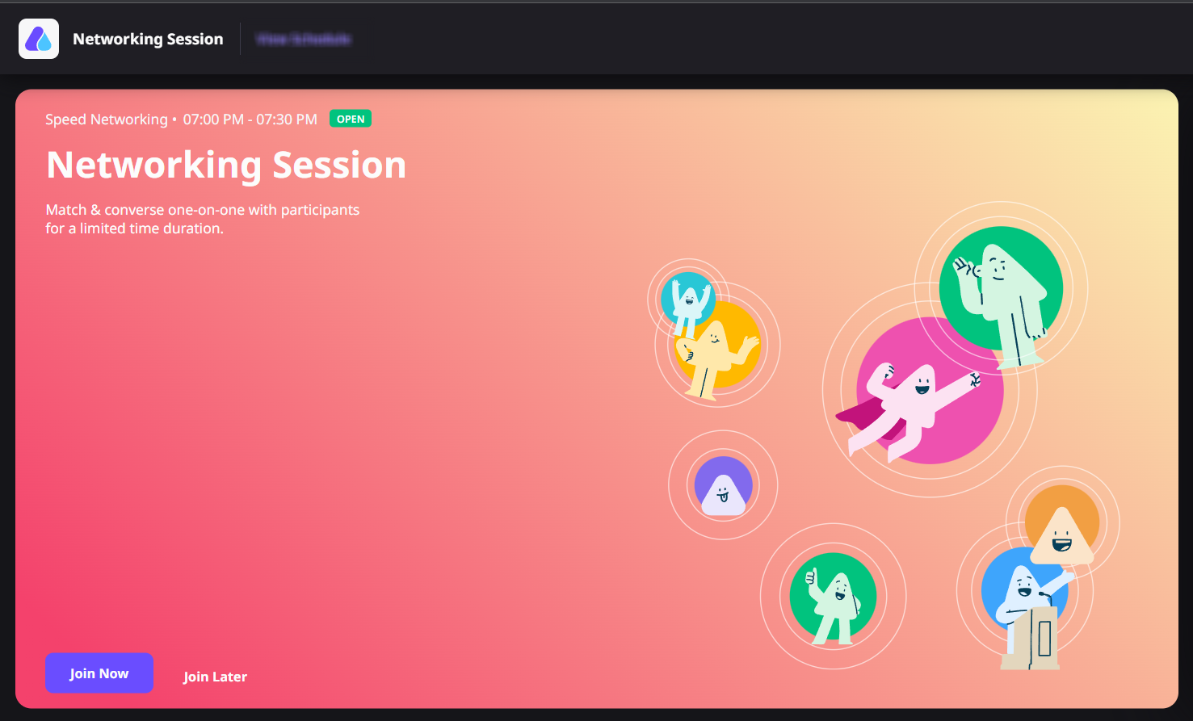
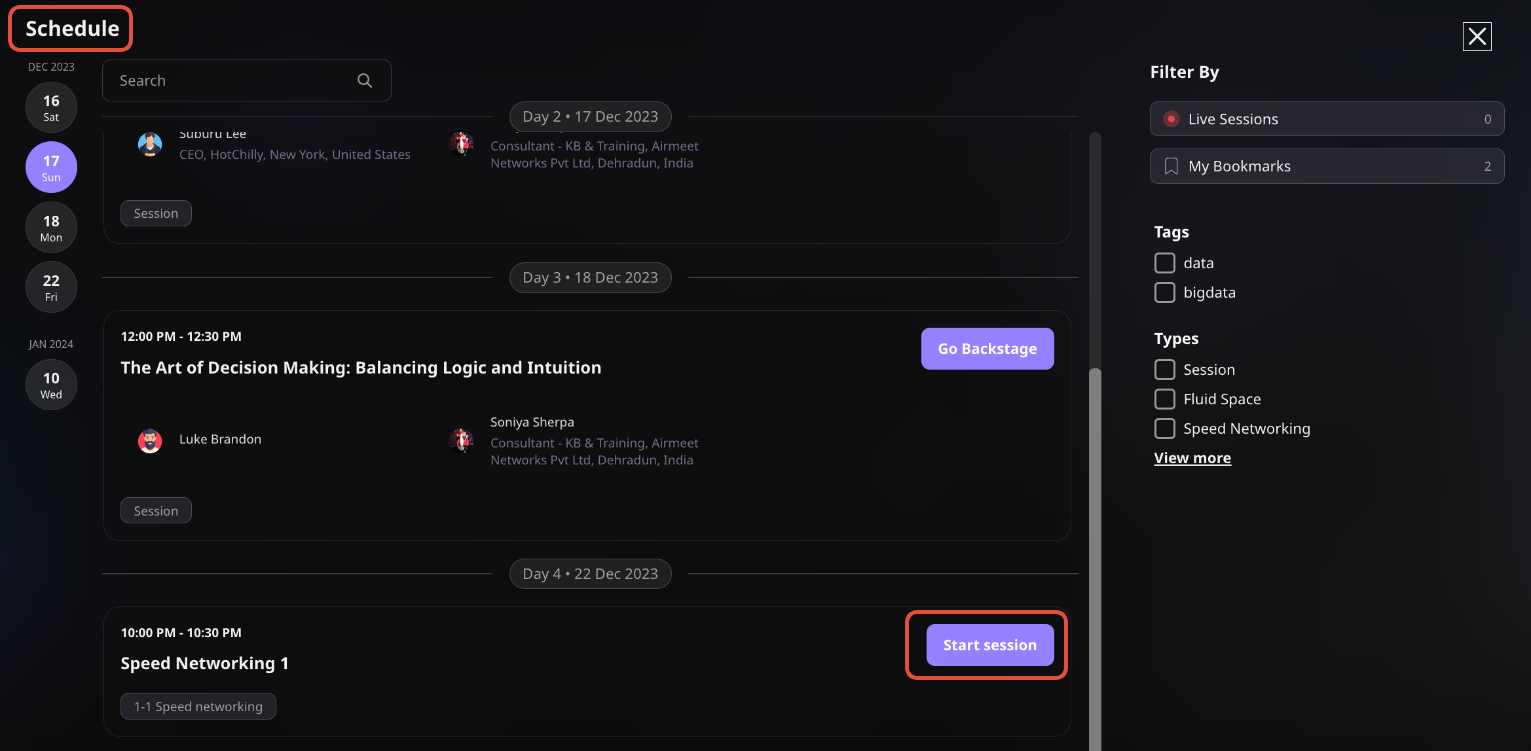
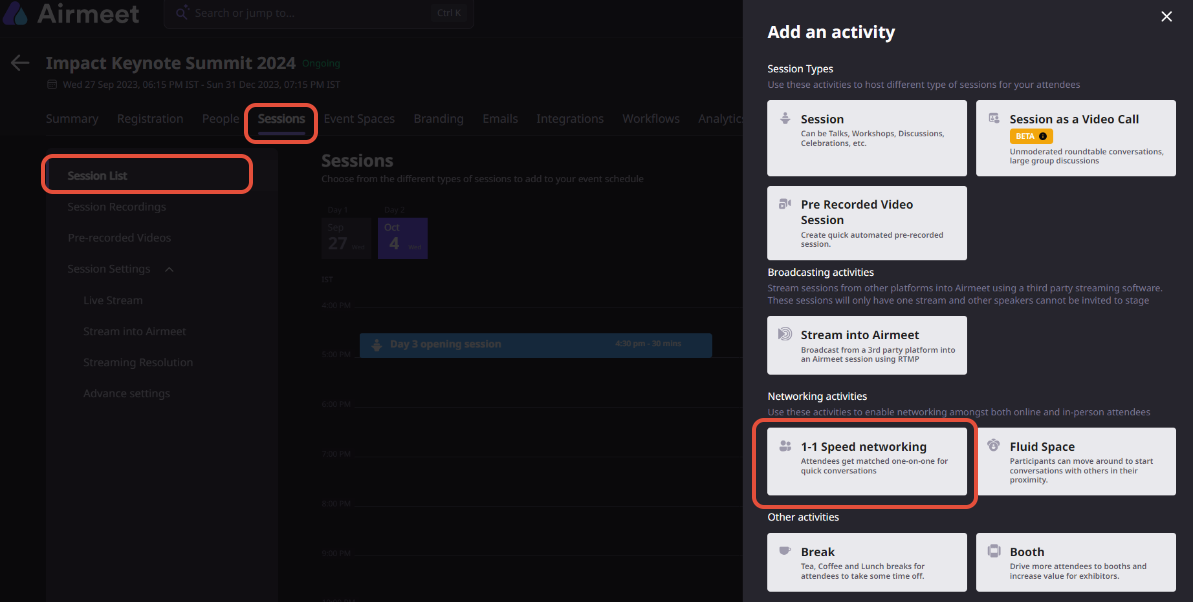
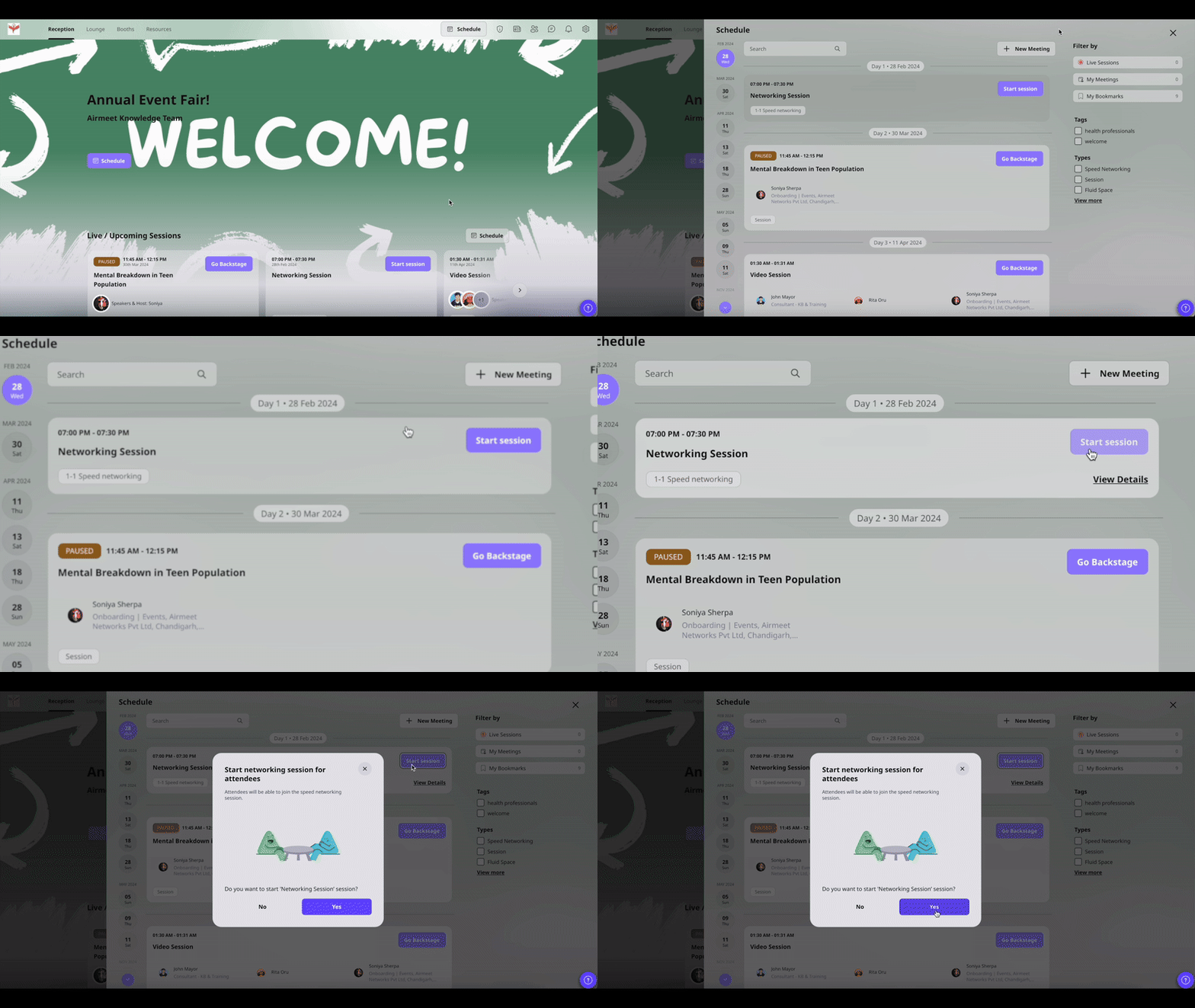
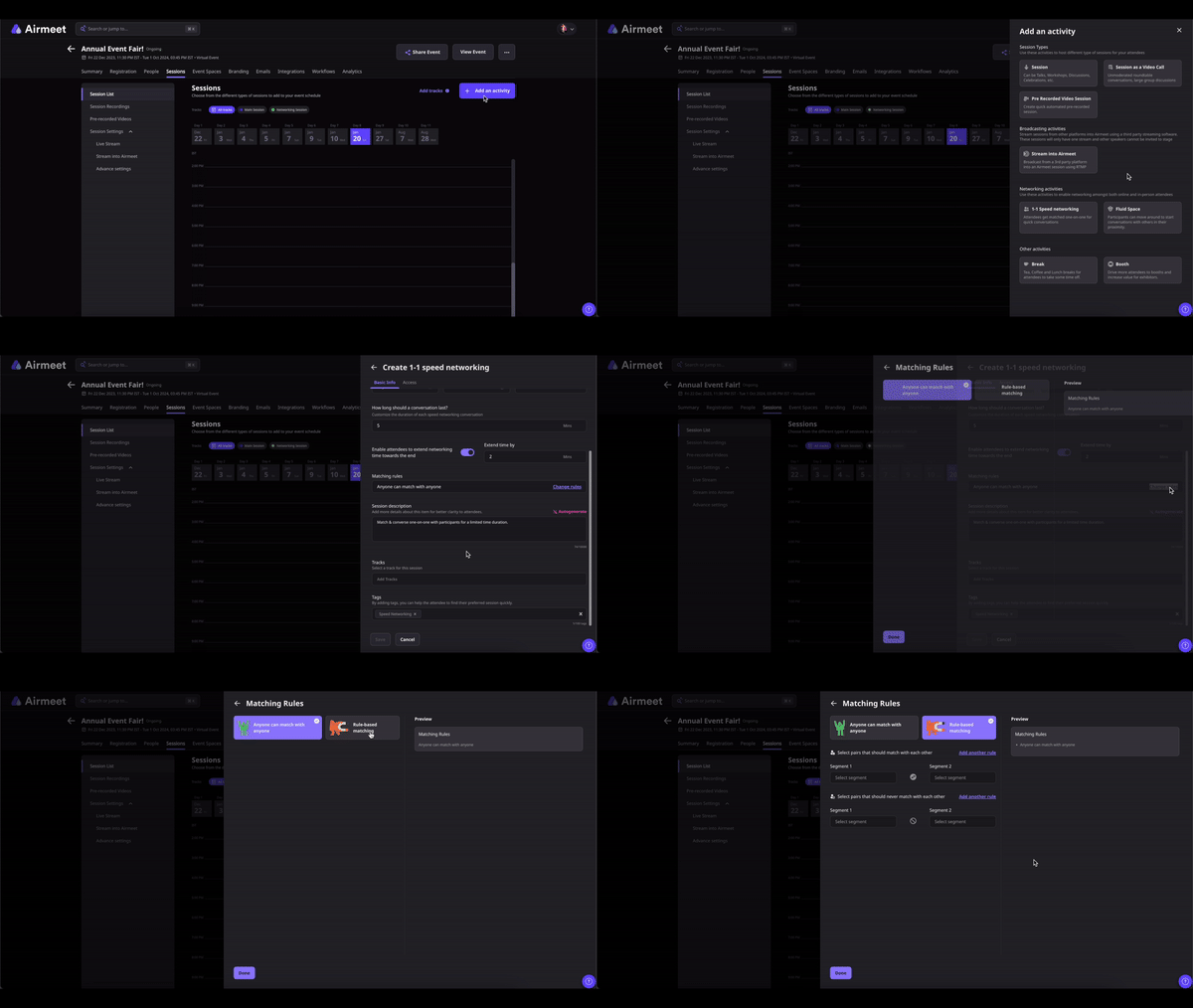
Path: Events Dashboard > Sessions Tab > Sessions List > Add Schedule Item
When it asks for a session type, pick Serendipity Session. Name the session and fill in the date, timing, and how long each attendee conversation should run.
Path: Session Setup > Change Rules
Click Change Rules. Two settings come up:
Select Rule-based matching to move forward.
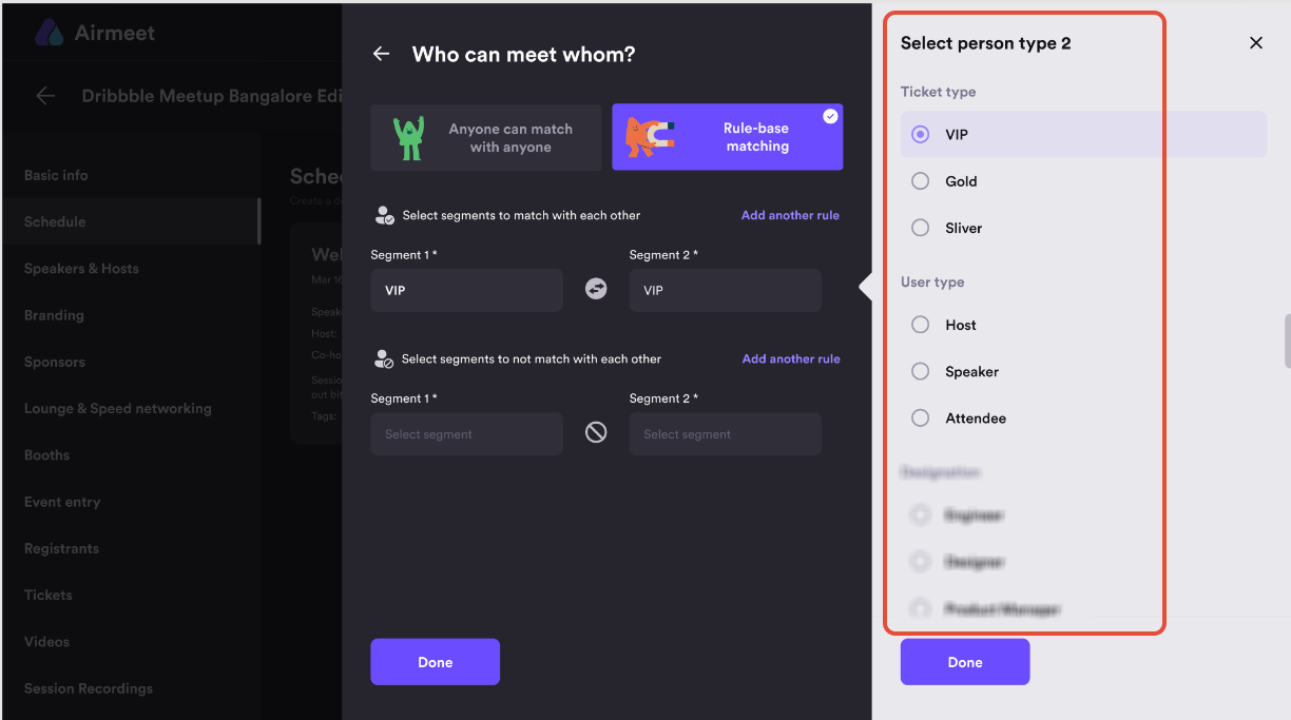
You can only build rules within one category, so pick whichever one already reflects how your attendees are segmented:
– User type: Match or exclude by role, host, speaker, or attendee
– Custom registration form fields: Use mandatory single-select or multi-select fields already on your registration form
– Ticket tiers: Match or exclude by ticket type such as VIP, Gold, or Premium
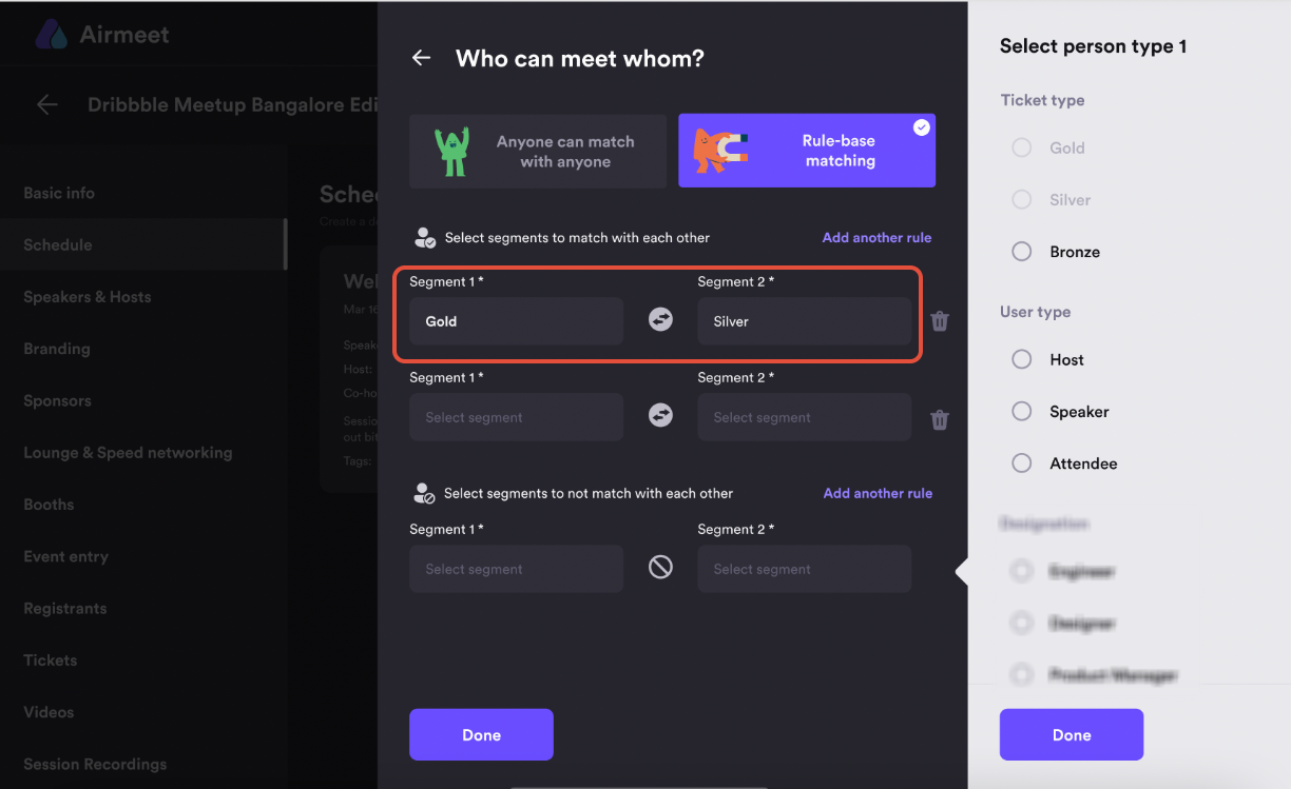
Pick your two segments, then decide whether you want them to meet or specifically not meet. That is your rule. If you need more than one rule, add them one by one. Multiple rules follow AND logic, so participants who qualify across segment combinations get matched accordingly.
Hit Save when you are done. Then go back through the whole setup before the session date. Once it starts, nothing can be changed.
A few things to keep in mind:
WHY CHOOSE AIRMEET
It is Airmeet’s rule-based matching option for a Serendipity Session. Organizers can create positive rules to encourage matches between specified segments or negative rules to prevent specified segments from meeting.
The default experience allows participants to match randomly. Custom rules add organizer-defined constraints so selected segments are more likely to follow the intended matching pattern while people outside the rules can continue to match randomly.
A positive rule is a constraint intended to ensure matches between two specified segments, such as VIP Ticket and Gold Ticket.
A negative rule is a constraint intended to prevent matches between two specified segments.
Rules can be built using three categories: user type, mandatory custom registration form fields using single- or multi-select inputs, and ticket tiers.
No. Cross-category rules are not supported. Build the entire rule set within one category, such as ticket tier or custom registration fields.
No. A segment cannot have both positive and negative rules applied to it. Choose one rule direction for each segment.
Multiple rules follow AND logic. A participant who belongs to more than one segment can be matched with people who satisfy the corresponding combinations, as illustrated by the VIP and Gold example combined with the Student and Recruiter example.
They can match randomly among themselves, so the networking session still includes the broader audience.
No. Matching rules cannot be changed once the session is live. Validate segments and constraints before the session begins.


Incredible Companies Use Airmeet

Most loved Virtual Events Platform

Incredible Companies Use Airmeet
Most loved Virtual Events Platform
Incredible Companies Use Airmeet
Most loved Virtual Events Platform
Incredible Companies Use Airmeet

Most loved Virtual Events Platform
Incredible Companies Use Airmeet
Most loved Virtual Events Platform

