Turn every virtual booth into a live conversion space where attendees meet exhibitors face-to-face, see products in action, ask the questions that shape buying decisions, and give revenue teams richer signals for follow-up.
A booth visit is not the same as a buying conversation
B2B buyers arrive with context, constraints, and questions. A static booth can distribute content but it cannot always uncover what matters, explain the product in context, or create the human momentum that advances a deal.
Static booths create passive traffic Content libraries can inform visitors, but they rarely reveal urgency, intent, or the questions standing between a prospect and a next step.
Sponsors struggle to earn attention When every booth looks equally available, active exhibitors and live product moments can be easy to miss.
High-intent moments disappear A visit without a conversation leaves sales teams guessing about priorities, use cases, stakeholders, and readiness.
Scale can feel impersonal A one-to-many virtual event may attract a large audience while still giving prospects too little access to product experts.
The Solution
Make product discovery feel immediate and personal
Booth Lounge brings the most valuable parts of an in-person exhibit, the expert, the demonstration, the questions, and the next step, into the virtual event experience.
Make the booth conversational Attendees join virtual tables for face-to-face discussions with exhibitors, turning browsing into a human exchange.
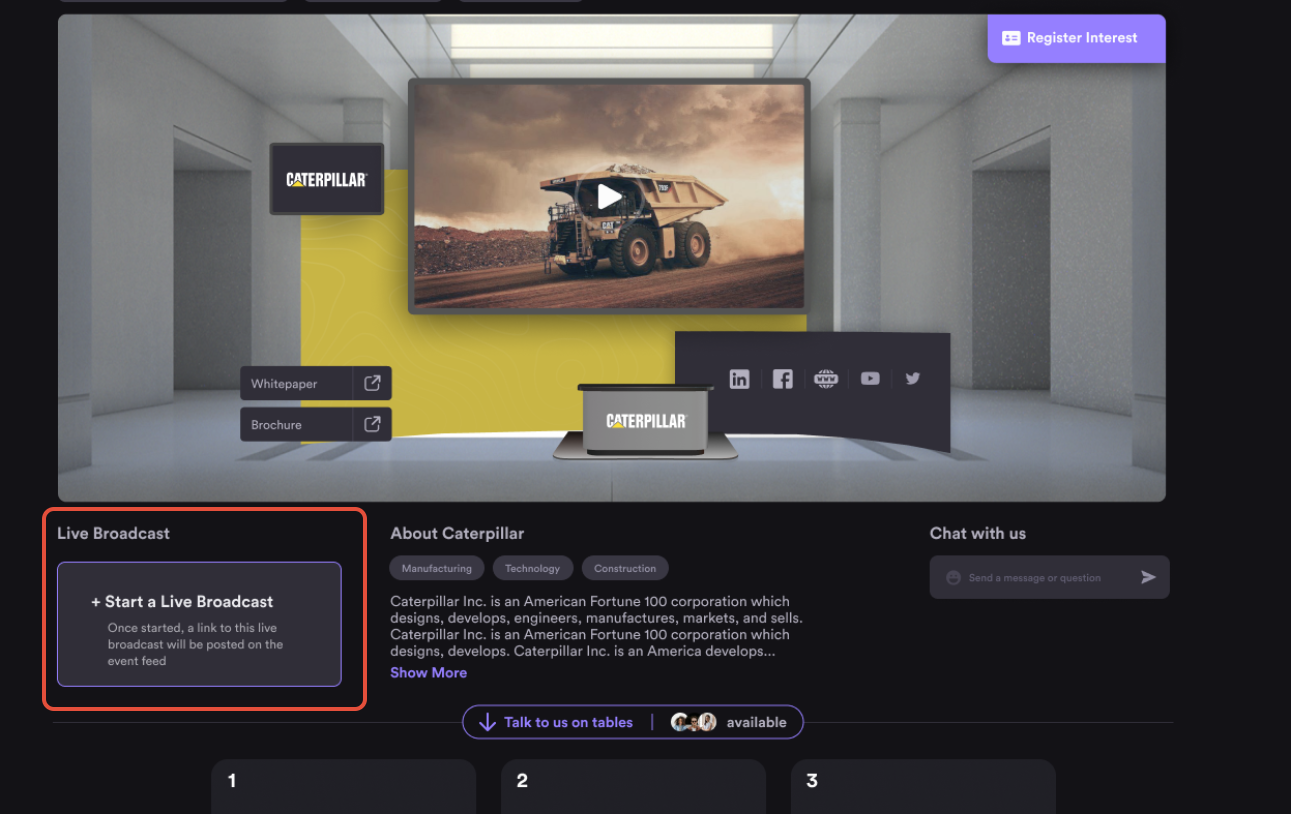
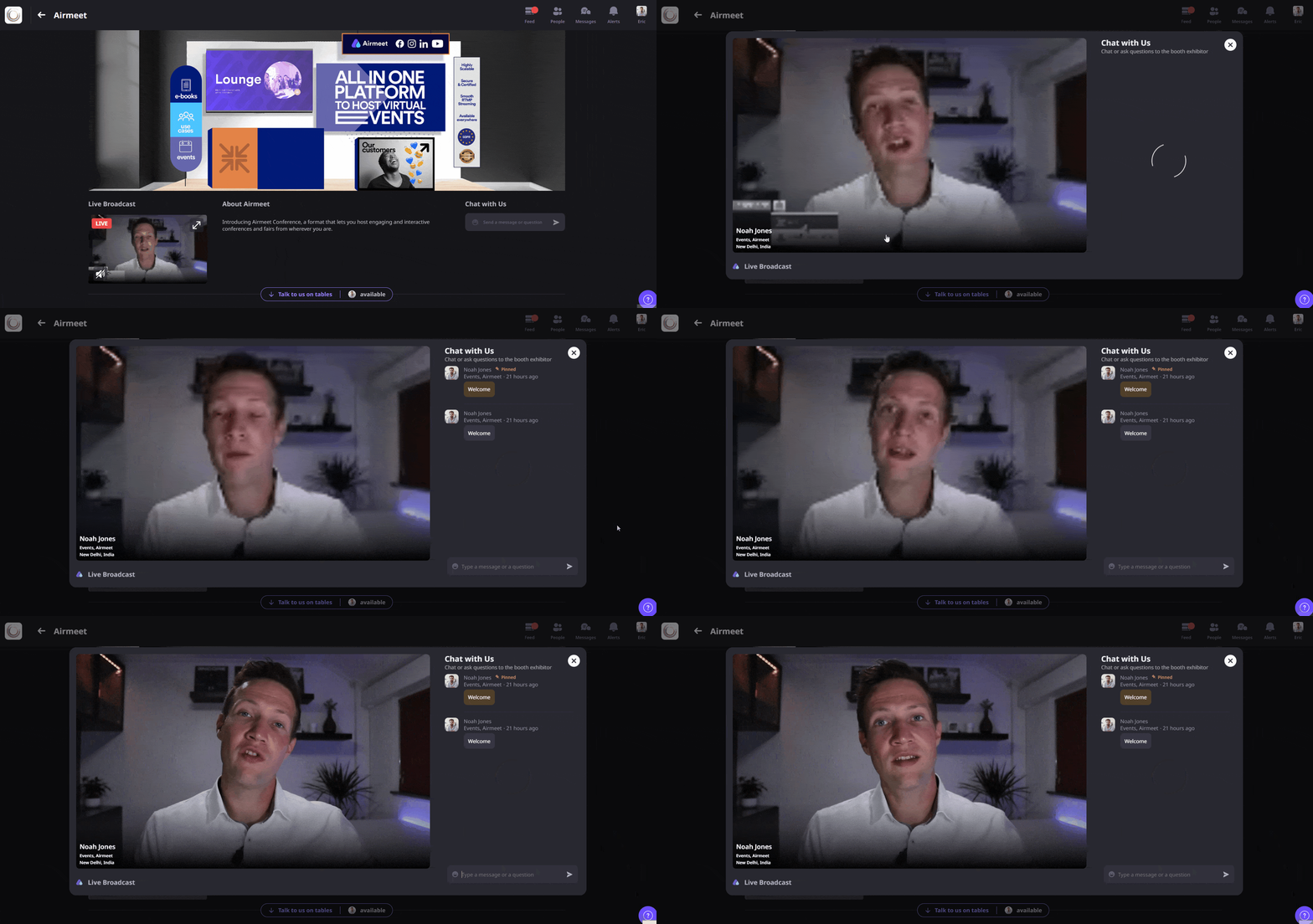
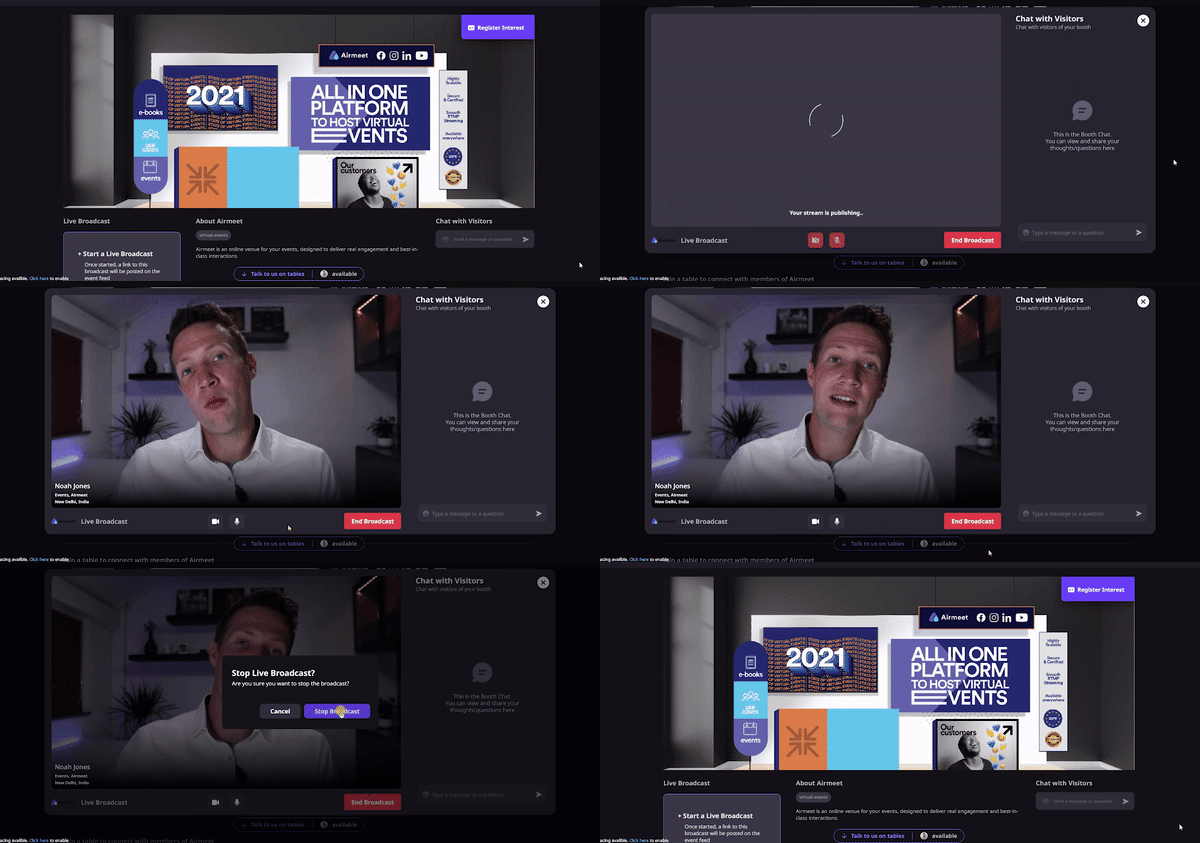
Demonstrate in the moment Exhibitors can start a live broadcast, share their screen, answer questions in chat, and show the product while interest is fresh.
Run conversations and demos together Booth tables can remain available while a broadcast is live, enabling personal conversations alongside a broader demonstration experience.
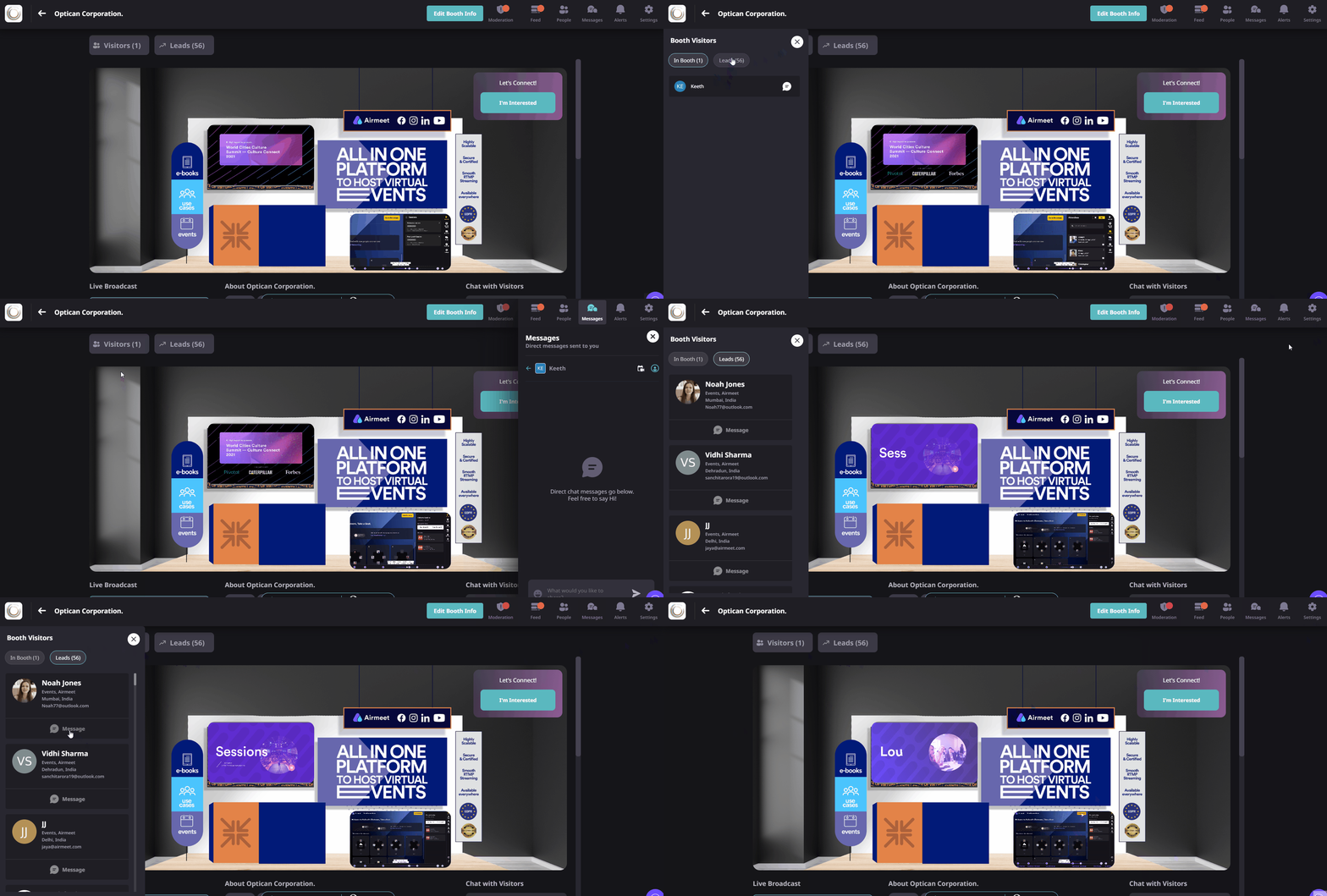
Create clearer buying signals Visits, conversations, questions, interest actions, and lead follow-up give revenue teams more context than a passive content view alone.
BUILT FOR REVENUE-FOCUSED EVENTS
One Booth Lounge. Multiple high-value moments.
Use Booth Lounge anywhere a buyer benefits from seeing, discussing, or evaluating a solution with a real person.
Product launches
Move from the reveal to live demos and expert conversations without sending attendees to another tool.
Sponsor activations
Give sponsors a dynamic space to attract traffic, explain value, answer questions, and capture interest.
Customer workshops
Pair a shared walkthrough with smaller table conversations for troubleshooting, enablement, and adoption.
Partner marketplaces
Help attendees compare solutions, meet specialists, and find the right partner through focused booth conversations.
Product Proof
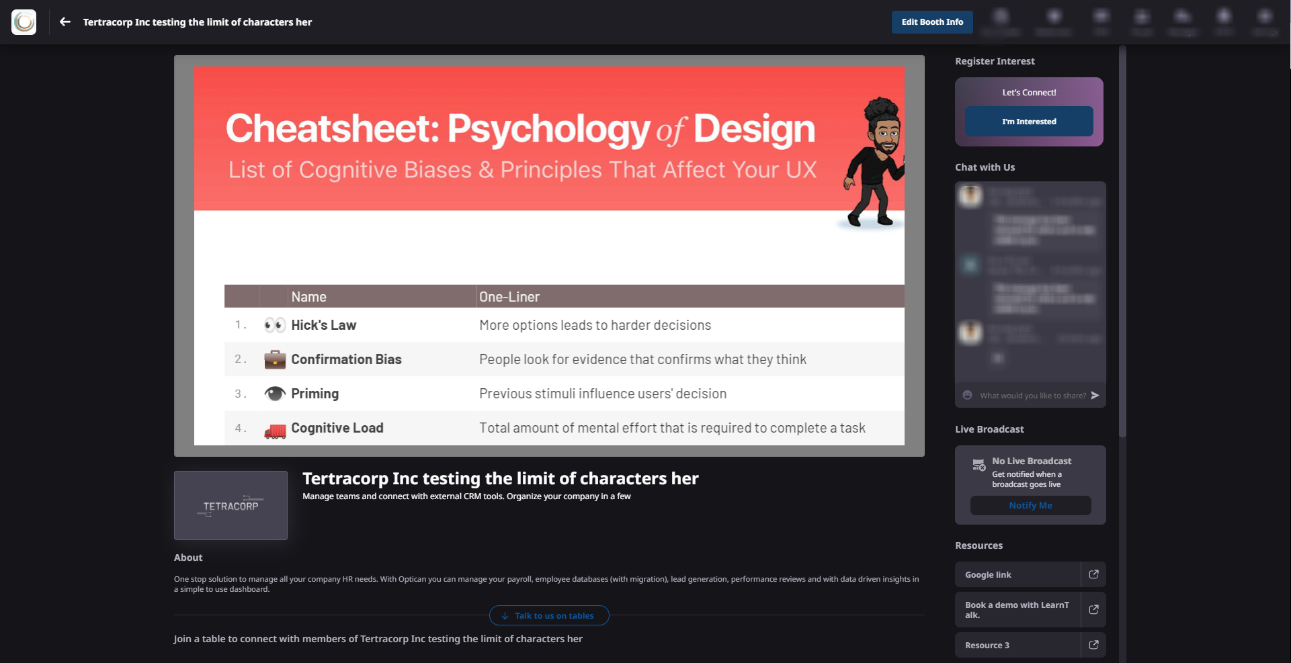
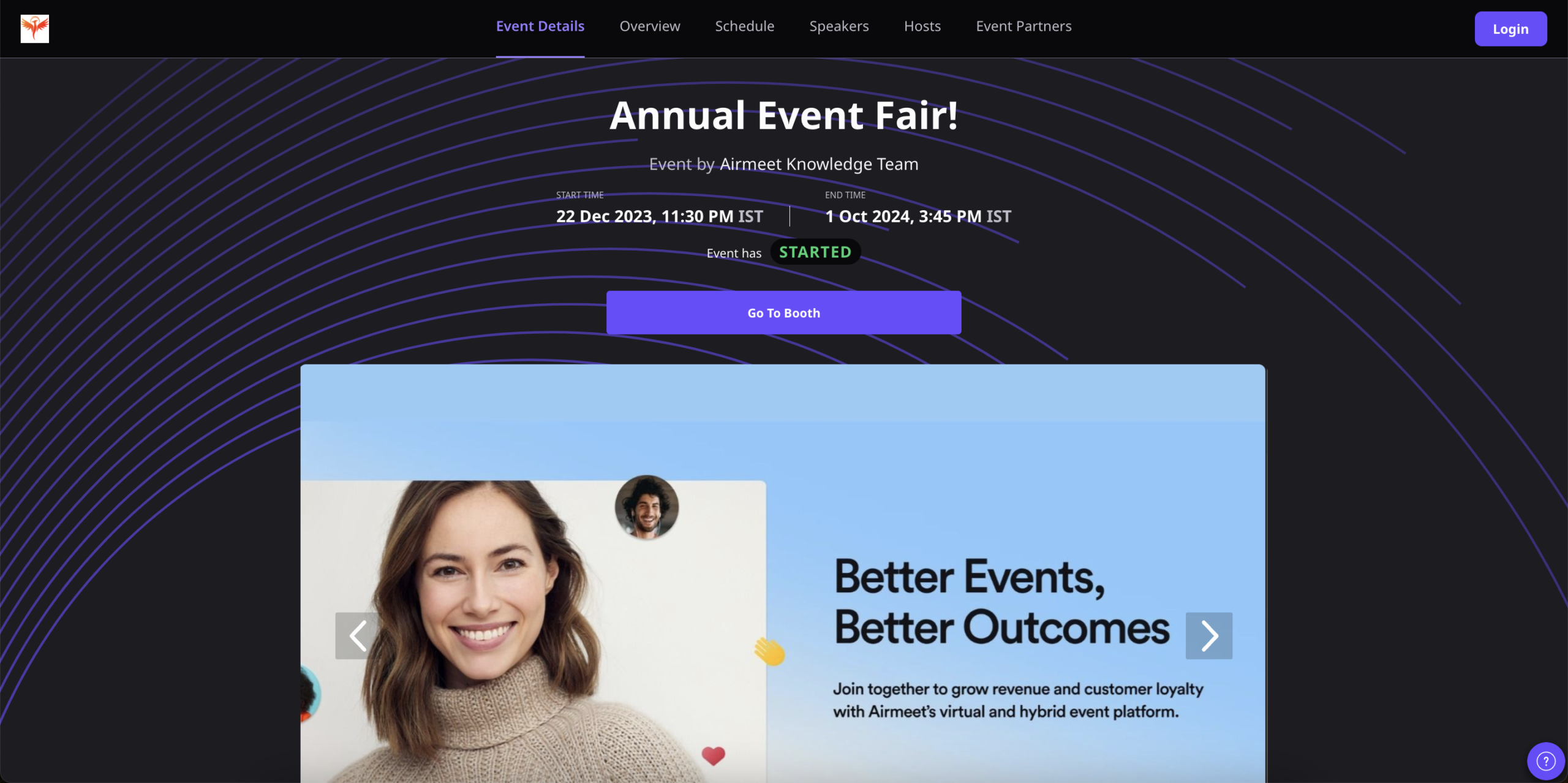
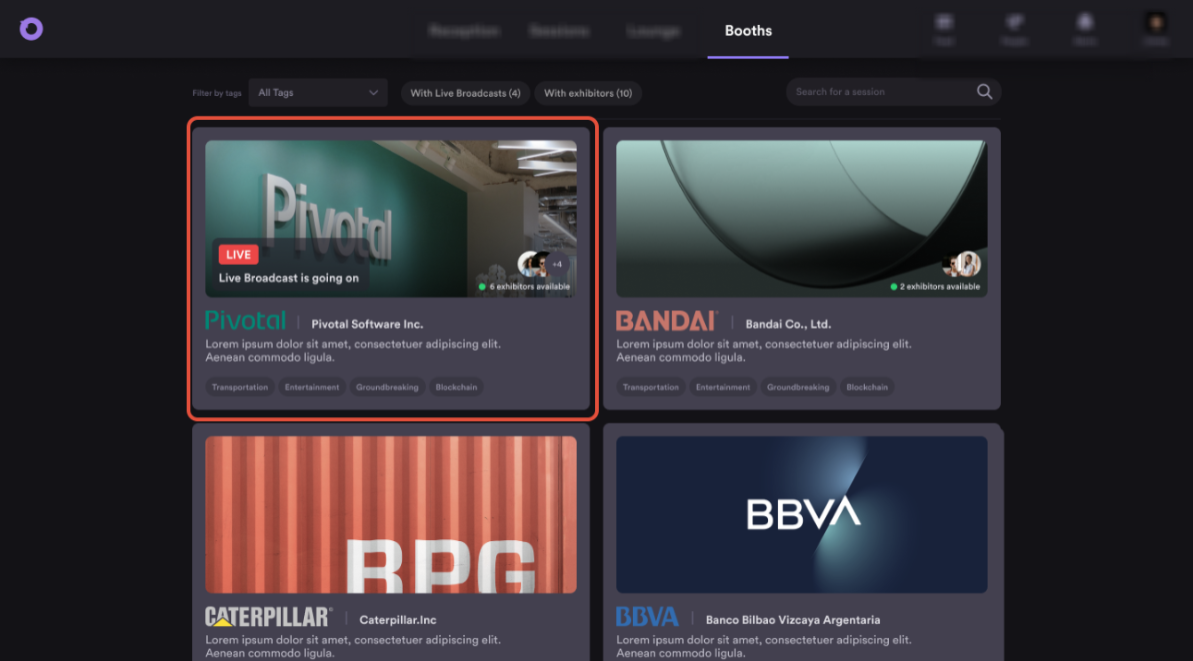
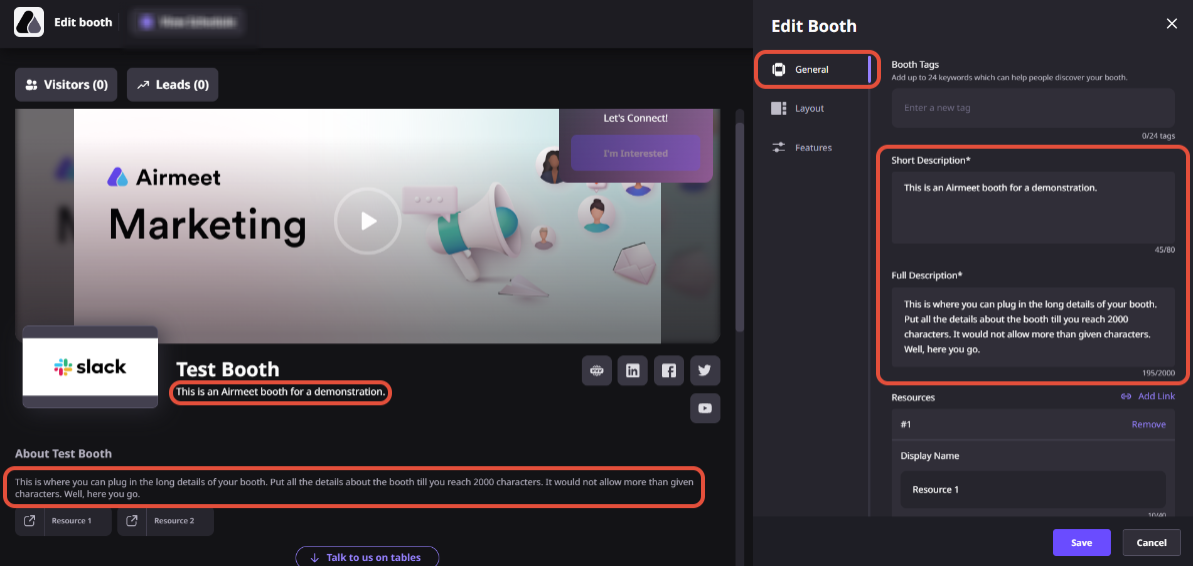
See Booth Lounge in the Airmeet experience. From booth entry to lead follow-up.
WHY CHOOSE AIRMEET
Build a booth experience around buyer intent - not page views
Airmeet connects the live interactions, content, discovery mechanics, and follow-up signals needed to make virtual booths useful to attendees, exhibitors, sponsors, and revenue teams.
Built for interaction, not just display Booth Lounge combines face-to-face tables, chat, live demos, screen sharing, booth content, and lead actions inside one event journey.
Designed for active discovery Live indicators, event-feed notifications, and attendee reminders help active demonstrations get noticed at the right moment.
Flexible for every conversation depth A prospect can browse resources, speak at a table, watch a live demo, ask a question, or signal interest without leaving the booth.
Connected to revenue follow-up Exhibitors can use visitor and lead context to prioritize outreach and continue the conversation after the event.
help Center
Relevant Help Articles
Explore guides and tutorials to help you create, customize, and host exceptional events on Airmeet.
It is the interactive area inside a virtual booth where attendees can join virtual tables for face-to-face conversations with booth representatives and where exhibitors can run live product demonstrations.
It creates multiple high-intent actions, booth visits, table conversations, questions, chat, live-demo participation, and interest submissions that exhibitors can use to identify and follow up with engaged prospects.
Yes. Attendees can join booth tables to have video conversations with exhibitors and other table participants, subject to the event and booth settings configured by the organizer.
The booth card shows a live status indicator, an event-feed post goes out when the broadcast begins, and attendees who selected Notify Me on a booth receive a reminder pop-up the moment the demo starts.
Yes. Attendees can still access booth tables while a broadcast is live. Once an attendee joins the live broadcast itself, the tables are not accessible within that viewing state.
Only one exhibitor can run the live demo at a time. Other exhibitors and visitors can continue to interact through chat and booth conversations while the broadcast is running.
Prepare a concise demo flow, assign booth representatives, confirm camera and microphone access, test screen sharing, organize booth resources, define lead follow-up ownership, and give attendees a clear reason to join a table or live demo.
Airmeet features
Other Features to Explore
Discover more powerful features that help you create engaging, branded, and seamless event experiences with Airmeet.
“I was really excited to see how alive Airmeet seemed. The first time I raised my virtual hand to ask a question, I was brought up on stage, my camera flipped on, and I was able to talk with the presenters, that was the sold-moment in my head! That is what I wanted. We weren't going to be speaking at our audience. We wanted a two-way engagement. With the analytics in the background, that was my “Aha moment!”
Victoria YounesExecutive Events Manager
Incredible Companies Use Airmeet
Most loved Virtual Events Platform
“I was really excited to see how alive Airmeet seemed. The first time I raised my virtual hand to ask a question, I was brought up on stage, my camera flipped on, and I was able to talk with the presenters, that was the sold-moment in my head! That is what I wanted. We weren't going to be speaking at our audience. We wanted a two-way engagement. With the analytics in the background, that was my “Aha moment!”
Victoria YounesExecutive Events Manager
Incredible Companies Use Airmeet
Most loved Virtual Events Platform
“I was really excited to see how alive Airmeet seemed. The first time I raised my virtual hand to ask a question, I was brought up on stage, my camera flipped on, and I was able to talk with the presenters, that was the sold-moment in my head! That is what I wanted. We weren't going to be speaking at our audience. We wanted a two-way engagement. With the analytics in the background, that was my “Aha moment!”
Victoria YounesExecutive Events Manager
Incredible Companies Use Airmeet
Most loved Virtual Events Platform
“I was really excited to see how alive Airmeet seemed. The first time I raised my virtual hand to ask a question, I was brought up on stage, my camera flipped on, and I was able to talk with the presenters, that was the sold-moment in my head! That is what I wanted. We weren't going to be speaking at our audience. We wanted a two-way engagement. With the analytics in the background, that was my “Aha moment!”