Broaden Market
Impact with
Immersive Events
Strengthen Bonds,
Boost Engagement
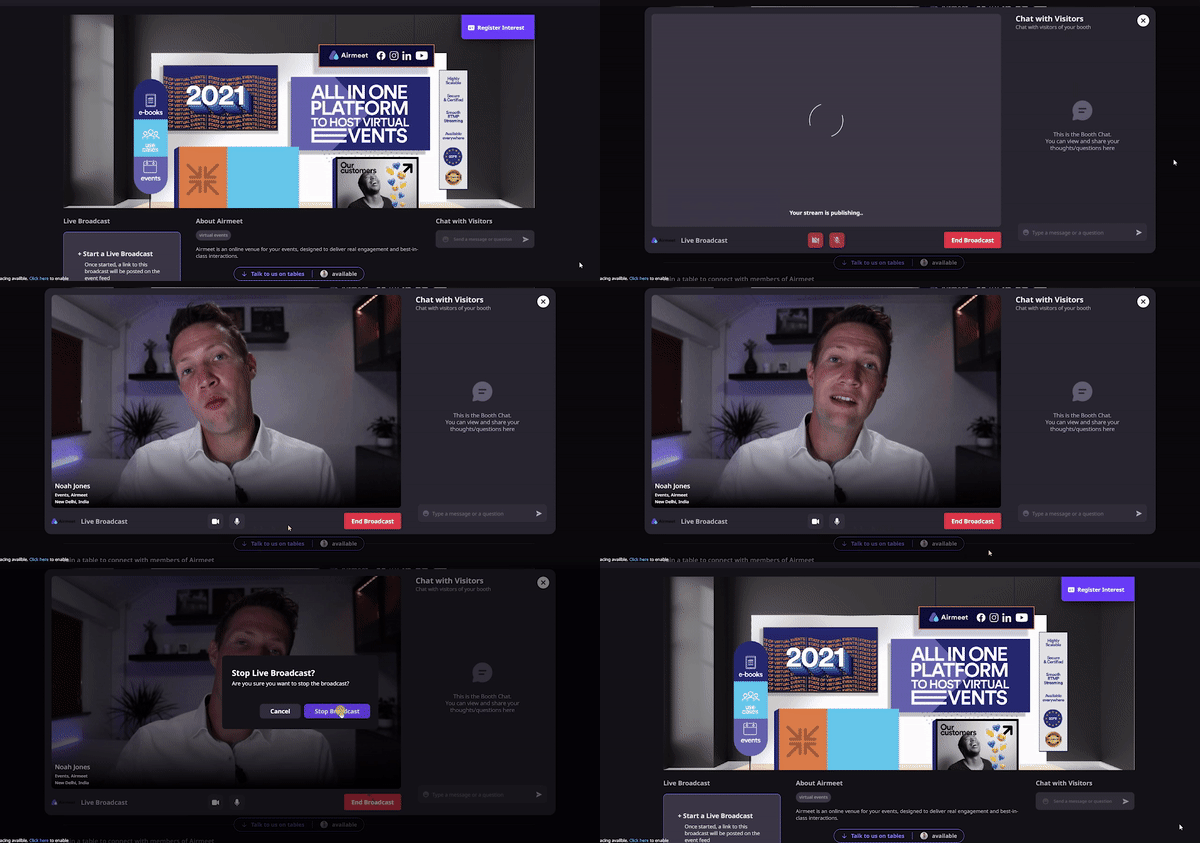
Turn a virtual booth into a live product demo destination. Exhibitors can present on camera, share a screen, answer questions in booth chat, and pull interested attendees into the experience while the event is live.
The Problem
The Solution
Use Cases
Make a feature reveal a live, screen-shared walkthrough where prospects can ask questions in real time.
Give sponsors a scheduled attention moment that pulls attendees from the wider event into a branded booth experience.
Teach a focused workflow inside the booth and use chat to surface objections, use cases, and next-step questions.
Present the solution architecture or co-selling material live, then move interested visitors into direct follow-up.
Why Airmeet
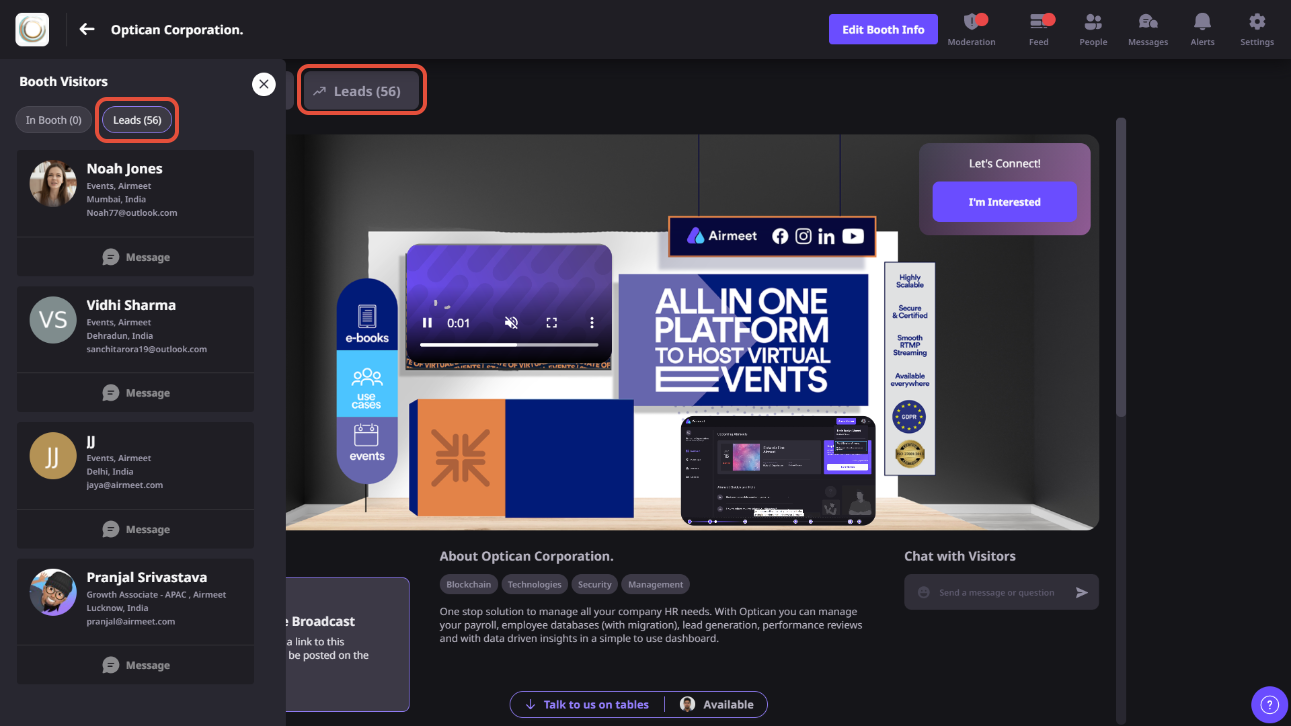
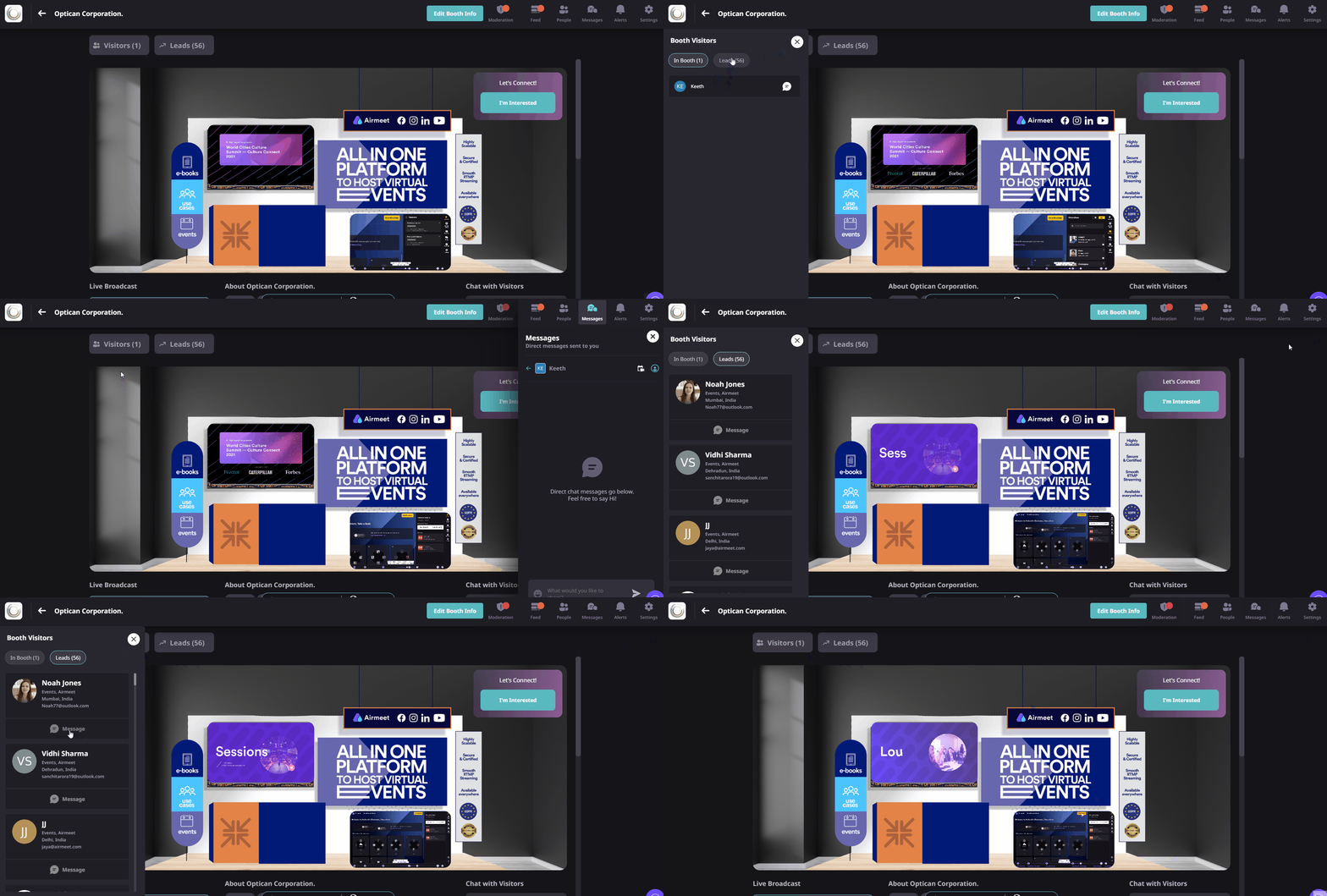
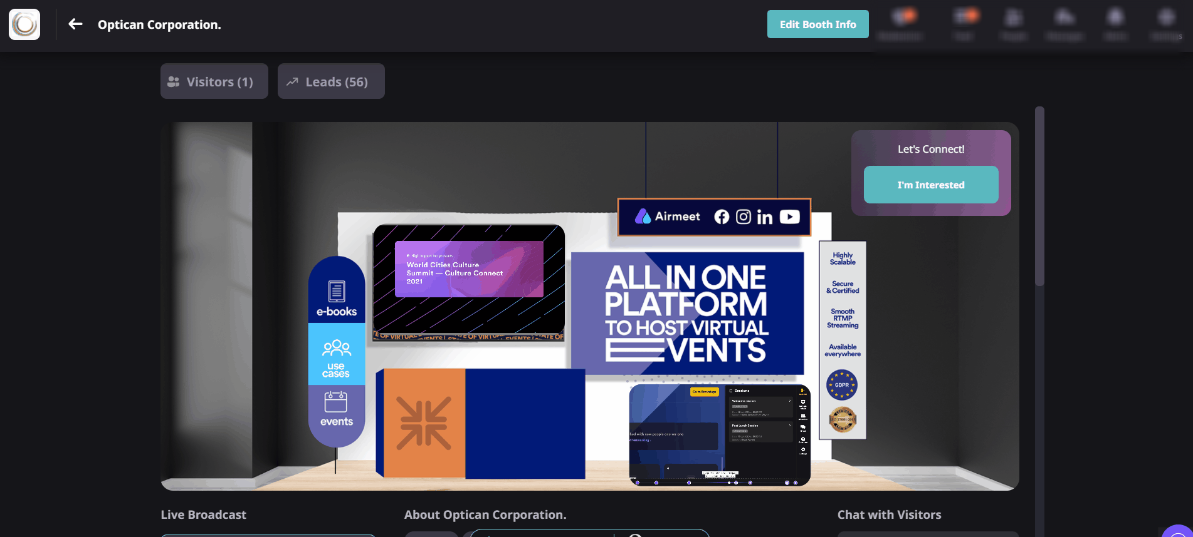
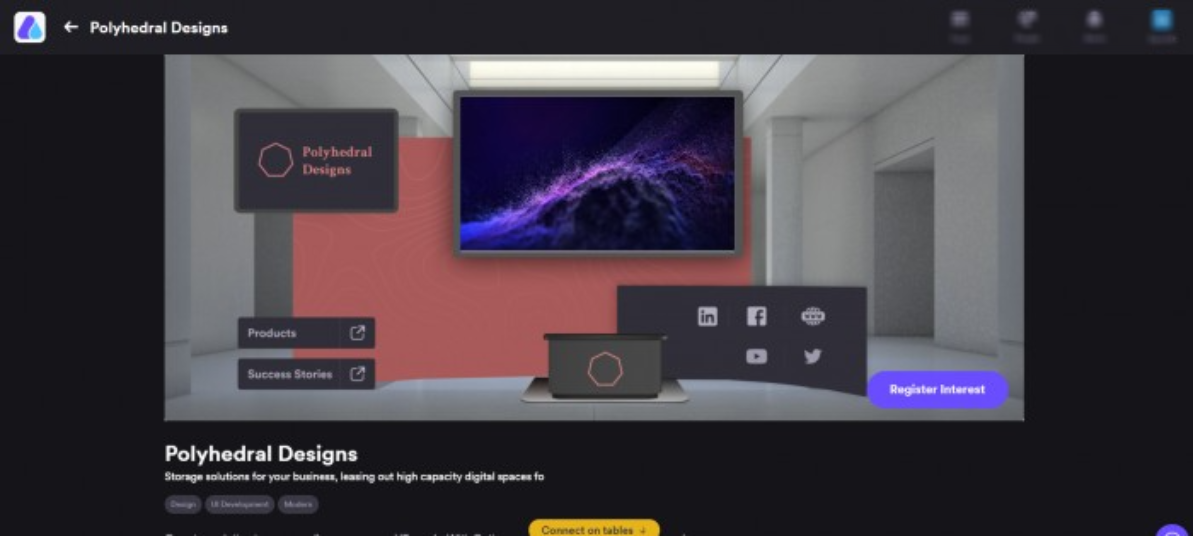
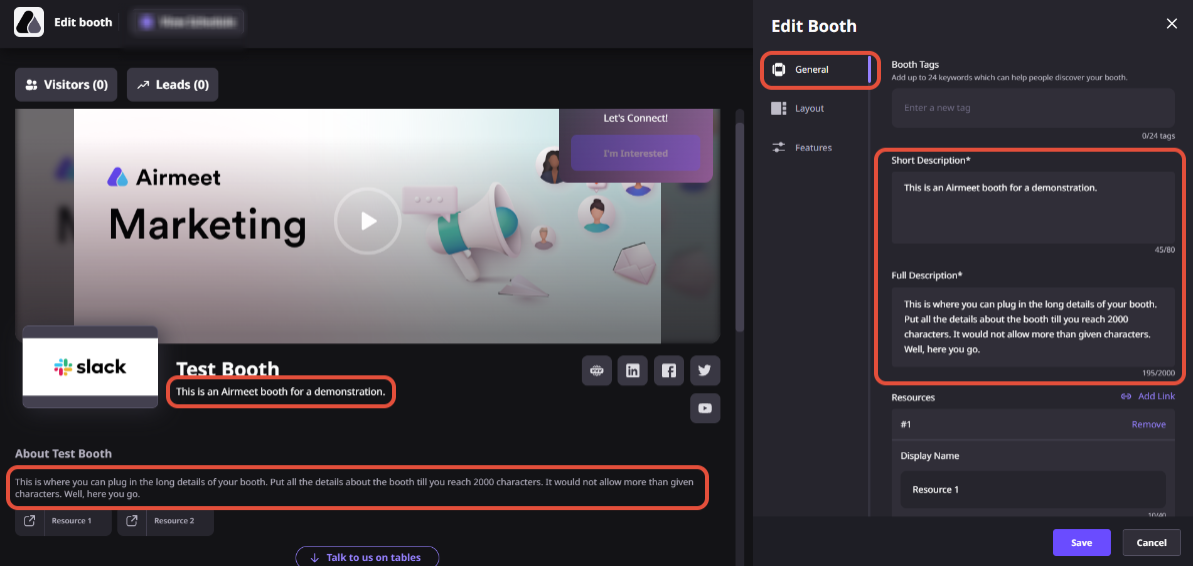
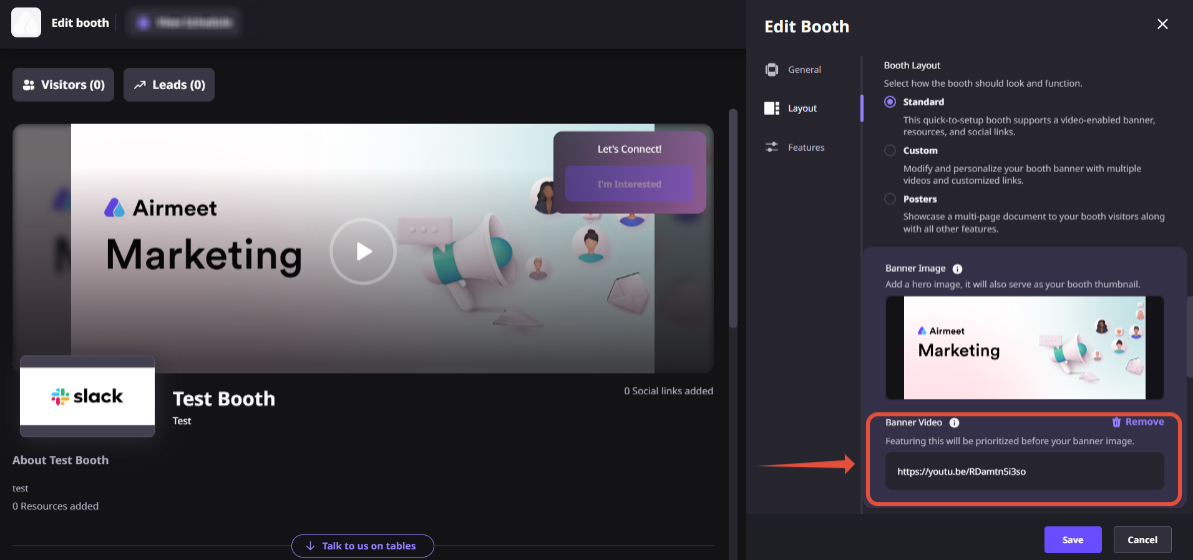
Booth Broadcast sits alongside the broader Airmeet booth experience: real-time visitor and interested lead visibility, direct messaging, booth chat, shareable booth links, branded booth content, offers, and virtual tables. That creates a connected path from discovery to demonstration to human follow-up.
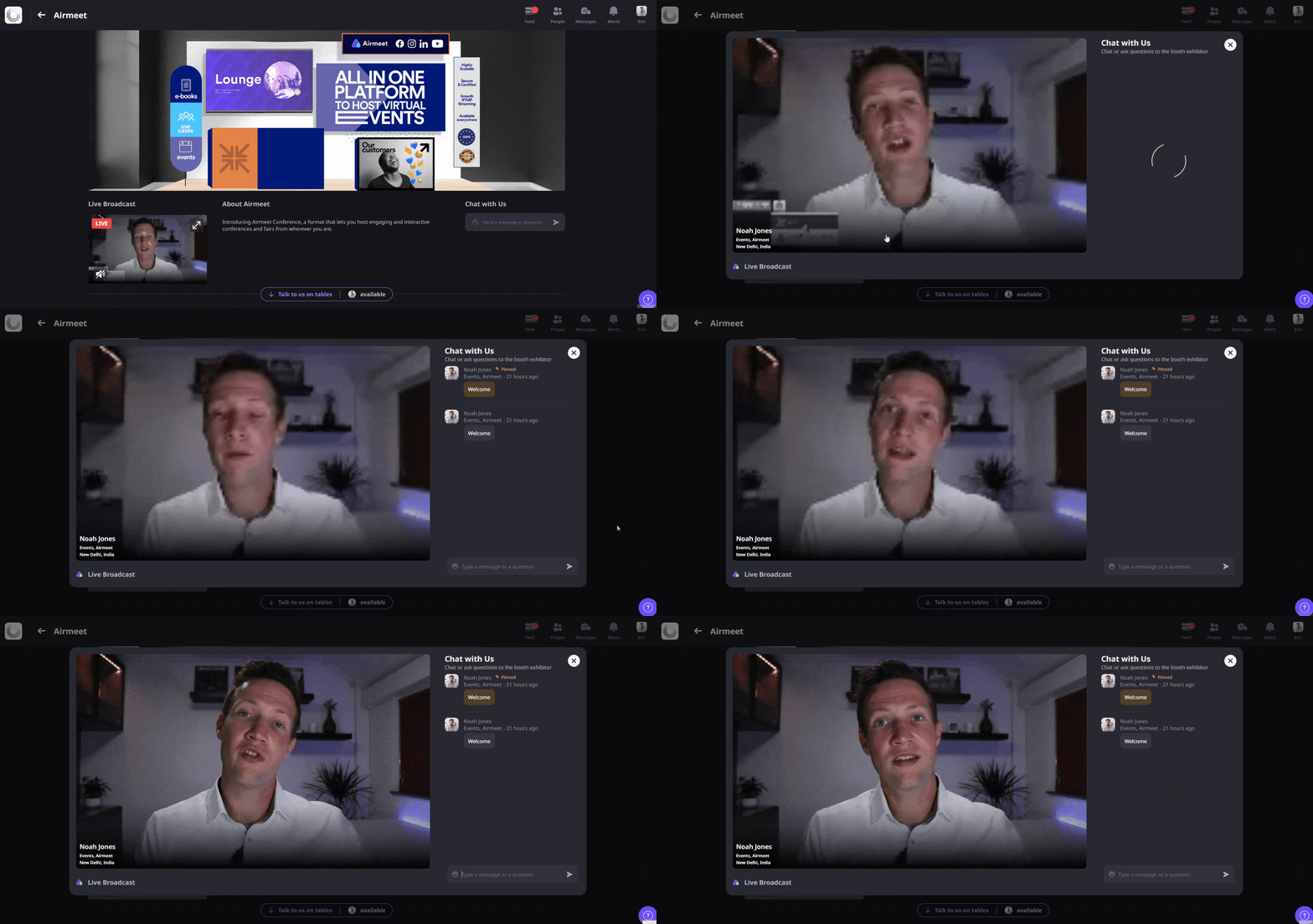
Booth Broadcast is the live-demo experience inside an Airmeet virtual booth. An assigned exhibitor can go live on camera, share a screen, and answer visitor questions in booth chat.
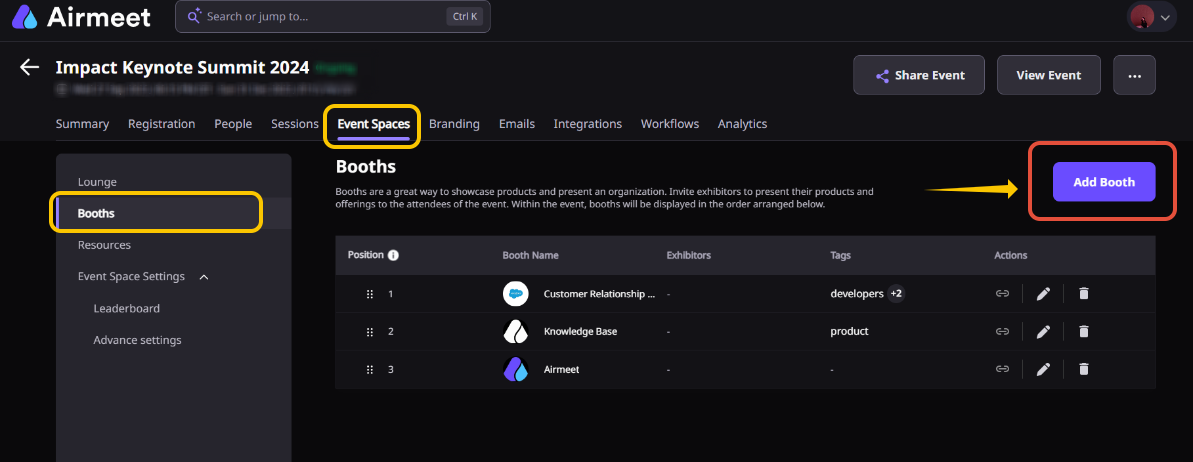
An assigned booth exhibitor can start it. An organizer who wants to present must first add themselves as an exhibitor for that booth.
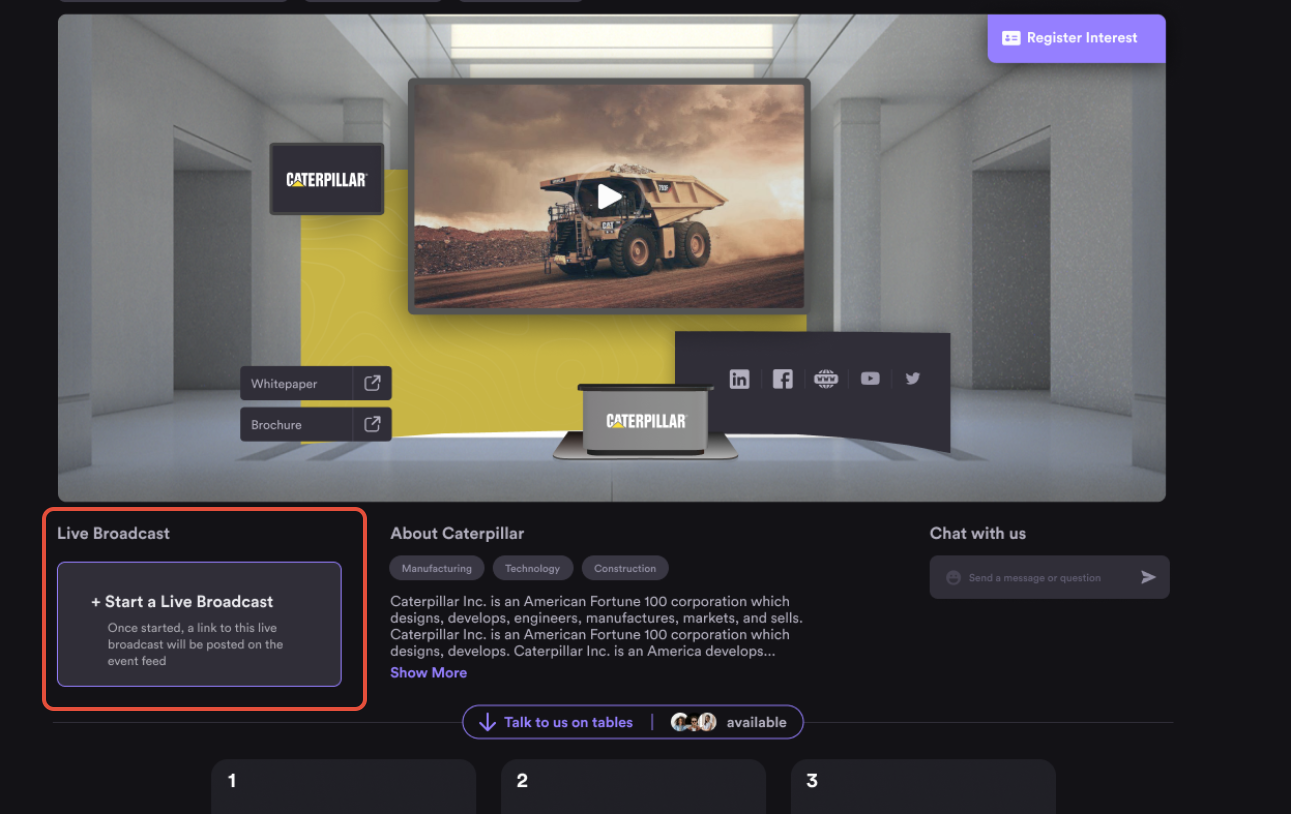
Enter the assigned booth, select “+Start a Live Broadcast,” then confirm with “Start Broadcast.” Audio and video are off by default, so enable them when you are ready.
Attendees can subscribe with “Notify Me.” When the broadcast starts, pop-up reminders appear, and also the broadcast link is posted in the event feed, through which attendees know that the booth broadcast is live. While visiting the booths section of the event, the booth where the demo is currently live would be indicated as “Live.”
Yes. Screen sharing is available so the exhibitor can demonstrate a product, present a workshop, or walk through supporting content.
The live demo flow allows one exhibitor at a time on the live stage. Visitors and other exhibitors interact through booth chat rather than joining the stage.
Yes. Visitors can post questions in booth chat, and exhibitors can reply while the broadcast is live.
Yes, exhibitors can start a booth live demo at any time during the event.
Yes, demos can be repeated. Only one exhibitor can be live in a booth broadcast at a time, and each start sends a new event feed notification.
No, booth live demos cannot currently be recorded, so plan any replay or follow-up content separately.
Broaden Market
Impact with
Immersive Events
Strengthen Bonds,
Boost Engagement
Incredible Companies Use Airmeet
Most loved Virtual Events Platform
Incredible Companies Use Airmeet
Most loved Virtual Events Platform
Incredible Companies Use Airmeet
Most loved Virtual Events Platform
Incredible Companies Use Airmeet
Most loved Virtual Events Platform
Incredible Companies Use Airmeet
Most loved Virtual Events Platform