Broaden Market
Impact with
Immersive Events
Strengthen Bonds,
Boost Engagement
Let participants turn emerging interests into topic-based group conversations and focused roundtable discussions—while your event team retains the moderation controls needed to manage the experience.
The Problem
The Solution
Use Cases
Turn feature questions and use-case curiosity into peer-led product conversations while your team listens for buying signals.
Let practitioners open the implementation, workflow, and best-practice topics they are ready to exchange right now.
Give partners room to form ecosystem conversations around integrations, co-selling motions, and shared customer needs.
Enable focused, attendee-shaped conversations around strategic priorities without surrendering organizer oversight.
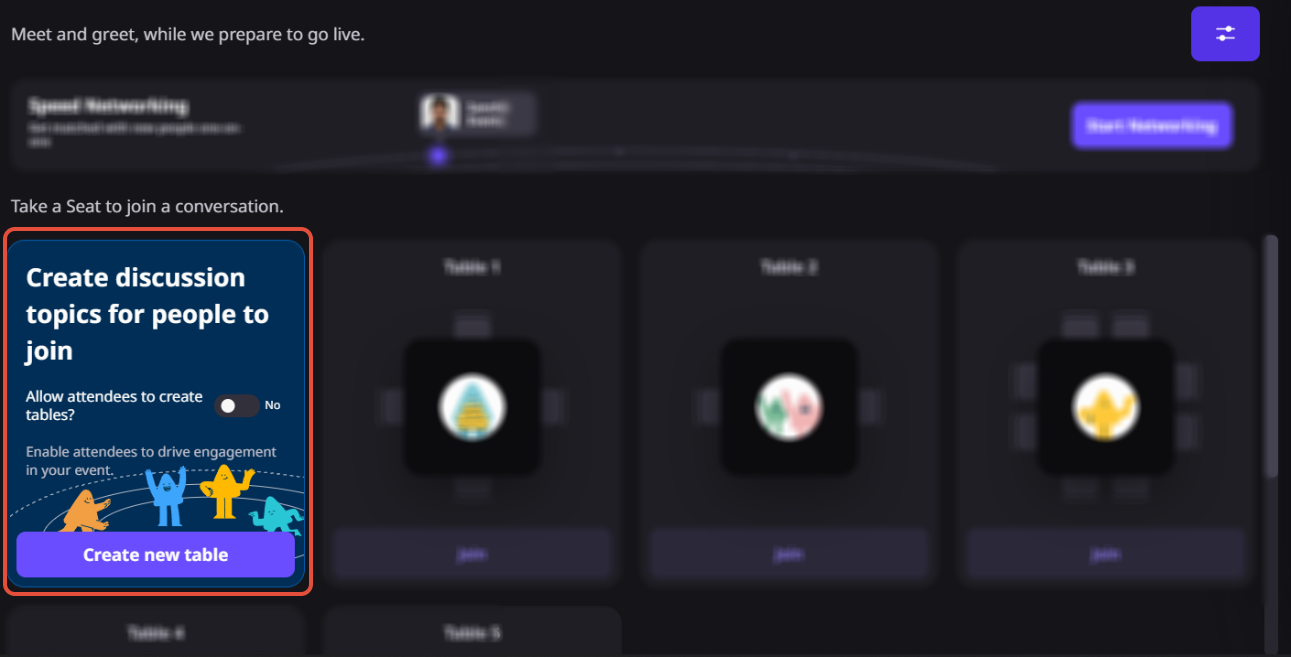
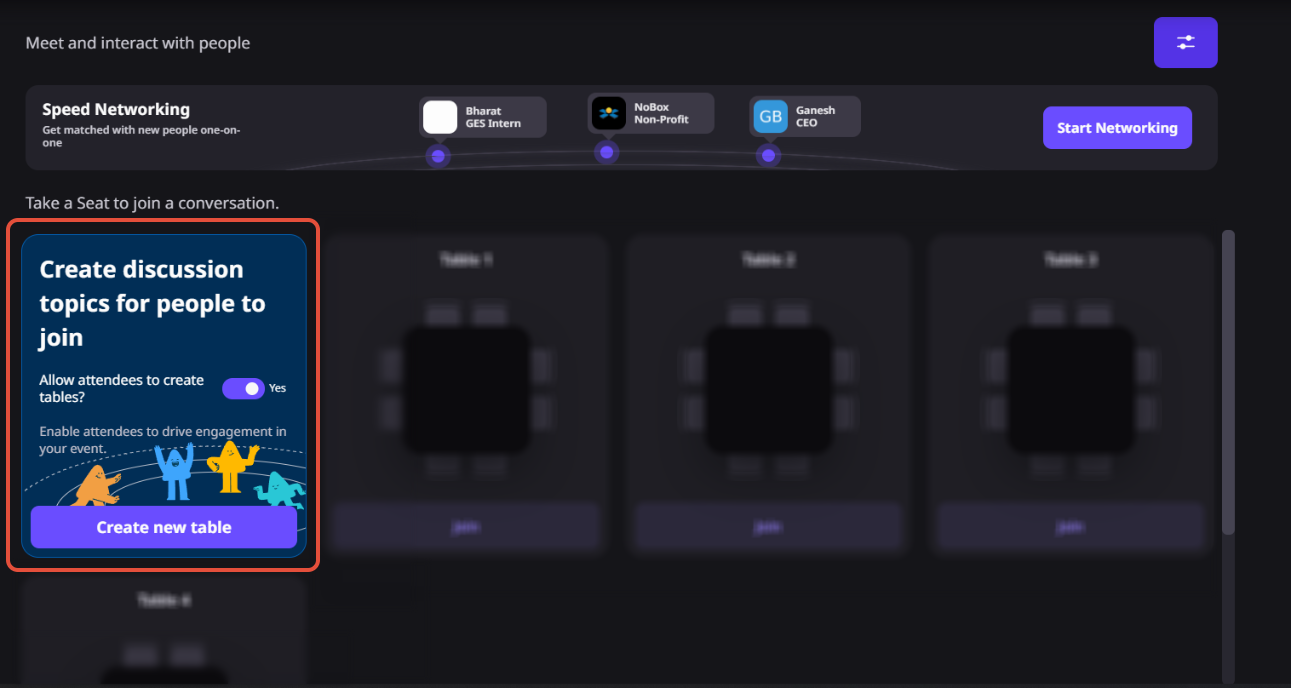
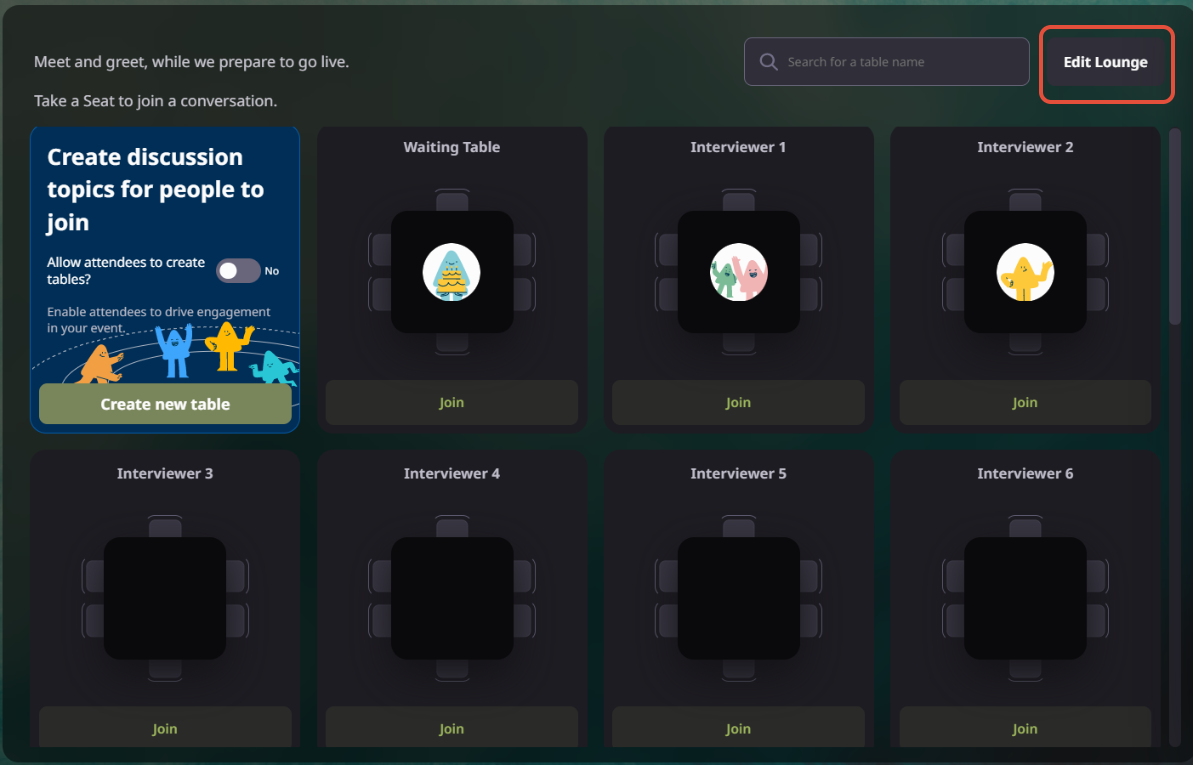
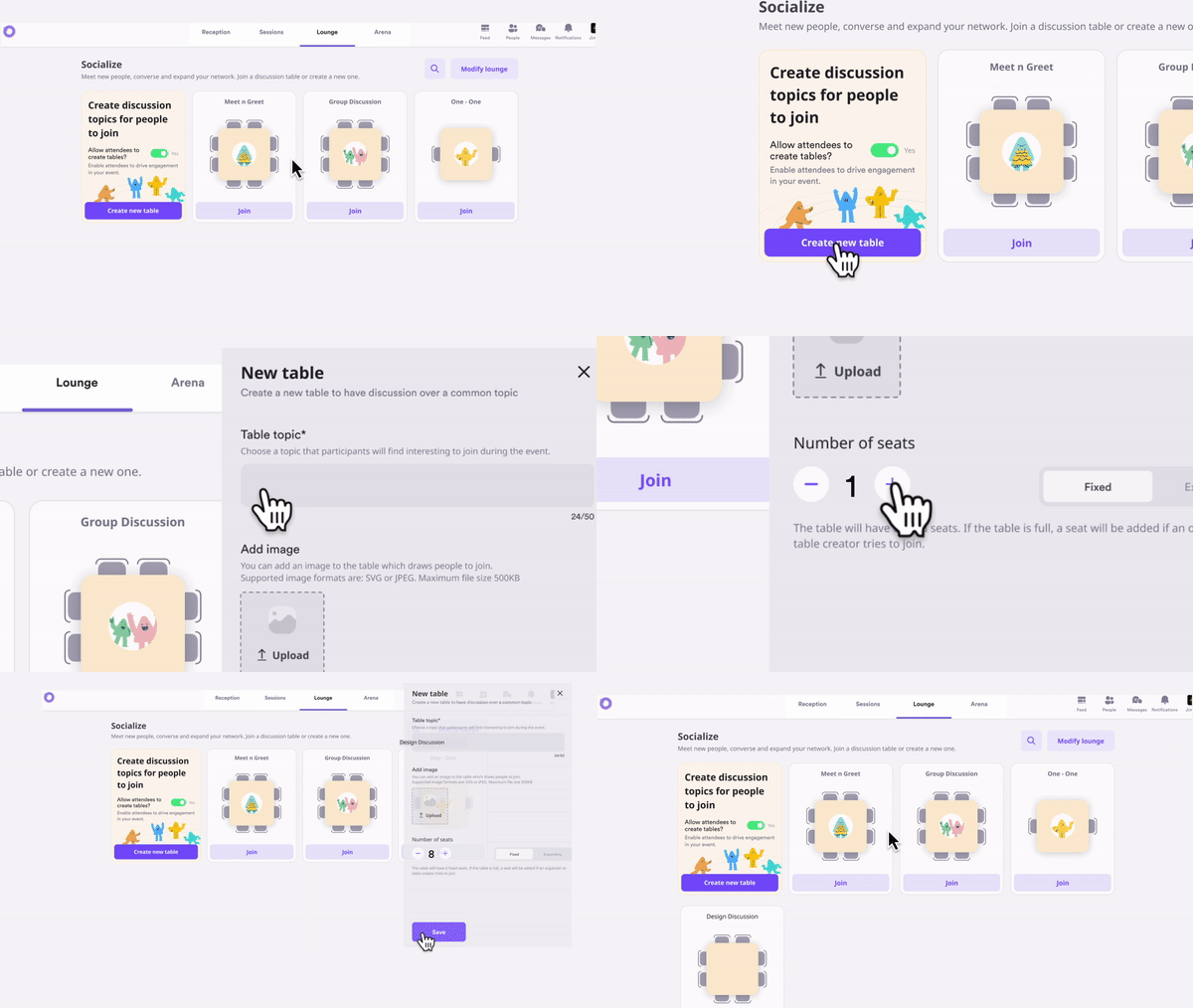
From the Social Lounge settings, enable the option that allows participants to create their own discussion tables.
Eligible attendees can create a new table by adding a topic, uploading an image, and selecting the number of available seats.
Other participants can browse available tables and join the discussion that best matches their interests.
Organizers can monitor attendee-created tables, remove inappropriate discussions, or disable the feature whenever needed.
Participants can create new conversations as interests evolve throughout the event, helping networking stay timely and engaging.
Why Airmeet
Airmeet connects attendee-led discovery with the controls a professional event program needs. Participants can create timely, relevant conversation spaces; organizers can protect the brand experience and decide when those spaces stay open.
Attendee Created Tables let participants start their own discussion tables in the Airmeet Social Lounge. When enabled by the organizer, attendees can create topic-based conversations that others can join.
They encourage attendees to start conversations around topics that emerge during the event, making networking more relevant while giving organizers moderation controls to manage the experience.
When the feature is enabled, registered attendees, speakers, and exhibitors can create discussion tables. Guest users without the required registration access cannot create tables.
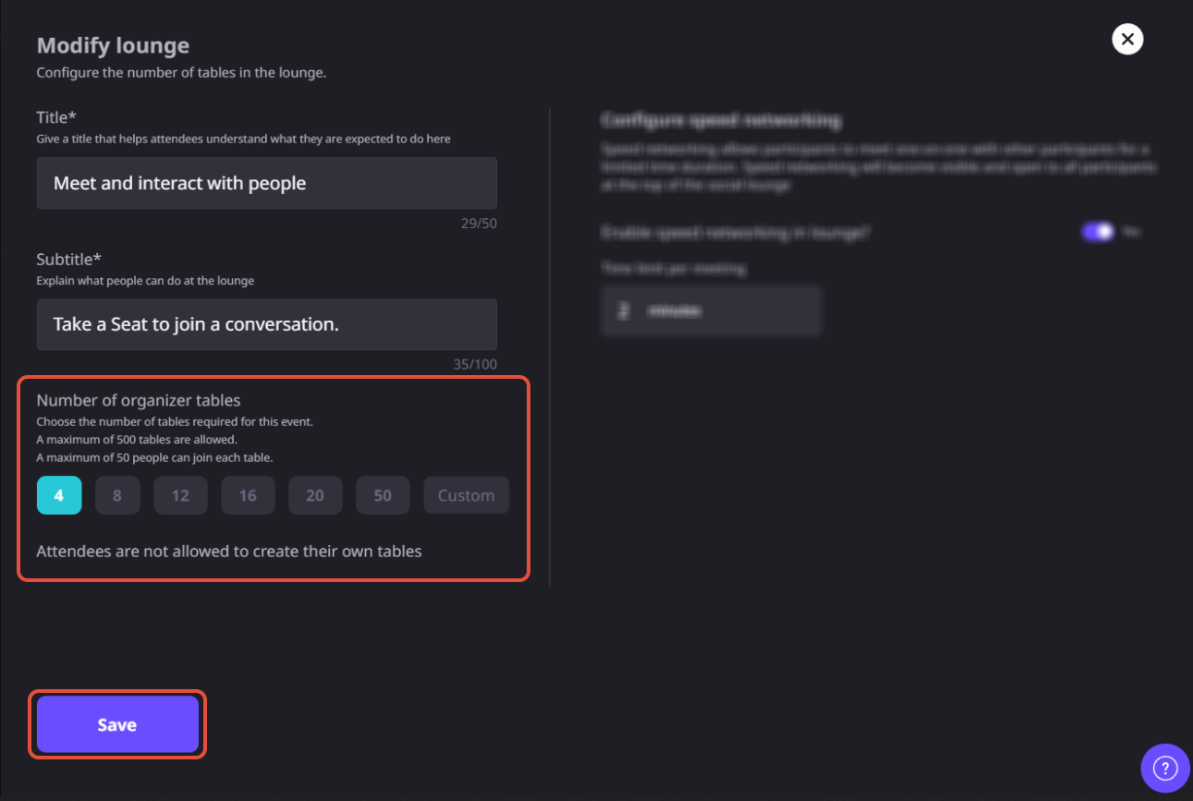
Table creators can add a discussion topic, upload a table image, and choose the number of available seats, subject to the event’s configuration.
A participant can create one attendee-created table at a time. They can edit or delete their existing table before creating another.
Yes. Organizers can monitor attendee-created tables, delete individual tables when necessary, or disable the feature entirely from the event settings.
The table creator can delete the table immediately or choose to remove it after the last participant leaves. Once deleted, the table cannot be restored.
Participants can join attendee-created tables from supported mobile browsers. Creating new tables is currently supported on desktop and laptop browsers.
The number of participants allowed at each table depends on your Airmeet plan and event configuration.
Create a few organizer-led discussion topics to get conversations started, encourage attendees to create additional tables as new themes emerge, and use the discussions to identify common questions, customer interests, and follow-up opportunities after the event.
Broaden Market
Impact with
Immersive Events
Strengthen Bonds,
Boost Engagement
Incredible Companies Use Airmeet
Most loved Virtual Events Platform
Incredible Companies Use Airmeet
Most loved Virtual Events Platform
Incredible Companies Use Airmeet
Most loved Virtual Events Platform
Incredible Companies Use Airmeet
Most loved Virtual Events Platform
Incredible Companies Use Airmeet
Most loved Virtual Events Platform